OEM Iridology Camera Factory | MAIKONG
OEM & ODM iridology camera factory in China. Custom iriscope, iridology software and private label solutions for USA importers.

First‑Run OEM Sample QA Checklist for Iridology Cameras and Iriscope Pilot Lots (Canada)
October 26, 2026
Quick answer
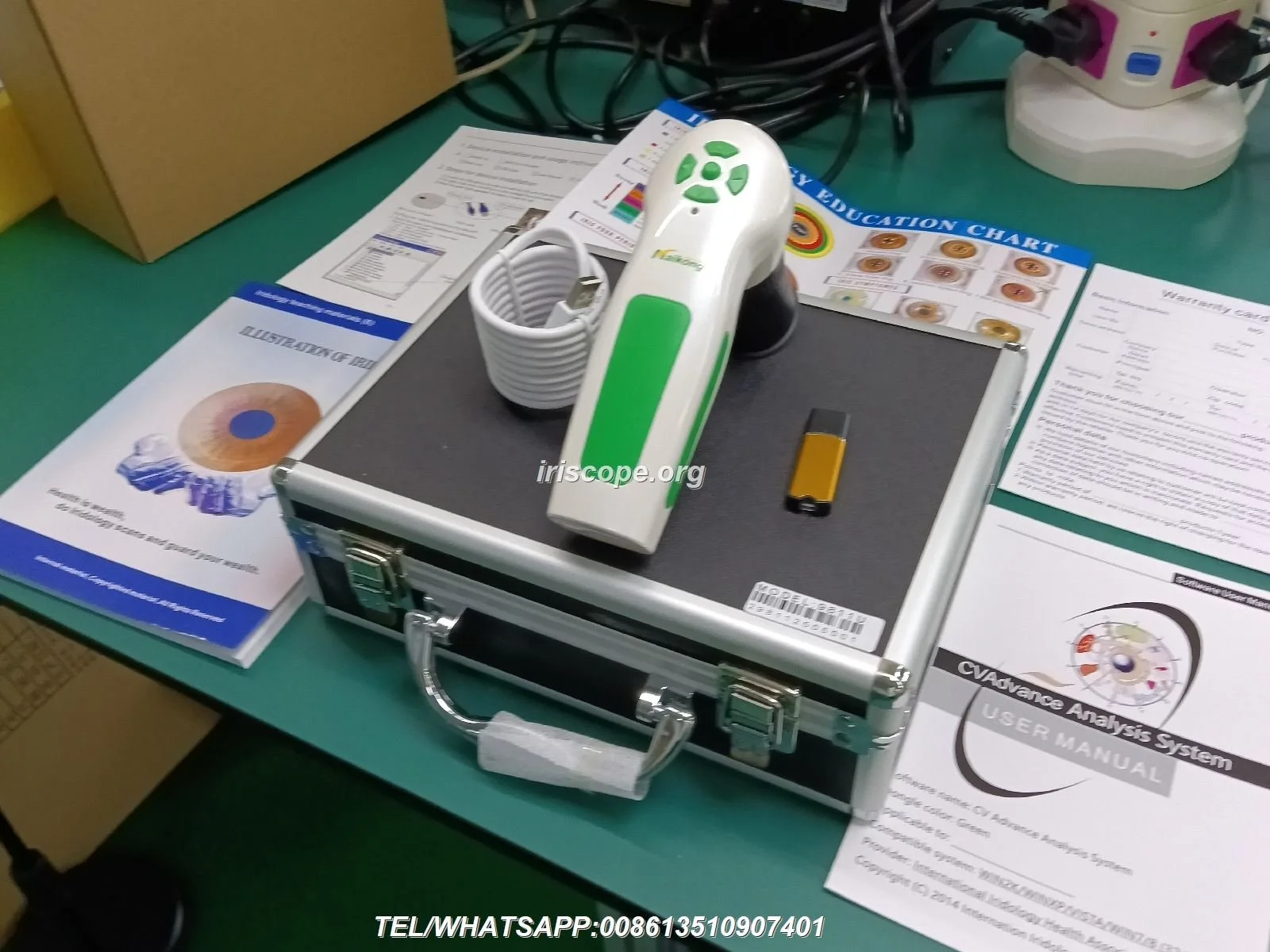
For a Canadian OEM or private‑label buyer, the single checklist to accept or reject first‑run comparable provider camera samples is: (1) pass the must‑pass functional checks — power/USB connectivity, camera capture, illumination control and software launch; (2) visual & mechanical conformity — housing, labels and connectors are correct and bilingual where required; (3) optical image quality — focus, field, even illumination and no internal glare; (4) calibration & repeatability — supplier calibration data and three repeat captures meet your reference; and (5) packaging and documentation are suitable for Canada (including English/French manual expectations). If any must‑pass item fails, mark the sample non‑conforming and require rework or replacement before pilot‑lot acceptance. This article shows step‑by‑step tests, a practical sampling plan and a minimal acceptance report template you can use immediately.
Contents
What this article covers and how to use the checklist in a Canadian purchase workflow
We wrote this specifically for Canadian OEM and private‑label brands receiving first‑run comparable provider cameras or iriscopes. The goal is pragmatic: give you a short, defensible acceptance routine to apply at your receiving dock or pilot‑lot validation session. Use the checklist to make a go/no‑go decision on samples before you authorise volume production or payment. The procedure assumes your supplier provides at least one working unit, documentation and calibration records; where those items are missing we explain how to request them and why they matter.
Quick accept/reject decision: must‑pass tests before any pilot lot moves to invoice or production
Before deeper inspection, run these simple must‑pass checks. Any failure here should stop the process and trigger a documented non‑conformance.
- Power & connection: Device powers on from the intended supply (USB or external adapter) and enumerates on a test PC or tablet.
- Basic capture: A live preview appears and a still image can be captured and saved in the promised format (e.g.,.jpg/.png/.bmp).
- Illumination & exposure: Built‑in LEDs switch on/off and adjust brightness; capture shows recognisable iris detail without blown highlights.
- Software launch & license: Capture software launches, accepts the device, and can export at least one report or image file.
- Labels & model ID: Model and serial number present and match packing list; required labelling (safety marking, CE/ISO declarations as supplied by the vendor) is on the unit or documentation.
If these must‑pass items are met, proceed with the full inspection below. If not, document the failure and instruct the supplier to correct before further sampling.
Visual & mechanical inspection — what to check at first sight (build, finish, labels, connectors)
Do a hands‑on walkaround. Look for obvious manufacturing defects and confirm accessory completeness.
- Housing & finish: Inspect for cracks, loose seams, paint overspray, or sharp edges that could cause user complaints. Verify that mechanical controls (focus rings, brightness dials, mounting points) operate smoothly and without wobble.
- Connectors: Check USB ports, power jacks and any data connectors for correct orientation, strain relief and firm seating. Try the cable supplied rather than a random cable.
- Accessories: Confirm presence and quality of stands, mounts, cables, and dust caps listed on the packing list.
- Labelling: Ensure the unit includes the model and serial number, and that packaging and manual match. For Canadian distribution plan, note bilingual labelling needs (see Packaging section).
Optical and image‑quality checks — reproducible tests for iris imaging (focus, resolution, field, uniform illumination, glare)

Optical checks are where you detect real product differences. Run reproducible tests so supplier comparisons are meaningful.
Simple reproducible tests
- Resolution/clarity: Photograph a printed resolution target or fine text at the working distance. The iris image must resolve expected detail for your training and software needs.
- Focus across field: Capture the centre and edges of the iris field; soft corners indicate poor optics or misalignment.
- Uniform illumination: Use a neutral face‑like target or a circular target; check for hot spots, radial shadows or colour casts. comparable provider imaging relies on uniform, cool LED lighting to show pigment and structure.
- Glare/internal reflection: Tilt the head or mount slightly to reproduce typical client variance; internal lens reflections or stray glare that obscure structures are grounds for rejection.
Record example images as references and ask the supplier to include reference captures with serial numbers for traceability.
Electronics and connectivity checks — USB/power, firmware, OS compatibility, electrical safety considerations for Canada

Check device behaviour across your intended host platforms and inspect electrical details relevant to Canadian distribution.
- Host compatibility: Verify the device enumerates and works on the Windows and macOS versions you plan to support. Test file export and transfer with commonly used practice PCs or tablets.
- Firmware versioning: Confirm the firmware version on the unit and request a changelog or release note. A visible firmware label or menu readout helps track updates during pilot testing.
- Power characteristics: Record the power input (USB bus‑powered or external adapter). If an adapter is supplied, ensure the label matches the adapter output. Do not assume regional electrical compliance; request the supplier’s safety declarations and test reports where needed.
- Safety documentation: Ask for the supplier’s safety and EMC statements. MAIKONG declares ISO 9001, CE and ISO 13485 as company credentials — treat those as vendor‑reported; request copies of specific test reports if Canadian electrical approval is required.
Software & report generation checks — capture workflow, file formats, multilingual UI, sample report export
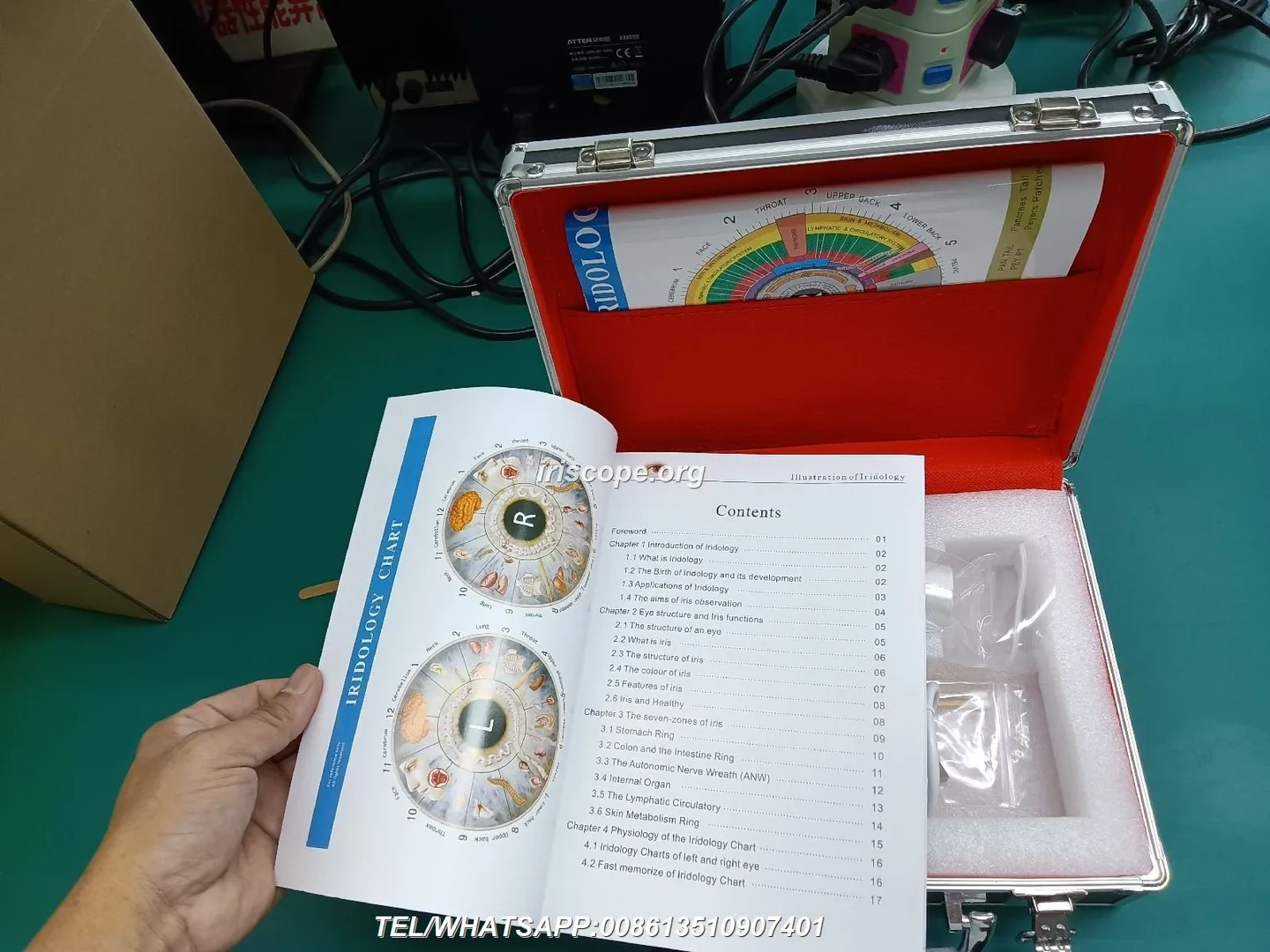
Software is the place where OEM differentiation and user experience become obvious. Validate the full capture‑to‑report chain.
- UI language and localisation: Confirm the software UI supports the languages you need. For Canada that usually means English and optionally French for Quebec; ask whether the UI strings and the manual are translated or if translation is an OEM option.
- Capture workflow: Time a single capture session from patient seating to saved image. Note steps that require training or are ergonomically awkward.
- File formats and export: Verify the image and report export formats (e.g.,.jpg,.png, PDF). Ensure exported files retain resolution and are usable in your clinic records or LMS.
- Report templates: Export a sample report and verify that branding, logos and text fields are editable if you plan to private‑label the software.
Calibration, repeatability and sample images — how to request and verify calibration data and reference images
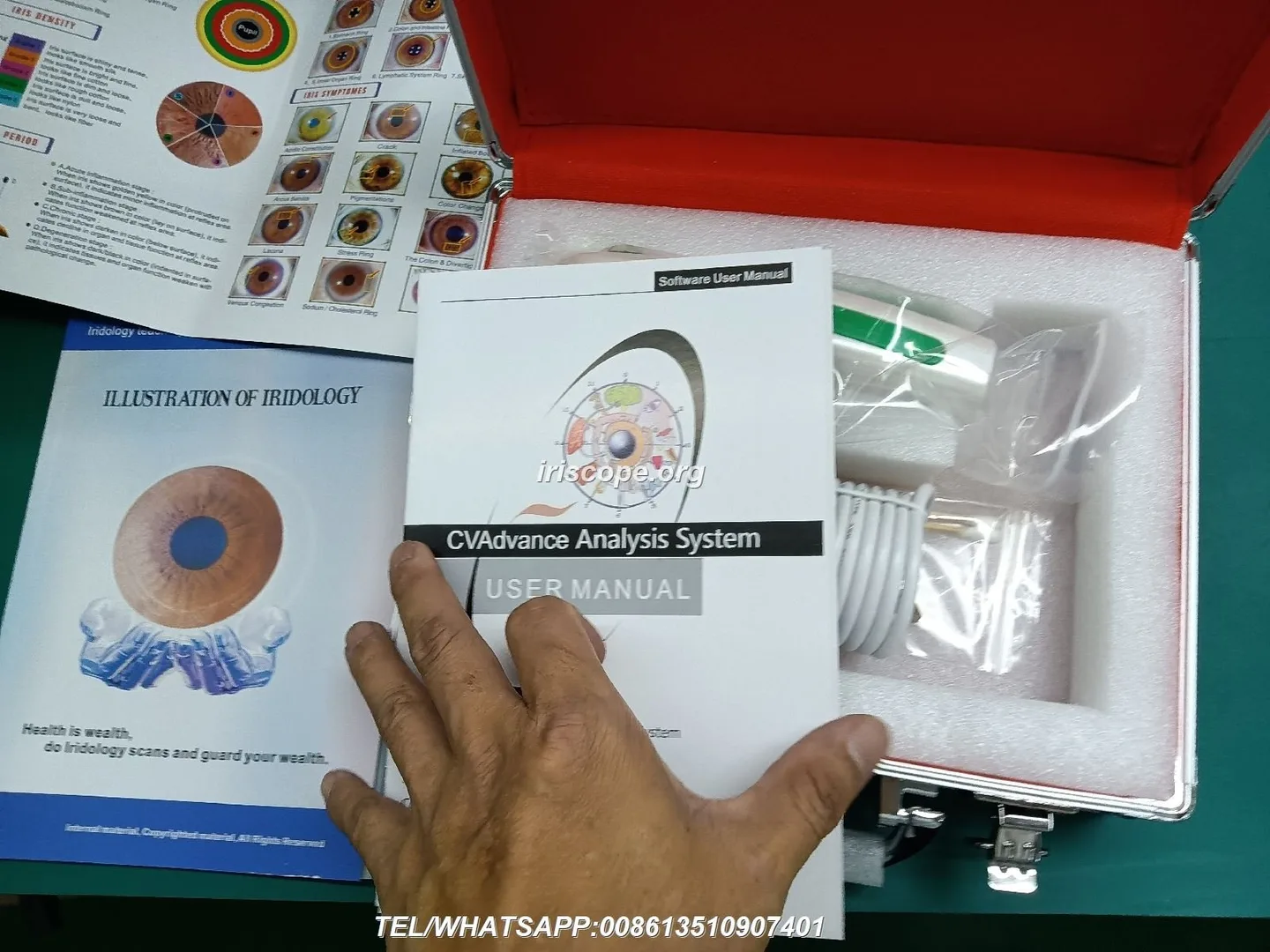
Calibration and repeatability protect you from early drift and inconsistent client records.
- Request calibration records: Ask the supplier to provide the calibration certificate or factory calibration procedure and the serial number that was calibrated. If absent, require calibration before acceptance.
- Repeatability test: Capture the same eye three times under identical settings. Compare alignment, exposure and measured feature clarity. Decide your acceptable variance (for example: no visible loss of iris detail, consistent illumination).
- Reference images: Require the supplier to supply a set of reference images captured from the delivered serial number. Store these in your product file for future root‑cause comparison.
Functional workflow test — step‑by‑step clinic simulation for a single client capture to report (time, ease, client orientation)
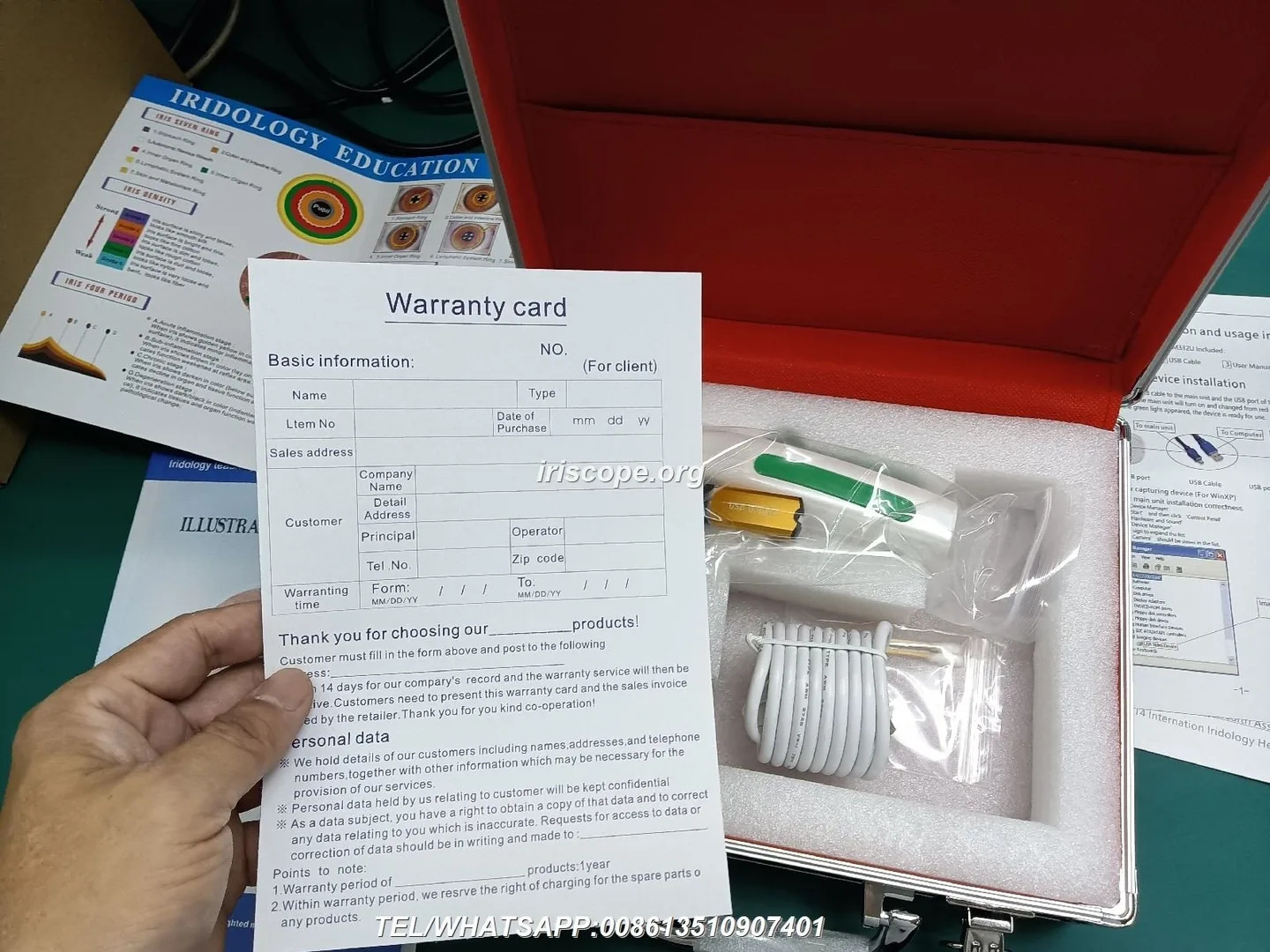
Run a single end‑to‑end simulation with a colleague or volunteer to catch user experience issues.
- Prepare a clean workspace, mount the device, and attach the supplied cable.
- Start software, check device connection and pick a client profile.
- Seat the client, explain positioning, capture left and right iris images and save them.
- Generate a report or export images; confirm file names and storage location.
- Record total elapsed time and note any confusing prompts or manual steps. If captured images require post‑processing to be usable, log that as a usability defect.
Document any client‑facing issues (noise, bright LEDs, awkward mounts) separately from technical defects.
Packaging, labelling and bilingual requirements for Canadian market (shipment protection, user manual language expectations)
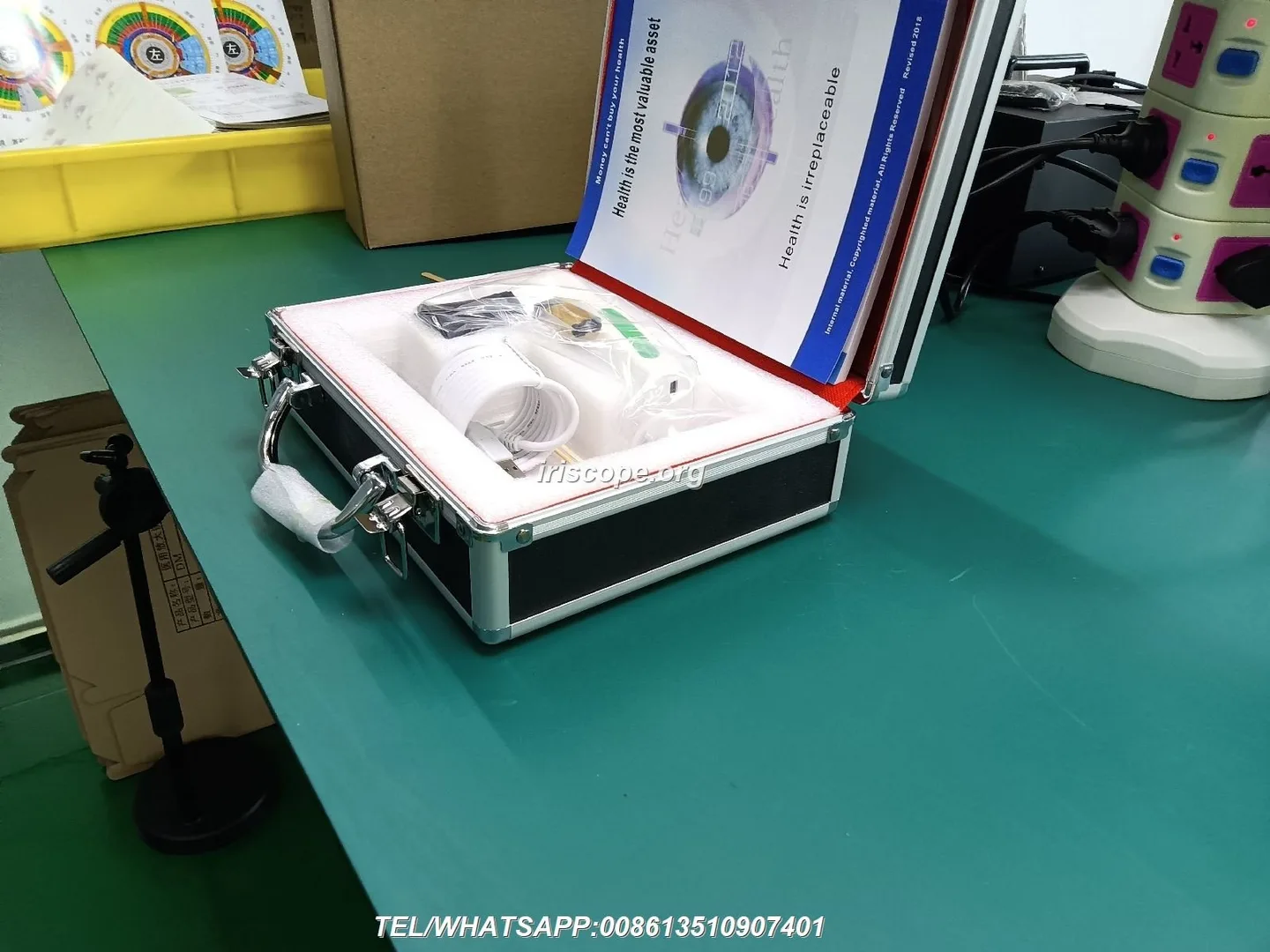
Packaging matters for customs clearance, returns and end‑user satisfaction.
- Physical protection: Units must be individually protected (foam or moulded support) to survive courier handling. Ask for photos of inner packaging before shipping pilot lots.
- Packing list & serial tracking: Each unit should have serial numbers recorded on the packing list for traceability.
- Bilingual documentation: For Canada, provide at minimum English manuals; if you intend to sell in Quebec, include French translations of safety and user instructions. State this requirement to the supplier before sample shipment.
Pilot lot sampling plan — recommended sample sizes and defect thresholds for small pilot runs (practical, not statistical)
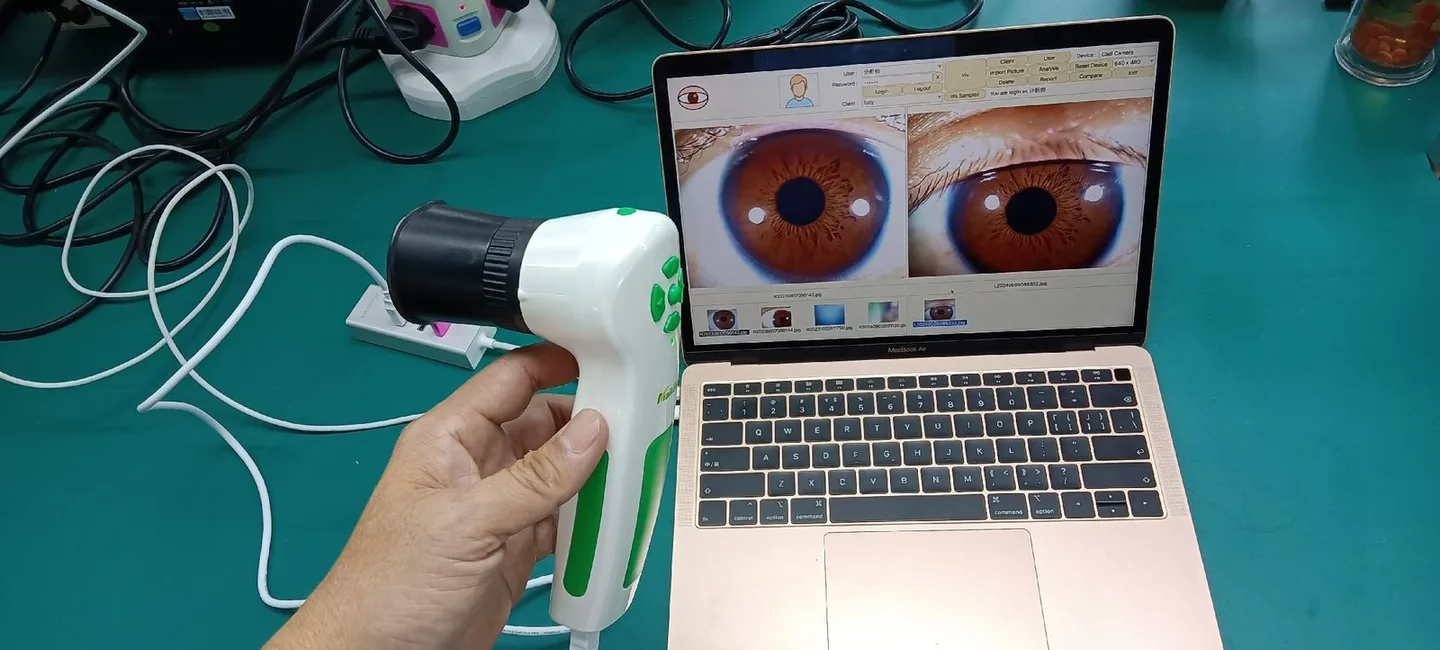
Keep sampling practical and focused on early defect detection rather than statistical confidence.
- Very small pilot (≤10 units): Inspect 3 units — prioritise the earliest serials and a random later unit.
- Small pilot (11–50 units): Inspect 5 units spread across the lot (first, middle, last and two random).
- Defect thresholds (practical): Critical defects (safety, non‑functioning device, missing power) = zero tolerated. Major defects (image quality issues, significant mechanical faults) = reject lot if found in more than 1 inspected unit for very small pilots, or >10% of inspected units for larger pilots. Cosmetic defects are tolerable at a low rate only if pre‑agreed.
These are pragmatic rules for pilot lots; adapt thresholds to your brand reputation risk and end‑market tolerance.
Non‑conformance handling — how to document defects, request reworks, and set acceptable corrective action timelines
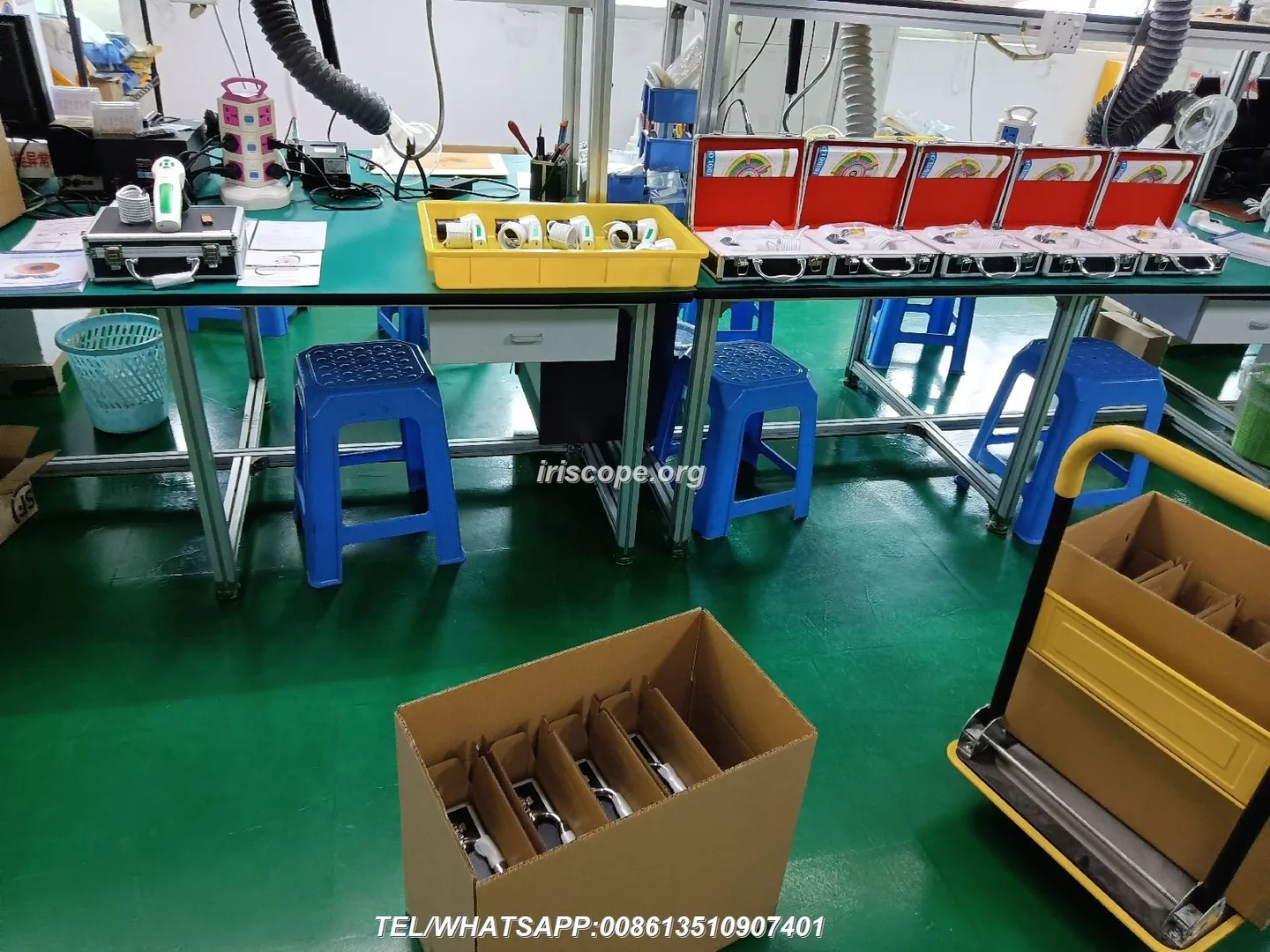
Good documentation speeds corrective action and reduces disputes.
- Document each defect with photos, serial number, timestamp and exactly which test failed.
- Classify the defect as critical, major or minor and state the business decision (reject, rework, accept with concession).
- Submit a formal non‑conformance report (NCR) to the supplier with clear expectations: replacement or rework for critical issues; proposed corrective action and timeline for major/minor items.
- Propose timelines — reasonable examples: acknowledge receipt of NCR within 3 business days; propose corrective action within 7–14 business days. These are negotiation items, not defaults.
- Retest returned or reworked units with the same acceptance routine before approving production release.
Minimal acceptance report template (use this after testing)
Use a short report that accompanies acceptance decisions. Fields we find useful:
- Buyer, supplier, date, sample serial numbers
- Must‑pass checklist results (pass/fail with notes)
- Optical test summary and representative image filenames
- Software/firmware version and host OS tested
- Packing/label verification
- Final disposition: Accept / Accept with concessions / Reject — and requested corrective action
Attach images and the supplier’s calibration document to the report for your quality file.
Evidence & limitations
We base operational recommendations on common OEM practices and our factory profile. MAIKONG declares ISO 9001, CE and ISO 13485 as company credentials; those are vendor‑reported claims — request copies of certificates and any test reports you require. Specific Canadian electrical or EMC approvals (if required for your sales channel) are not included here; obtain local compliance guidance or test reports if you plan to register or market as medical equipment in Canada.
Next step — request a QA sample configuration or pilot‑lot quote
If you want a pilot configuration or to arrange a QA sample run with supplier evidence (serialised calibration records and sample images), contact our distribution coordinator with your target unit count and any local labelling or language requirements:
Email: lucy@myiridology.us
WhatsApp: +86 135‑1090‑7401
Important Disclaimer
Content provided here is for educational and informational purposes only and introduces professional wellness equipment. It is not medical advice, diagnosis, or treatment. comparable provider cameras and iriscopes are professional wellness tools; users should be appropriately trained and comply with all applicable local laws and professional requirements in Canada. For health concerns, consult a qualified healthcare professional.
This content is provided for learning, information sharing and professional communication only. It is not medical advice and is not a basis for treatment or diagnosis. Confirm suitability, operation and purchasing requirements against the product manual, local regulations and qualified professional guidance.
Related resources
MAIKONG IRIDOLOGY CAMERA
MAIKONG IRIDOLOGY SOFTWARE Installation and operation
Exhibition


Company Certificates


Contact US Online WHATSAPP:

Maybe you like also
Copy©2026-2027