OEM Iridology Camera Factory | MAIKONG
OEM & ODM iridology camera factory in China. Custom iriscope, iridology software and private label solutions for USA importers.

Iris imaging maintenance checklist for Canadian clinics: keep your camera and iriscope performing reliably
September 26, 2026
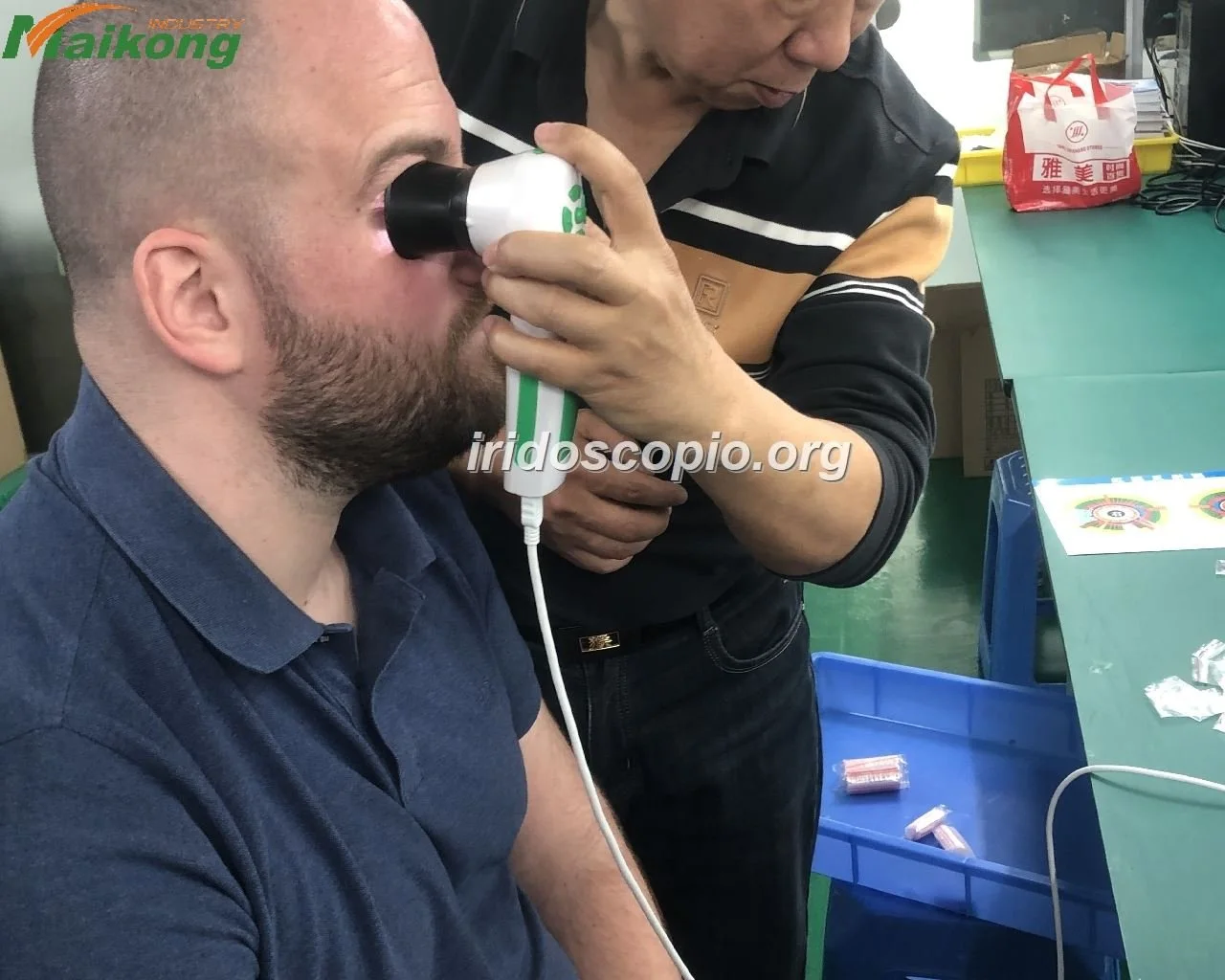
Quick answer
To preserve reliable iris imaging and reduce downtime, implement a simple scheduled regime: daily pre-session checks (optics, illumination, cables, preview capture), weekly cleaning of external optics and dust control, monthly basic calibration and image-quality verification, quarterly software and driver review plus an image-quality audit, and an annual parts, training and service-log review. Keep a small spare-parts kit (manufacturer-specific illumination parts, spare cables, cleaning supplies), a written maintenance log per device, and clear escalation criteria so that any fault beyond basic cleaning or a restart is reported to your supplier. These steps prevent most image-quality issues and make supplier support efficient when needed.
Contents
Direct answer: what you must do to preserve imaging performance
Preserve imaging performance by combining brief daily checks with periodic deeper maintenance. Before each client session confirm optics are clean, fixation and illumination are functioning, the camera preview produces a sharp, evenly lit iris, and cables and mounts are secure. Follow weekly and monthly cleaning and calibration tasks to prevent dust buildup and misalignment. Maintain a written device log and spare-parts kit so simple faults are fixed in minutes rather than hours. If the camera shows persistent sensor noise, stuck pixels, firmware errors, or physical damage, escalate to your supplier with the device serial, recent log entries and example images.
Why regular maintenance matters for iris imaging in clinical practice
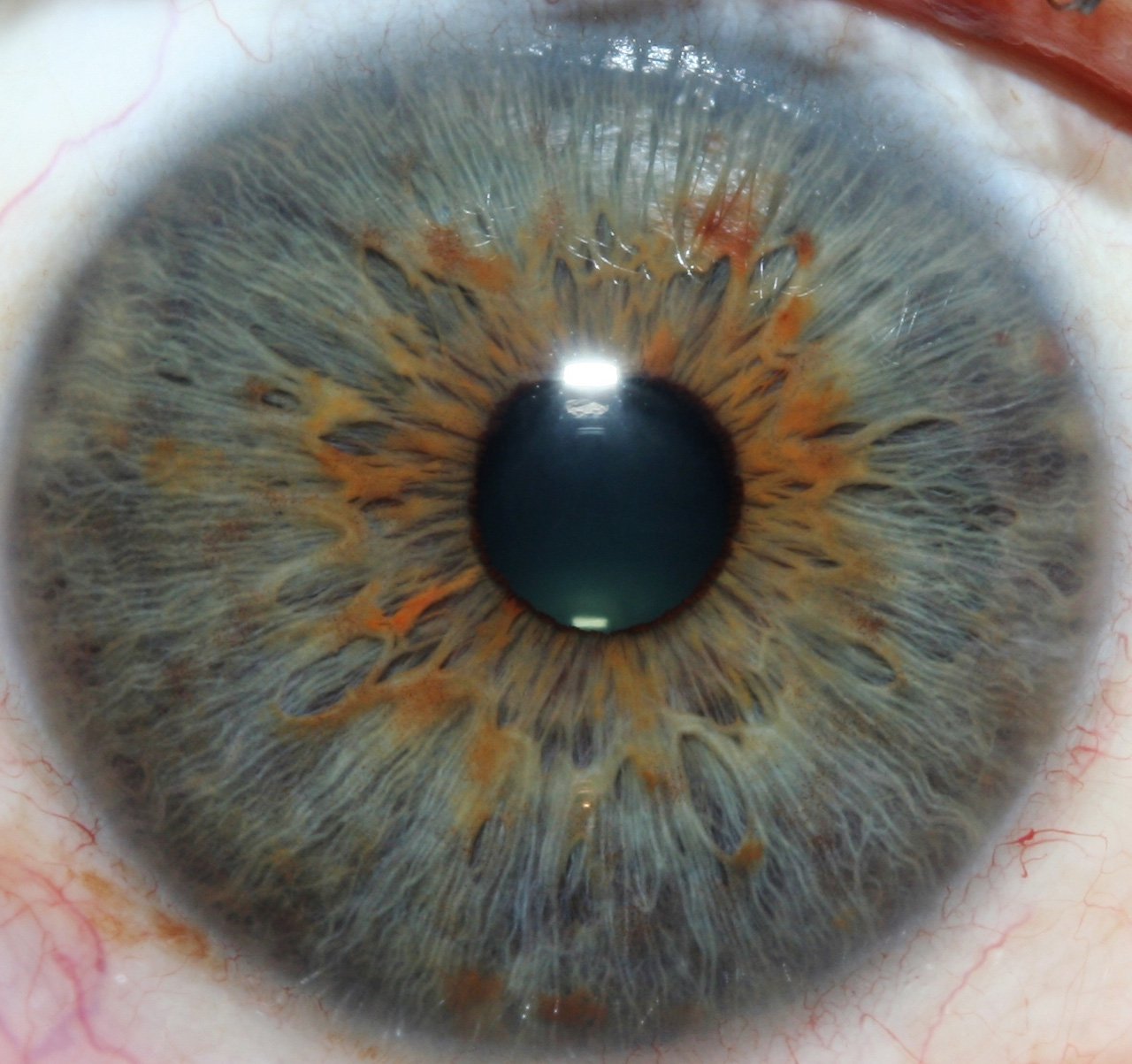
Iris photography depends on stable illumination, optical cleanliness and consistent capture workflows. Small problems—dust on the lens, a loose mount, a dim fixation lamp, or a driver mismatch after an OS update—produce blurred or unevenly lit images that complicate interpretation and force repeat captures. In busy clinics, the time lost troubleshooting on the fly reduces throughput and client trust. A short planned maintenance routine prevents most causes of poor-quality images and preserves the value of your image archive.
Daily checklist: quick steps before every session
- Power and connectivity: confirm the camera powers on, the PC/tablet recognises the device, and the capture software opens without driver errors.
- Preview capture: produce a live preview and capture one test image for each eye; check focus and even illumination across the iris.
- Optics quick-clean: inspect the objective lens and fixation glass for fingerprints or dust; remove visible particles with a blower and a clean microfiber wipe.
- Illumination and fixation: verify fixation lights and any alignment markers work and are comfortable for clients.
- Cables and mounts: check USB/power cables and mechanical mounts for obvious wear or loose fasteners.
Weekly checklist: simple tasks to prevent common problems

- Deeper optics cleaning: remove detachable lens hoods and clean with optical-grade wipes or a manufacturer-recommended lens solution; never use household cleaners or paper towels.
- Dust control: vacuum or wipe the immediate capture area and equipment stand to minimise airborne dust settling on optics.
- Software check: open the capture workflow, confirm file naming conventions are available and that the most-used templates load correctly.
- Image review: sample 5–10 recent captures and look for recurring issues (colour cast, edge fall-off, focus drift).
Monthly checklist: deeper checks and basic calibration
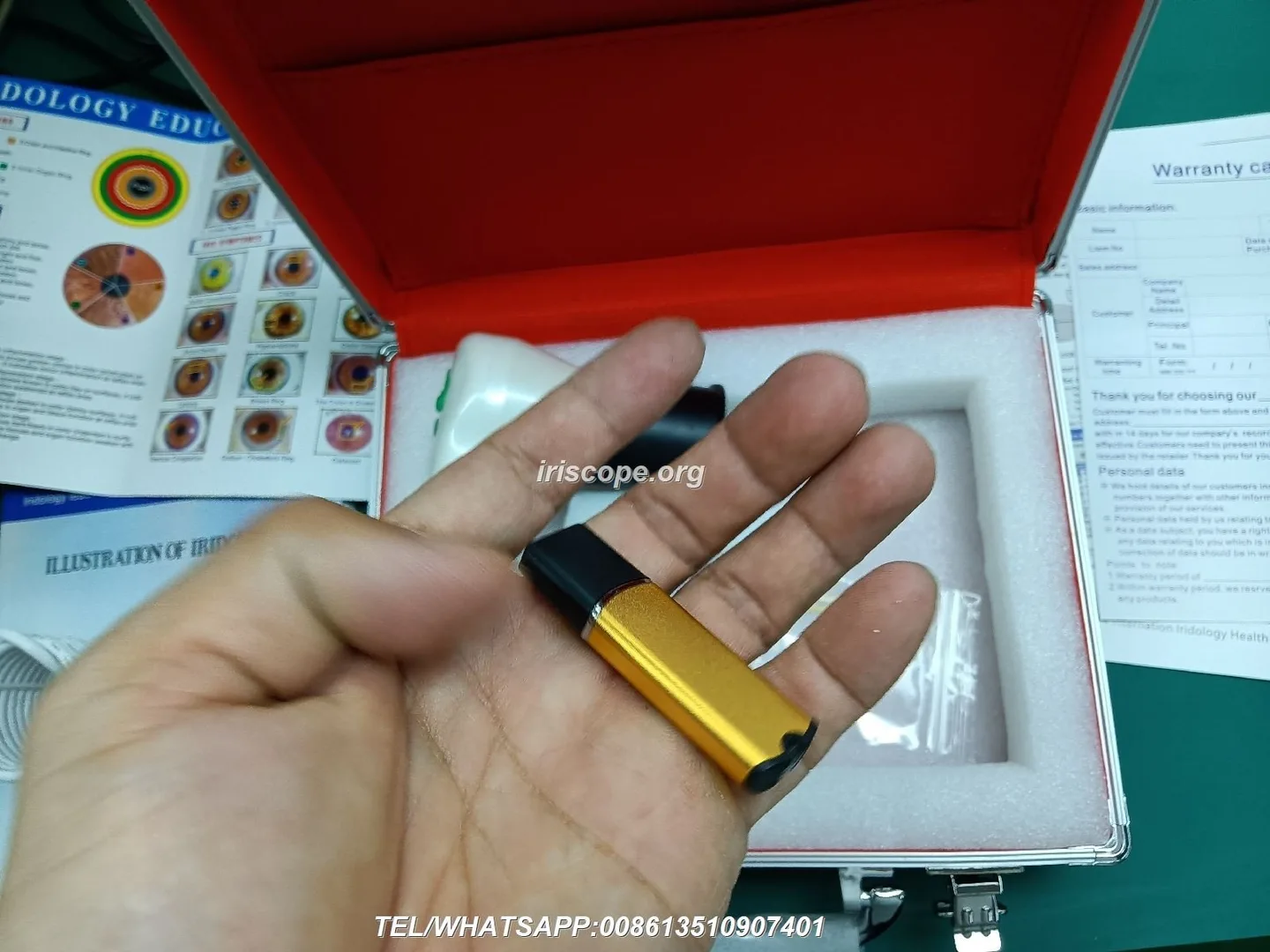
- Calibration target: use a neutral test target (or the camera’s focus chart) to verify focus across the field; adjust optical spacing per your model manual if focus is inconsistent.
- Illumination balance: confirm left/right illumination symmetry and replace any weakened bulbs/LED modules with manufacturer parts.
- Sensor health check: look for new hot/stuck pixels or increased noise; document any changes in the device log with example captures.
- Backups: archive the past month’s images to your clinic backup system and verify restoration of at least one sample file.
Quarterly checklist: inspection, software updates and image-quality verification

- Software and drivers: check for capture software updates and verify driver compatibility with your clinic OS. If your model supports macOS and Windows, confirm both workflows still function after updates.
- Language packs and templates: verify any multilingual templates and report files are intact for client reports.
- Image-quality audit: run a short audit comparing captures across three operators to check reproducibility of exposure, focus and white balance.
- Mechanical inspection: review stands, chinrests and any moving parts for wear; replace worn pads or tightening fasteners as needed.
Annual checklist and recordkeeping: parts, service and training refresh
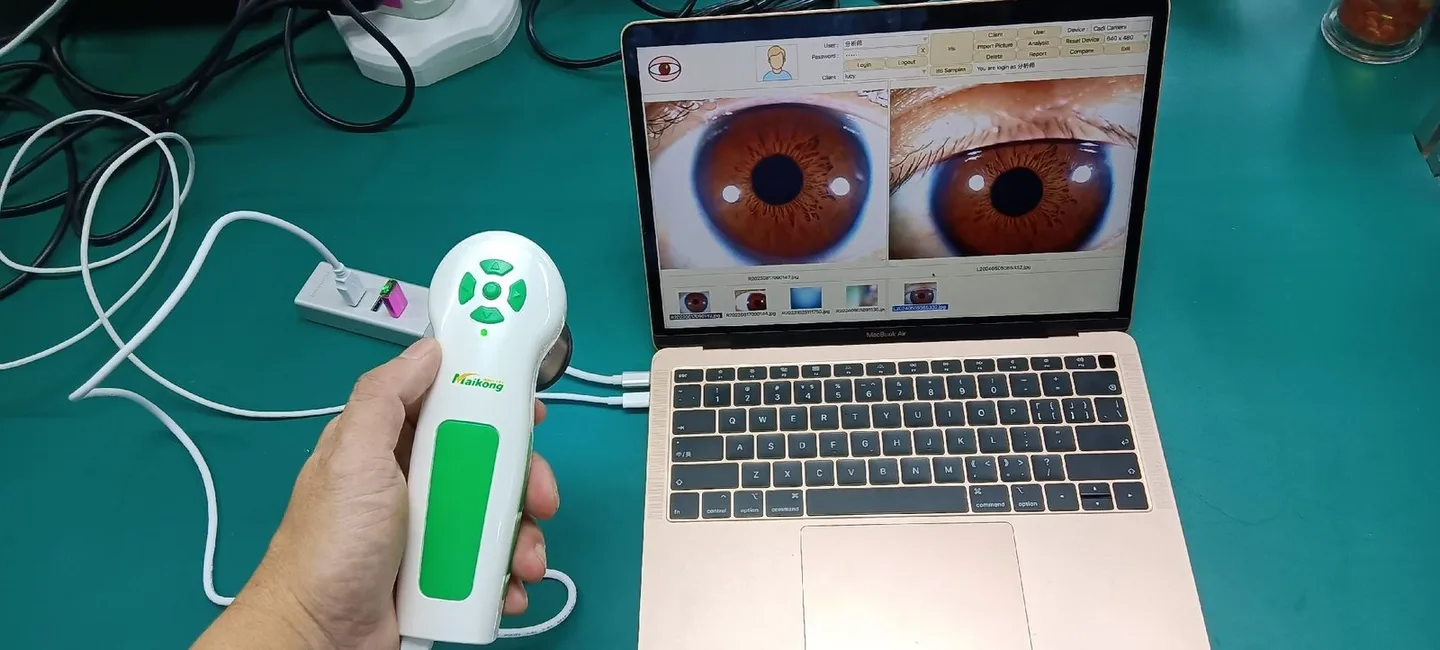
- Service review: gather logs, fault reports and repair receipts; decide if professional servicing or sensor replacement is needed.
- Spare-parts inventory: review the kit and restock manufacturer-specific spare parts, cleaning consumables and replacement pads.
- Training refresh: plan an annual operator refresher so all staff follow the same capture protocol and file naming system.
- Documentation retention: keep a yearly record of maintenance actions alongside device serial numbers and warranty information.
How to check and maintain image illumination and focus (practical steps)
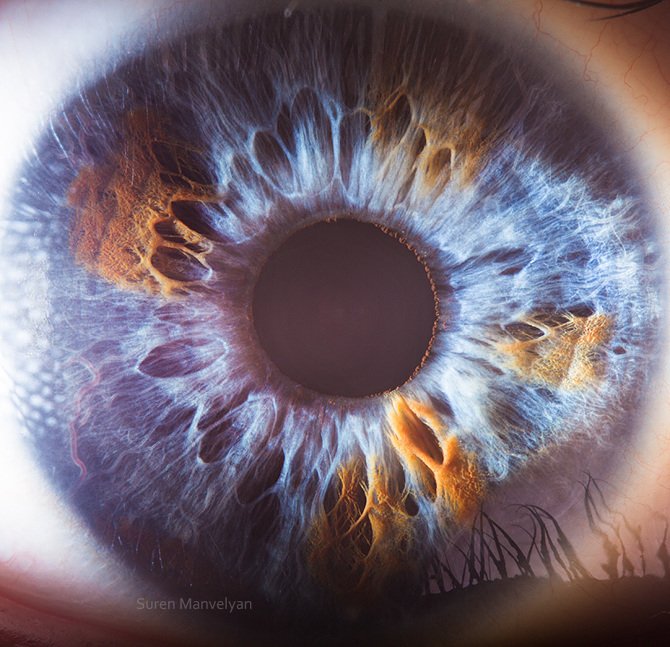
Practical checks that fit a clinic workflow:
- Warm up the device for the time the manual recommends, then capture a preview of the calibration target at your normal working distance.
- Inspect illumination: the iris should be evenly lit without strong hot spots; if edges are dark or the cue lights flicker, clean illumination ports and check connector seating.
- Adjust focus using the live preview and a known focus target rather than the client’s eye; lock mechanical focus if available.
- Record the settings (zoom, aperture if exposed in the software, lighting mode) that produced the reference image so operators can replicate them.
Do not attempt internal electrical repairs yourself; replace illumination modules only with the manufacturer’s spare parts and follow the model manual for safe replacement steps.
Sensor, lens and optics care: cleaning, inspection and safe products to use
Use only cleaning materials safe for optical coatings. Recommended items for clinic use:
- Compressed air bulb (not canned air) to remove loose dust.
- Microfibre cloths and lint-free optical wipes.
- Manufacturer-approved optical cleaning solution or optical-grade lens wipes.
- A small, labeled cleaning kit stored with the device.
Cleaning steps: power off, remove detachable parts per the manual, blow loose dust, apply cleaner to the cloth (not directly to the lens) and wipe gently in concentric motions. Never touch the sensor surface directly unless the manual provides a safe sensor-cleaning procedure; if the sensor needs internal cleaning, contact your supplier or an authorised service centre.
Stands, mounts and mechanical parts: alignment and wear checks
Inspect mechanical parts for wobble, loose screws, and worn chinrest pads. Tighten fasteners to manufacturer torque recommendations if given; otherwise ensure components feel secure without forcing parts. Replace any cracked or deformed mounting parts and keep a cleaned spare chinrest pad to avoid cross-contamination and maintain client comfort.
Software and workflow checks: drivers, language packs, backups and file naming
Maintain a consistent capture workflow so images are searchable and auditable:
- File naming: adopt a clinic-wide convention (for example, date + clientID + eye) and enforce it in templates.
- Backups: schedule automated backups to your clinic server or encrypted external drives; test restorations quarterly.
- Updates: confirm capture software and drivers with your device model before applying updates. If the manual is missing, check with the supplier for version guidance.
- Language packs and templates: store copies of report templates and language packs off-device so you can restore them quickly after a reinstall.
Troubleshooting common imaging problems and what the checklist should catch
- Blurry images: usually focus, dirt on optics, or incorrect working distance. Remedy: clean optics, use the focus chart, verify operator technique.
- Uneven illumination or dark edges: dirty illumination ports, failing LEDs or misaligned illumination. Remedy: clean ports, replace illumination module with a manufacturer spare if dimming persists.
- Colour cast or white balance shift: sudden changes often follow software updates or changes in ambient lighting. Remedy: use the camera’s white-balance reference or restore last known-good settings.
- Intermittent connection or device not recognised: faulty cable, USB port or driver problem. Remedy: swap to a known-good cable and port; if the device still fails, capture the USB/driver error and escalate.
- Sensor noise or new hot pixels: can indicate sensor ageing or damage. Document example images and escalate if noise persists after reboot and software updates.
Escalate to supplier support when a fault remains after cleaning, cable swaps and basic software checks, or when there is physical damage. Provide the device serial, a short device history (log entries), sample images and the steps already attempted.
Evidence and supplier-declared details
We manufacture and supply iris imaging equipment and related software for clinics and training facilities. Our factory declares ISO 9001, CE and ISO 13485 certifications. If you require device-specific maintenance instructions, calibration targets, or replacement-part numbers, please request the model manual or our maintenance pack for your unit so you follow the exact procedures for that model.
Risks, limitations and escalation criteria
Maintenance in-clinic can prevent most image-quality problems, but some faults require authorised servicing. Do not open sealed electronics or attempt internal sensor repairs. Manufacturer spare parts should be used for illumination modules and mechanical replacements; substituting generic parts can void warranties or cause further damage. If image defects persist after the routine checks described above, escalate with documented logs and sample images to obtain a proper diagnosis and authorised repair.
Maintenance log template (fields to keep)
Maintain a short digital or printed log per device including these fields: date, operator, device serial, task performed, test images attached (yes/no and file names), observed issues, corrective action taken, parts replaced (part number if known), and supplier contact/referral. This record speeds repairs and warranty claims.
One practical next step
If you want a customised maintenance checklist tuned to your exact model and clinic workflow, request a tailored checklist or a spare-parts quotation by contacting us at Lucy@myiridology.us or via WhatsApp at +86 135-1090-7401. Provide your device model and serial and we’ll supply the model-specific maintenance items and recommended spare-part numbers.
Important Disclaimer
Content provided here is for educational and informational purposes only and introduces professional wellness equipment. It does not constitute medical advice, diagnosis, or treatment. Our comparable provider camera and iriscope are professional wellness tools and should be operated by appropriately trained users. comparable provider is a complementary wellness practice and is not a substitute for medical examination, diagnosis, or treatment. Users and clinics are responsible for ensuring equipment use complies with applicable Canadian laws, regulations and professional requirements.
This content is provided for learning, information sharing and professional communication only. It is not medical advice and is not a basis for treatment or diagnosis. Confirm suitability, operation and purchasing requirements against the product manual, local regulations and qualified professional guidance.
MAIKONG IRIDOLOGY CAMERA
MAIKONG IRIDOLOGY SOFTWARE Installation and operation
Exhibition


Company Certificates


Contact US Online WHATSAPP:

Maybe you like also
Copy©2026-2027