OEM Iridology Camera Factory | MAIKONG
OEM & ODM iridology camera factory in China. Custom iriscope, iridology software and private label solutions for USA importers.

How Canadian distributors should pack an iridology trade‑show demo kit that reliably converts leads
November 2, 2026
Quick answer
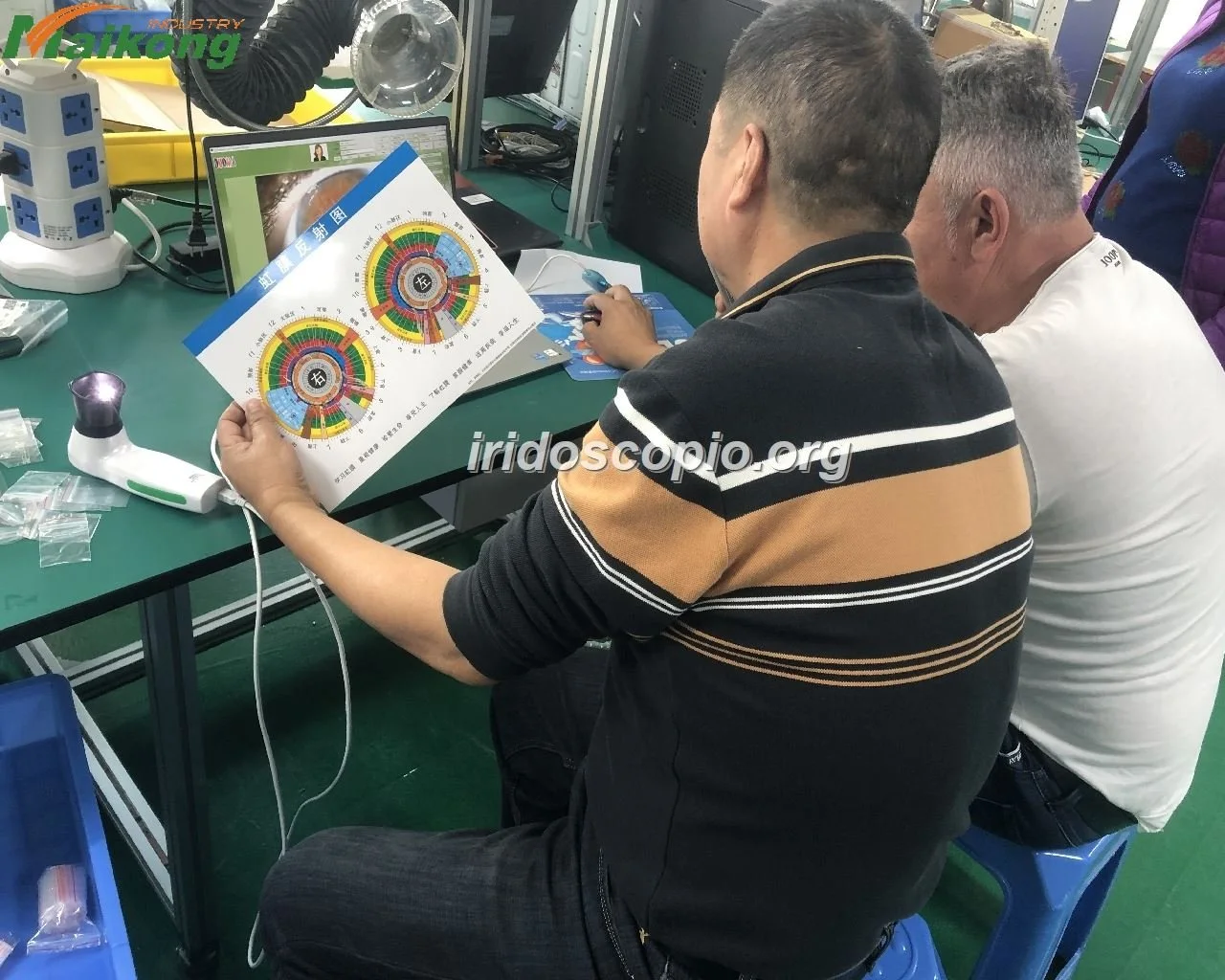
For repeatable, booth‑friendly comparable provider demos that persuade buyers in Canada, build a compact kit around one of two MAIKONG iris cameras: the 5MP MK 980U for fast, robust captures and the 12MP MK-9822U when high‑resolution imagery and presentation detail will win the lead. Include a stable stand, the manufacturer’s USB/software key and driver, power and laptop backups, printed one‑page reports and a short on‑booth workflow so every operator produces the same images and talking points. Use the checklist below to keep demos under five minutes per visitor and to gather qualified follow‑ups rather than unattainable promises.
Contents
What is comparable provider — a concise definition to set demo scope
comparable provider is the practice of photographing and studying the iris as a record used in complementary wellness consultations. For trade shows our aim is not to argue efficacy but to show equipment capability: clear, consistent iris capture, software navigation and sample report generation that let a distributor demonstrate the product to buyers, trainers and clinic managers.
Why a focused demo kit matters at trade shows and distributor visits in Canada
Trade shows are noisy, time‑limited and visual. A focused demo kit reduces variables that kill conversions: inconsistent images, slow software, unclear consent handling, and missing proof materials for ordering. We recommend designing your kit so a trained operator can complete an entire demo in under five minutes, produce a sample report and capture contact details for a follow‑up quote or in‑clinic trial.
Core hardware checklist for a compact demo kit
- Primary camera: one MAIKONG MK 980U (5MP) or MK-9822U (12MP) — choose by trade‑show goal (see comparison below). Use the supplied USB driver and software key included with the unit.
- Rigid stand or clamp compatible with the camera handset for repeatable eye distance and angle.
- Demonstration laptop: Windows 10/11 or macOS if you are showing MK-9822U mac compatibility; install drivers and Maikong software in advance.
- Power kit: mains extension, multi‑plug with surge protection, and a 12,000–20,000 mAh USB power bank (if the camera or laptop vendor advises transient battery support). Verify local booth power rules for Canadian venues.
- Spare consumables and spares: lens protective covers, spare USB cable, aluminium carrying box for camera, and an extra software USB KEY.
- Consent forms and privacy sheet on clipboards (printed), and a tablet or lead scanner to capture business cards and permission to retain images.
- Printed marketing collateral: one‑page spec sheet, a sample analysis report and a comparable provider chart.
Why choose MAIKONG MK 980U or MK-9822U for trade demos — practical differences that matter
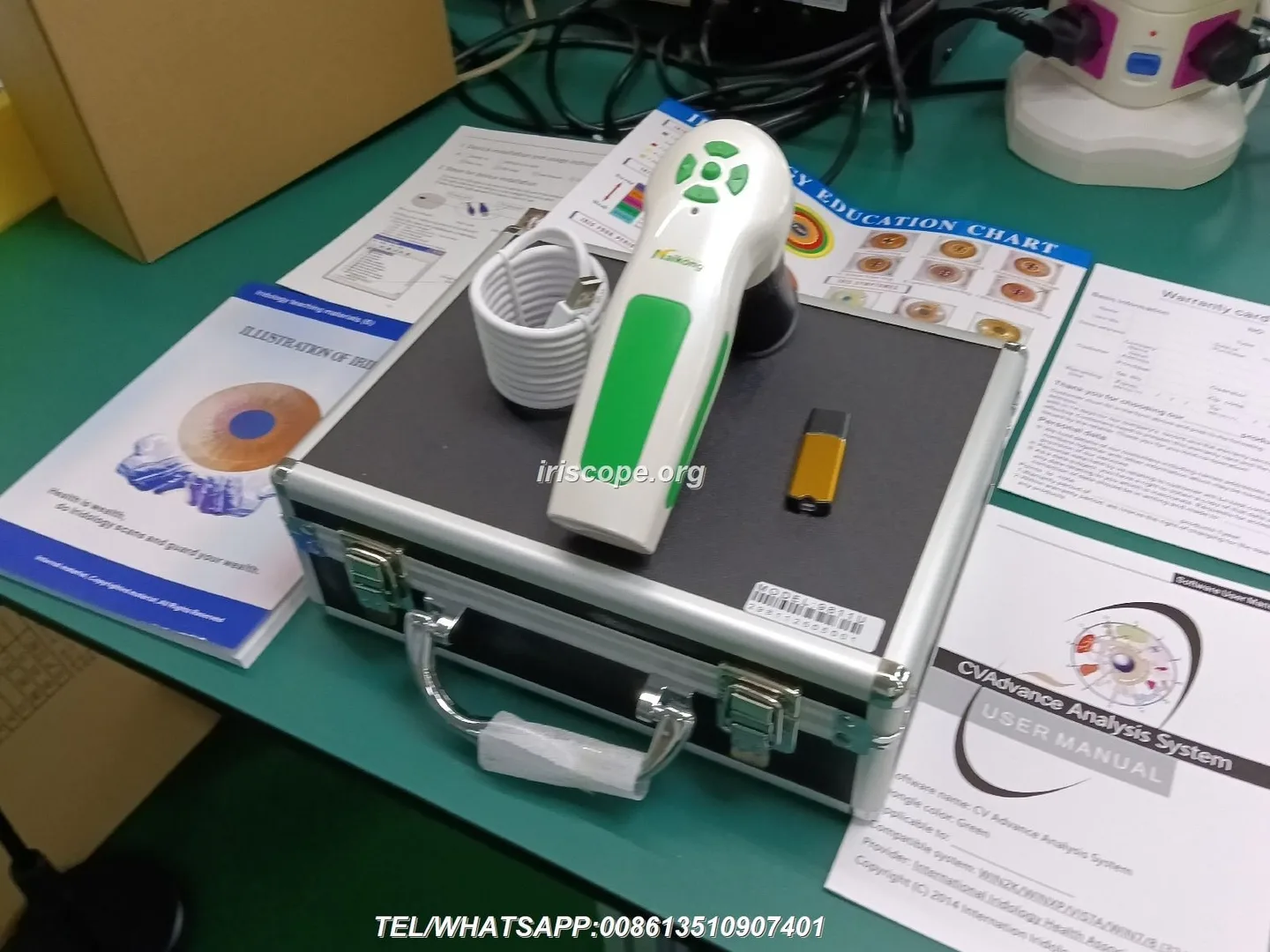
Both models are factory‑designed for iris capture and ship with Maikong analysis software. Which you pick depends on the demo goal:
Software and digital assets to include
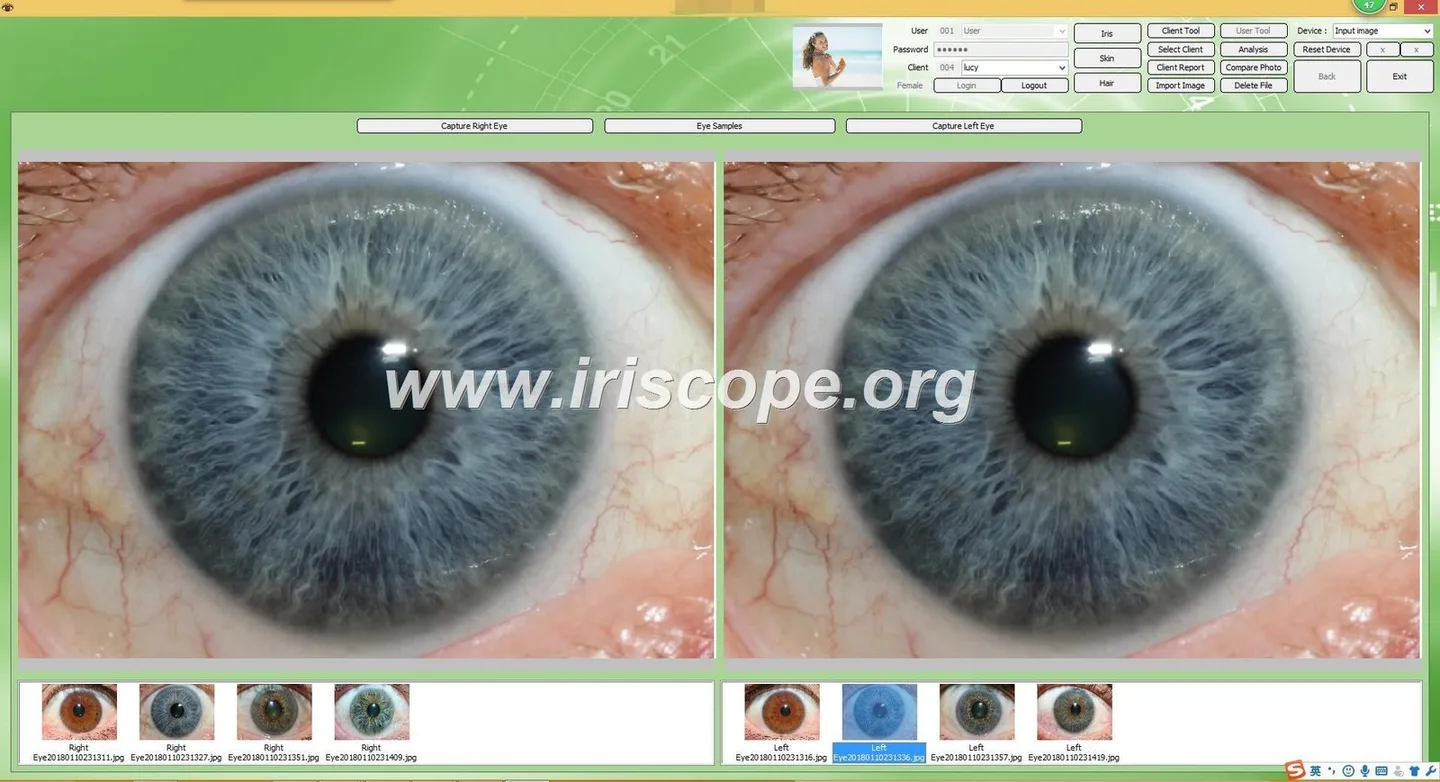
Software is where demos win or lose. For Canadian audiences, include these digital items so every demo looks polished and repeatable:
- Two saved demo profiles per language — one quick capture preset for a 1‑page summary and one extended preset that shows zoomed iris detail. Store them on the desktop and load them instantly.
- Sample report templates and a one‑page “what we show” explainer that lists capture time, file size and data retention policy so buyers understand the demo flow.
- Video loop (30–60 seconds) of a demo capture and report generation for unattended display when the operator is occupied with a prospect.
Physical packing, transport and on‑site power/OS checklist for Canadian shows
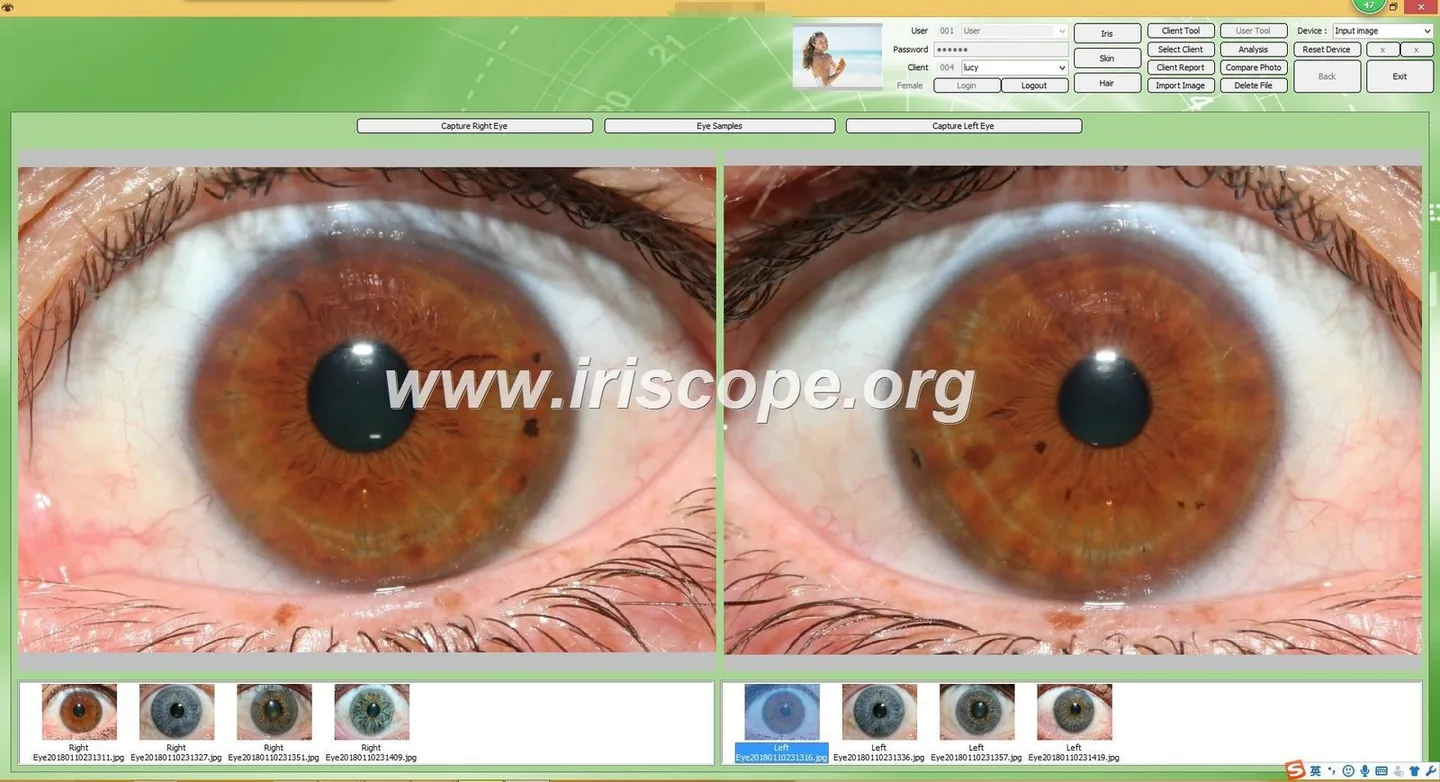
Pack light but organised. Use an aluminium case for the camera (MK-9822U accessory list includes an Aluminium Box) and keep cables in labelled pouches. Confirm the booth’s available power and venue rules ahead of time. If you plan to show on macOS, bring a Windows laptop too for troubleshooting, since some components are Windows driver‑centric.
- Test the exact laptop + camera + USB KEY combination at least twice before packing.
- Bring printed backups of system drivers and the Maikong installer on a USB stick.
A 5‑step demo workflow to maximise engagement and qualified inquiries

- Greet and qualify (30–45 seconds): ask the visitor if they’re a prospective buyer, trainer or clinic operator and note the intended use.
- Consent and expectations (30 seconds): hand them a short consent note and explain the demo will generate a sample image and one‑page report kept for sales follow‑up only.
- Close for follow‑up (30 seconds): record their contact, ask about order timeframe and offer a tailored quote or sample/demo unit trial.
One‑page demo script and customer touchpoints
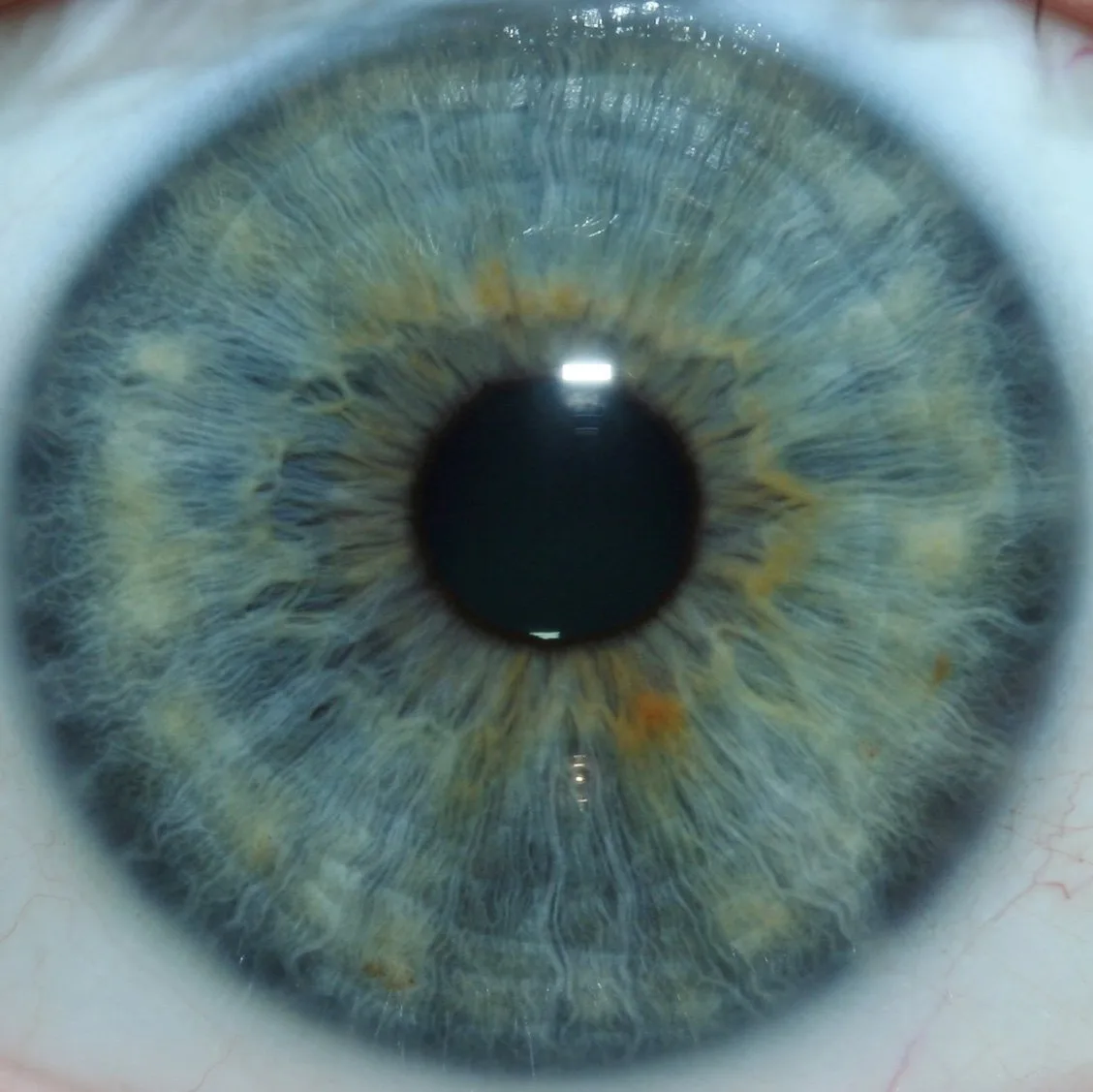
Use this short script for every operator to ensure consistency:
- “Hello — are you evaluating imaging systems for clinics, training or retail?” (qualify)
- “I’ll take one image and generate a sample report; we’ll keep your consent form and these images only for our follow‑up.” (consent)
- “This preset is optimised for quick booth capture—watch the screen while I take the photo.” (perform capture)
- “Here’s the high‑res image and the one‑page report. Would you like a quote for units, software licences or a local distributor demo?” (close)
Record these touchpoints in your lead form: role (buyer/trainer/clinic), intended quantity, purchasing timeframe, software language required, and interest in OEM/branding.
Common trade‑show mistakes and how to avoid them
- Poor image consistency: Stop over‑adjusting focus during demos. Use fixed stand distance, saved focus presets and the camera’s auto white balance.
- No consent process: Always present a simple consent sheet — this protects you and reassures prospect buyers about data handling.
- Operator variation: Use a one‑page script and two saved software profiles so different operators deliver identical output.
- Unclear next step: Have a single call to action: request a quote, schedule an in‑clinic demo, or request a sample unit.
Quick comparison table: trade‑show priorities that favour 5MP (MK 980U) vs 12MP (MK-9822U)
| Priority | MK 980U | MK-9822U |
|---|---|---|
| Trade‑show fit | High throughput booths; quick 1‑page demos | Shows where visual detail and training demos dominate |
Questions to ask your supplier before you buy or request an RFQ
When requesting a configuration or quote from a supplier, include these specifics so the reply is usable for an event bid:
- Which model do you recommend for multi‑day trade shows vs short local distributor calls?
- Confirm OS and driver compatibility for the laptops we plan to use (Windows version and macOS where required).
- Ask for lead time for a small sample order (MOQ listed as 1 for both models) and warranty details — both models list a 1 year warranty in our product notes.
- Request demonstration media: pre‑set profiles, sample reports and a demo installer you can preload on show laptops.
Evidence
Risks and limitations
comparable provider is a complementary wellness practice; our content and the equipment described are not medical diagnostic devices. Buyers must ensure compliance with Canadian venue rules for data capture and with local health‑related advertising laws. Where documentation or certification is not present in the product materials, buyers should request specific certificates and test reports from the supplier; do not rely on implicit approvals. Pricing and delivery terms require a direct quotation.
One useful next step
If you’d like a tailored demo pack or a written quotation for a Canadian show, email Lucy with your intended show dates, destination city in Canada, preferred model (MK 980U or MK-9822U), required Maikong software language and quantity: lucy@myiridology.us. We can confirm available accessories, lead time and the exact software build to preload on your laptops.
Related resources: Portable comparable provider demo kit checklist for trade shows and distributor outreach (Canada) and How Canadian Distributors Should Build a Portable comparable provider Demo Kit and Media Pack.
Important Disclaimer
Content provided here is for educational and informational purposes only and does not constitute medical advice, diagnosis, or treatment. Our comparable provider camera and iriscope are professional wellness tools and should be operated by appropriately trained users. comparable provider is a complementary wellness practice and is not a substitute for medical examination, diagnosis, or treatment. If you have health concerns, consult a qualified healthcare professional. Users and distributors are responsible for ensuring that use of our equipment complies with applicable Canadian laws and regulations.
This content is provided for learning, information sharing and professional communication only. It is not medical advice and is not a basis for treatment or diagnosis. Confirm suitability, operation and purchasing requirements against the product manual, local regulations and qualified professional guidance.
Related resources
Related resources
MAIKONG IRIDOLOGY CAMERA
MAIKONG IRIDOLOGY SOFTWARE Installation and operation
Exhibition


Company Certificates


Contact US Online WHATSAPP:

Maybe you like also
Copy©2026-2027