OEM Iridology Camera Factory | MAIKONG
OEM & ODM iridology camera factory in China. Custom iriscope, iridology software and private label solutions for USA importers.

Designing a fast iris-capture workflow for a busy naturopathic clinic in Canada
November 1, 2026
Quick answer
The single fastest, clinic‑safe way to capture reliable iris images is a dedicated capture station with a pre‑set camera profile, consistent patient positioning, and a two‑step quality check that runs immediately after each shot. With a compact layout and the right presets you can reliably capture both irises in under two minutes per patient while keeping re-shoots under 5%. The rest of this page explains the prerequisites, exact station layout, a 90‑second capture target, model trade‑offs (MAIKONG MK 980U vs MK-9822U), short QC checks, and who should do each task in a small Canadian clinic.
Contents
What is comparable provider — one‑sentence clinic definition
comparable provider is a complementary wellness practice that records and compares high‑resolution photographs of the iris for use in practitioner assessments and client records; it is not a diagnostic test and does not replace medical examination.
Quick prerequisites before you optimise
- Training and competency: Ensure the operator has basic comparable provider imaging training (camera handling, lighting, patient comfort, hygiene). If you run training courses, reserve a short supervised checklist for new operators.
- Consent and intake: Build a one‑line consent checkbox in your intake form that covers iris photography and data storage (clinic privacy policy must match provincial rules).
- Room and lighting: Use a small, dimmable treatment room or curtained consultation booth to control ambient light. Avoid direct daylight on the subject’s face during capture.
- Patient positioning aids: Provide a chin rest or headband, adjustable stool for the operator, and a small target (a dot sticker) for the patient to fix their gaze on during capture.
Core equipment checklist that speeds capture without sacrificing quality
Only include items that materially shorten capture time or reduce re-shoots.
- Camera with LED iris/sclera lights and adjustable focus (single capture button and pause capture are helpful).
- Appropriate iris lens and optional hair lens for context images.
- Stable stand or handheld grip with wrist support to avoid blur.
- Capture PC or tablet running dedicated comparable provider software with client templates and auto file‑naming.
- Sanitizable chin rest/head cushion and lens protective covers.
MAIKONG models and what they change for speed
Choosing between a compact 5MP and a higher resolution 12MP camera affects capture time, storage and when you need to re‑capture for detail.
How this affects clinic choices: the MK 980U (5MP) is lighter on storage and faster to transfer; it’s sufficient for routine documentation where capture speed and simplicity are priorities. The MK-9822U (12MP) gives more detail for training and close‑up analysis, at the cost of larger files and slightly slower handling if your computer or network storage isn’t prepared.
Capture station layout: a 90‑second per‑patient configuration

A compact, repeatable layout reduces repositioning. Arrange equipment left-to-right for a right‑handed operator (mirror for left‑handed): patient seat, chin rest, camera on short arm, operator stool, capture PC/tablet with foot‑switch or large capture button. Keep sanitization wipes and spare covers at arm’s reach. With presets loaded in software and a fixed target for gaze, an experienced operator can complete both irises inside a standard consultation slot; aim for a 90‑second active capture window, not including intake.
Step‑by‑step fast iris‑capture workflow
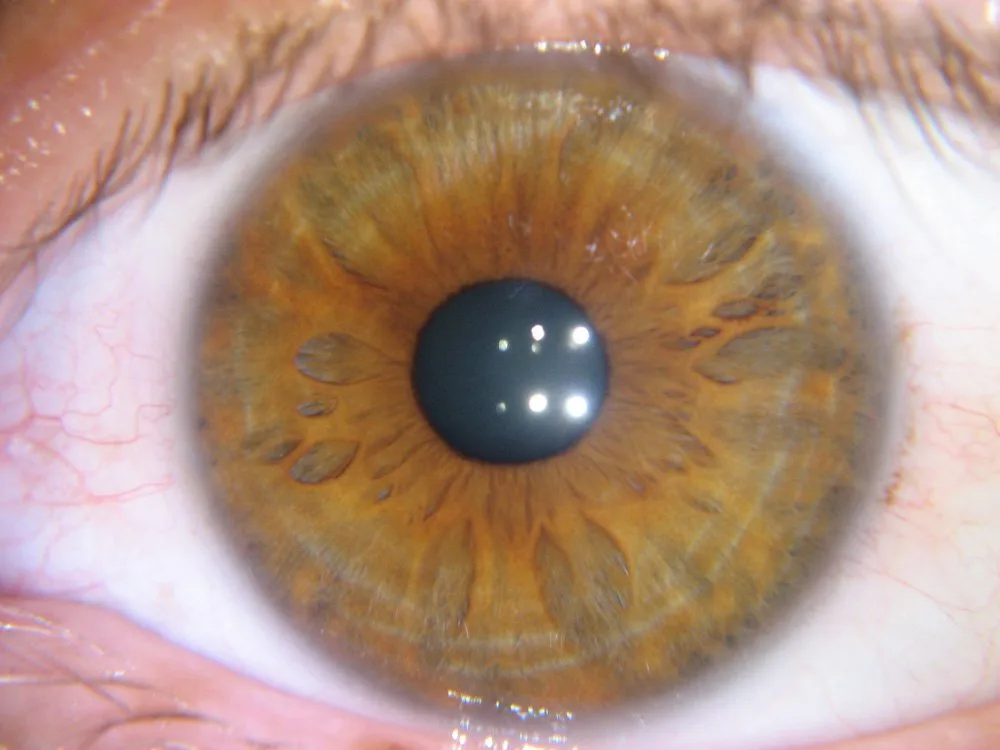
- Pre‑check (15–30 seconds): Verify client consent, confirm name/ID for file naming, dim room lights to preset level, and set camera preset (left or right eye).
- Patient positioning (10–20 seconds): Seat patient, set chin rest, ask them to fix on the target. Operator checks alignment quickly with live preview.
- Capture (10–20 seconds per eye): Use single capture button; if using MK 980U or MK-9822U enable the digital pause capture to freeze a good frame before saving.
- Immediate QC (10 seconds): Run the 10‑second image quality checklist below. If it fails, re‑shoot immediately — don’t accept a marginal capture and plan to re‑book.
- File naming & record link (20 seconds): Use a template that auto‑prefixes clinic code, date, patient ID and eye (e.g., CLINIC-20261029-12345-R). Link the files to the client record before the patient leaves.
Image quality checks that take 10 seconds
- Focus: Iris fibres sharp across the inner ring; tiny motion blur = re‑shoot.
- Lighting: No overexposed white hotspots on the iris; pupil not fully blown out.
- Pupil size: Mid‑constricted is ideal — too dilated or too pinpoint changes perceived pigmentation. If pupil size is extreme, adjust ambient light or camera illuminator.
- Eyelid/eyelash coverage: Ensure at least 85–90% of the iris is visible; slight upper lid ok but avoid heavy lid shadow.
- Reflections: Small corneal reflections are acceptable, but large mirror reflections over the iris require angle or light adjustment.
Batch vs single capture: when to use each in a busy schedule
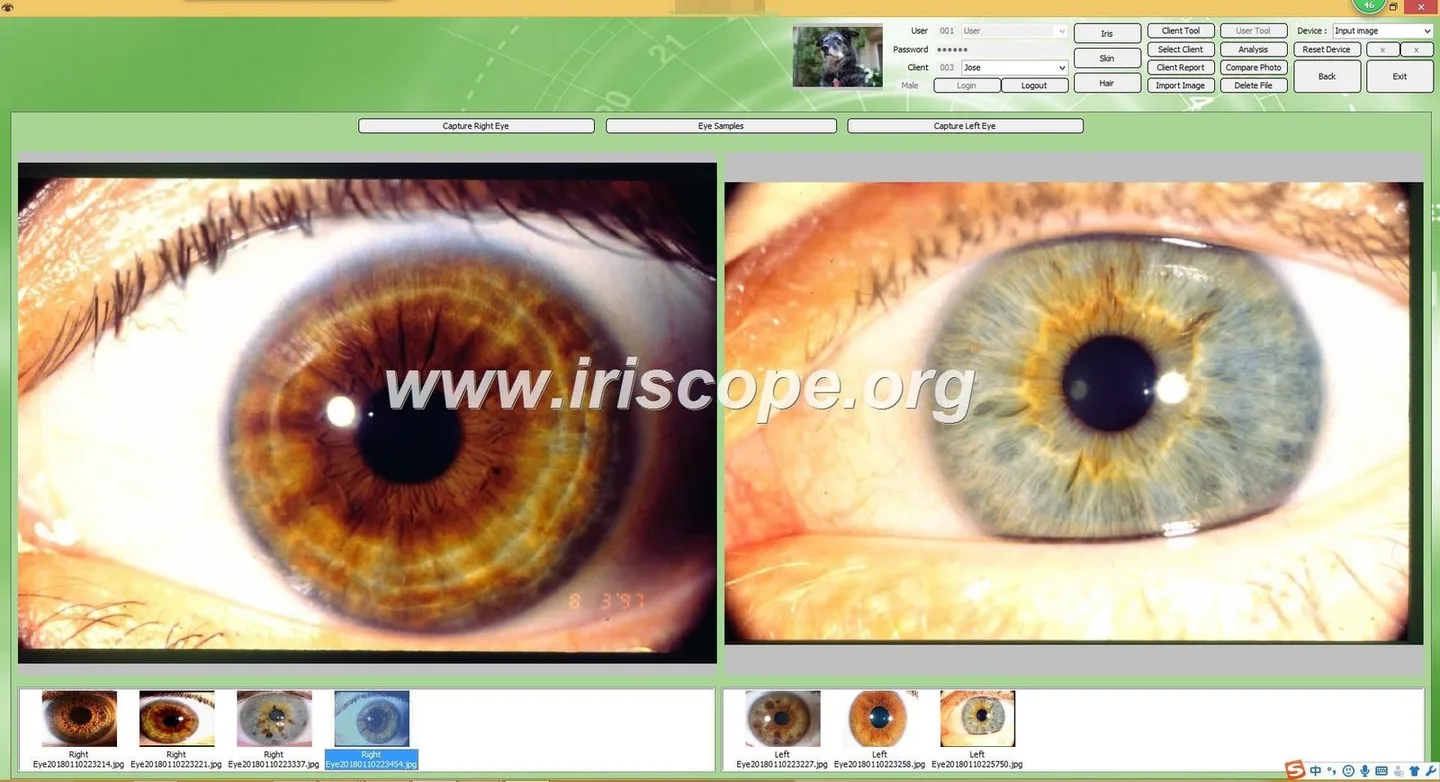
Use single‑capture mode during clinical consultations where you need discussion and immediate charting. Use batch capture when running training sessions or student clinics where you process many clients in succession—batch workflows shift administrative steps (file naming, linking, analysis) to a block after capture to keep the line moving. If you choose batch, plan a supervised QC pass immediately following the batch to prevent accumulating bad frames.
Software and compatibility: Maikong essentials for fast capture
Maikong software (example: MaikongCVAdvanceEnglishWiFiV3401) supports multiple languages and includes capture presets and client templates that save considerable time. Confirm the software build you receive supports your clinic OS — MK 980U lists Windows XP through Windows 11 support, while MK-9822U notes Windows and Apple Mac OS compatibility. If you rely on Apple hardware, verify the macOS driver and software build before purchase.
Common workflow bottlenecks and quick fixes
- Slow software pauses: Keep capture PC lean—disable automatic analysis during capture, and run analysis afterwards if the software allows it. Use SSDs and a wired USB connection for high‑res models to reduce transfer lag.
- Consent capture taking too long: Add a consent checkbox in your electronic intake form and store a template consent note in the client record.
- File management chaos: Use auto file‑naming templates and a consistent folder structure (by year/clinic code/client ID). Sync to a secure clinic server nightly rather than during capture.
- Patient flow delays: Stagger appointments so capture can occur early in a consultation or in a dedicated capture slot. For walk‑ins, offer a short separate capture slot rather than squeezing into a full consult time.
Training and role assignment: practical splits for small teams
Two‑person clinic
- Receptionist: Intake, consent, and queue management.
- Technician/practitioner: Positioning, capture, immediate QC, and linking images to the record.
Solo practitioner
- Use a conservative process: intake and consent before the consult; capture immediately on arrival to avoid interrupting the consult; run quick QC and finalize files during a short break or after the client leaves.
Training drills: rehearse a 90‑second capture cycle until the operator can meet QC checks reliably. Track re‑shoot rate for a month as your primary metric—if it’s above 10% you need process or equipment adjustments.
Evidence and limitations
Equipment specifications in this article come from MAIKONG product descriptions for MK 980U and MK-9822U and MAIKONG’s software documentation. Declared certifications for MAIKONG include ISO 9001, CE and ISO 13485 as the company’s stated credentials. We present these as supplier declarations; they are not independent clinical approvals. Image quality and throughput estimates are workflow targets and will vary with operator skill, clinic layout, and patient factors.
One practical checklist before you ask for a quote
- Intended use: clinical documentation, training, or research?
- Capture volume: average patients per day and peak slots.
- Preferred workflow: single‑capture in consults or batch sessions?
- Computer platform: Windows or macOS and available USB/SSD capacity.
- Destination market (Canada) and any local import/medical device rules your clinic must follow.
- Required accessories: chin rest, head strap, spare lens covers, USB key for software.
Related resources
- Batch iris image workflow for Canadian comparable provider training centres
- comparable provider Chart Workflow for Canadian Centres
- How Canadian Wellness Centres Should Read a comparable provider Chart
Next step — request a configuration or quote
If you’d like a clinic‑specific recommendation or a quote for a capture station configured to your daily throughput, email us with: intended application, typical patients/day, preferred capture model (MK 980U or MK-9822U), your clinic OS (Windows/macOS), and quantity required. Pricing and lead times are provided on inquiry. Contact: lucy@myiridology.us.
Important Disclaimer: Content on this page is educational and introduces professional wellness imaging equipment. It is not medical advice, diagnosis, or treatment. comparable provider is a complementary practice and does not replace medical evaluation. comparable provider cameras and iriscopes are professional tools and should be used by trained operators in accordance with local rules.
This content is provided for learning, information sharing and professional communication only. It is not medical advice and is not a basis for treatment or diagnosis. Confirm suitability, operation and purchasing requirements against the product manual, local regulations and qualified professional guidance.
Related resources
- Setting up an iris imaging workstation for a naturopathic clinic in Canada
- Designing an Iris Imaging Training Lab in Canada: installation prerequisites, operator training, delivery acceptance and after‑sales boundaries
- How to integrate iris imaging with your clinic patient records in Canada: a practical playbook
MAIKONG IRIDOLOGY CAMERA
MAIKONG IRIDOLOGY SOFTWARE Installation and operation
Exhibition


Company Certificates


Contact US Online WHATSAPP:

Maybe you like also
Copy©2026-2027