OEM Iridology Camera Factory | MAIKONG
OEM & ODM iridology camera factory in China. Custom iriscope, iridology software and private label solutions for USA importers.

Batch iris image workflow for Canadian iridology training centres
October 18, 2026
Quick answer
For a classroom-ready batch workflow you should standardise capture (fixed station, fixed lighting and a short checklist per student), capture in labelled batches, import using software that supports bulk import and metadata rules, run an automated pre‑process pass (white balance, exposure normalisation, auto‑crop and simple de‑reflection), perform a rapid QC triage to flag retakes, then anonymize and export curated review packages for students and assessors. This sequence minimises instructor time per image while keeping records teachable and compliant; the steps below show a practical SOP you can put into service with MAIKONG cameras (MK 980U, MK-9822U) and common iridology software features.
Contents
Direct answer: the simplest batch workflow training centres can use today
We recommend a seven-step classroom workflow you can roll out immediately: prepare capture stations → standardise a short capture routine → ingest with automated naming → run a single automated pre‑processing pass → quick QC triage → bulk anonymize/group by lesson → export review packages. That sequence keeps manual handling to a minimum and produces consistent portfolios for grading and teaching. Full step details follow so you can adapt the timing and batch size to your class.
Evidence
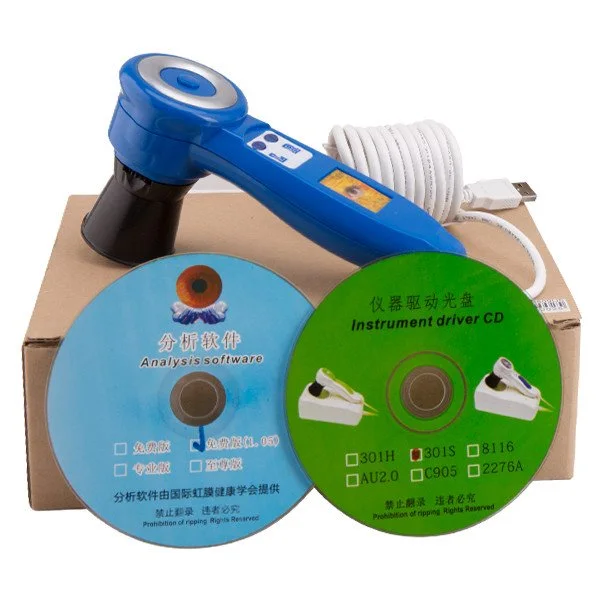
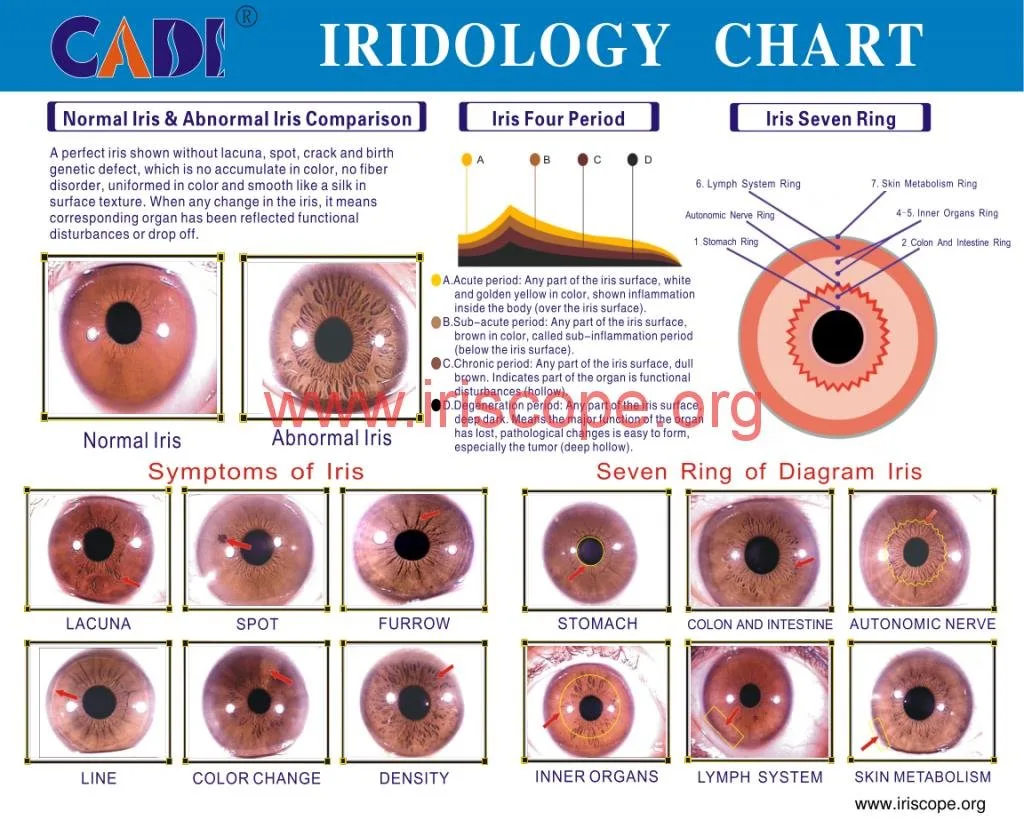
MAIKONG supplies two camera models commonly used in classroom settings: the MAIKONG 5MP Iridology camera MK 980U (data-fact-id=”140″) and the MK-9822U (data-fact-id=”133″), the latter packaged with MaikongCVAdvance analysis software (software version listed as MaikongCVAdvanceEnglishWiFiV3401). The MK-980U lists a 5MP CCD sensor, LED illumination options, DSP image processor and Windows compatibility; the MK-9822U is supplied as a 12MP CCD camera with configurable LED lamp control and bundled analysis software and accessories (iris lens, aluminium case, iridology chart, driver and software USB key). These product details are part of MAIKONG’s supplied product information and are useful when matching capture repeatability to classroom objectives.
Why batch processing matters for iridology schools and training centres
Batch processing turns a time-consuming capture-review loop into predictable blocks of work. For training centres, the main gains are consistency across student portfolios, faster instructor marking, reliable examples for group review, and a repeatable archive for program evaluation. It also reduces on-the-day variability: students follow the same capture routine, so differences in images are more likely to be diagnostic of student interpretation rather than variable imaging technique.
Quick checklist: what you need before you start (hardware, lighting, sample consent)
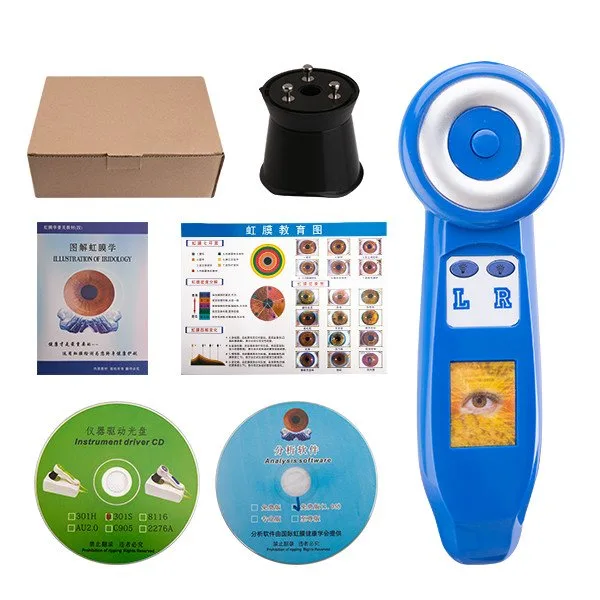
- Hardware: at least one dedicated capture station; consider one camera per 8–12 students for a hands-on lab. If you use MAIKONG hardware, note MK 980U (data-fact-id=”140″) and MK-9822U (data-fact-id=”133″) system compatibilities when selecting PCs and software.
- Lighting & stand: fixed LED illuminator around the lens, consistent ambient lighting and a simple chin-rest or head clip to reduce movement and re-shoot rates.
- PC & software: a Windows workstation compatible with your chosen camera and analysis package; confirm MaikongCVAdvance compatibility if you select MK-9822U (data-fact-id=”133″).
- Privacy & consent: written consent that covers capture, teaching use and anonymized archival storage; store consent forms separately from image identifiers unless explicit student consent permits linked records.
- Templates: standard capture settings list, a naming convention template and a QC checklist sheet for the capture assistant.
Supported capture hardware and software in common classroom setups (MK 980U, MK 9822U and Maikong software compatibility)
| Model | Key capture details | OS / Software |
|---|
Use these product details to confirm your capture resolution requirements, illumination controls and software language options for a Canadian classroom.
Step 1 — Prepare class capture: station layout, capture settings and chart/lighting templates
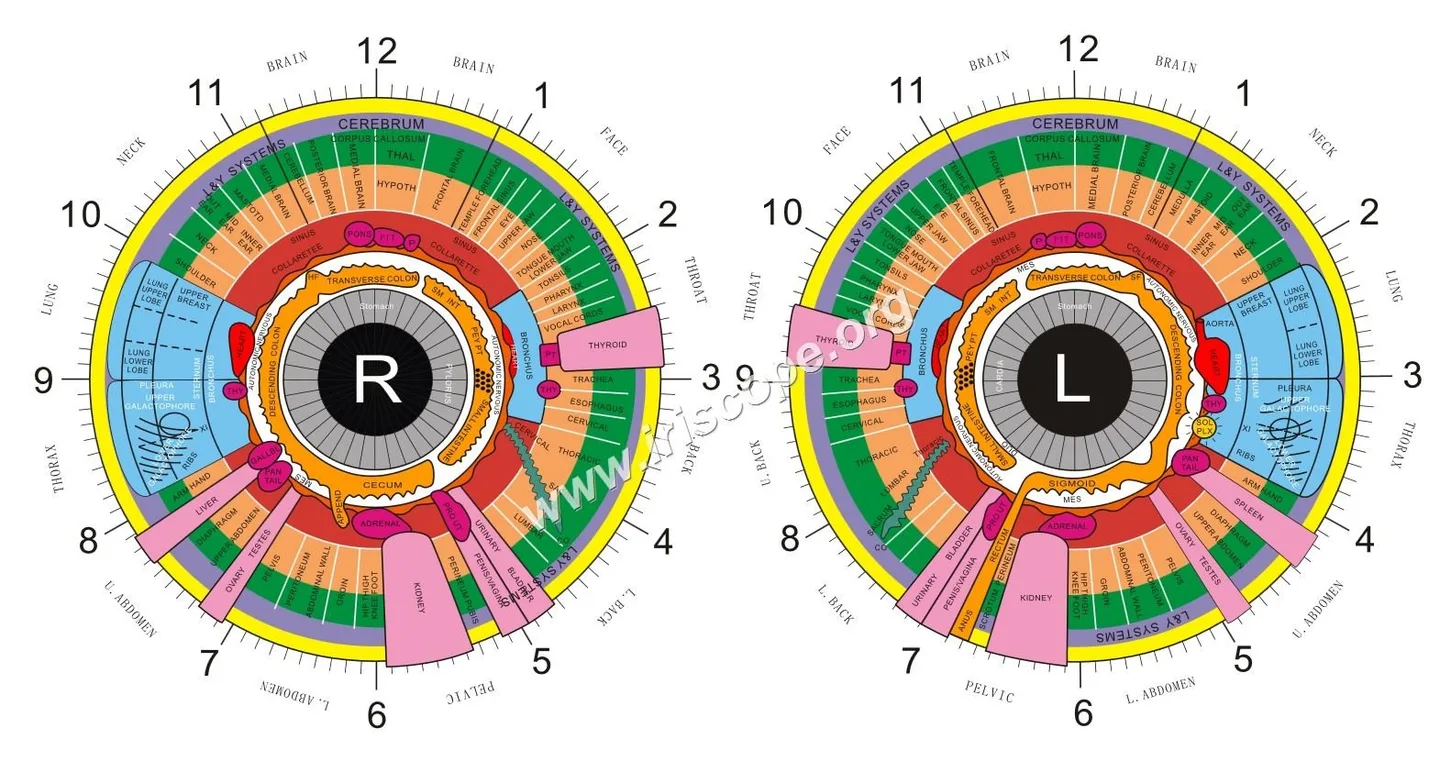
Designate one capture room or a bank of stations. Each station should have:
- Fixed camera mount at eye height and a small chin rest; mark positions on the table to minimise alignment changes.
- Controlled LED ring or lens-mounted LEDs with dim control to match the same luminous level across stations.
- A printed capture checklist: subject ID code, left/right eye label, batch code and capture operator initials.
Create one capture settings template (focus zone, white balance mode, exposure lock) and pin it at each station. If you use MAIKONG hardware, set and test those settings before class; MK models support auto white balance and contrast adjustments (data-fact-id=”140″).
Step 2 — Capture at scale: standardised capture routine for students and practice clients

Train students and assistants to run a 90–120 second capture routine per eye that covers: verify ID code, set subject at rest, retract eyelids gently, align pupil, use a single capture button press, and immediately confirm image clarity on the preview. For an efficient class, capture both eyes in one session and save images under a temporary batch folder named with the lesson code and date.
Step 3 — Ingest and catalogue: file import, automated naming, and metadata rules for batches
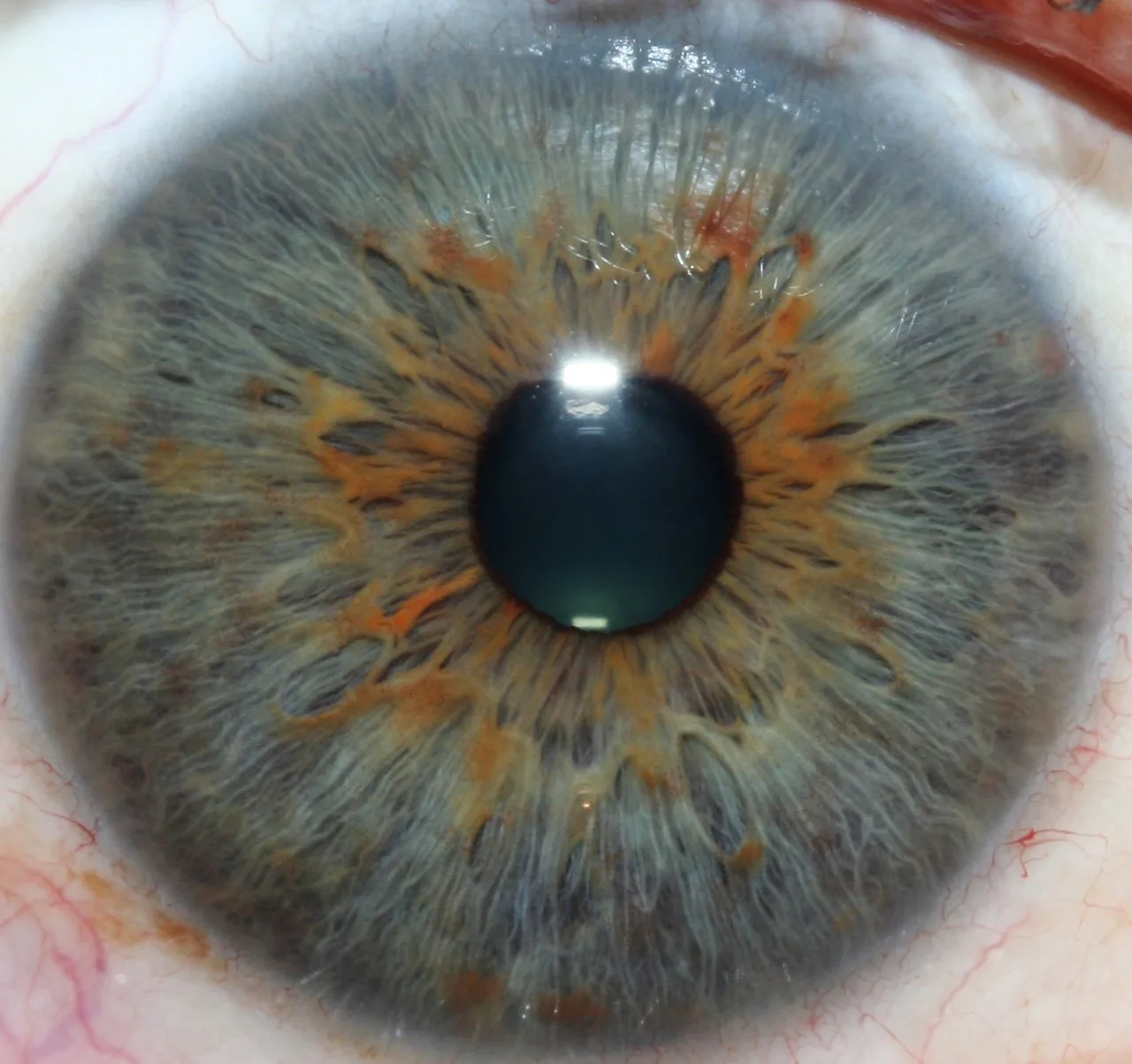
Import whole batch folders rather than single images. Use software that supports:
- Bulk import from a watched folder or USB device;
- Automated renaming using date, lesson code, student code and eye (e.g., 2026-10-15_L1_STU07_R.jpg);
- Tagging fields for instructor, module and consent status.
If your analysis software lacks these features, a simple scripted import (PowerShell, Automator or a lightweight utility) can apply a consistent filename pattern before analysis.
Step 4 — Automated pre-processing: batch white balance, exposure, auto-crop and de‑reflection pass

Automated pre‑processing should be a single pass applied to the whole batch to avoid manual editing inflation. Recommended automated actions:
- Global white-balance normalisation using a reference patch shot at session start;
- Exposure normalisation or histogram matching to a session reference;
- Auto-crop to the iris region with a fixed margin to standardise overlays;
- Simple de-reflection smoothing for specular highlights (do not remove anatomical details).
Confirm your chosen software supports batch operations before committing to a routine. MaikongCVAdvance is included with MK-9822U packages (data-fact-id=”133″); consult the software manual for its batch operation capabilities.
Step 5 — Quality control and triage: quick QC checklist and how to flag retakes

Adopt a two-stage QC:
- Rapid pass by an assistant (focus, pupil centred, eyelid retraction, reflections, label match) — take no more than 15–30 seconds per image.
- Instructor triage: flag images for re-capture, accept, or annotate for teaching examples.
Use software flags or simple filename suffixes (_RECAP, _OK, _TEACH) to mark images. Keep a running retake list and schedule short retake sessions rather than interrupting the entire class flow.
Step 6 — Anonymize and group for teaching: bulk anonymization and grouping by lesson or module

Before sharing images for graded review, strip or replace personal data in filenames and EXIF metadata. Replace student names with study codes and group files by lesson or module. If you plan to use images in demonstrations, keep an internal mapped ledger (secure, access-controlled) linking codes to names for administrative purposes only.
Step 7 — Export packages for student review, assessments and software analysis

Create export packages that match the reviewer’s needs:
- Student review: per‑student ZIP or PDF portfolio containing both eyes, a one‑page capture log and instructor comments.
- Assessment: anonymized image set for blind marking; include an index file with sample codes and assessment criteria.
- Software analysis: export original-resolution TIFF or the software’s native format if you plan algorithmic measurements; include chart overlays if required.
Three ready-to-run workflow templates
Template A — Small class practical (8–12 students)
Single capture station, 1 assistant. Capture in one 60–90 minute block. Ingest and batch pre‑process immediately after capture. Instructor marks during the next scheduled lab session.
Template B — Medium workshop (20–30 students)
Two to three stations in parallel, one floating assistant per two stations. Capture in timed shifts; move captured batches to a central ingestion PC for overnight batch pre‑processing. Instructor does triage the following day.
Template C — Ongoing cohort (portfolio-based assessment)
Schedule individual captures over several weeks. Each session follows the same capture template and automatically files to the student’s portfolio. Use weekly automated pre-processing and monthly instructor reviews to build progressive graded portfolios.
Training-centre best practices: version control, backups and student access policies
- Version control: keep original raw captures untouched; store processed copies in a separate folder with version tags (v1_preproc, v2_qc).
- Backups: keep at least one encrypted offsite backup and one local copy; store consent forms separately.
- Access policy: limit student write access to their own portfolios and give instructors read/write to all batches; log any file exports.
- Retention: define a retention schedule that meets your legal and training requirements; do not retain identifiable images longer than consent permits.
Common mistakes and troubleshooting tips
- Poor alignment: mark head/chin-rest positions physically to reduce re-shoots.
- Variable exposure between stations: calibrate LED brightness across stations at session start with a reference capture.
- Missing consent tags: integrate consent status into the import metadata check and refuse to process images without consent flagged.
- Software gaps: if your analysis tool lacks batch features, use lightweight scripting for renaming and metadata edits before importing.
Risks and limitations
Image capture and processing tools are aids for teaching and record-keeping; they are not diagnostic devices. We state MAIKONG product capabilities from our supplied product information: MK 980U and MK-9822U specifications and the bundled MaikongCVAdvance software are company-provided details (data-fact-id=”140″, data-fact-id=”133″). We do not claim the software includes specific batch-edit features unless confirmed in your licensed software manual — verify feature lists and batch capabilities before relying on them in a high-volume workflow. Also check local privacy laws in Canada regarding biometric data and student records; our checklist suggests practices but does not replace legal advice.
Useful implementation checklist (one-page)
- Confirm camera model and OS compatibility (MK 980U: Windows11/Win10/etc. data-fact-id=”140″; MK-9822U: bundled Maikong software, Windows/macOS listed, data-fact-id=”133″).
- Create capture template: focus, white balance, exposure, LED level.
- Design batch naming convention and folder structure.
- Prepare consent form and anonymization ledger.
- Test automated pre-process on a 10-image batch and inspect results before bulk processing.
- Define QC pass criteria and retake schedule.
- Set backup and access control policies.
Further reading and internal resources
For curriculum-level materials and course structure inspiration, see our Iridology Course page: Iridology Course.
Next step — request a tailored configuration or quote
Important Disclaimer: Content here is for educational and informational purposes only and does not constitute medical advice, diagnosis, or treatment. Iridology is a complementary wellness practice and is not a substitute for medical examination, diagnosis, or treatment. Our iridology cameras and iriscopes are professional wellness tools and should be operated by appropriately trained users; ensure use complies with local laws and professional requirements in Canada.
This content is provided for learning, information sharing and professional communication only. It is not medical advice and is not a basis for treatment or diagnosis. Confirm suitability, operation and purchasing requirements against the product manual, local regulations and qualified professional guidance.
If you’d like a suggested capture-station bill of materials or a quote for a classroom bundle that includes MK 980U or MK-9822U with compatible software, contact us with your class size and workflow priorities: Lucy@myiridology.us or WhatsApp +86 135-1090-7401. Pricing and final configuration are provided on inquiry.
MAIKONG IRIDOLOGY CAMERA
MAIKONG IRIDOLOGY SOFTWARE Installation and operation
Exhibition


Company Certificates


Contact US Online WHATSAPP:

Maybe you like also
Copy©2026-2027