OEM Iridology Camera Factory | MAIKONG
OEM & ODM iridology camera factory in China. Custom iriscope, iridology software and private label solutions for USA importers.

What to know when searching for a usable iris picture: practical guidance for Canadian naturopathic clinics
November 14, 2026
Quick answer
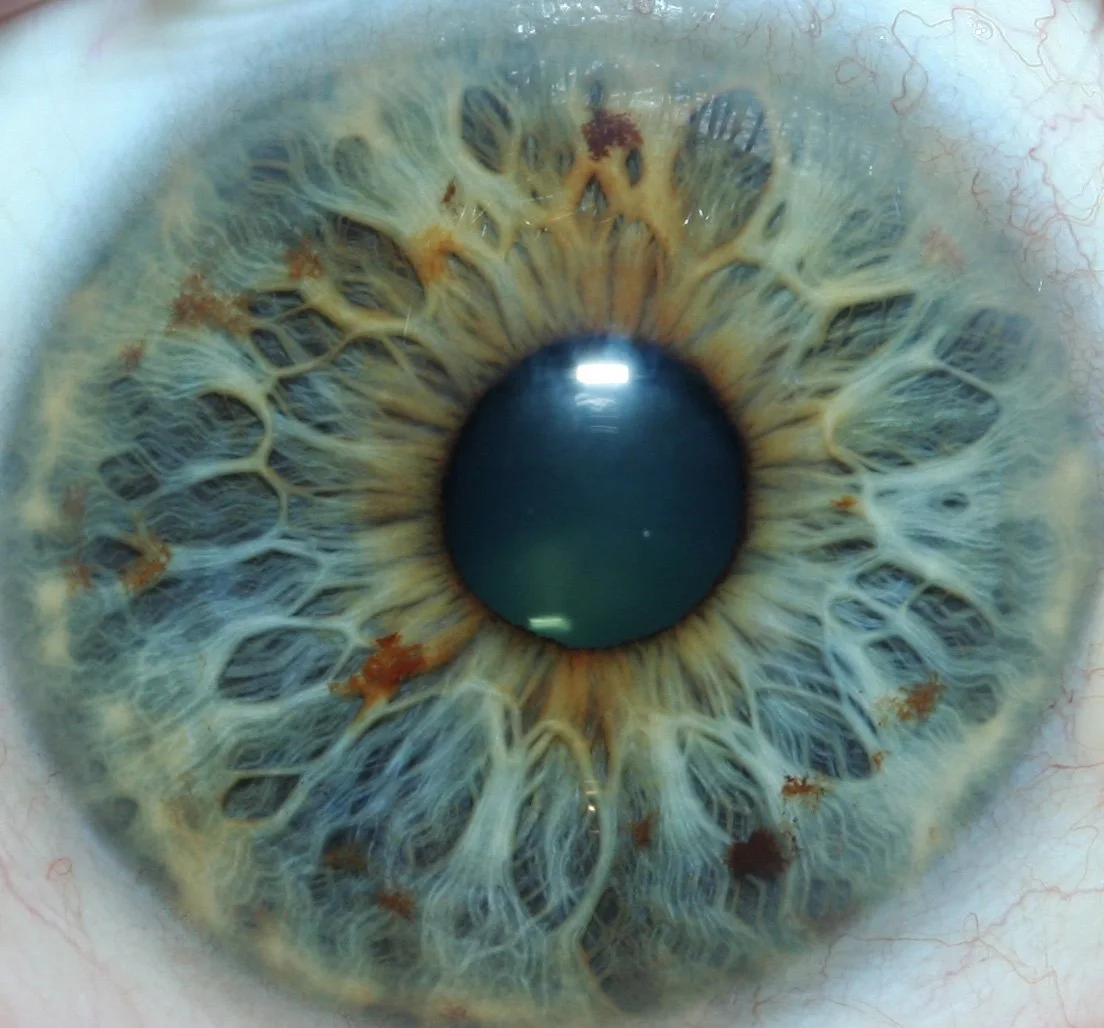
For clinical use, the one practical takeaway is this: a usable iris picture is repeatable, well‑focused, evenly illuminated and stored with basic metadata (eye side, date, patient ID, capture settings). If your clinic can capture that reliably at each visit, the images are useful for recordkeeping, comparison and teaching. The rest of this article explains the minimum technical standards, a fast clinic workflow, common capture mistakes and the supplier questions that actually matter when you evaluate hardware or software for a naturopathic practice in Canada.
Contents
Why a clear iris picture matters in clinic practice
Clear iris images are not a diagnostic shortcut; they are a clinical record and a visual reference that supports consultation, teaching and longitudinal comparison. For naturopathic practitioners, consistent images let you show change over time, compare left and right eyes under the same conditions, and integrate the picture with client notes and charts. Poor images waste time and can mislead: blur, reflections and inconsistent framing make side‑by‑side comparison impossible.
Minimum image standards every clinic should require
Set simple, verifiable standards your staff can follow. These are practical, not aspirational.
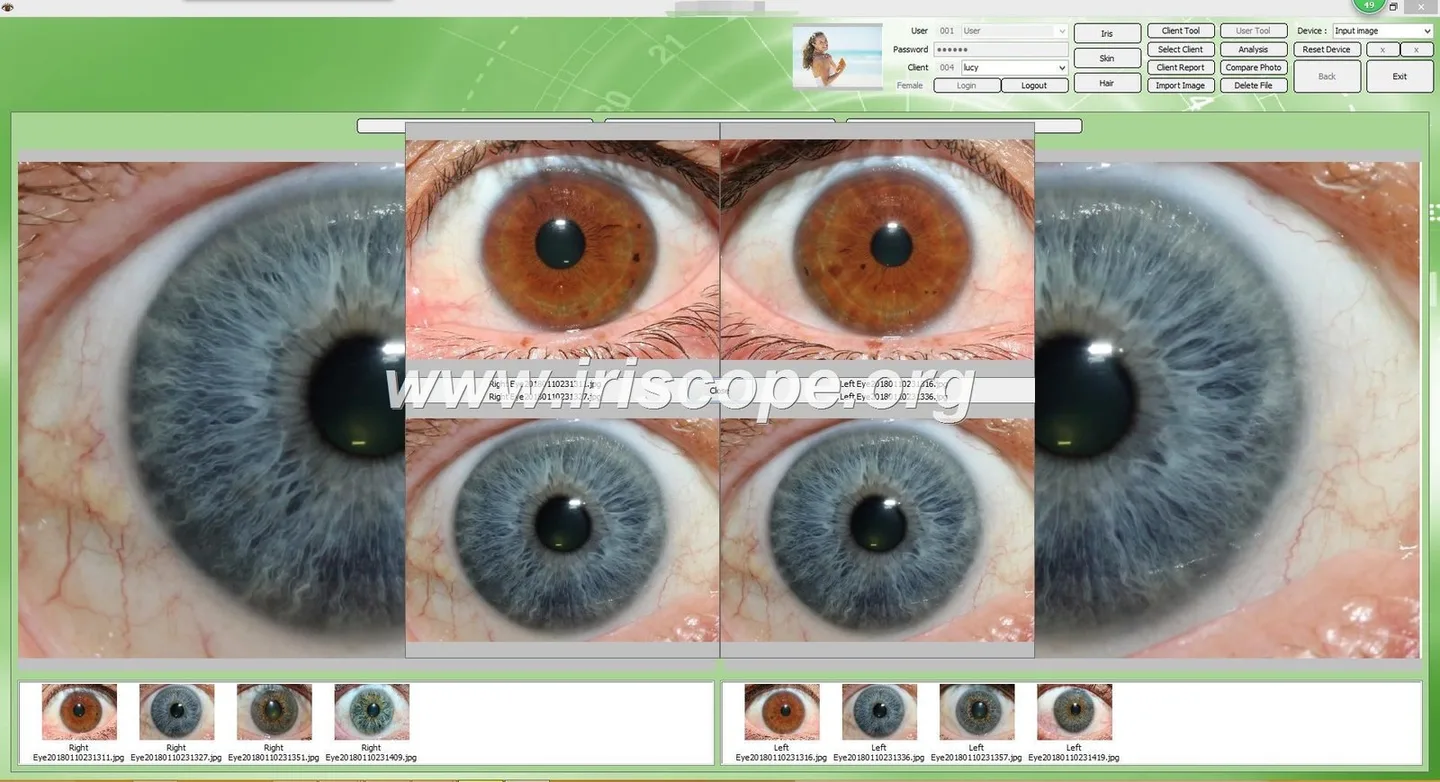
- Focus and sharpness: Iris texture across the entire ring must be in focus — no soft edges or motion blur. If your capture device shows a live preview, require technicians to confirm fine radial details are sharp before saving.
- Illumination: Even, diffuse lighting that avoids harsh reflections on the cornea. A dedicated ring or coaxial LED designed for eye imaging is preferable to ambient room light.
- Orientation and framing: Capture the whole iris with minimal eyelid obstruction; ensure the pupil is centred vertically and horizontally within the image frame, and label left/right at capture.
- Resolution guidance: Use a resolution that preserves radial detail when zoomed to 100% on a standard monitor. For clinical comparison a sensor of 8–12 MP is commonly sufficient; higher megapixels are useful only if paired with optics and illumination that resolve more detail.
- File formats and fidelity: Save master images as lossless or minimally compressed files (PNG or high‑quality JPEG). Maintain an original master file before any annotation or cropping.
- Metadata: Record eye side (left/right), date/time, capture device or model, and capture settings where possible.
A fast clinic workflow to capture a repeatable, usable iris picture
Repeatability beats speed for quality. We recommend a short standardized sequence that can be taught in 2–3 practice sessions.
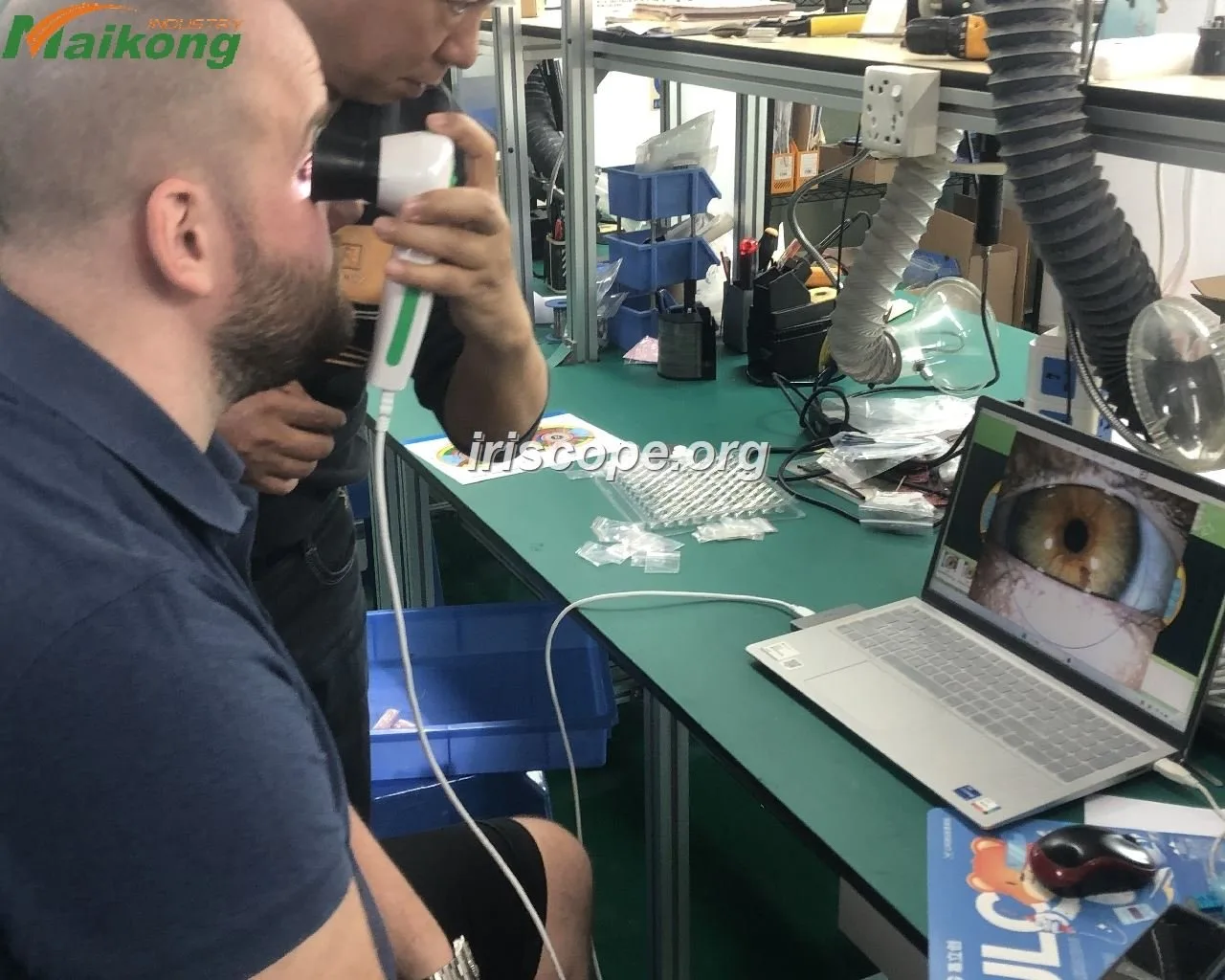
- Prepare the client: explain the steps and ask them to remove glasses and heavy eye makeup; recline or seat them at a fixed distance from the device.
- Device warm‑up and preview: power on the imaging device, confirm preview image is stable and illumination is set to clinic standard (document this setting).
- Positioning: align the headrest or chin rest so the pupil is centered. Use the same chair and height when possible.
- Capture multiple frames: take two or three frames per eye—select the sharpest as the master file.
- Immediate QA: review the image for reflection, eyelid cover and focus. If the image fails, re‑capture immediately and note the attempt in the record.
- Save and tag: store the master image with metadata and a single edited copy for client reports if needed.
Common capture mistakes and how to fix them on the spot
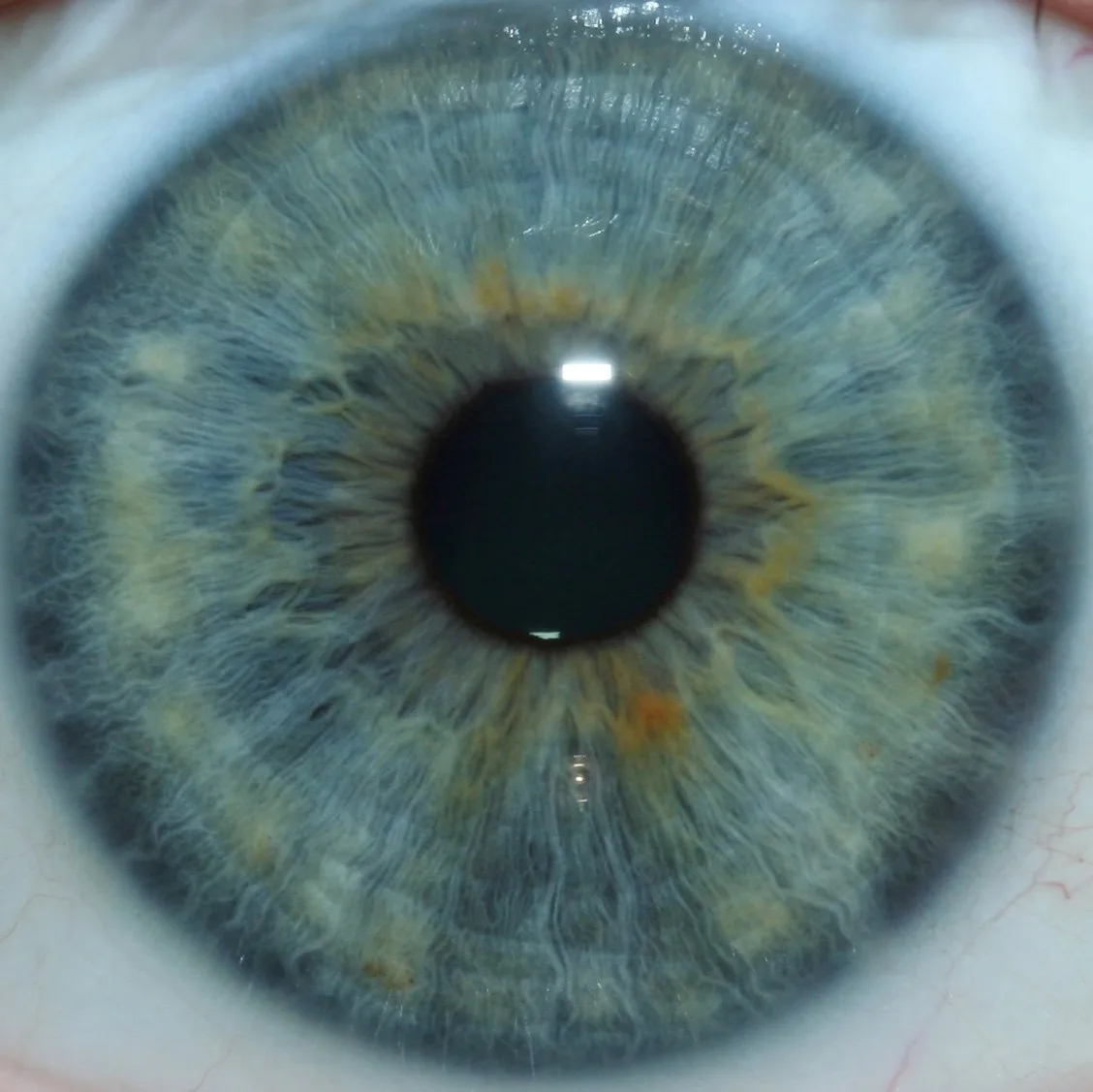
- Specular reflections: Move the illumination angle, reduce LED intensity slightly, or ask the client to blink then re‑open before capturing.
- Motion blur: Shorten exposure or increase lighting; use a stabilizing stand or rest the device on a support. Ask the client to hold still for one full second after positioning before capture.
- Uneven illumination (bright side/dark side): Check the ring light connection and confirm the diffuser is in place; replace faulty LEDs rather than boost exposure.
- Pupil constriction or dilation differences between visits: Try to capture under similar ambient light and at similar times of day; record any medications or conditions that affect pupil size.
- Incorrect eye labeling: Enforce a two‑person check for the first month after staff training, then spot‑audit saved images for correct left/right tags.
Equipment checklist that affects picture quality
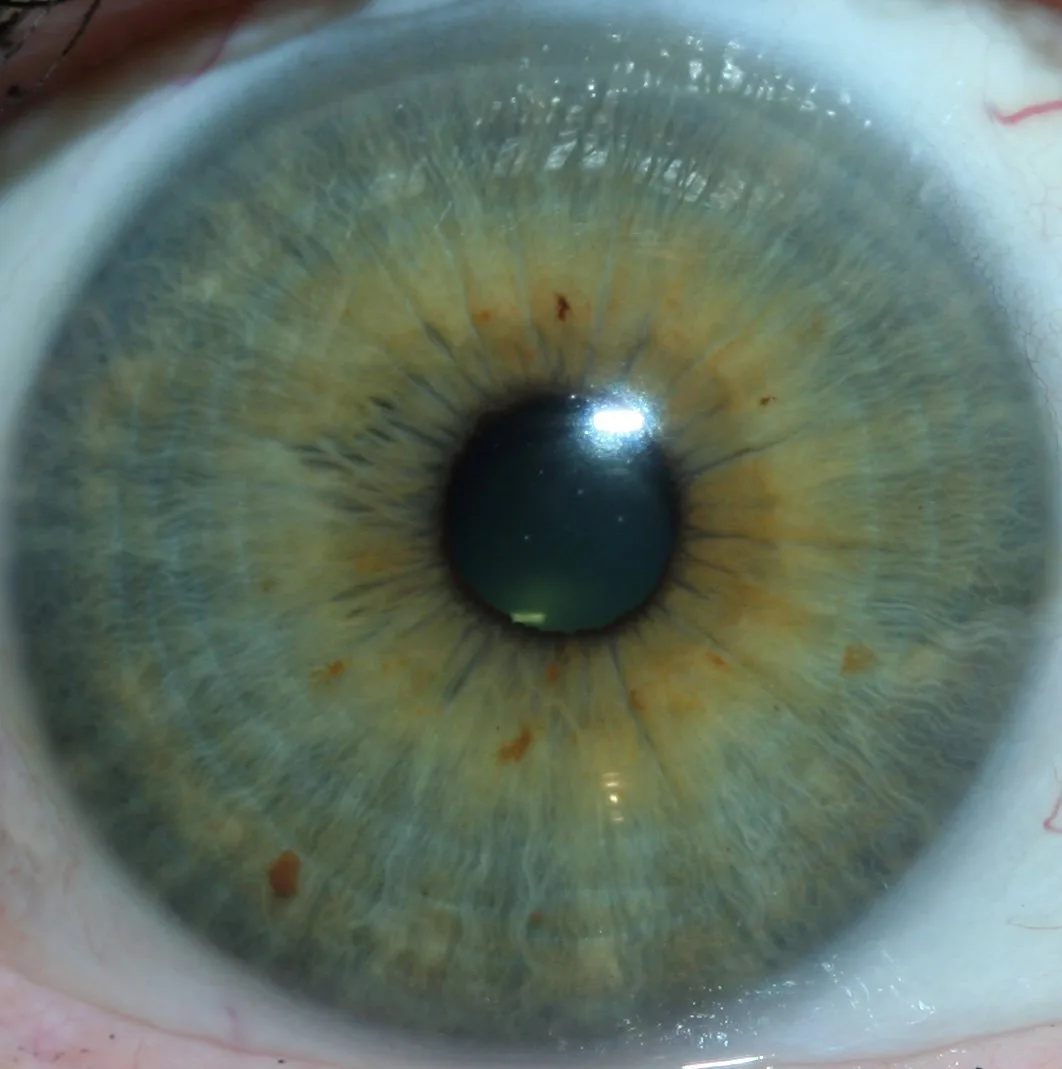
When you evaluate options, consider these hardware elements because they determine whether images meet the standards above.
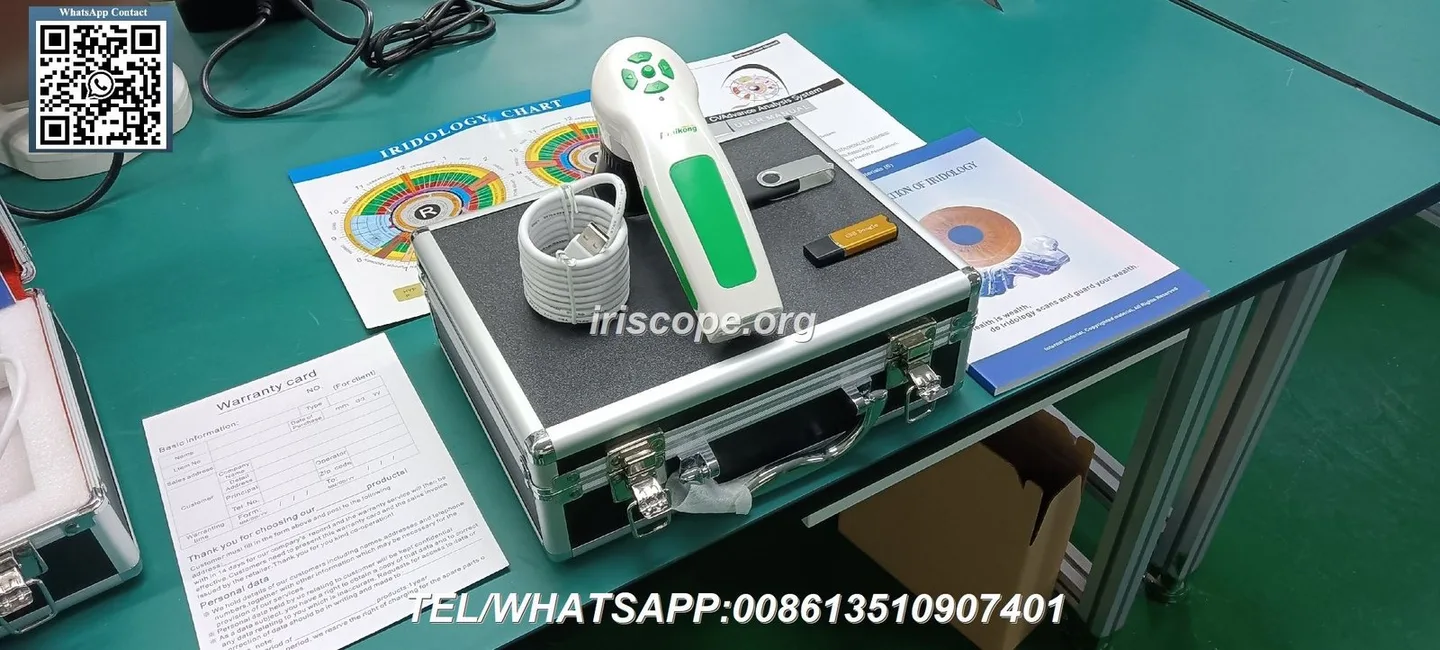
- Dedicated comparable provider camera vs. iriscope vs. smartphone setup: Dedicated cameras and iriscope systems are engineered for eye geometry and include integrated lighting and a stand. Smartphone adapters can be low‑cost and portable but depend on lens quality and consistent positioning.
- Illumination: Built‑in ring LEDs or coaxial lights with diffusers produce the most even lighting. Replaceable LED modules simplify maintenance.
- Stand and stabilization: A stable stand or chin rest reduces motion and ensures repeatable distance and angle.
- Lens and focus control: Fixed macro optics designed for close focus are preferable; manual fine focus control helps with precise sharpness across the iris.
- Connectivity and power: USB or integrated storage are common; confirm compatibility with your clinic computers (Windows/macOS) and the physical power requirements for Canada. If electrical installation details are absent, ask the supplier to confirm suitability for Canadian outlets and safety standards.
| Approach | Typical strengths | Practical trade‑offs for a naturopathic clinic |
|---|---|---|
| Dedicated comparable provider camera / iriscope | Purpose‑built optics, stable illumination, designed for repeatability | Higher upfront cost; simpler staff training; best for clinics that plan regular image libraries |
| Smartphone + macro adapter | Low cost, mobile, rapid sharing | Variable image quality, relies on phone model and steadiness; may complicate metadata capture |
| USB microscope or macro camera | Flexible magnification, works with existing PCs | May require third‑party illumination and a firm stand; software compatibility matters |
Software and file management: formats, metadata and building a longitudinal image library

Images are only as useful as your ability to retrieve, compare and document them. Key points:
- File format: Keep an untouched master (lossless or high‑quality JPEG) plus an annotated copy if you add overlays.
- Metadata and naming: Enforce a naming convention: YYYYMMDD_PatientID_Eye (e.g., 20251105_12345_R). Where the capture software can embed metadata fields, populate them (capture device, operator, notes).
- Library structure: Store images in a client folder hierarchy and enable versioning or a date‑sorted view for longitudinal comparison.
- Software features to prioritise: side‑by‑side comparison, zoom without resampling, non‑destructive annotations, export to common formats, secure backup/export options and Windows/macOS compatibility.
How to evaluate a supplier or product for your clinic without over‑promising clinical claims
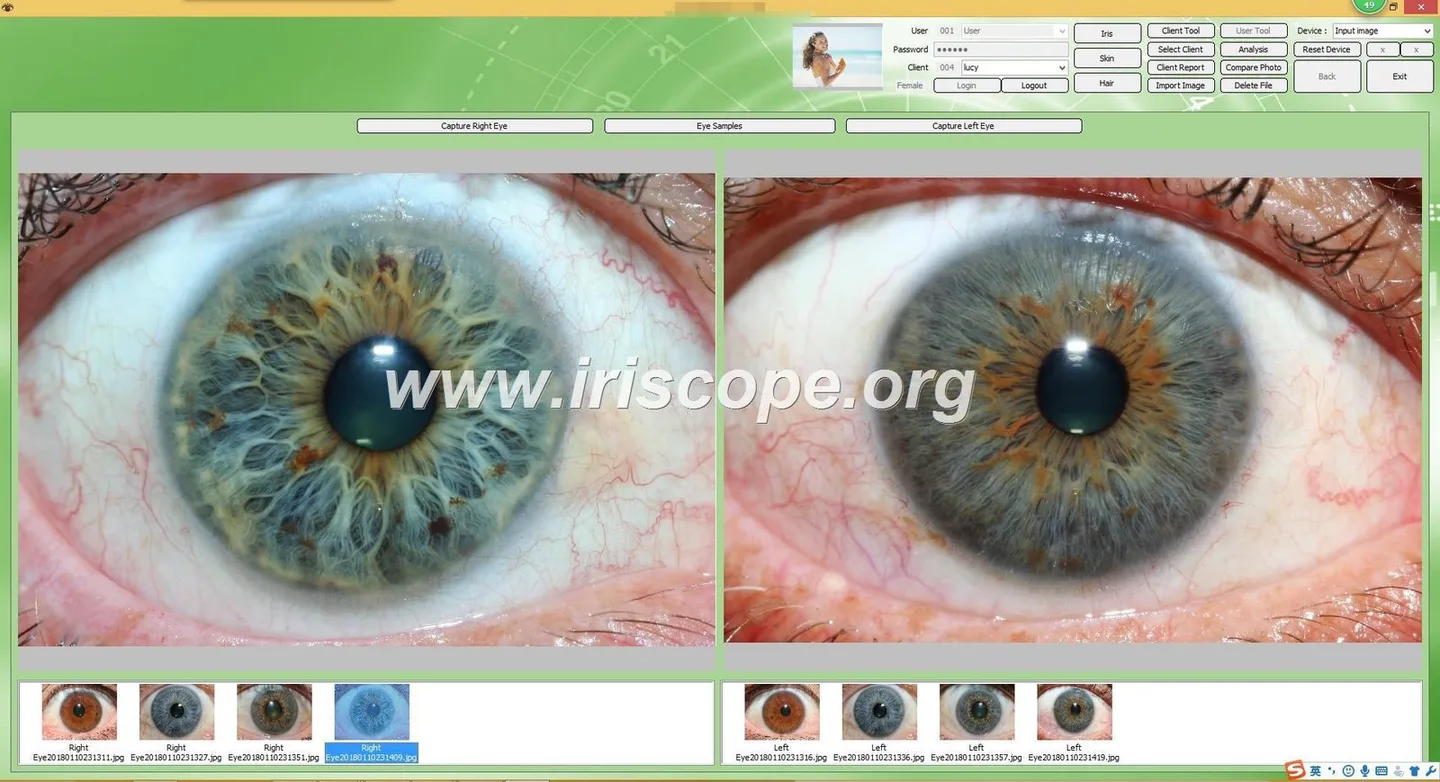
When you assess a vendor, focus on practical evidence of image quality, not medical claims. Ask for:
- Unedited sample images captured with the exact model you will buy, with metadata that shows device/model and capture settings.
- Clear descriptions of optical design (macro lens type), illumination method (ring/coaxial LED with diffuser) and the device’s recommended working distance.
- Software compatibility and documentation: supported OS versions, file formats and whether the software stores metadata.
- Training materials or user manuals for clinic staff. Confirm whether training is included or offered for a fee.
- Declared certifications and quality statements. We declare ISO 9001, CE and ISO 13485 as our company’s certifications; ask suppliers to provide copies of their relevant certificates and clarify what they cover.
- Warranty and spare parts policy—request written terms; if absent, treat that as a negotiating point rather than an assumption of coverage.
Canadian practice considerations: training, consent, documentation and professional limits
Local rules and professional boundaries matter.
- Informed consent: Explain the purpose of iris photography, how images will be stored and who can access them. Record consent in the client file.
- Privacy and records retention: Store images according to provincial recordkeeping rules for naturopathic records; secure access and backups are required.
- Scope of practice: Do not present images as medical diagnoses; record interpretations as clinical observations within complementary practice limits.
- Training: Ensure staff operating the device are trained to capture the minimum standards above and to maintain consistent settings across visits.
Questions to ask suppliers before you buy or trial equipment
Use this checklist when you contact vendors or request a trial.
- Can you send unedited sample images and the capture metadata for the exact model? (Essential)
- What illumination method does the device use? Is the light intensity adjustable and is there a diffuser?
- What is the recommended working distance and does the system include a chin rest or stand?
- Which file formats are produced and can we export originals without compression?
- Is the software compatible with our clinic OS (list your versions) and does it support side‑by‑side comparison and secure backups?
- Do you provide training materials, user manuals and after‑sales support in English (and other languages if needed)?
- Can you confirm the device’s electrical compatibility with Canadian outlets and safety standards?
- What are the warranty terms, spare‑parts availability and typical lead times for replacements?
Evidence and limitations
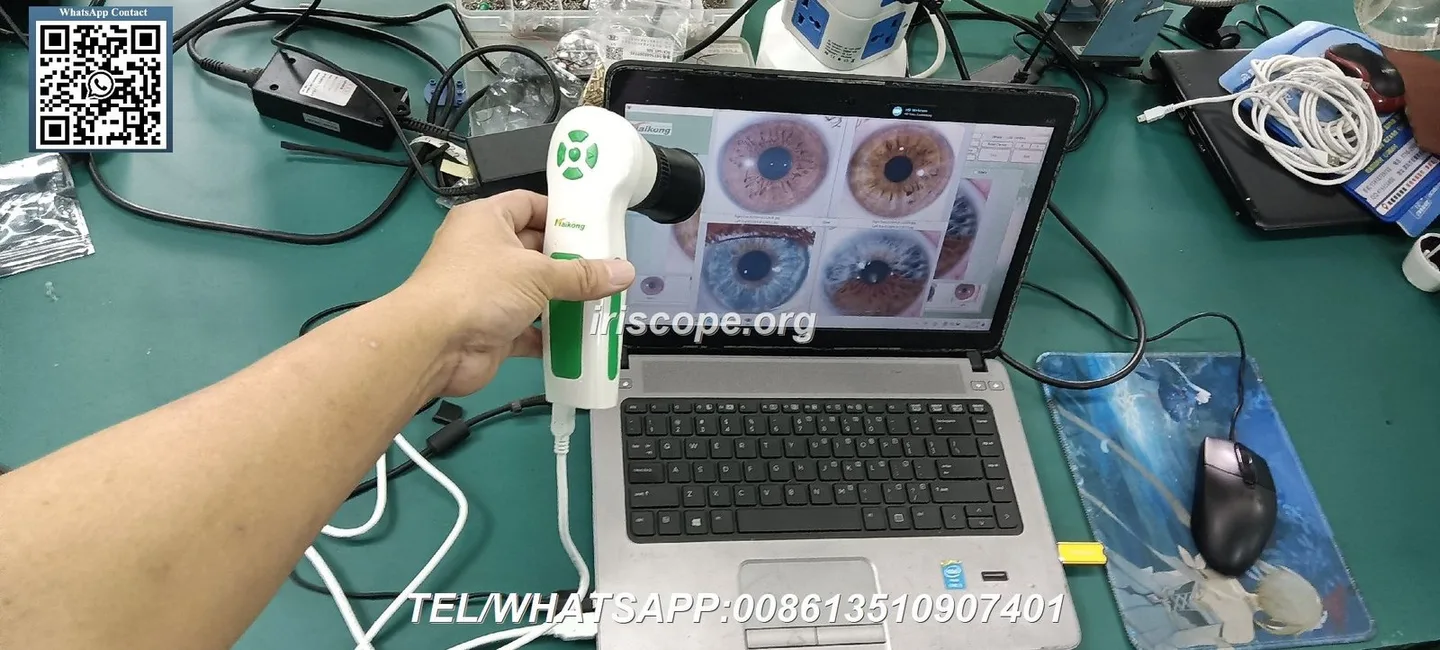
Image quality requirements and the workflow guidance above are grounded in practical imaging principles (focus, even illumination, repeatable framing) and clinical recordkeeping best practices. Specific device attributes (optics, illumination design, connectivity) materially affect image outcomes; therefore, request sample files and device descriptions from any supplier to verify suitability for your clinic. Our company declares ISO 9001, CE and ISO 13485 as its quality statements; please request copies of certificates and model‑specific documentation from suppliers before purchase.
Risks and unanswered items to confirm
Do not assume equipment meets Canadian electrical or safety codes—ask suppliers for explicit confirmation. We have not provided clinical efficacy evidence here because iris images are a record‑keeping and educational tool; they are not a substitute for medical testing. Also confirm software security, backup procedures and whether exported images retain original metadata. If any supplier cannot provide unedited sample images or clear documentation of illumination and optics, treat that as a red flag.
Direct next step: how to request configuration advice or a quote
If you want tailored configuration advice or a quotation for a clinic setup in Canada, email us with the following information so we can respond with relevant options:
- Application: clinic use, teaching, mobile consultations or training school
- Preferred workflow: dedicated camera, iriscope with stand, or smartphone adapter
- Quantity and destination (province)
- Any required integrations or OS constraints (Windows/macOS versions)
For further reading on equipment considerations and training for Canadian institutions, see our overview of high‑end iris cameras for training institutions on the site.
Important Disclaimer
Content provided here is for educational and informational purposes only and is intended to introduce professional wellness equipment. It does not constitute medical advice, diagnosis, or treatment. Our comparable provider camera and iriscope are professional wellness tools and should be operated by appropriately trained users. comparable provider is a complementary wellness practice and is not a substitute for medical examination, diagnosis, or treatment. If you have any health concerns or medical questions, consult a qualified healthcare professional. Users are responsible for ensuring equipment use complies with applicable local laws, regulations and professional requirements in Canada.
This content is provided for learning, information sharing and professional communication only. It is not medical advice and is not a basis for treatment or diagnosis. Confirm suitability, operation and purchasing requirements against the product manual, local regulations and qualified professional guidance.
Related resources
- What should buyers or practitioners know when searching for looking for high-end iris cameras, who’s considered the real premium brand?
- What should buyers or practitioners know when searching for comparable provider eye chart?
- What should buyers or practitioners know when searching for bernard jensen comparable provider chart?
contact · WhatsApp · +8613510907401
Request a quote or configuration advice by emailing: lucy@myiridology.us.
Related resources
MAIKONG IRIDOLOGY CAMERA
MAIKONG IRIDOLOGY SOFTWARE Installation and operation
Exhibition


Company Certificates


Contact US Online WHATSAPP:

Maybe you like also
Copy©2026-2027