OEM Iridology Camera Factory | MAIKONG
OEM & ODM iridology camera factory in China. Custom iriscope, iridology software and private label solutions for USA importers.

Iridology training for Canadian clinics: installation prerequisites, operator training, delivery acceptance and after‑sales boundaries
November 5, 2026
Quick answer
For Canadian holistic clinics a fit-for-purpose comparable provider training package must (1) be installed in a low-glare, privacy-ready room with a stable PC, power and USB/Wi‑Fi access; (2) train operators to capture repeatable, well‑focused iris images and to manage the Maikong software workflow; and (3) be accepted on delivery by verifying image quality, LED control, focus range and software launch—after-sales support typically covers a one‑year hardware warranty and software assistance, while electrical/site work and regulatory compliance remain the clinic’s responsibility.
Contents
What is comparable provider — concise, clinic-focused definition
comparable provider, as used in wellness practice, is the photographic documentation and professional interpretation of iris patterns and markings as part of a complementary assessment workflow. It relies on repeatable, high‑quality iris images and consistent charting and record‑keeping; the imaging kit (iriscope or comparable provider camera) and analysis software are tools that support practitioner observation and client records, not medical diagnosis.
Installation prerequisites (安装前提)
Before scheduling delivery or an on‑site training, confirm these clinic-level prerequisites so the kit can be installed and training completed in one visit.
- Room and ambient light: a small consultation room with controllable lighting. Avoid direct sunlight and fluorescent flicker. Curtains or blinds and a neutral, non-reflective wall behind the subject reduce glare and unwanted reflections during capture.
- Seating and ergonomics: two chairs (practitioner and client) positioned for a stable head/neck posture. A small adjustable stool or a headrest helps maintain repeatable eye alignment between captures.
- Power and electrical safety: one grounded outlet for the PC and one for any powered base or illumination control. We do not supply local electrical code advice—if you require wiring changes or hard‑wired mounting consult a licensed electrician in Canada.
- PC and network: a desktop or laptop with recent Windows 10/11 or macOS (see product compatibility below), available USB ports for the camera and a stable Wi‑Fi or Ethernet connection if you plan to use networked workflows or cloud backup. Ensure the user account used for installation has admin rights to install drivers and the Maikong software.
- Privacy and consent: a client consent form and a private space for capture and review. Store images according to your clinic’s privacy policy and applicable provincial privacy requirements.
Equipment checklist for training and clinic use
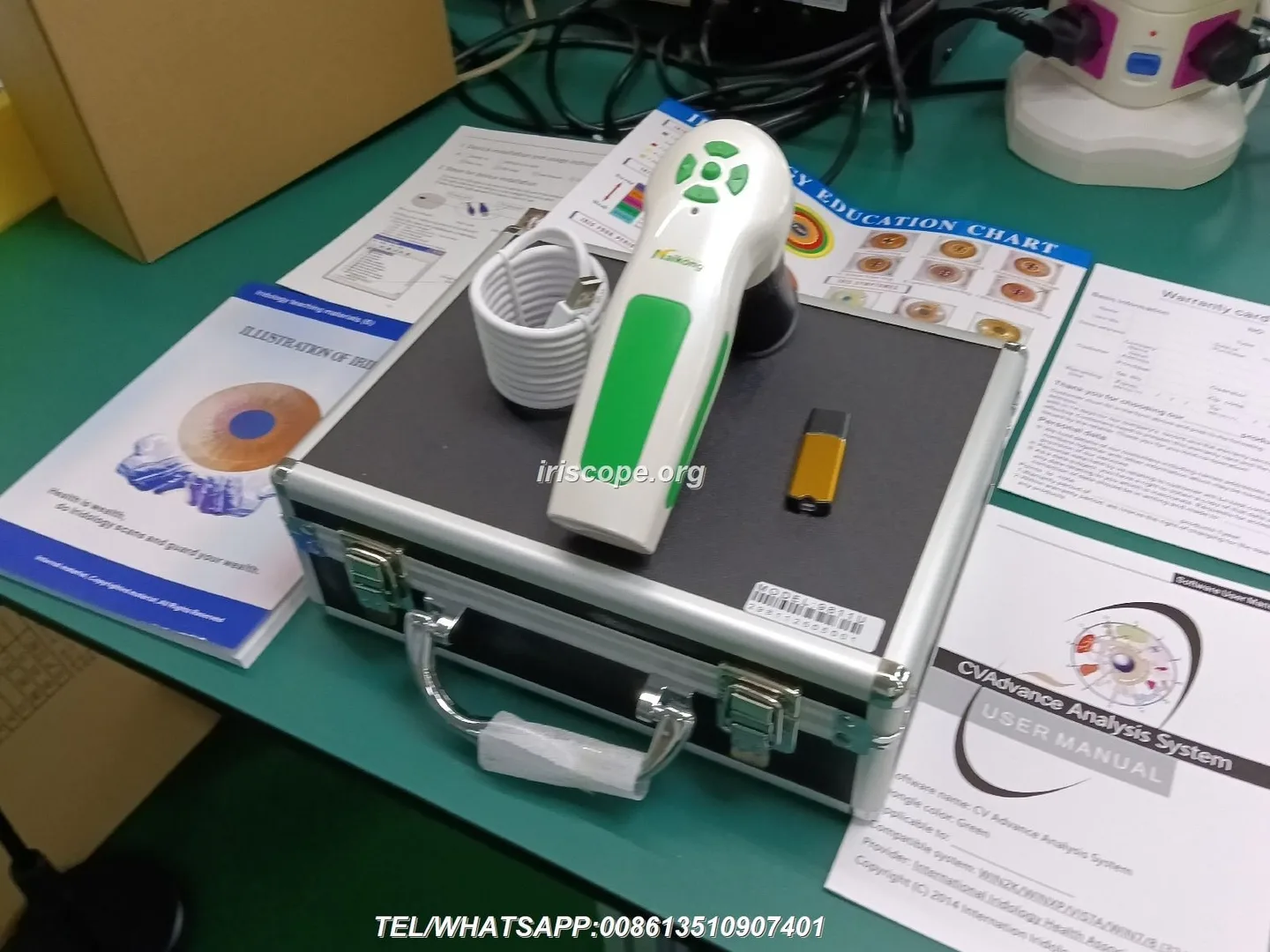
We ship a complete kit for classroom and clinic use; confirm items on arrival and keep the packing for any warranty returns. Typical components include the comparable provider camera, lens accessories, software USB key/driver, aluminum carry box and printed comparable provider chart.
| Model | Sensor / resolution | Illumination | OS compatibility | Warranty & MOQ |
|---|
Notes on the models above:
Software and systems compatibility
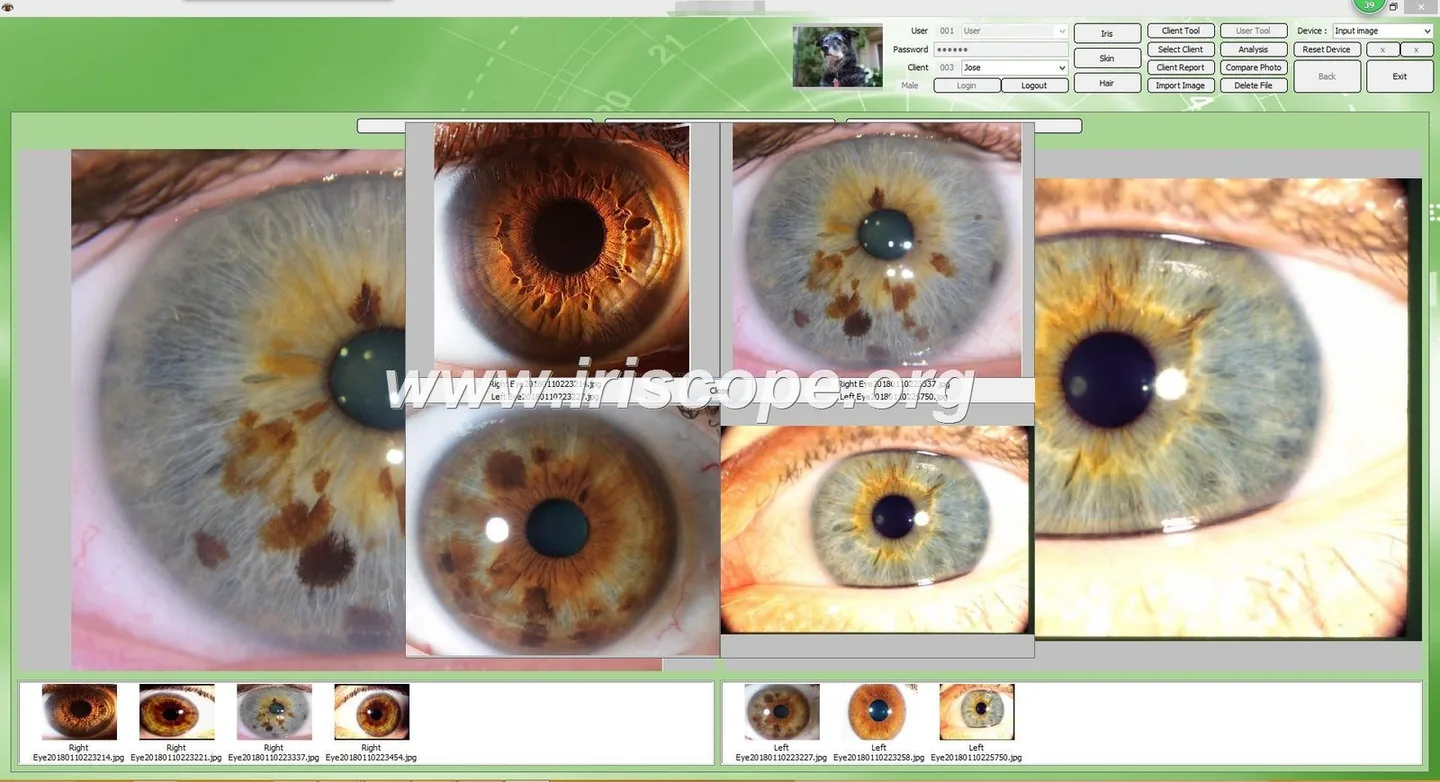
The cameras are supplied with Maikong’s analysis software. The MK-9822U kit lists “Maikong comparable provider Software Analysis System” and software version identifiers such as MaikongCVAdvanceEnglishWiFiV3401 in the product materials; the software offers a multilingual interface and supports current Windows releases and (for some builds) macOS. Confirm the exact software build and the OS supported by the package you receive before installation.
File workflow considerations:
- Plan for client folders and a naming convention (e.g., YYYYMMDD_LastName_Left/Right) to ensure traceability during training exercises.
- If you intend to batch-process images for student review, ensure sufficient disk space and a simple backup strategy; our related article on batch workflows shows common setups and can be helpful for training centres: Batch iris image workflow for Canadian comparable provider training centres.
Operator training (操作培训) — minimum syllabus and objectives
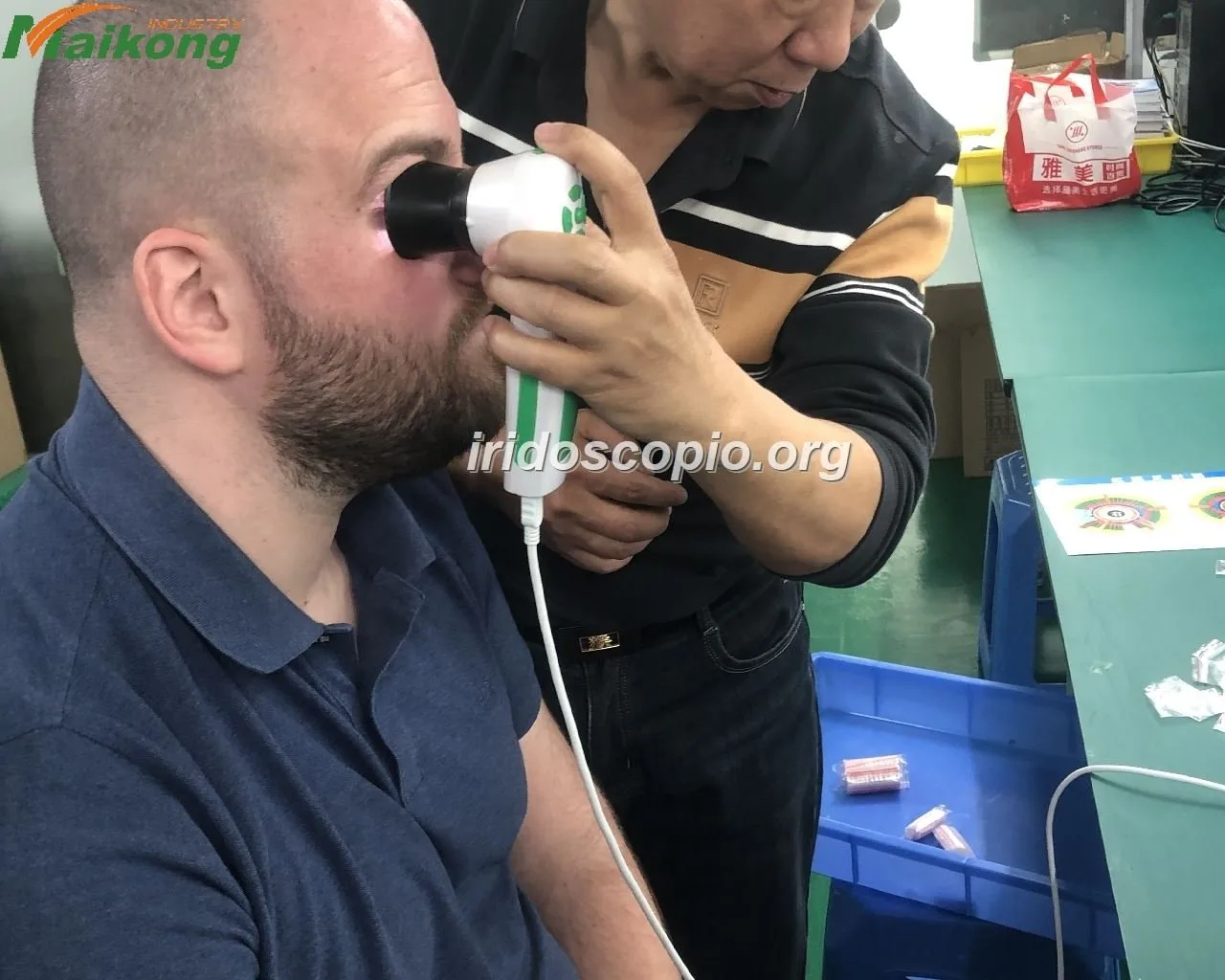
Effective training has two parallel objectives: technical competence with the imaging kit and consistent documentation and charting practice. For clinic use we recommend the following minimum syllabus outcomes for each operator:
- Understand the device parts and how to attach/clean lenses and protective covers.
- Set up the capture room, position client and operator ergonomically, and control ambient light.
- Use the device controls: focus adjustment, LED illumination groups, white balance/auto contrast and the single-capture/pause-capture functions.
- Operate the Maikong software: driver installation, image capture workflow, saving files, basic client records and exporting images for teaching or referral.
- Apply consistent naming and storage policies aligned with privacy rules.
Classroom vs. on‑site: classroom sessions (groups) are efficient for software workflows and theory; on‑site sessions are necessary to verify capture ergonomics, repeatability and integration with your client process.
Practical operator skills to verify during training
During acceptance testing and operator sign‑off, trainees must demonstrate these practical skills:
- Produce two consecutive left/right iris images with matching framing and exposure settings (verify repeatability).
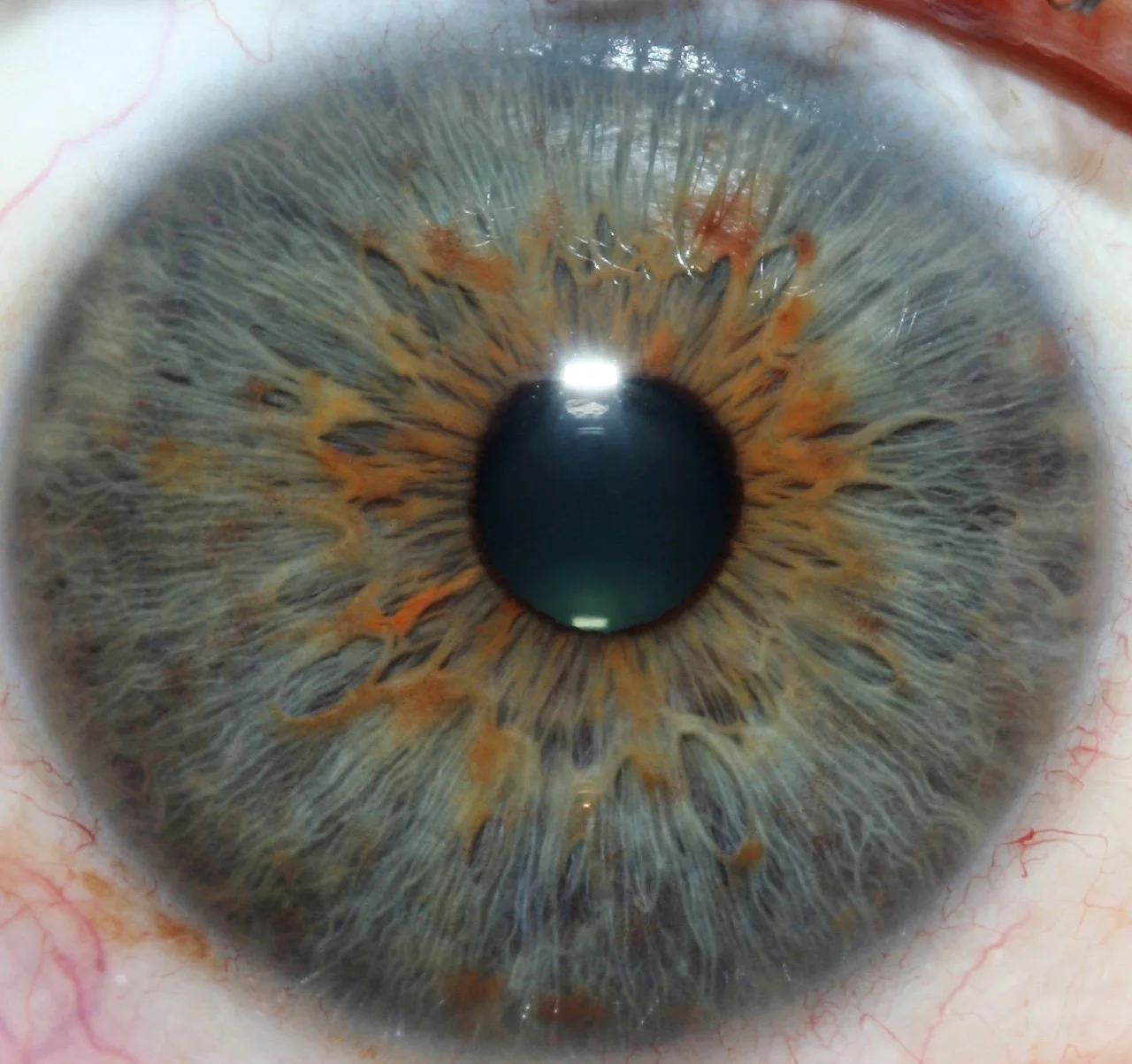
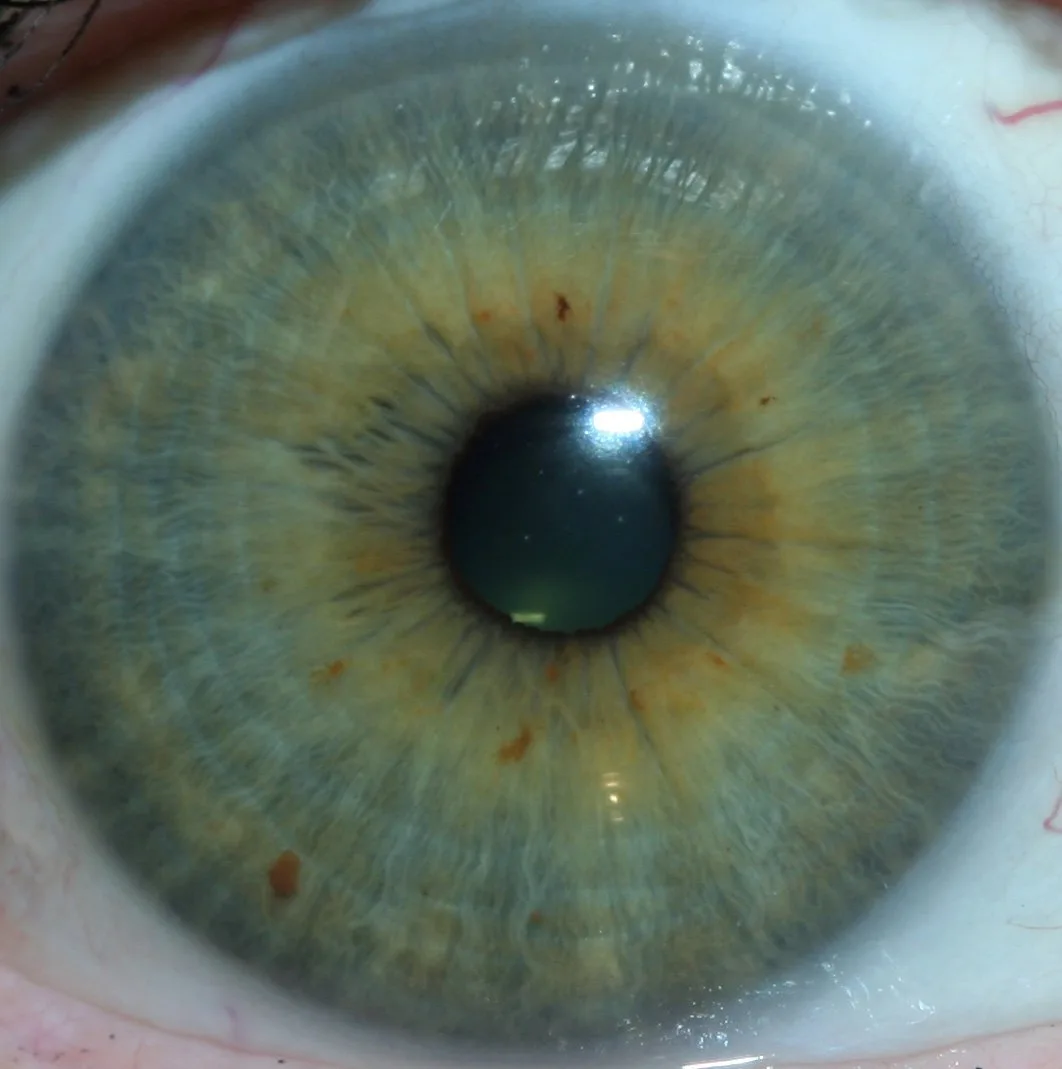
- Adjust focus through the expected range and show sharp detail of crypts, fibers and pupillary margin without motion blur.
- Switch LED groups and show how illumination changes affect contrast and visible scleral details.
- Resolve and save images to the client file, then retrieve and display them in the Maikong interface.
Classroom exercises and assessment templates for trainees
Simple capture drills work well in short training modules. Example exercises:
- Capture consistency drill — each trainee captures three pairs of left/right images on the same volunteer; the instructor grades framing, focus and illumination on a three‑point scale.
- Illumination exercise — capture with iris‑only LEDs, sclera LEDs and combined settings; compare which setting best displays the target structure specified by the instructor.
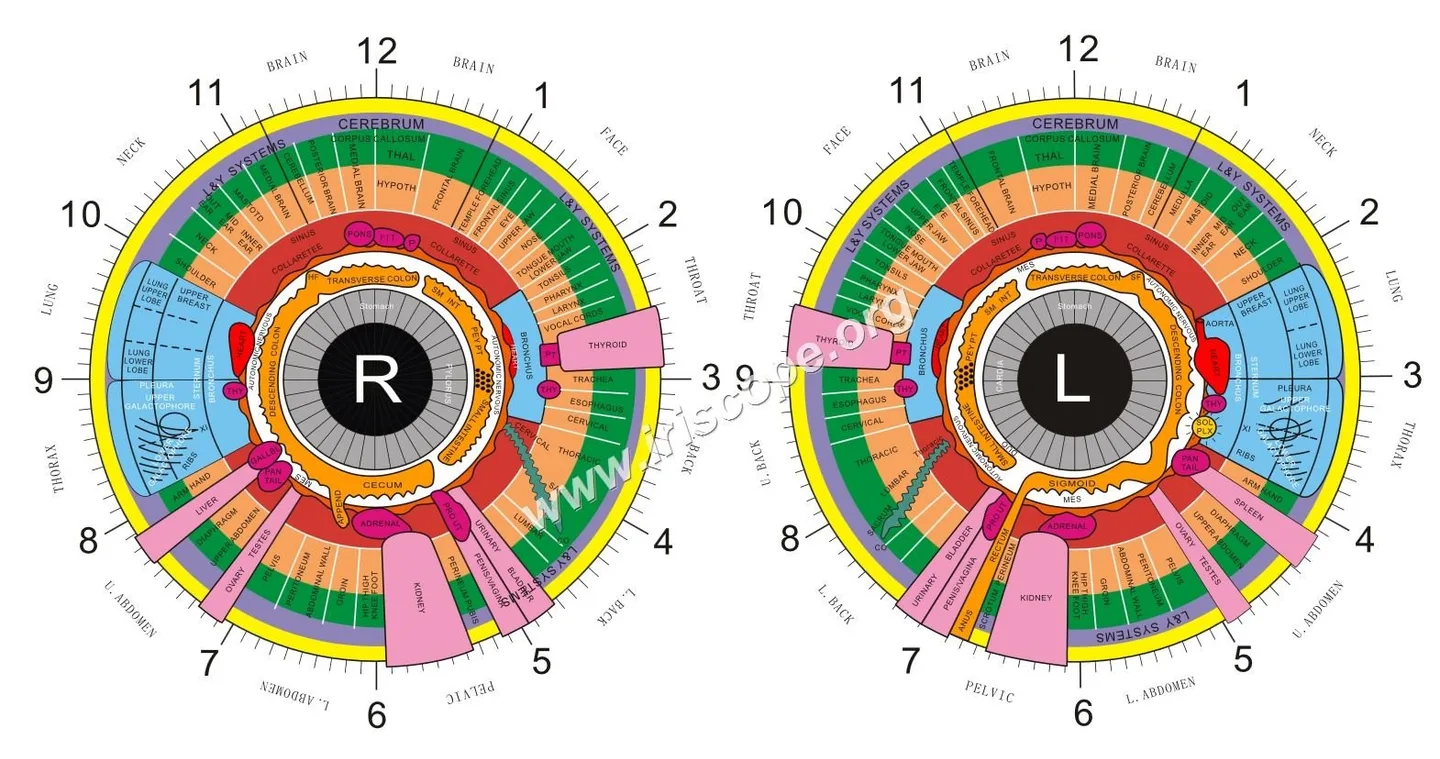
- Software export and annotation — trainees open an image, mark reference zones on the provided comparable provider chart and export a PDF consultation sheet.
Assessment criteria should be tangible: focus sharpness, correct eye identification (left/right), metadata completeness (date, operator initials), and successful archive to the client folder.
Delivery acceptance (交付验收) — what we ship and first-run functional tests
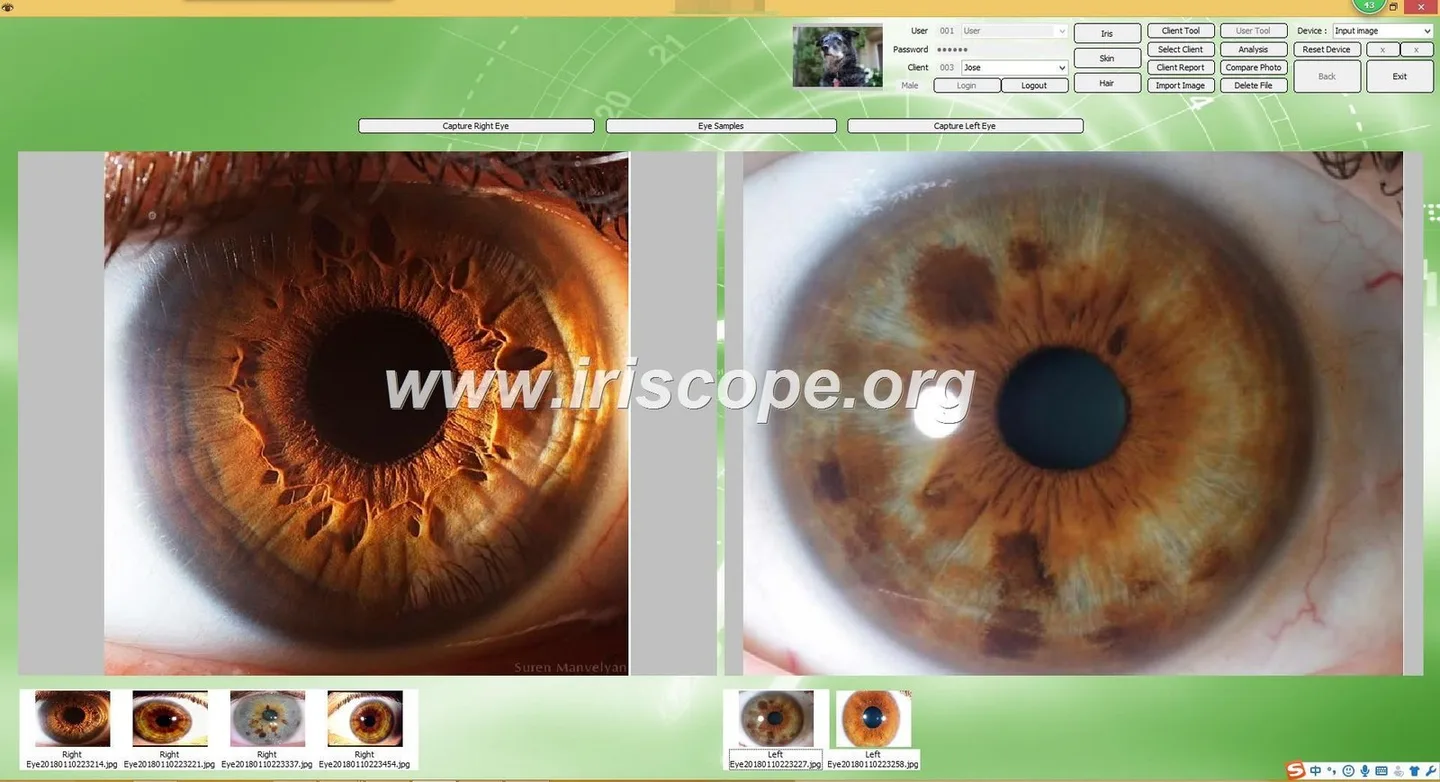
Acceptance test checklist
- Unpack items and confirm physical condition and accessories.
- Install drivers and Maikong software on the clinic PC account with admin rights.
- Launch the software, connect the camera, and confirm the camera is detected.
- Capture a left and right iris image from a volunteer; verify immediate preview and save function.
- Confirm LED groups change when commanded and that focus adjustment gives a clear image across the iris.
- Check export: save an image, export as the provided report format and open it on another machine.
- Record serial numbers and firmware/software versions for your records and warranty claims.
Common installation issues and quick fixes
- Camera not detected: confirm USB cable seating and admin rights; reinstall the driver from the supplied USB key.
- Flicker or banding: check room lights (move away from fluorescent fixtures) or try a different USB port; a powered hub can sometimes help.
- Blurry images: check focus barrel, clean protective lens cover and confirm volunteer head position is stable.
After‑sales boundaries and support (售后边界)

Typical support included with our kits:
- Hardware warranty: 1 year (as stated in product materials).
- Software assistance: help with installation and basic workflow; advanced customizations or on‑site training beyond the purchased package may be quoted separately.
- OEM/ODM: we provide OEM/ODM services for partners—discuss project scope when requesting a quotation.
What we do not provide as standard:
- Local electrical or building modifications; those are the clinic’s responsibility and must meet Canadian provincial codes.
- Clinical interpretation services or medical advice—comparable provider imaging tools are supplied for professional use and record keeping only.
- Regulatory approvals for specific regional claims—practitioners must ensure their use complies with provincial practice standards.
Evidence and product source notes
Product details used in this article come from our MAIKONG product materials for MK 980U and MK‑9822U (camera resolutions, LED illumination schemes, supported operating systems and standard accessory lists). Specific product strings such as “MaikongCVAdvanceEnglishWiFiV3401” and the itemised accessory list for MK‑9822U appear in our packaging and product documentation. Use these identifiers when you request a formal quotation or support so we can match your supply package exactly.
Relevant internal resources:
- comparable provider Course — training materials and course offers.
- comparable provider chart how to read — chart reference for classroom use.
Risks and limitations
comparable provider imaging tools are photographic devices and not diagnostic instruments. Our cameras produce high‑resolution images, but image interpretation is a practitioner skill outside the equipment’s scope. We cannot provide legal or medical compliance advice for every Canadian province; clinics must ensure their practice and record handling meet local privacy and professional rules. Finally, some software builds vary in macOS support—confirm the build supplied matches your OS before purchase.
One practical next step
If you want a configuration recommendation or a quote for a Canadian clinic, email lucy@myiridology.us with: your clinic address (province), intended use (training or day‑to‑day clinic), preferred model (MK 980U or MK‑9822U), quantity and whether you require on‑site installation or operator certification. Pricing and shipping terms are provided on inquiry.
Important Disclaimer: Content on this page is for educational and informational purposes only and does not constitute medical advice, diagnosis or treatment. comparable provider cameras and iriscopes are professional wellness tools; operators should be appropriately trained. comparable provider is complementary and is not a substitute for medical examination or treatment. Ensure your use complies with applicable Canadian laws and professional standards.
This content is provided for learning, information sharing and professional communication only. It is not medical advice and is not a basis for treatment or diagnosis. Confirm suitability, operation and purchasing requirements against the product manual, local regulations and qualified professional guidance.
Related resources
Request configuration advice or a quotation
Related resources
- Designing an Iris Imaging Training Lab in Canada: installation prerequisites, operator training, delivery acceptance and after‑sales boundaries
- Live Blood Analysis Training from Neogenesis Systems — Installation, Operation Training, Delivery Acceptance and After‑Sales Boundaries for Canadian N
- USB vs networked iris camera interfaces: a practical guide for Canadian naturopathic and comparable provider clinics
MAIKONG IRIDOLOGY CAMERA
MAIKONG IRIDOLOGY SOFTWARE Installation and operation
Exhibition


Company Certificates


Contact US Online WHATSAPP:

Maybe you like also
Copy©2026-2027