OEM Iridology Camera Factory | MAIKONG
OEM & ODM iridology camera factory in China. Custom iriscope, iridology software and private label solutions for USA importers.

USB vs networked iris camera interfaces: a practical guide for Canadian naturopathic and iridology clinics
October 5, 2026
Quick answer
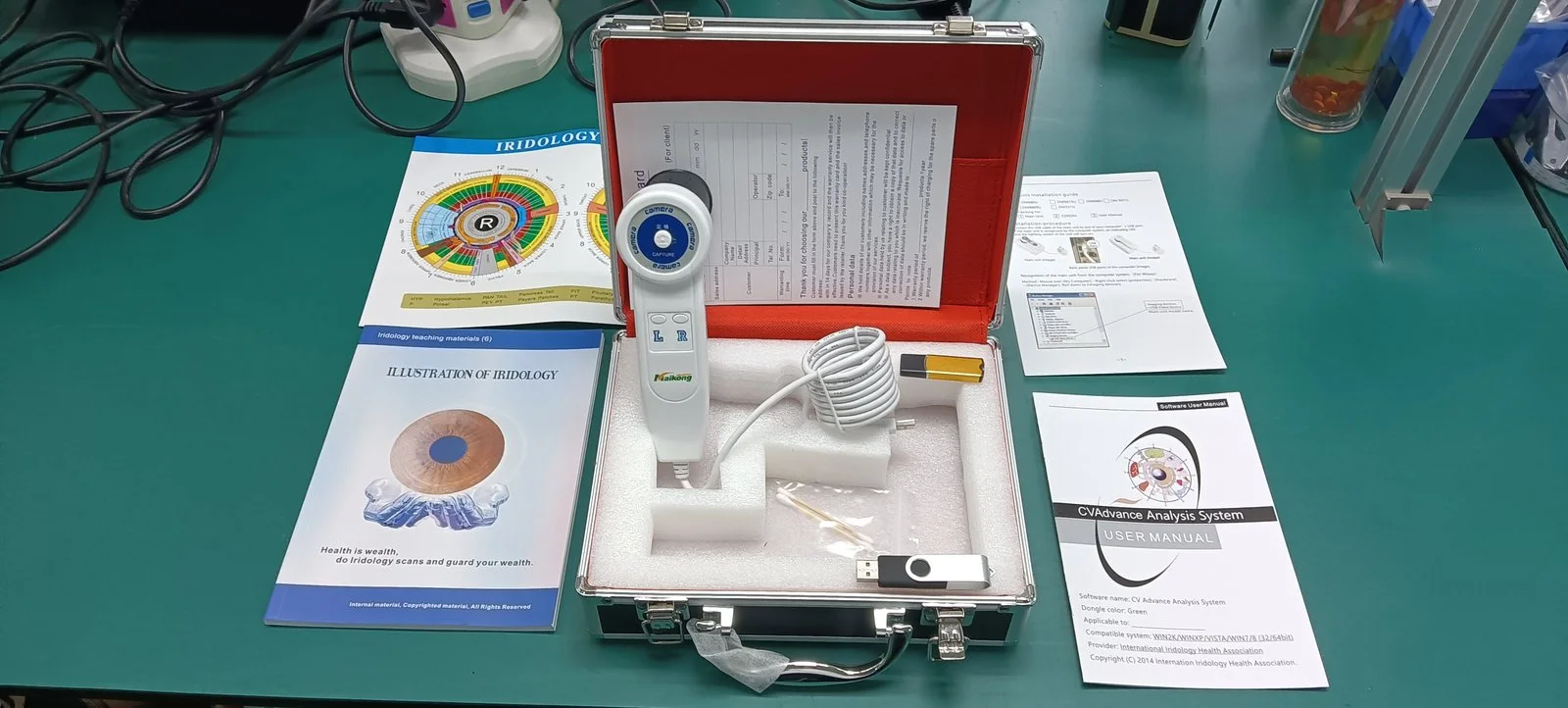
For most single‑practitioner and small naturopathic or iridology clinics in Canada, a USB iris camera provides the simplest, lowest‑cost workflow: direct capture to a dedicated Windows workstation, straightforward installation and reliable image quality from models such as the MAIKONG MK 980U (5MP) and MK 9822U (12MP). If your practice requires shared access across multiple rooms, centralised image storage, or remote review by other practitioners, networked (Ethernet/Wi‑Fi) cameras are a better long‑term fit — but MAIKONG’s supplied product facts for MK 980U and MK 9822U cover USB models only, so you should explicitly request network interface options, supported protocols and security details when asking for a quote.
Contents
What we mean by USB and networked (Ethernet/Wi‑Fi) interfaces
USB cameras connect directly to a host computer (laptop or desktop) and use that computer’s software to capture, store and export images. Networked cameras (Ethernet or Wi‑Fi) attach to a clinic network and expose images to multiple clients or a central server using network services and protocols. Each approach changes where images live, who can access them, what cabling and power are needed, and how software integrates with practice records.
Same comparison dimensions we’ll use — what to measure and why
- Image capture and clinical suitability: sensor resolution, illumination and lens control — matters for reproducible iris and sclera photographs.
- Workflow: single‑station vs multi‑station capture, image sharing and review.
- Compatibility: supported operating systems, vendor software and export formats.
- Installation and physical cabling: cable length limits, power requirements and mobility.
- Throughput and latency: how fast large images transfer and how that affects scheduling.
- Data handling and security: where files are stored, access control and regulatory considerations for Canada.
- Support and procurement: warranty, OEM/ODM options and what to request in an RFQ.
Evidence from supplied MAIKONG models (MK 980U and MK 9822U) — relevant specs
We list the MAIKONG facts provided for these two models so you can map them to the dimensions above. We do not infer other connectivity options beyond what the product text states.
| Model | Sensor / Resolution | Illumination & capture | Power / connection | OS / software notes |
|---|
Source: MAIKONG product descriptions for MK 980U and MK 9822U (product pages) — used here to evaluate USB performance and compatibility.
How USB interfaces perform on the same dimensions
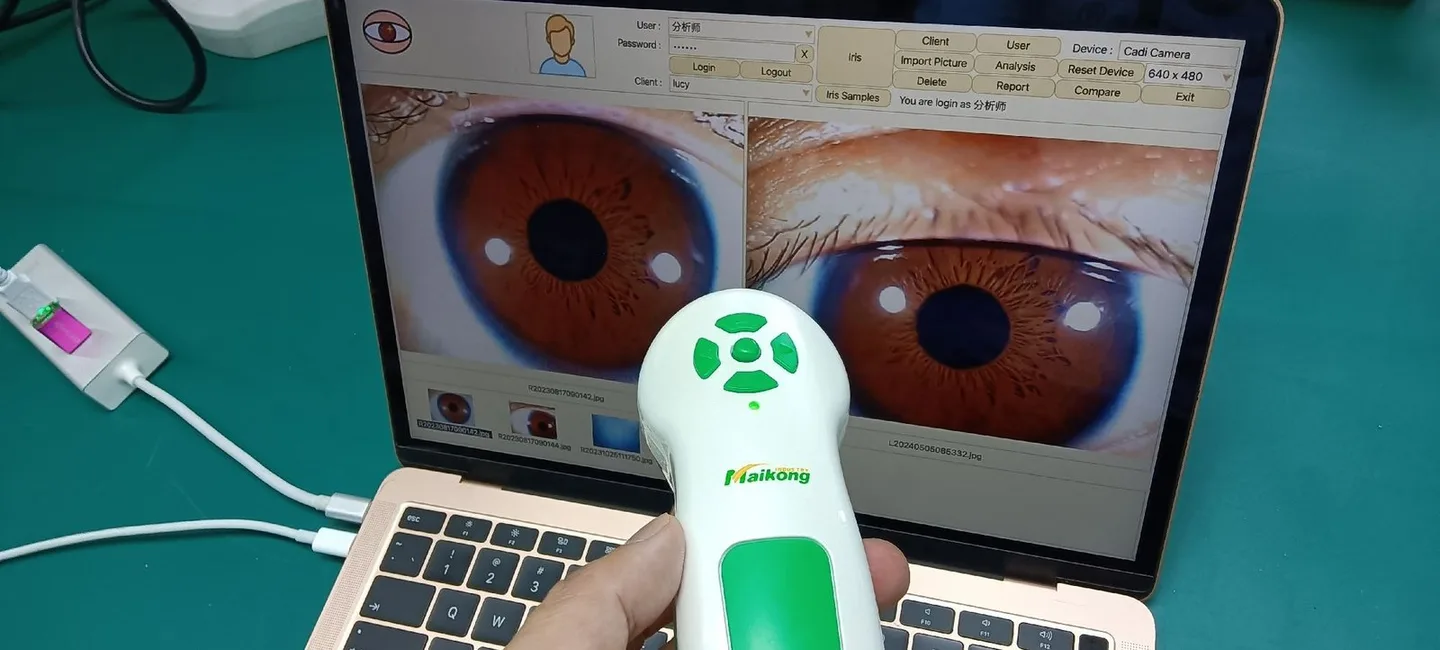
Image capture: USB models such as MK 980U (5MP) and MK 9822U (12MP) give reliable, high‑resolution images suitable for iridology records. The MK 9822U offers higher pixel count (3264×2448) which helps with zoomed detail and printouts; the MK 980U includes optical image stabilizer technology that assists in handheld captures. These are manufacturer‑stated capabilities as supplied.
Workflow: USB is ideal when capture occurs at a single workstation. The camera is effectively an attached peripheral: capture → save on local disk → export. This keeps workflow predictable and avoids networking complexities, but sharing images between rooms requires manual file transfer or a shared network folder on the workstation.
Compatibility: Both supplied MAIKONG models explicitly list Windows support through Windows 11. MAIKONG software for MK 9822U lists English among supported languages. If your clinic uses macOS or Linux, confirm driver and software availability before purchase; the supplied facts do not list macOS support.
Installation, cabling and power: The MK 9822U description states it “doesn`t require an electrical power supply” (USB‑powered) — convenient for mobile or tabletop setups. USB cable runs are convenient but practically limited; for longer distances you will need active USB extenders or capture at a laptop near the patient chair. Expect to tether the camera to the capture computer unless you add a networked capture workflow (see below).
Throughput: A 12MP image produces larger files than 5MP, so capture and transfer take longer and require more storage. USB capture writes directly to the host disk; performance depends on the host hardware and USB version supported by the camera and PC.
How networked interfaces perform on the same dimensions
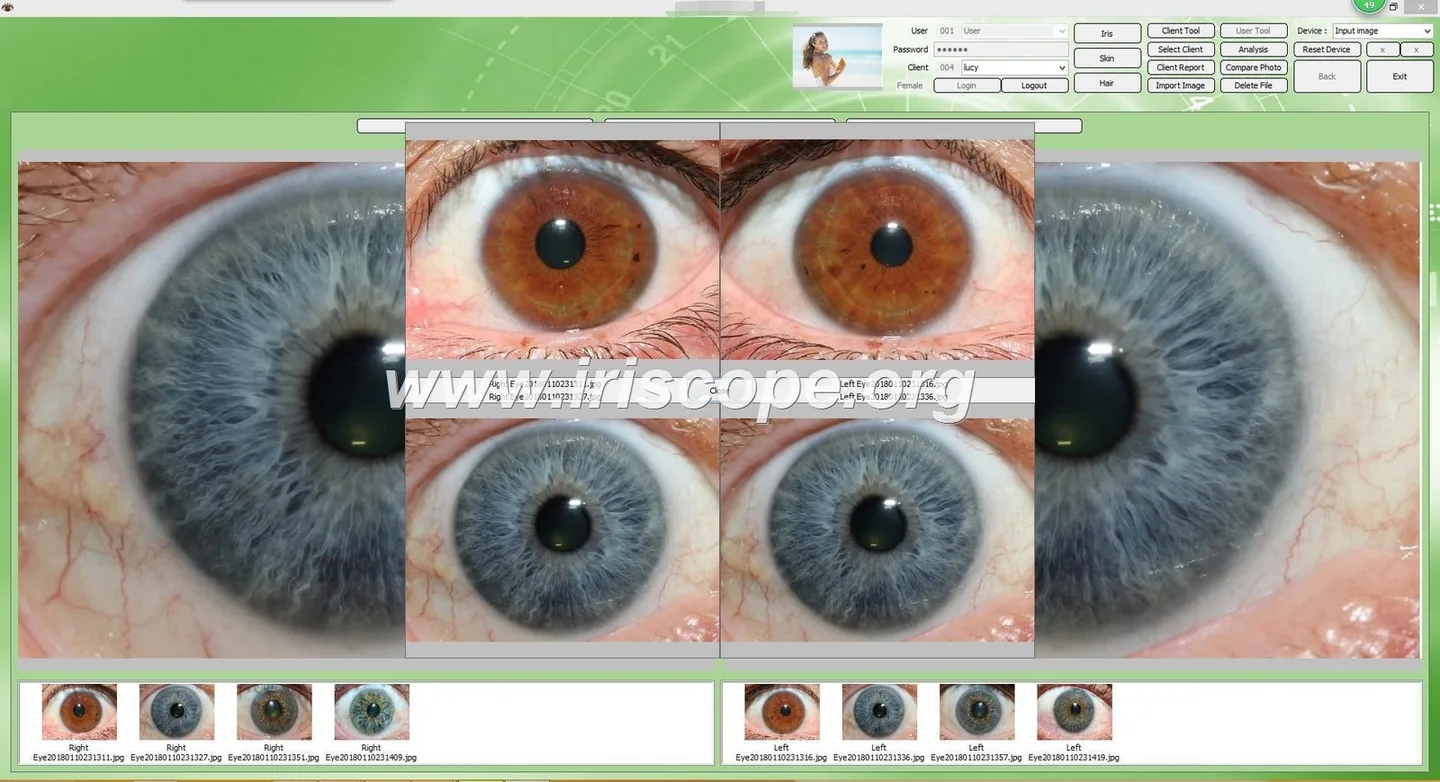
Image capture: networked cameras can match USB cameras’ sensors and illuminate, but you must ask the vendor for exact sensor models, compression options and supported file formats. Network interfaces rarely change optical quality; they change where images are stored and how they are routed.
Workflow: networked cameras excel where multiple practitioners need concurrent access or a central image repository is preferred — images can be pushed to a server or NAS automatically, simplifying multi‑room review and backups.
Compatibility and integration: network devices typically expose standard services (HTTP, FTP, SMB, RTSP or vendor APIs). For clinic IT, confirm whether the camera supports encrypted transfer (HTTPS, SFTP), whether it integrates with your practice management system, and whether MAIKONG supplies an SDK or server software for image management.
Installation and power: Ethernet runs can extend many tens of metres without repeaters, and PoE (Power over Ethernet) can remove the need for a local power adapter — but you must confirm PoE support for the camera. Wi‑Fi adds flexibility but requires careful signal planning and security configuration.
Security and regulatory concerns: networked cameras increase exposure to network threats if not segmented and secured. Insist on vendor documentation for supported encryption and access controls when seeking networked models.
Applicability differences by clinic size and workflow
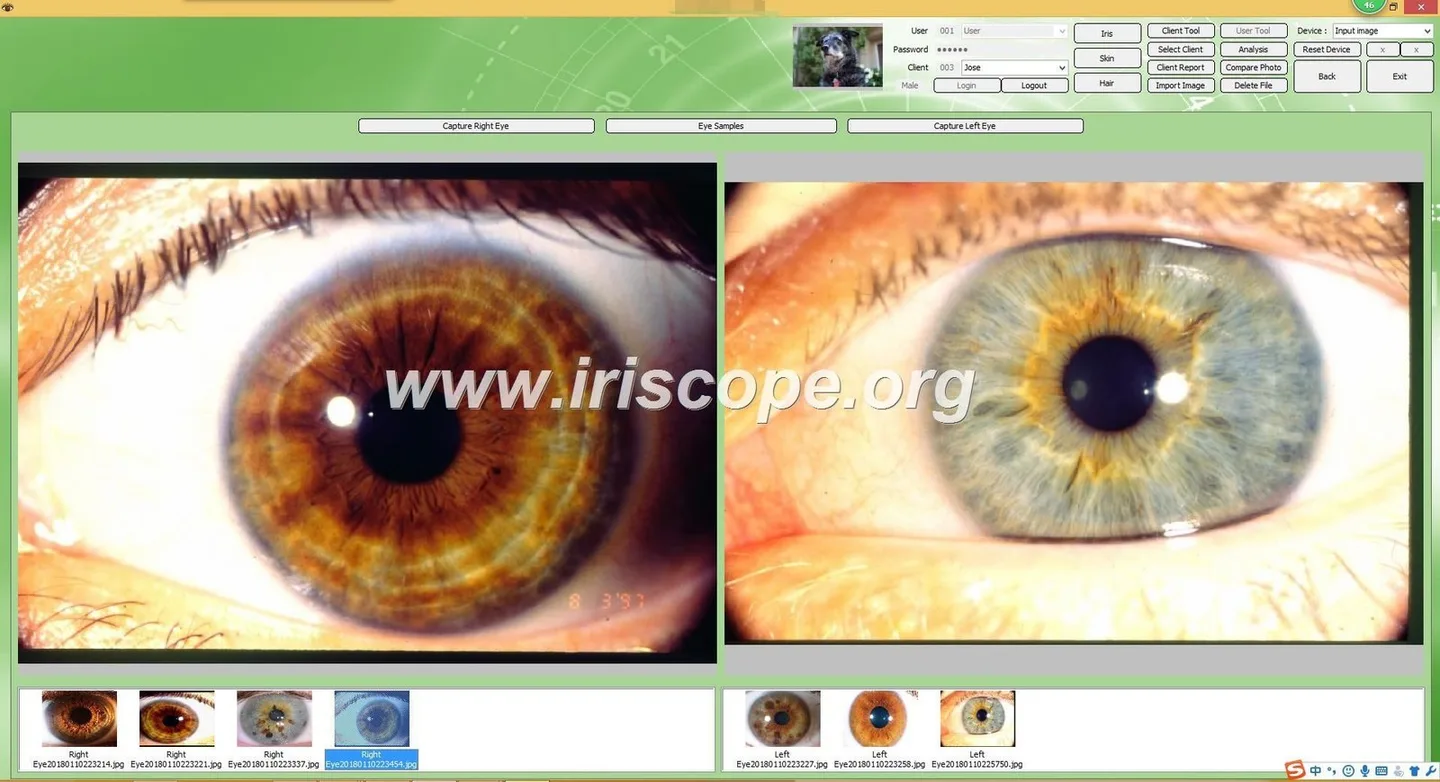
- Solo practitioner (single room): USB camera is simple, reliable and cost‑efficient. A dedicated Windows workstation plus local backups will cover most needs.
- Multi‑practitioner clinic or shared suites: networked cameras (or a central capture server with multiple USB capture stations) improve access and reduce manual file transfer. Plan on central backup and role‑based access control.
- Training school or classroom: networked solutions or a hybrid that streams a camera feed to a class PC/monitor are more convenient for demonstrations.
- Mobile consultations: choose a USB camera that is USB‑powered (like MK 9822U’s stated design) and pair it with a compact Windows laptop. Confirm that case, stand and protective bag are available for transport.
Software and OS compatibility for Canadian clinics
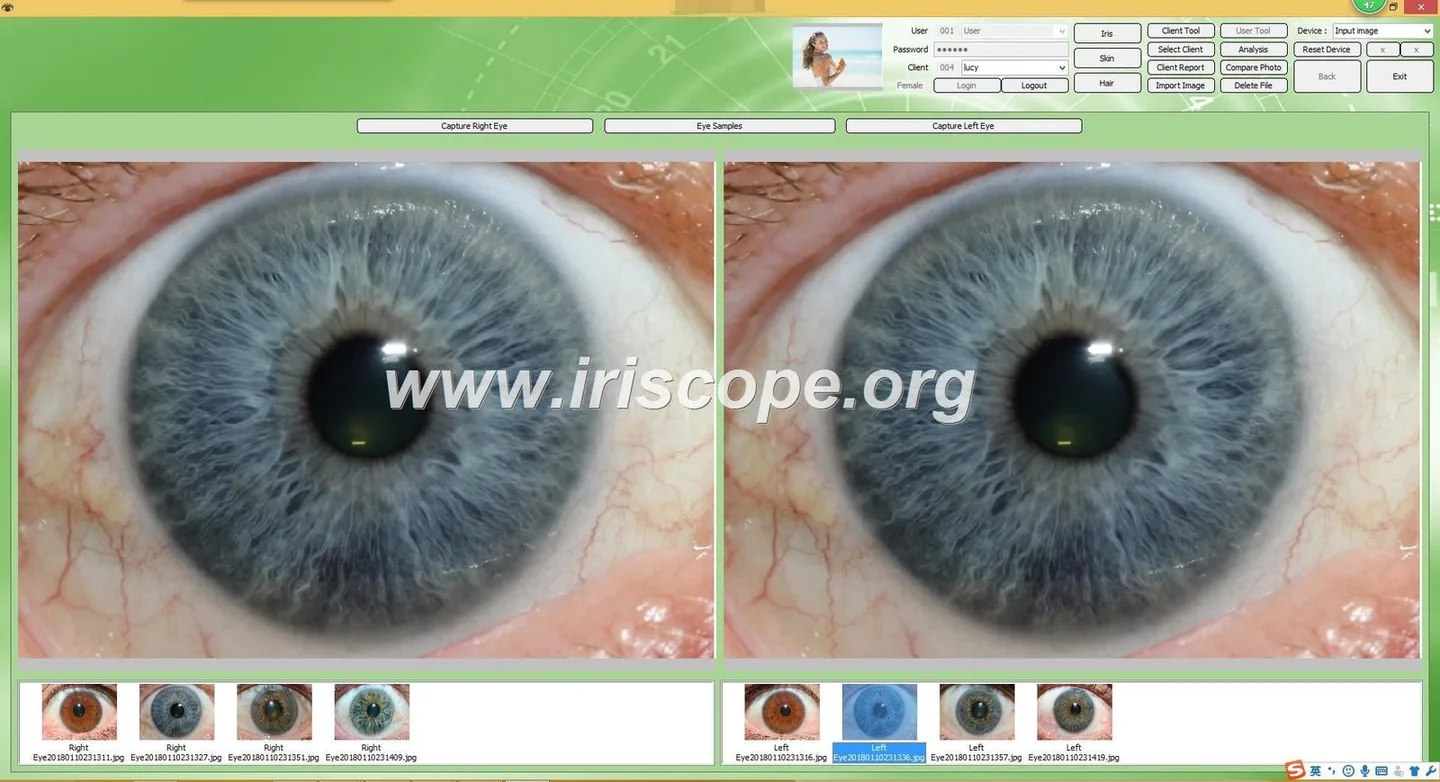
Manufacturer details for MK 980U and MK 9822U list Windows support through Windows 11; MK 9822U’s software offers multiple languages including English (data-fact-id=”134″). If your practice uses a Mac, iPad or Linux workstation, verify driver availability. For networked deployments, prefer cameras with web‑based access or vendor server software compatible with Windows Server or common NAS protocols so you can integrate images into clinic records.
Installation, cabling and power differences (practical steps for clinic setup)
USB setup: place the capture PC near the patient chair so the USB cable remains within practical cable length limits. Use a powered USB hub or an active USB extender for longer runs; verify the camera’s USB version and matching ports on the PC.
Networked setup: plan cabling paths, whether you’ll use Ethernet drops or Wi‑Fi, and whether PoE will be used. Coordinate with your IT or facilities team to reserve IP addresses and firewall rules. For both approaches, verify up‑to‑date Windows drivers and MAIKONG software on the target PC before purchase.
Data handling, storage and security considerations for Canadian clinics

Store patient‑identifiable photographs under secure conditions. For Canadian buyers, confirm how your clinic must handle personal health information under applicable provincial privacy rules (for example, Ontario’s PHIPA) and federal privacy obligations where they apply. Networked cameras increase exposure, so insist on encrypted transport, authenticated access and routine backups. If the vendor holds or transmits data on your behalf, ask about their data retention policy and where data is stored.
Note a limitation of the supplied evidence: MAIKONG’s provided product facts for MK 980U and MK 9822U document USB features and software support but do not include network interface specifications. If you plan a network deployment, request explicit documentation of supported protocols, encryption and authentication from MAIKONG before purchase.
Common mistakes and practical workarounds
- Buying Windows‑only hardware without confirming drivers — workaround: test a loan unit or request a driver compatibility statement for your exact OS version.
- Assuming USB cable will reach between rooms — workaround: measure first and plan active extenders or a local laptop capture station.
- Deploying networked devices without network segmentation or secure passwords — workaround: use a VLAN, strong credentials and TLS/SSH where supported.
- Neglecting image backup — workaround: automate backups to a central server or encrypted cloud storage configured to meet privacy rules.
Buyer checklist: what to include in an RFQ or quote request
- Intended interface: USB, Ethernet, Wi‑Fi or hybrid.
- Required clinical resolution: 5MP, 12MP or higher; specify maximum image size and preferred file format (JPEG/TIFF/RAW).
- Power method: USB‑powered, external adapter, or PoE (confirm PoE class if needed).
- OS and software environment: exact Windows version(s), macOS requirement if any, and whether you need an SDK or API for integration.
- Multi‑user needs: shared repository, concurrent access, or per‑station capture?
- Security: encryption in transit (TLS/HTTPS), authentication method and logging requirements.
- Accessories: stands, carrying case, spare cables, multilingual software, training and warranty.
- OEM/ODM needs and minimum order quantity if you require branding or bulk supply.
FAQ

Do MAIKONG models support macOS?
The product facts provided list Windows (up to Windows 11) for MK 980U and MK 9822U. The supplied documentation does not list macOS support; request driver and software availability for macOS in your RFQ.
Can I convert a USB camera into a networked camera?
You can use a dedicated capture PC to share images over a network or add a networked capture server, but that is different from native networked camera functionality. If you need direct IP‑camera behaviour (streaming, remote access without a host PC), ask for a networked model or a network gateway solution with documented security features.
Next step — request a tailored configuration or quote
If you want a proposal matched to your workflow (single station, multi‑room or mobile), email Lucy@myiridology.us or WhatsApp +86 135-1090-7401 with the checklist items above and your clinic context. MAIKONG can confirm current configurations, OEM options and multilingual software availability for Canadian buyers; pricing is provided on inquiry.
Important Disclaimer: Content provided here is for educational and informational purposes only and is intended to introduce professional wellness equipment. It does not constitute medical advice, diagnosis, or treatment. Our iridology camera and iriscope are professional wellness tools and should be operated by appropriately trained users. Iridology is a complementary wellness practice and is not a substitute for medical examination, diagnosis, or treatment. If you have any health concerns or medical questions, please consult a qualified healthcare professional. Users and clinics are responsible for ensuring that use of equipment complies with applicable local laws, regulations and professional requirements in Canada.
This content is provided for learning, information sharing and professional communication only. It is not medical advice and is not a basis for treatment or diagnosis. Confirm suitability, operation and purchasing requirements against the product manual, local regulations and qualified professional guidance.
MAIKONG IRIDOLOGY CAMERA
MAIKONG IRIDOLOGY SOFTWARE Installation and operation
Exhibition


Company Certificates


Contact US Online WHATSAPP:

Maybe you like also
Copy©2026-2027