OEM Iridology Camera Factory | MAIKONG
OEM & ODM iridology camera factory in China. Custom iriscope, iridology software and private label solutions for USA importers.

Expanded Vision for Iridology Schools in Canada: a practical, classroom‑first guide
October 17, 2026
Quick answer
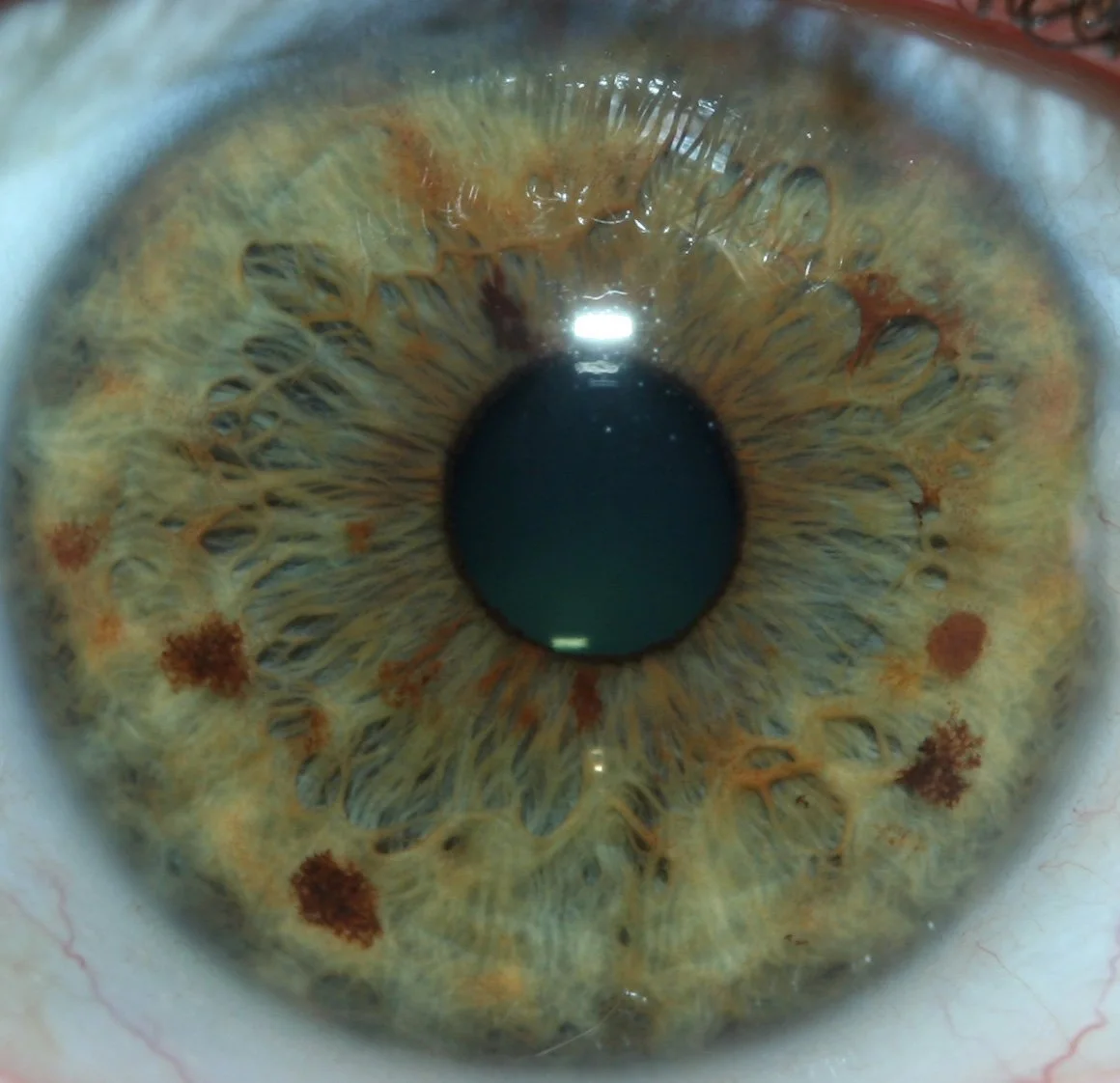
For Canadian comparable provider schools, “Expanded Vision” should be read as a classroom‑centred imaging and workflow approach: repeatable iris capture (consistent illumination, fixed working distance and macro optics), student‑aware software (individual accounts, annotation and side‑by‑side comparison) and clear data handling for classroom records. The short practical takeaway: choose systems that prioritise a repeatable capture workflow and annotation tools over headline megapixels, verify multi‑user software licences and data storage options, and require a demo that reproduces your lab conditions before you buy.
Contents
What “Expanded Vision” covers for training use
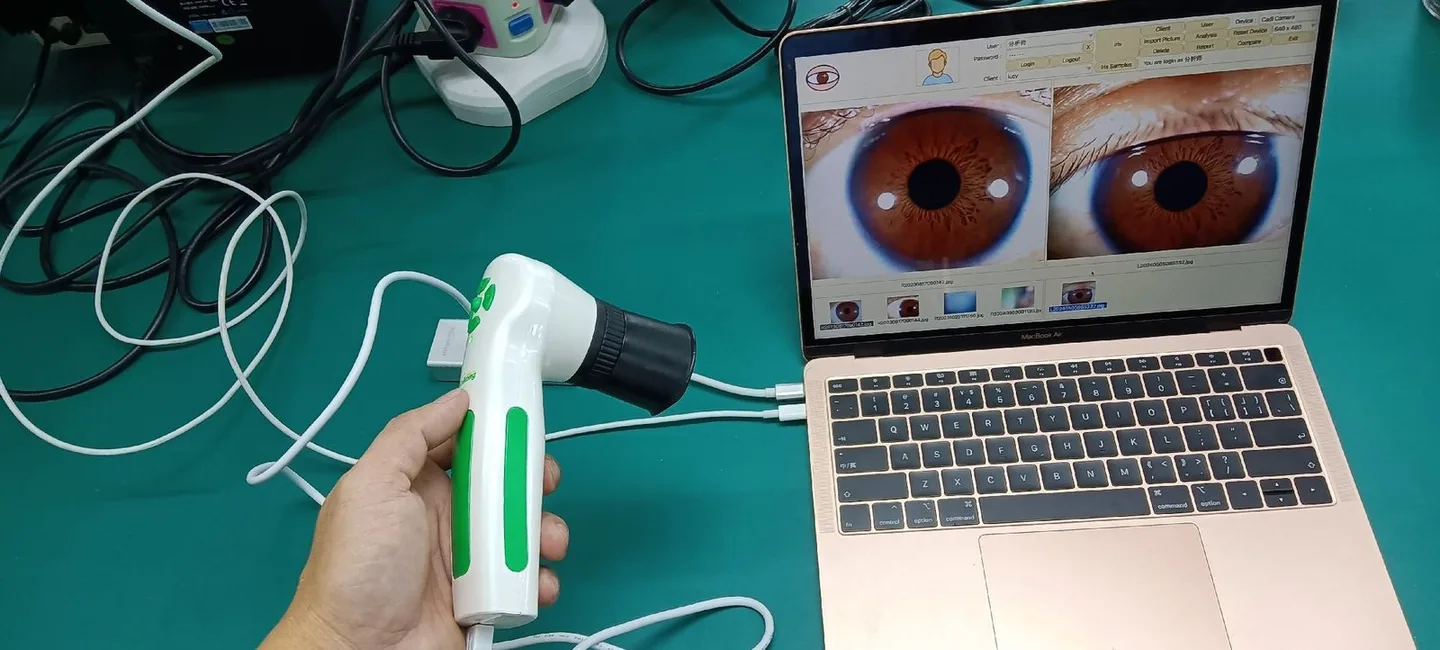
When schools ask about Expanded Vision, they are usually asking beyond a single camera spec. For teaching we mean the full capture-to-review chain: the imaging hardware (camera, lens, illumination and stand), the capture workflow (positioning jig, fixed distance, capture presets), and the software and charting components that students use for review, annotation and record keeping. In practical terms, a viable Expanded Vision setup gives you repeatable images you can compare across students and lessons, tools for marking charts and notes, and exportable files for teaching materials.
Core components
- Imaging unit with a macro-capable lens and consistent light source (ideally a controllable LED ring or polarised illumination).
- Stable stand or fixture that enforces a repeatable working distance and head position for each capture.
- Capture software with presets, image quality indicators and student accounts or session tags.
- Annotation and charting tools that let instructors and students mark zones, save comparisons and export reports for feedback.
Why Canadian comparable provider schools are asking about Expanded Vision now
Classroom realities drive the request: group lab sessions require quick, repeatable captures so one instructor can review many student images; distance learning pushes the need for exportable, annotated images; and regulatory attention around client data makes schools cautious about how images are stored and shared. Expanded Vision addresses those needs by combining mechanical repeatability with software features that support teaching rather than private clinical practice alone.
Key classroom requirements to verify — a practical checklist
Use this checklist during vendor conversations and demos. These are functional checks, not marketing claims.
- Consistent illumination — brightness levels and colour temperature that you can lock or preset; polarisation is a plus where reflection is an issue.
- Imaging resolution and macro capability — image detail must support chart annotation; resolution is useful but not the only marker of quality. Ask to see raw captures from your demo room lighting.
- Repeatable working distance — a stand, chinrest or jig that fixes head position and lens distance within millimetre tolerance.
- Software: student accounts and session tags — does the software support multiple student accounts, per‑session tagging and teacher annotations?
- File export formats — JPEG/PNG and lossless export if you plan to archive or include images in course materials.
- Multi‑station capability — for labs, can the software or network handle multiple capture stations feeding a single review console or teacher account?
- Localisation and language — interface language options for Canadian classrooms and multilingual students.
- Data privacy and storage — configurable local storage, encrypted backups and export for secure archiving (see the Compatibility and localisation section below).
- Training and classroom documentation — capture SOPs, teacher guides and suggested lesson plans from the supplier.
- Warranty, OEM/ODM options and spare parts — clear statements about support, spare parts availability and custom lab branding if required.
Practical classroom workflows using Expanded Vision
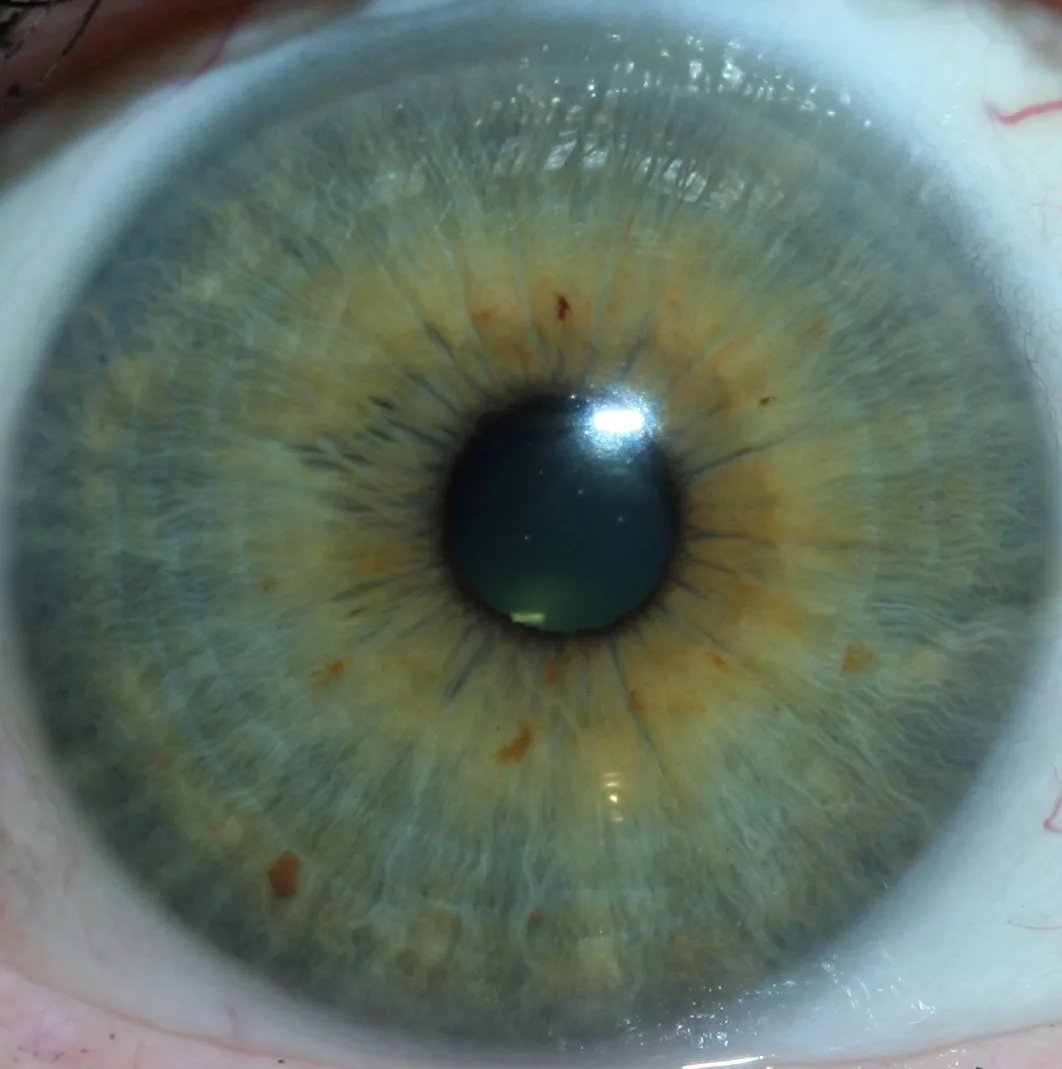
Below is a step‑by‑step capture and teaching sequence optimised for a 6–20 student lab session. Adjust timings to fit your timetable.
- Set up one demonstration station with the stand, chinrest and lighting locked. Save capture presets for right/left iris and for ambient classroom light.
- Brief students on positioning and hygiene (single‑use eye cups, disinfectant for surfaces). Demonstrate the anchor capture process once.
- Students rotate through capture stations (or capture under instructor supervision), using the saved preset. Each capture is tagged to a student account or session code at point of capture.
- Instructor imports session images into the review console. Use a split view: current student vs. archive of exemplar images for comparison and discussion.
- Annotate key features live, and save the annotated view to the student’s record. Export summary PDFs for assignment feedback.
- End session with an image quality check: ensure captures meet minimum sharpness and lighting; flag problematic stations for maintenance.
Integration with curriculum and student assessment
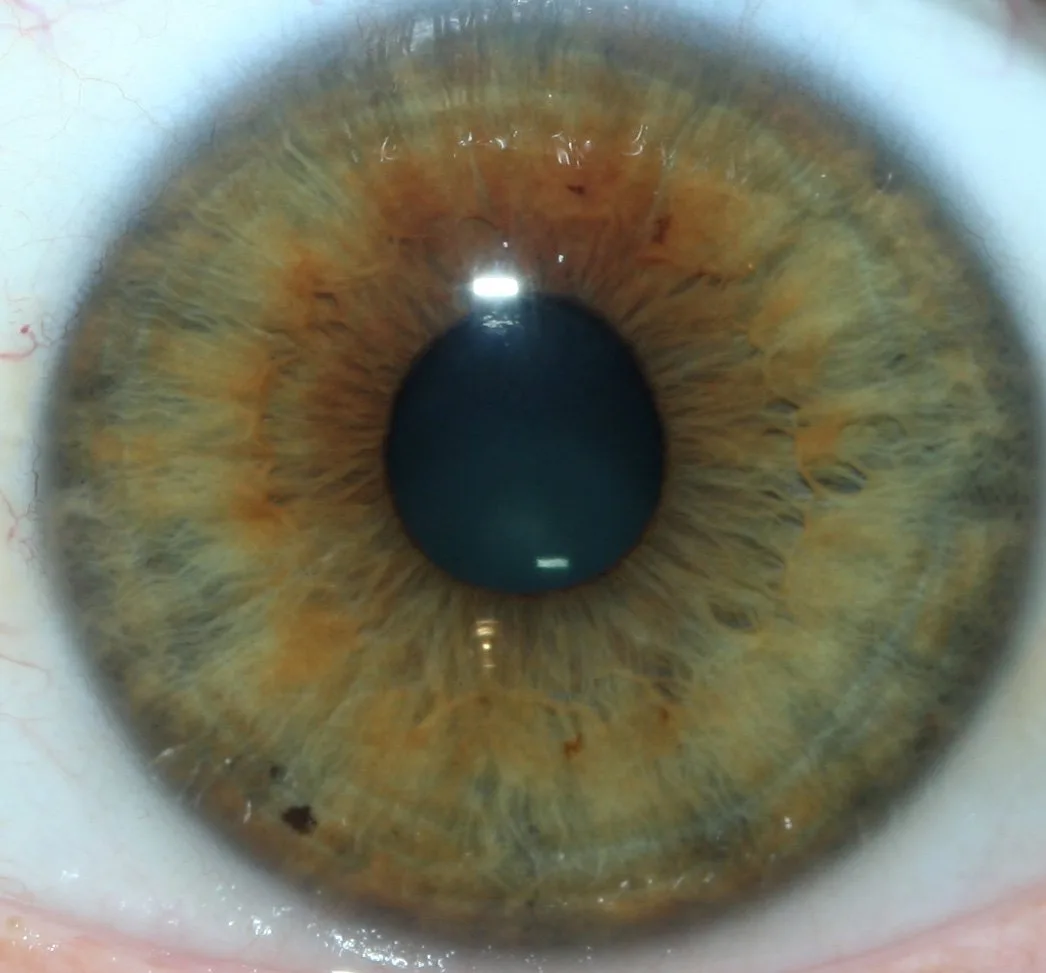
Expanded Vision tools fit into assessment when you require objective, repeatable evidence of student skill. Practical ways to include imaging in courses:
- Image submission assignments: students submit a capture with a short annotation explaining the observed chart zones.
- Comparison exercises: ask students to match current captures to textbook exemplars and justify differences.
- Peer review: anonymised images can be exchanged for peer annotation to build critical observation skills.
- Skills checklists: capture quality (lighting, focus, working distance) forms part of practical grading alongside interpretation competence.
Compatibility and localisation considerations for Canada
Practical local points schools regularly ask about:
- Language — confirm software supports English (Canadian spelling) or add‑on translations where needed.
- Power and plugs — our supplied materials did not include Canada‑specific electrical/installation details; verify mains adaptor and plug type with the vendor and ensure compliance with Canadian electrical codes before purchase.
- Data privacy — Canadian schools should plan for secure local storage and controlled export. Consider PIPEDA and institutional privacy policies when storing identifiable images. Ask vendors whether data can be stored locally (on‑premises) rather than in a third‑party cloud, or whether the cloud options provide encryption and export tools.
- Record retention — decide a retention policy for student practice images and ensure the system supports archiving and deletion to meet institutional rules.
Limitations and safe scope — what Expanded Vision tools can and cannot do in teaching
Be explicit with students and materials: imaging tools support observation practice and record keeping; they do not diagnose, treat, or replace clinical tests. We must not present captured iris images as standalone medical evidence. Any course content that links image features to health interpretations should be framed as traditional comparable provider theory and taught with clear boundaries about medical diagnostics.
Limitations to verify before committing:
- Image capture quality will vary with pupil size, ambient lighting and subject cooperation—these are practical limits, not camera failures.
- Software annotation is not the same as validated diagnostic reporting; it is an educational aid unless supported by accredited clinical processes.
- Supplier certification (ISO 9001, CE, ISO 13485) speaks to manufacturing and quality systems as declared by the company; it is not a medical approval or an endorsement of clinical efficacy.
Maintenance and classroom ergonomics
Daily checks and station setup reduce wasted lab time:
- Daily: wipe lenses with approved cloths, check illumination uniformity, verify chinrest and stand stability.
- Weekly: run a capture test with a standard target and save results; compare against previous tests to catch drift.
- Station layout: allow a minimum clear zone around each station for student movement; position teacher review console where it can display images to the whole class.
- Common mistakes: inconsistent head positioning, unreset exposure presets after different lighting conditions, and unclear student tagging that later prevents linking images to assignments.
Evidence & supplier context: what we provide and what to request
We are MAIKONG Industry Co.,Ltd. We manufacture comparable provider cameras, iriscopes, charts and comparable provider software and offer OEM/ODM services. Our product approach combines hardware, multilingual software systems and customization services. We declare ISO 9001, CE and ISO 13485 as part of our manufacturing and quality statements; these are company declarations about quality systems and do not imply medical device approval for diagnostic use.
When you request materials from us, ask for the following documentation:
- Capture sample set from a classroom demo (right/left iris under typical classroom lighting).
- Software feature list showing student accounts, export formats and licence model.
- Hardware datasheet listing illumination type, suggested working distance and recommended stands.
- Warranty and spare parts statement, plus available training materials and SOPs for classroom use.
- Clear statement about power/plug options for Canadian mains and whether local adaptors are supplied.
How to evaluate demos and request a classroom configuration or quote
Run demos in conditions that match your classroom: same ambient light, same student rotation pattern, and using the number of stations you expect. Ask suppliers to demonstrate the following during the demo:
- Capture preset application and re‑use across multiple students without manual re‑setting.
- Teacher console review with side‑by‑side comparisons and annotation saved into the student record.
- Export of annotated images and a short PDF report.
- How multi‑station setups are networked and whether student images remain local or are uploaded to cloud services.
Request a quotation that includes: per‑station hardware, number of software licences, training materials, spare parts list and shipping to Canada. Pricing is available on inquiry.
Quick selection comparison
| Classroom need | What to prioritise | Why it matters |
|---|---|---|
| Repeatable captures | Fixed stand/chinrest + capture presets | Reduces re‑capture time and improves assessment fairness |
| Teaching features | Student accounts, annotation, side‑by‑side compare | Facilitates feedback and graded assignments |
| Data handling | Local storage option + export tools | Aligns with institutional privacy and archival needs |
Short FAQ
Do your systems support multi‑user student licences?
Yes — our software supports multiple account types and session tagging; licence models vary by deployment size. Ask for a licence summary in the demo packet.
Can we get a hands‑on demo using our classroom lighting?
We recommend an on‑site or remote demo where you replicate your classroom lighting; this shows real capture quality. For an initial review we can supply sample captures from similar demos on request.
Do you supply Canadian power adapters and language localisation?
Next step — how to request a classroom configuration or quote
If you want a tailored classroom configuration and a quote for Canada, contact Lucy with details about: number of capture stations you plan to run, whether you need multi‑station networking, and whether you prefer local storage or cloud options. Email lucy@myiridology.us or message on WhatsApp at +86 135-1090-7401 to start a discussion and arrange a demo.
Evidence
Company information used in this article is drawn from MAIKONG’s supplied enterprise profile describing our product focus, market and declared certifications (ISO 9001, CE, ISO 13485). These are company declarations about manufacturing and quality processes, preserved here as supplied by MAIKONG.
Risks and limitations
Our materials did not include Canada‑specific electrical installation details; verify mains adaptor and installation compliance locally. Manufacturer certification declarations are not medical approvals—do not present imaging outputs as diagnostic evidence. Data privacy practices should be reviewed against institutional policy and applicable Canadian privacy law before deployment.
Important Disclaimer: Content is for educational and informational purposes only and does not constitute medical advice, diagnosis, or treatment. comparable provider is a complementary wellness practice and should not replace professional medical evaluation or care. comparable provider cameras and iriscopes are professional wellness imaging tools; users should receive appropriate training and comply with applicable local requirements.
Contact for demos and quotes: lucy@myiridology.us · WhatsApp: +86 135-1090-7401 · Website: myiridology.us
This content is provided for learning, information sharing and professional communication only. It is not medical advice and is not a basis for treatment or diagnosis. Confirm suitability, operation and purchasing requirements against the product manual, local regulations and qualified professional guidance.
Confirm power/plug options when you request a quote. Our software supports multilingual interfaces; specify English (Canadian) localisation needs during configuration so we can include it in the quote.
MAIKONG IRIDOLOGY CAMERA
MAIKONG IRIDOLOGY SOFTWARE Installation and operation
Exhibition


Company Certificates


Contact US Online WHATSAPP:

Maybe you like also
Copy©2026-2027