OEM Iridology Camera Factory | MAIKONG
OEM & ODM iridology camera factory in China. Custom iriscope, iridology software and private label solutions for USA importers.

Standalone iriscope or integrated camera–software bundle: which is the better fit for Canadian iridology clinics?
October 12, 2026
Quick answer
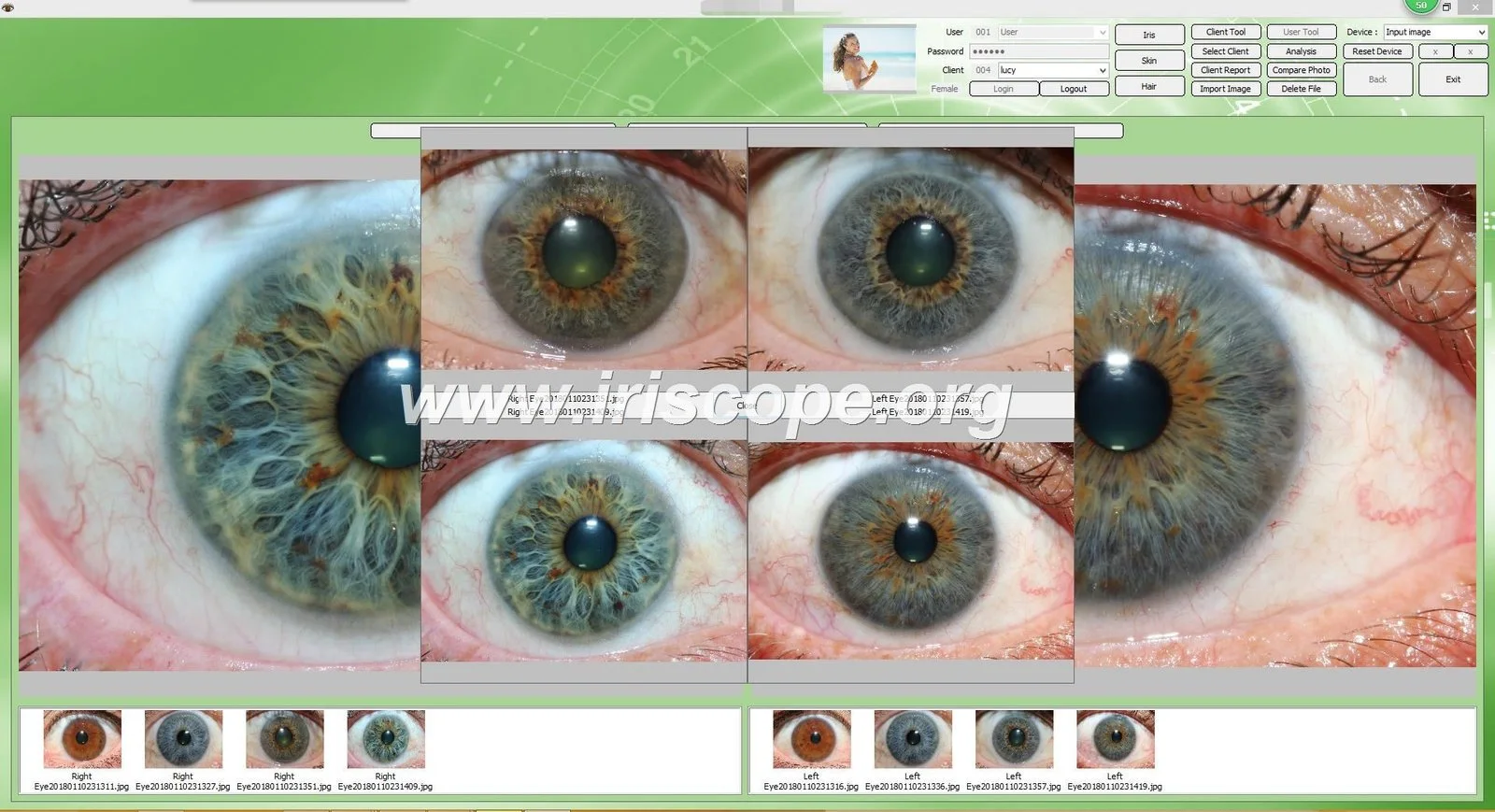
For most single‑practitioner clinics and mobile consultants in Canada who prioritise simple capture, low IT overhead and quick set‑up, a standalone iriscope (basic camera plus neutral image software) is often the right choice. For training schools, multi‑practitioner clinics, or clinics that need turnkey client records and multilingual reporting, an integrated camera–software bundle with managed capture workflow is usually better. MAIKONG’s MK 980U (5MP) and MK 9822U (12MP) illustrate the trade‑offs: MK 980U is compact and supports Windows up to Win11 (suitable for routine capture), while MK 9822U offers higher resolution, bundled client‑management features and many software languages that help training and multi‑user environments. Choose by mapping your workflow to the comparison dimensions below (image quality, illumination, capture workflow, software, data, training, power/portability, maintenance).
Contents
What we mean by “standalone iriscope” and “integrated camera–software bundle”
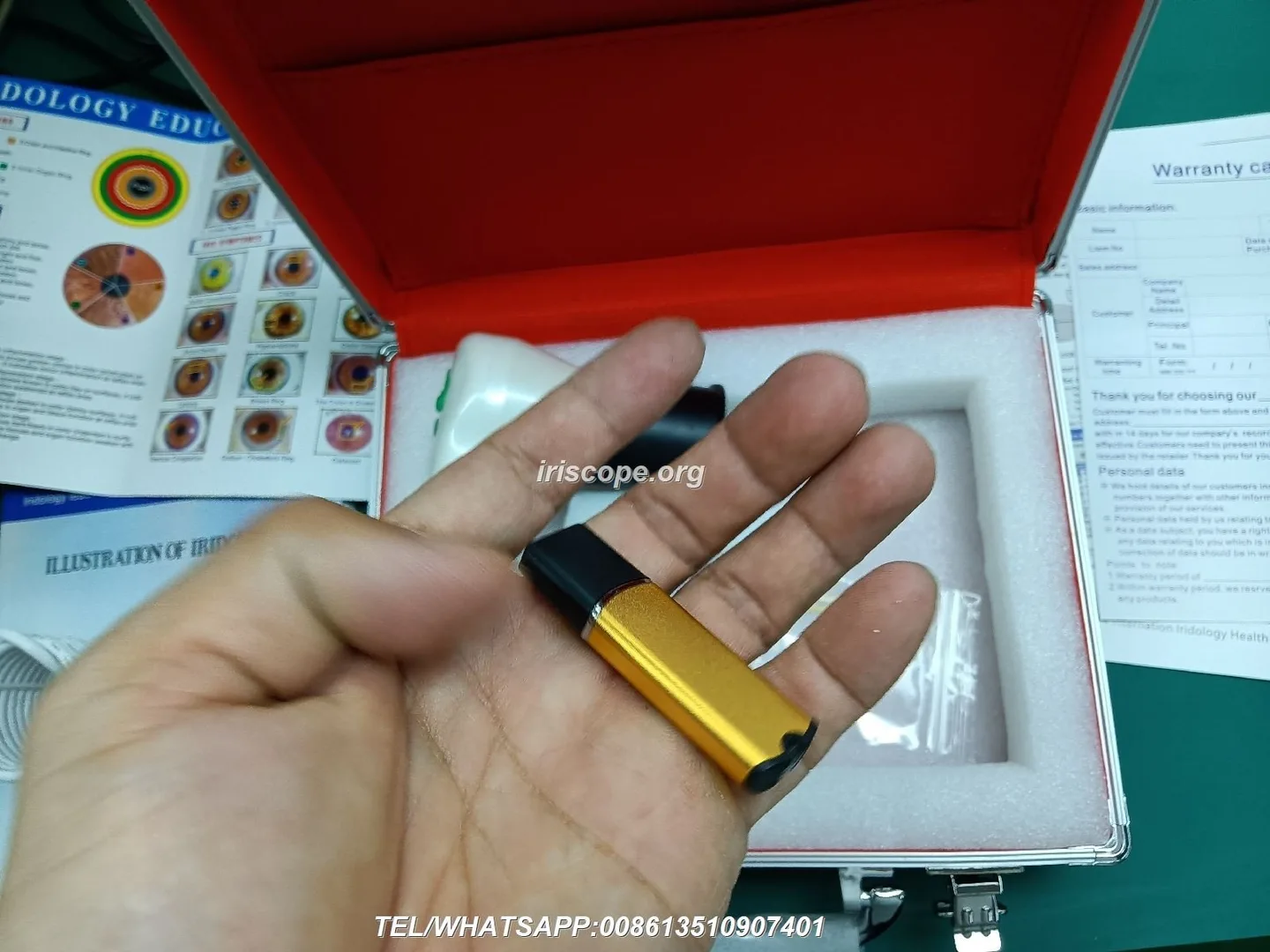
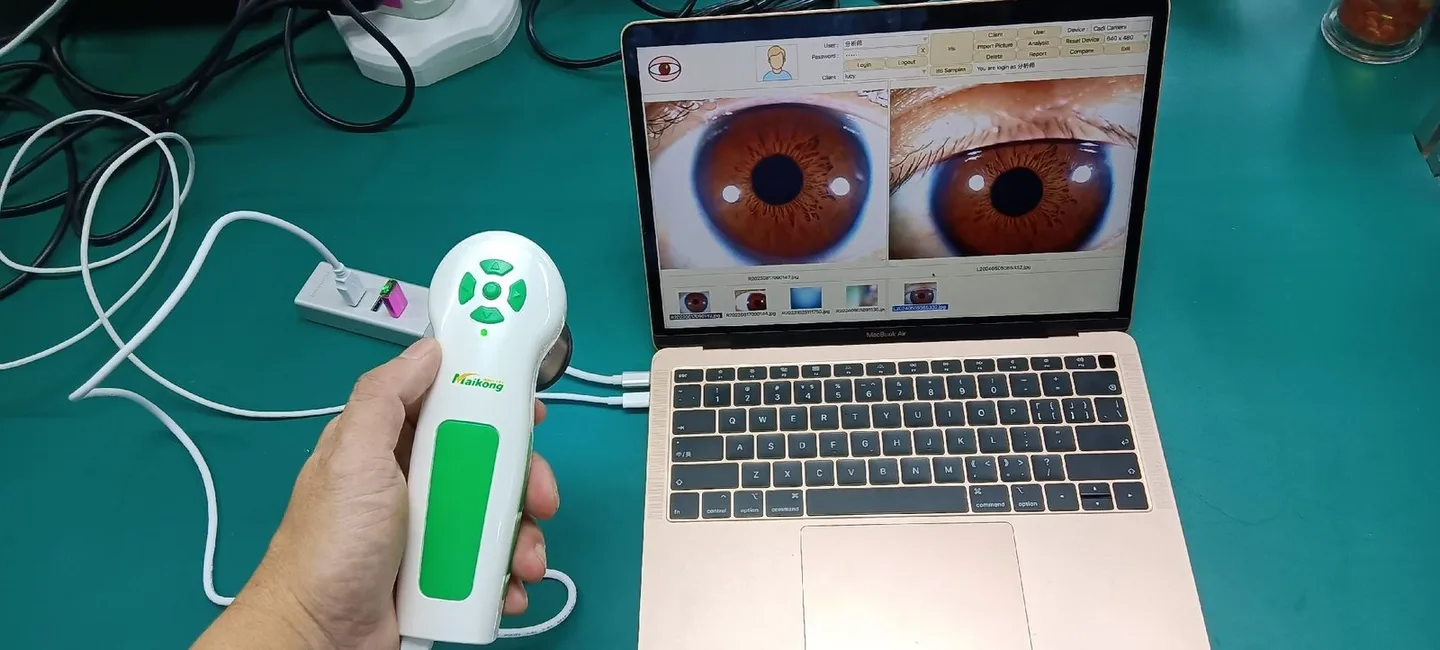
By “standalone iriscope” we mean a capture device sold primarily as hardware that pairs with general imaging software or a clinic’s existing records system. It focuses on optics, illumination and a straightforward capture workflow. By “integrated camera–software bundle” we mean a packaged system where the camera and dedicated comparable provider software are sold together and configured to work as one product: capture, client record, comparison and report printing are available from the same interface.
Same comparison dimensions we use (同一比较维度)
When we compare the two approaches for Canadian buyers we use consistent, practical dimensions:
- Image quality: sensor resolution, lens and image processing.
- Illumination & optics: LED arrangement, uniformity and lens quality.
- Capture workflow: single‑button capture, pause/capture, ease of focus.
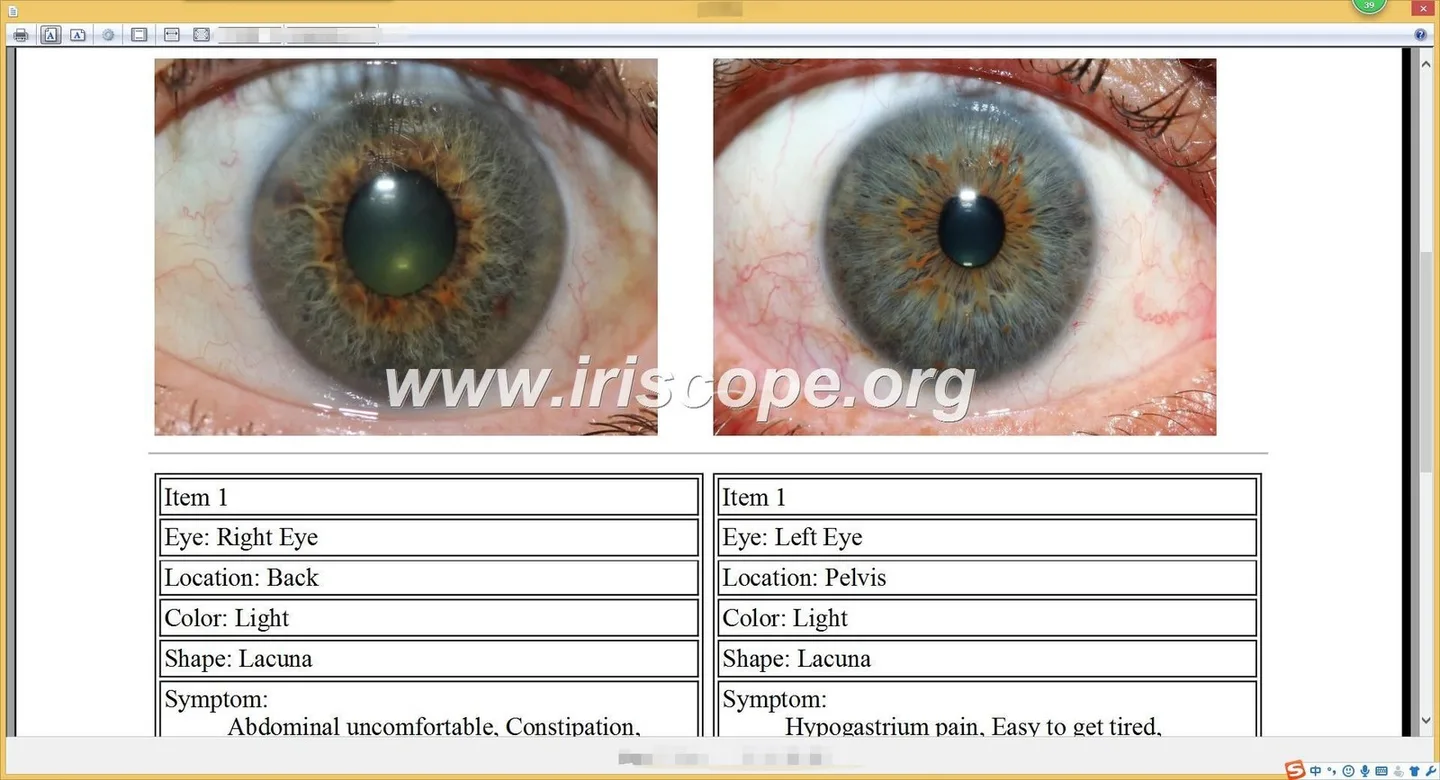
- Software features: client records, comparison, language support and report printing.
- Data management: file naming, export, backup and compatibility with clinic systems.
- Training & user skill: how much operator skill required for consistent images.
- Portability & power: whether the device needs external power and how easy it is to move.
- Maintenance & warranty: spare parts, serviceability and declared warranty.
Evidence — MAIKONG model facts you can rely on

We will link specific MAIKONG model details to the dimensions above so you can map them directly to your decision.
| Model | Sensor / resolution | Illumination | Lens / processor | Capture & focus | OS / languages | Lead time / warranty |
|---|
How those facts map to the dimensions
- Image quality: MK 9822U’s 12MP sensor provides visibly higher pixel detail useful for training materials, printed reports and detailed comparative analysis. MK 980U’s 5MP is adequate for routine clinical capture and faster data files.
- Illumination & optics: both models use LED ring illumination and imported plated lenses plus DSP processing and optical stabilizer — that combination supports consistent colour and sharper images when capture technique is consistent.
- Capture workflow: both models offer single‑button capture and digital pause capture; MK 9822U explicitly documents brightness adjustment by handle or software, which helps field capture and mobile use.
- Software & languages: MK 9822U declares multi‑language software support including English, which benefits training schools and multi‑lingual clinics; MK 980U lists Windows compatibility and basic image adjustments.
- Portability & power: MK 9822U’s product text states it can “plug directly into the computer and doesn’t require an electrical power supply” (useful for mobile clinics). MK 980U’s published facts do not explicitly state external power requirements — verify per configuration before purchase.
Applicability differences (适用差异): which workflows suit which option
When a standalone iriscope (or single camera + neutral software) is the right choice
- Small single‑practitioner clinics that already manage client records in an EMR or simple file system and only need reliable image capture.
- Mobile consultants who need compact equipment and small file sizes for quick transfers.
- Practitioners who prefer to control image storage and reporting with their own software or third‑party tools.
When an integrated camera–software bundle is the right choice
- comparable provider training schools and multi‑practitioner clinics that require centralized client records, comparison views for progress tracking and multilingual report output.
- Clinics that want a turnkey workflow with capture, client data entry, analysis templates and report printing in one interface.
- Distributors or wholesalers who supply a ready‑to‑use product to end customers and want minimal post‑sale configuration.
Decision checklist — step‑by‑step for Canadian clinics
- Define your primary use: single capture and archive, training/classroom demonstration, or multi‑practitioner clinic with client reports.
- Decide image resolution need: if you print large reports or teach, prefer 12MP (MK 9822U). For routine patient images and smaller storage footprint, 5MP (MK 980U) is sufficient.
- Confirm capture workflow: do you need multilingual built‑in software and printable analysis reports? If yes, favour the integrated bundle.
- Check IT policies: both MAIKONG models declare Windows support up to Win11 — verify compatibility with your clinic PCs before ordering and ask for installer requirements.
- Assess portability and power: if you require no external adapter for mobile work, confirm the camera’s stated power behaviour (MK 9822U declares direct computer connection without outside power in its product text).
- Plan data management: request how the bundle exports images and client data (file formats, CSV export, backup paths) and include that in your RFQ.
- Include training scope in your RFQ: ask for user manuals, language options and whether classroom licences or training materials are supplied.
Compatibility and configuration checks for Canada
From MAIKONG product text: both MK 980U and MK 9822U list Windows compatibility; MK 9822U also lists multi‑language software support including English. Important checks for Canadian buyers:
- Confirm the exact Windows versions your clinic runs and request a test installer or system requirements sheet. The product texts list many older OS versions as supported; verify current drivers for Windows 10/11.
- Ask whether the supplied software uses ANSI/Unicode for client names if you expect to store accented characters.
- There is no supplied evidence that macOS is supported; do not assume macOS compatibility without confirmation.
- Electrical/installation evidence for fixed‑mount installations in Canada is not supplied. If you plan a mounted workstation, include installation power and mounting details in the RFQ.
Costs and procurement signals to include in an RFQ
- The model(s) you want compared (MK 980U and/or MK 9822U).
- Required software language(s) and number of licences or seats.
- Whether you need client‑management/reporting features or only image capture.
- Planned deployment: single clinic, multi‑practitioner network, training school or mobile use.
- Requested lead time for delivery and whether OEM/ODM labelling or custom packaging is required.
- Support expectations: on‑boarding training, manuals in English, and spare parts availability.
Common mistakes buyers make and how to avoid them
- Assuming macOS support: many comparable provider devices list Windows only. If your clinic uses Macs, request explicit macOS support or plan a dedicated Windows machine.
- Skipping capture tests: don’t accept a specification sheet alone — ask for sample images or a short remote demo to check colour balance and focus behaviour under your lighting.
- Ignoring workflow integration: some buyers purchase high‑resolution cameras but still use a fragmented record system; decide whether you need an integrated bundle to save admin time.
- Under‑estimating training: consistent iris imaging requires an operator who knows positioning, focus and illumination. Include training time in procurement planning.
Maintenance, training and onboarding differences
Standalone cameras generally require less software training but more effort integrating images into your clinic’s record system. Integrated bundles shift more of that work into the vendor’s software, which reduces day‑to‑day administrative friction but increases dependence on that software’s export and backup features.
- Plan a short operator training session covering positioning, focus adjustments and consistent lighting for either option.
- Confirm the vendor’s spare parts policy and warranty: MAIKONG declares a 1 year warranty for both MK 980U and MK 9822U.
- Schedule a simple data‑export check during onboarding to ensure you can extract files for backups or migration.
Risks and limitations you should recognise
We must be clear about evidence gaps and limits:
- The product texts list Windows compatibility and language packs; they do not provide detailed system requirements, macOS support, or installation electrical details for Canada — confirm these before purchase.
- Manufacturer specifications are self‑reported. Image quality in practice depends on operator skill, capture conditions and post‑processing; a higher megapixel count does not automatically mean better diagnostic value.
- comparable provider is a complementary practice. The equipment is a tool for image capture and record keeping; it is not a medical diagnostic device. Our Important Disclaimer at the end reiterates this boundary.
Decision summary and recommended fits
Short practical guidance:
- Choose MK 980U (5MP) or a standalone iriscope approach if you run a small clinic, need smaller files and want minimal software dependency. MK 980U’s listed Windows support and LED illumination suit routine capture (data-fact-id:140; data-prepared-source=”factory_product_facts:140″).
- Choose MK 9822U (12MP) or an integrated bundle if you run a training school, require multilingual software and centralized client records, or you print large-format reports. MK 9822U’s 12MP sensor and explicit language list support those use cases (data-fact-id:134; data-prepared-source=”factory_product_facts:134″).
FAQ (short answers to likely follow‑ups)
Do these MAIKONG models work with Mac?
MAIKONG’s supplied model texts list Windows operating systems. There is no supplied evidence for macOS support; ask us explicitly if you require macOS compatibility.
Can I export images to my clinic EMR?
Both models save images. For integrated bundles, confirm export formats (JPEG, TIFF) and whether client data can be exported as CSV. Include this requirement in your RFQ.
What is the lead time and MOQ?
MAIKONG lists MOQ as 1 piece and lead time for MK 980U as 2 days and MK 9822U as 2–3 days in the product text. Confirm current lead times in your quote request (data-prepared-source=”factory_product_facts:140″ and data-prepared-source=”factory_product_facts:134″).
Next step — request a tailored configuration or quote
Important Disclaimer: Content is for educational and informational purposes only and does not constitute medical advice, diagnosis, or treatment. comparable provider is a complementary wellness practice and should not replace professional medical evaluation. Our comparable provider cameras and iriscopes are professional wellness imaging tools; users should receive appropriate training and comply with applicable local laws and professional requirements.
This content is provided for learning, information sharing and professional communication only. It is not medical advice and is not a basis for treatment or diagnosis. Confirm suitability, operation and purchasing requirements against the product manual, local regulations and qualified professional guidance.
MAIKONG does not publish prices online; price is available on inquiry. When you request a quote, include:
If you want a direct quote or to discuss which model fits your Canadian clinic or school, contact us with the following details: number of seats (licences), intended workflow (single room, multi‑practitioner, training), preferred model(s) and any required language for software. Email Lucy@myiridology.us or WhatsApp +86 135-1090-7401. You can also review the product details on our product page: MAIKONG comparable provider camera page.
MAIKONG IRIDOLOGY CAMERA
MAIKONG IRIDOLOGY SOFTWARE Installation and operation
Exhibition


Company Certificates


Contact US Online WHATSAPP:

Maybe you like also
Copy©2026-2027