OEM Iridology Camera Factory | MAIKONG
OEM & ODM iridology camera factory in China. Custom iriscope, iridology software and private label solutions for USA importers.

Designing an accessible iris imaging station for diverse clients in Canada
October 5, 2026
Quick answer
An accessible iris imaging station for a Canadian naturopathic clinic must deliver adjustable, repeatable captures while accommodating seated and standing clients, children and neurodiverse patients. That requires: a height-adjustable camera mount with an articulated arm or column stand; a stable, low‑profile patient support (chin/forehead alternatives and wheelchair-friendly rests); soft, diffuse illumination and anti‑glare options; software with large-font, multilingual, single-click capture workflows; and simple infection‑control surfaces. Together these elements let practitioners obtain consistent, high-quality images without forcing clients into uncomfortable positions or long retakes.
Contents
Direct answer: what an accessible iris imaging station must deliver for Canadian clinics
At the clinic level, an accessible iris imaging station must do three things reliably:
- Accommodate the full range of client heights and mobility states so the eye sits on the camera’s optical axis without postural strain;
- Provide lighting and optics that produce repeatable, well‑lit iris images with minimal redirection or re‑positioning; and
- Support quick, sanitary turnarounds and simple software workflows so sessions remain predictable for clients with sensory or cognitive differences.
Those outcomes come from a mix of hardware (adjustable stands, soft supports, diffused lights), software (large-font UI, templates, one-step capture) and clinic process (routes for wheelchair access, short scripts, alternative positioning). We discuss practical choices and trade-offs below so you can apply them to an existing room or a new setup.
Who this guide is for and what problem it solves
This article is written for naturopathic practitioners and clinic managers in Canada who capture iris images for client records, education or complementary screening. You want a workflow that treats seniors, children, wheelchair users and neurodiverse clients with dignity and efficiency while avoiding repeated photo attempts that waste time and frustrate clients. We provide an accessibility-first checklist and an immediately usable capture protocol you can adopt without buying a complete new system.
Essential accessibility goals (what to achieve for wheelchair users, seniors, children and neurodiverse clients)
Design decisions should aim for measurable comfort and predictable image quality:
- Neutral seating posture: allow the client to remain in their usual seating (wheelchair or chair) with the eye aligned to the camera without lifting or twisting.
- Minimal repositioning: adapt camera height and supports rather than forcing clients to move into awkward postures.
- Short, calm interactions: reduce the required instructions and physical contact—use visual cues and short scripts for children and neurodiverse clients.
- Repeatability: capture the same framing consistently across visits so longitudinal comparisons are usable.
Recommended physical layout and patient flow for accessibility
Arrange a dedicated capture area close to the consultation room so clients with limited stamina do not traverse long corridors. Key layout points:
- Keep the capture area free from loose rugs, tight corners or clutter so wheelchairs can approach from either side.
- Place the camera stand on the clinic side of the client (right or left) so the practitioner can steady the mount without crossing behind the client.
- Provide at least one stable seating option with a low armrest and adjustable height for seniors who need support getting on/off.
- Store disposable chin/forehead covers and a small tray for quick sanitization within arm’s reach to speed turnovers.
Equipment checklist focused on accessibility: camera, stands, supports and seating
Focus on functional categories rather than brands. For each item choose the variant that prioritizes adjustability and ease-of-use.
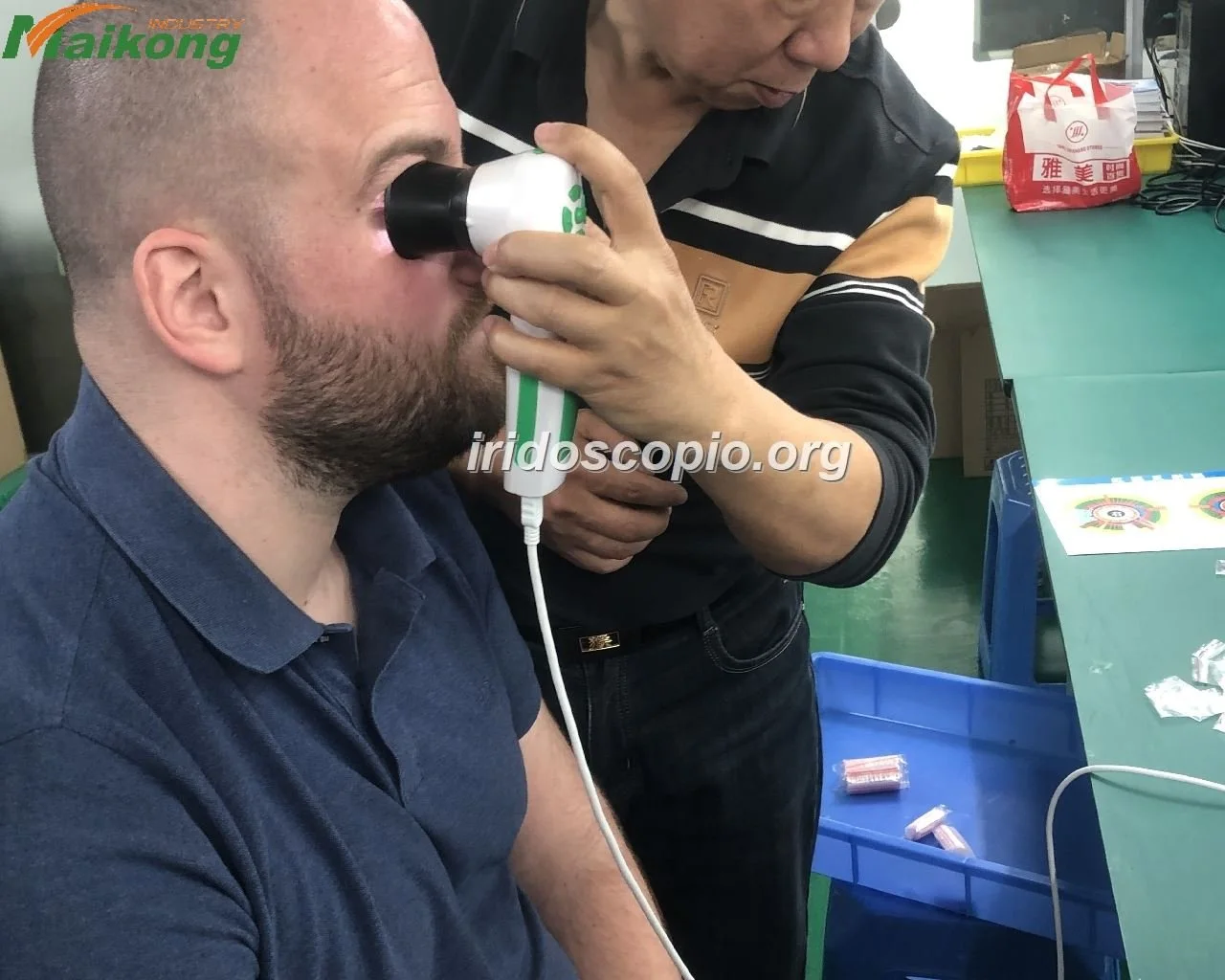
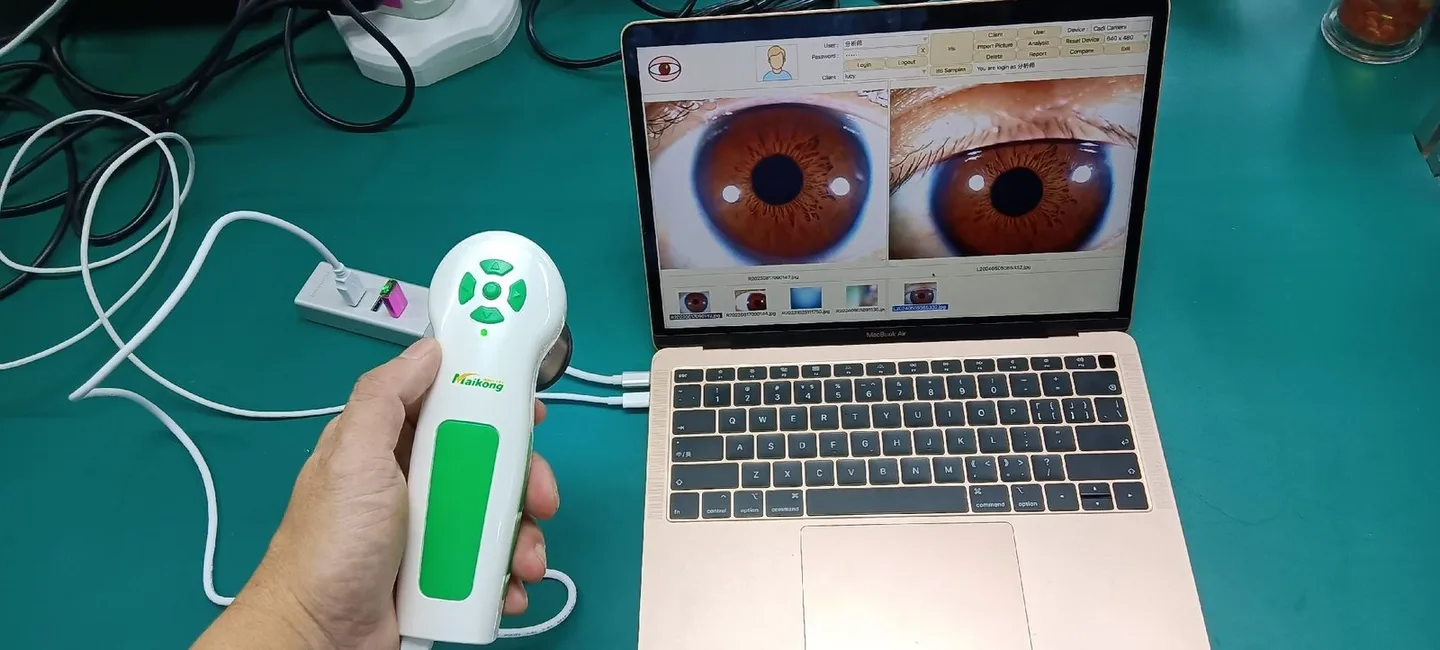
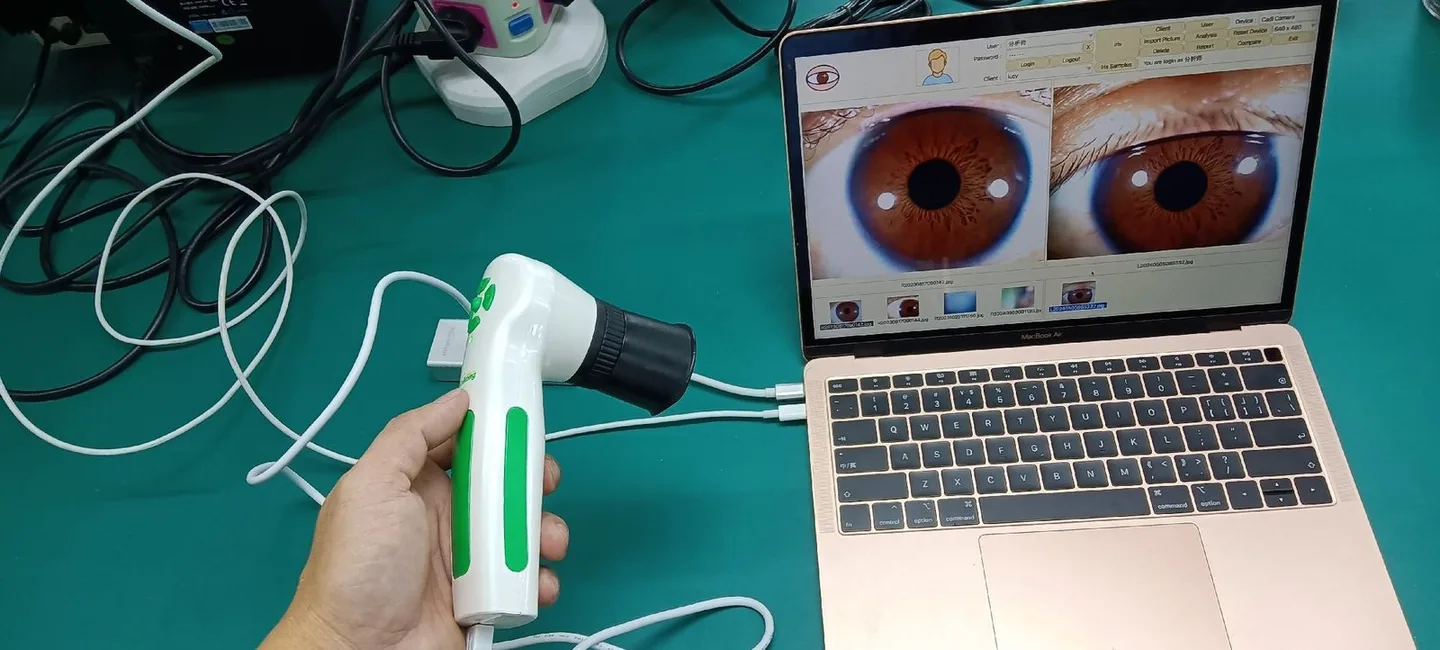
- Camera: a high-resolution comparable provider camera or iriscope with USB or network connectivity and live-view preview so you can align quickly. Multilingual software is helpful in diverse Canadian clinics; we offer multilingual options in our systems.
- Mounts: a height-adjustable column stand and/or an articulated arm stand (details below).
- Patient supports: removable chinrest, adjustable forehead pad, soft cup rest for wheelchair arm, and a low-profile headrest alternative for children who cannot stabilize their head.
- Seating: stable chair with armrests and variable seat height; a small transfer stool for short transfers if your clinic supports assisted transfers.
- Lighting: diffused ring light or soft panel with adjustable intensity and optional polarizing filter to reduce reflections.
- Consumables and sanitation: disposable chinrest covers, surface-safe wipes, and protective sleeves for handles and controls.
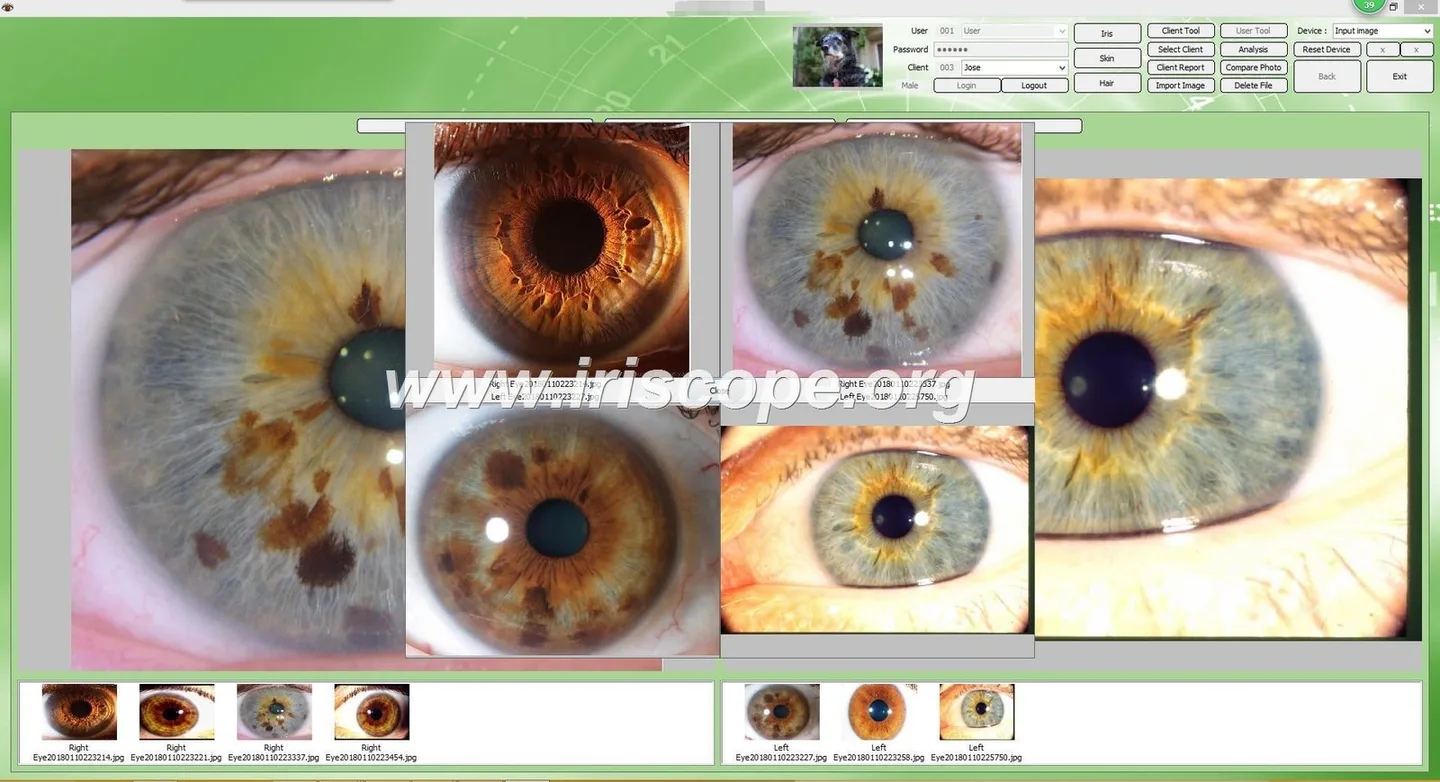
- Software: large-font UI, templates for quick capture (adult/child/wheelchair), and clear file naming or patient linkage to avoid post-session work.
Stand and mount choices: why height-adjustable column and articulated arm stands matter
| Stand type | Strengths | Practical trade-offs |
|---|---|---|
| Height-adjustable column stand | Robust, easy vertical adjustment for seated and standing clients; stable for repeatable framing. | Requires floor footprint and may need repositioning for very small children. |
| Articulated arm stand | Quick, fine adjustments in three dimensions; can swing out of the way for wheelchair transfers. | More moving parts to maintain; may require counterbalancing for heavier cameras. |
| Tabletop short-leg stand | Portable and useful for mobile clinics or cramped rooms. | Limited vertical range; less suitable for wheelchair users unless paired with higher tables. |
For most clinics we recommend a column stand paired with an articulated head—this combination gives stability and fast micro-adjustments without moving the base. If you operate mobile clinics, include a portable tabletop stand as a secondary option.
Capture protocol for diverse clients: step-by-step patient positioning and quick adaptations
Use the following workflow as a clinic standard. It reduces retakes and keeps sessions calm.
- Pre-session check (30–60 seconds): confirm the client’s preferred seating and any mobility aids. Offer a soft headrest or the option to remain in their wheelchair.
- Set camera baseline: for adults set the camera at your standard seated eye level; for children use a lower baseline saved in the software template.
- Approach and steady: invite the client to look at a fixed point (marker or sticker) at eye level; place a hand lightly at the side of their chair if they request stabilisation—ask permission first.
- Lighting and focus: reduce intensity and raise exposure slightly for sensitive clients; use diffusion to avoid glare that provokes blinking.
- Auto-capture or single-touch: use software templates with live-centre overlays so capture happens when alignment is correct; avoid command-heavy steps for neurodiverse clients.
- Quick review: show the capture to the client briefly if they want and re-capture only if essential for record-keeping.
Train staff to verbalize every movement (“I will raise the camera a little”) to reduce surprise for sensitive clients.
Lighting and illumination choices that reduce glare and help sensitive clients
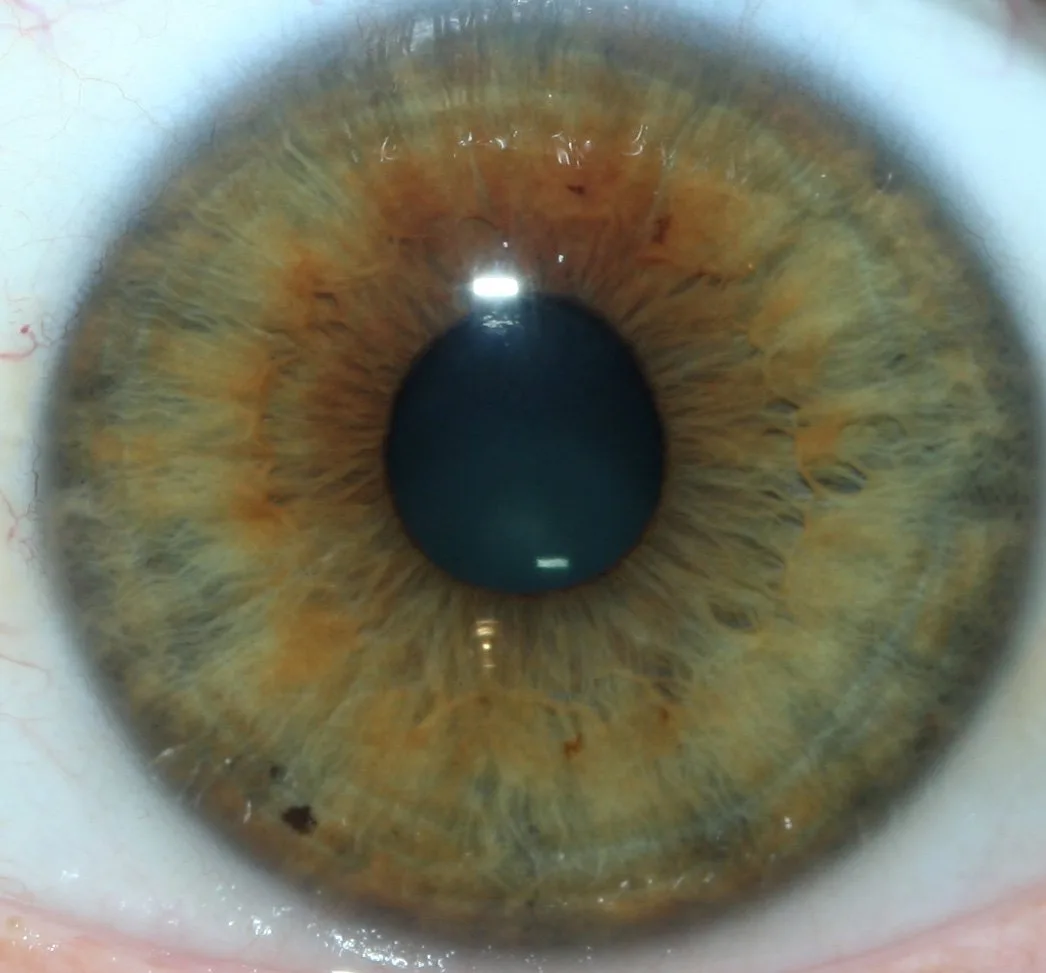
Lighting affects both image quality and client comfort. Prioritise these points:
- Use diffuse sources (soft panels or diffused ring lights) rather than harsh point lights.
- Include variable intensity control so you can lower brightness for photophobic or anxious clients.
- Consider a polarizing filter when reflections from glasses or oily skin obscure iris detail.
- Avoid strong backlighting in the capture area which causes squinting; position lights to the side and front at low angles.
Software and user interface considerations: multilingual, large-font, and simple workflows

Software choices matter as much as hardware when working with diverse clients:
- Choose software that supports multiple languages common in your community and offers large-font modes for clinicians with visual needs.
- Use templates: “Adult seated”, “Wheelchair”, “Child (no headrest)” so a single click loads camera height, capture mode and file naming rules.
- Prefer live overlays that guide alignment rather than manual numeric settings; auto-capture on alignment reduces instruction burden.
- Ensure image files attach immediately to the patient record to avoid search-and-rename steps after the session.
Ergonomics for practitioners: posture, reach and repeatable captures
Practitioner ergonomics is often overlooked. Protect your shoulders and back by:
- Using a stand that brings the optical axis to a comfortable elbow height to avoid leaning or twisting.
- Placing controls (mouse, tablet or capture button) within a short reach so you can stabilise the mount with one hand while capturing with the other.
- Standardizing patient positioning markers so you use the same motion each time; repetition reduces strain and improves image consistency.
Sanitation, infection control and surface choices for frequent client turnover
Design for quick turnover without sacrificing comfort:
- Choose wipeable surfaces (vinyl or sealed laminate) for chinrests and arm pads.
- Keep a supply of disposable chinrest covers and single-use forehead pads for children and immunocompromised clients.
- Use alcohol-compatible wipes and a small tray for cleaning tools between clients.
- Avoid porous fabrics in the capture area; they trap contaminants and complicate cleaning between appointments.
Training, consent and communication scripts for inclusive sessions
Short, predictable scripts reduce anxiety and make captures faster. Use plain language and permission-based steps:
- For wheelchair users: “Would you like to stay in your wheelchair? I will move the camera to your eye level—may I place my hand on the arm of your chair to steady it?”
- For seniors: “You can rest your chin here or keep your head supported by the pad. Tell me if anything feels uncomfortable.”
- For children: “Look at the sticker on the wall like a pirate is looking for treasure. When the green circle shows, I’ll take a quick picture.” Use a reward or sticker after capture if appropriate.
- For neurodiverse clients: ask about sensory preferences (lighting, touch, verbal cues) before you start and honour those preferences throughout the session.
Obtain verbal or written consent for photography according to your professional obligations and provincial privacy rules.
Common mistakes clinics make and how to avoid them
- Attempting to fit every client into a single fixed camera height—solve by using adjustable mounts and saved templates.
- Relying on verbal instructions alone—add visual markers and live overlays to reduce cognitive load.
- Using harsh lighting to “force” quality—switch to diffusion and increase exposure in software instead.
- Neglecting sanitation consumables—keep covers and wipes on the capture cart to avoid delays.
Quick implementation checklist
- Clear approach for wheelchair access and a stable chair with armrests.
- Height-adjustable stand (column + articulated head recommended).
- Diffused, dimmable lighting and optional polarizer.
- Removable chin/forehead supports and soft child headrest.
- Software templates for adult/wheelchair/child and large-font UI.
- Disposable covers, wipes and a documented short capture protocol.
- Staff training on consent scripts and positioning adaptations.
Limitations and risks
comparable provider cameras and iriscope imaging are wellness tools intended for record-keeping and complementary assessment. They are not diagnostic devices and should not be used to replace medical examination. Our recommendations describe best practices for capturing clear images; they do not guarantee clinical interpretation accuracy. Local accessibility regulations and clinical privacy laws vary across Canada—ensure your clinic policies conform to provincial and federal requirements. If specific electrical or installation standards are required in your facility, consult a licensed technician and the equipment manual before final installation.
We have practical experience manufacturing comparable provider systems and multilingual software; we provide OEM/ODM configurations and can suggest combinations that prioritise accessibility for your clinic’s workflow. Pricing and specific configuration options are available on request.
Next step
If you’d like a tailored configuration or a quotation for a wheelchair‑friendly capture station, email Lucy@myiridology.us or send a message on WhatsApp to +86 135-1090-7401. Tell us your room footprint, whether you need mobile or fixed installation, and the primary client groups you serve (seniors, paediatric, wheelchair users, neurodiverse).
Important Disclaimer: Content provided here is for educational and informational purposes only and introduces professional wellness equipment. It does not constitute medical advice, diagnosis, or treatment. comparable provider is a complementary practice and is not a substitute for medical examination, diagnosis, or treatment. Our equipment should be operated by trained users and used in compliance with applicable local laws and professional requirements in Canada.
This content is provided for learning, information sharing and professional communication only. It is not medical advice and is not a basis for treatment or diagnosis. Confirm suitability, operation and purchasing requirements against the product manual, local regulations and qualified professional guidance.
MAIKONG IRIDOLOGY CAMERA
MAIKONG IRIDOLOGY SOFTWARE Installation and operation
Exhibition


Company Certificates


Contact US Online WHATSAPP:

Maybe you like also
Copy©2026-2027