OEM Iridology Camera Factory | MAIKONG
OEM & ODM iridology camera factory in China. Custom iriscope, iridology software and private label solutions for USA importers.

Choosing the right camera stand for high-volume iridology clinics in Canada
October 4, 2026
Quick answer
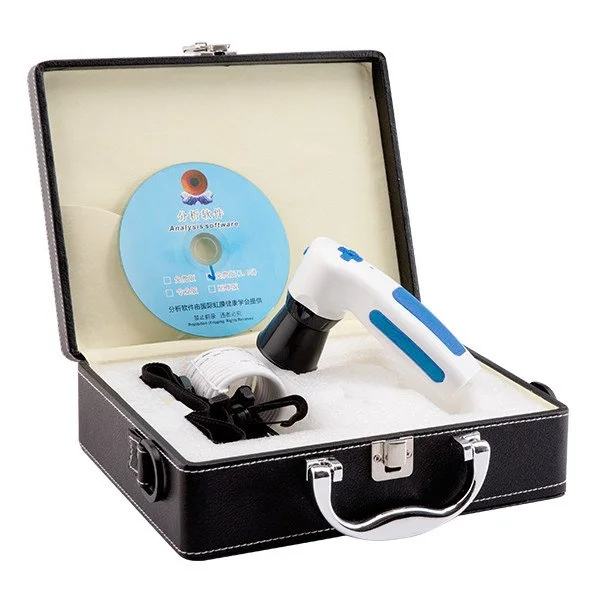
The single best-practice for high-volume comparable provider clinics is to match a stable, low-footprint stand type to your workflow: use a height-adjustable column or articulated arm mounted at a dedicated capture station when you need repeatable ergonomics and 3–5 exams per hour; choose a mobile trolley only if you must move the whole workstation between rooms; reserve fixed desktop/bench mounts for dedicated single-station rooms where maximum stiffness and minimal setup are priorities. Prioritise stability, repeatable patient head positioning, cable routing and software/OS compatibility (verify the camera model’s supported systems) when you configure each station.
Contents
Direct answer: the single best-practice for high-volume clinics
High-volume clinics should standardise on one primary stand type per capture workflow rather than mixing many ad-hoc mounts. For a clinic scheduling 3–5 comparable provider captures per hour, we recommend a height-adjustable column or a wall/ceiling-mounted articulated arm at each dedicated capture station. These options strike the best balance between stability, patient comfort and throughput when paired with a reliable camera (for example, check MK 980U and MK-9822U OS and accessory compatibility before ordering). Use mobile trolleys only for genuine room-to-room mobility; they trade stiffness for portability and tend to slow repeatability unless carefully configured.
Why the right stand matters in a busy comparable provider clinic
Every capture must be repeatable: the same camera-to-eye distance, consistent lighting angle and minimal vibration. In a high-throughput setting the stand is where ergonomics, workflow and imaging reliability meet. A poorly chosen stand causes extra adjustments, inconsistent images, slower appointments and more stressed staff. Conversely, a fit-for-purpose mount reduces retakes, improves client comfort and preserves the camera and lens alignment over months of heavy use.
Quick checklist: the six must-have stand attributes for high-volume use
- Stability: rigid construction with low deflection under gentle contact.
- Repeatable positioning: indexed stops or scale markings for quick, identical setup.
- Patient ergonomics: forehead/chin rest compatibility and wheelchair access at the same station.
- Cable management: concealed or secured routing to avoid snagging and USB signal loss.
- Footprint vs mobility: small footprint for multi-chair clinics; lockable casters for trolleys.
- Maintenance and infection control: surfaces that tolerate clinical disinfectants and are easy to wipe down.
Match stand types to workflows
Fixed desktop / bench mount
Best for single-room practices or demonstration booths. They offer excellent stiffness and the smallest budget footprint. Use them where the camera and patient chair are permanent; retakes are rare and setup time is minimal. Not ideal if you need to serve multiple rooms or mobile events.
Height-adjustable column (floor stand)
Our top pick for high-volume clinics with a dedicated capture station. Columns provide strong vertical support with a small floor footprint and enable quick height changes for different clients, including wheelchair users when paired with a suitable chair configuration. They combine stiffness and repeatability without the bulk of bulky trolleys.
Articulated arm (wall/ceiling or column-mounted)
Articulated arms are ideal when you must swing the camera into position quickly and retract it afterward. They are convenient in multi-purpose rooms where the mount must be out of the way between exams. Quality arms with gas-spring assist give smooth movement and precise positioning; lower-cost arms can feel sloppy and reduce image repeatability.
Mobile trolley (full workstation)
Choose a robust trolley when you must move camera, PC and accessories between rooms or for outreach events. Trolleys are flexible but inherently less stable than fixed mounts; use locking casters, secure cable trays and vibration-damping pads to mitigate movement. Expect longer set-up and teardown time compared with fixed stations.
Compatibility with common comparable provider cameras — what to verify for MK 980U and MK-9822U
Before finalising a stand order, check camera mounting interface, weight, handpiece clearances and supported operating systems. Specific details to verify from a product sheet:
- MK 980U — listed as 5MP high resolution CCD sensor with 6 LED illuminator arrangement and DSP image processor; supports Windows versions up to Windows 11. (MAIKONG product reference: MK 980U, data-fact-id=”140″).
- MK-9822U — listed as a 12 MP CCD sensor camera with 4 LED/2 LED lamp control, CE declared certification and Maikong comparable provider Software included; supports Windows XP/Vista/7/8/10/11 and Apple Mac OS. (MAIKONG product reference: MK-9822U, data-fact-id=”133″).
When you receive the camera datasheet, match the tripod/stand screw size or adapter plate and confirm that the chosen stand can carry the camera and any supplied handset or lens assembly without sagging. If the product sheet lists a weight, use that exact number in your stand supplier inquiry; do not assume compatibility from camera model names alone.
Capture consistency: positioning, patient ergonomics and repeatability steps
Set a short, repeatable routine that every technician follows. Practical steps we recommend clinics adopt:
- Fix one camera-to-chair relationship per station. Mark the chair position on the floor or add a castor clamp so the chair returns to the same spot.
- Use an indexed forehead rest or chin pad with simple height marks so assistants can reposition in two seconds.
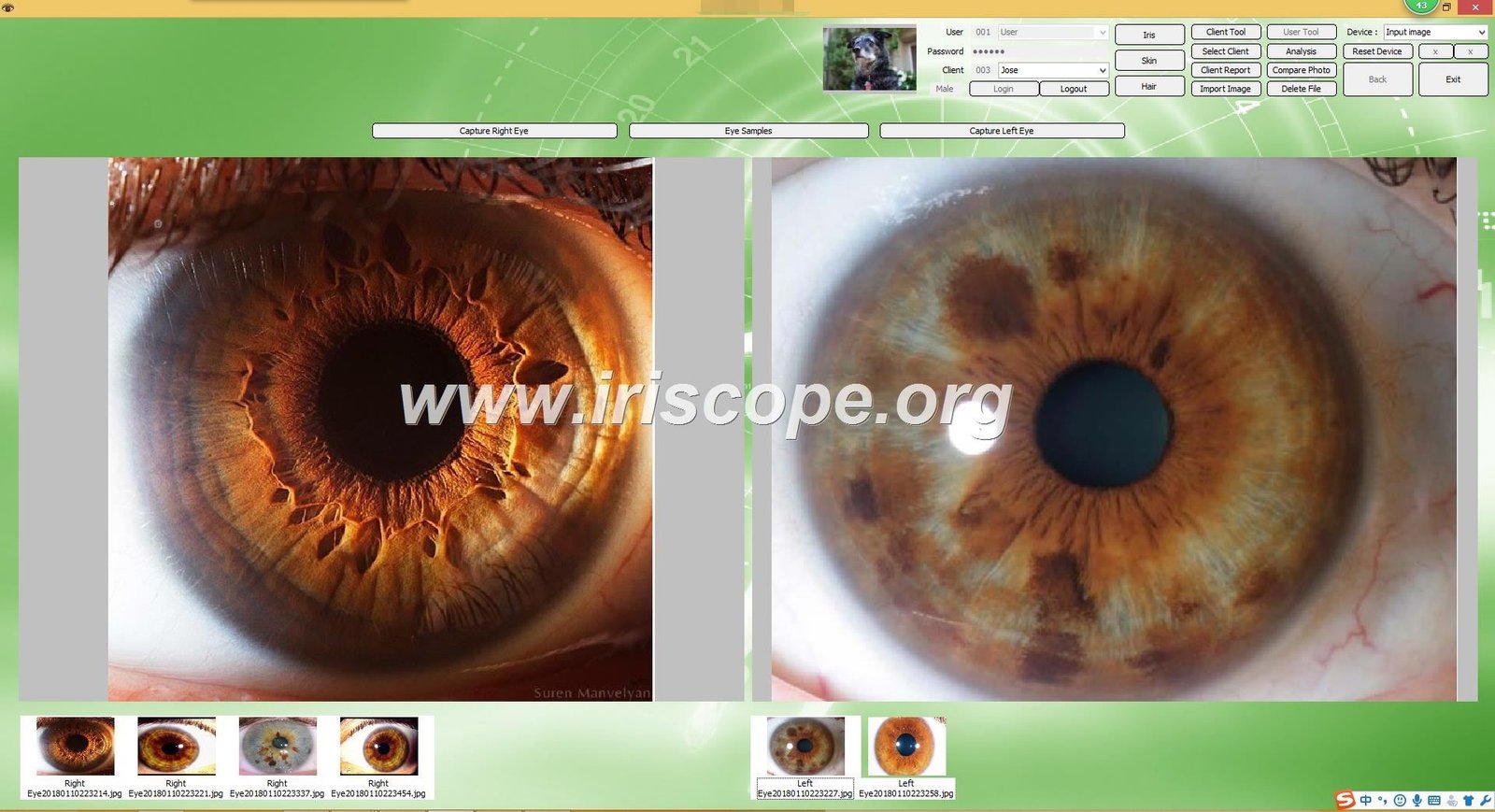
- Train staff to use the camera’s focus and pause-capture features rather than moving the patient repeatedly. The MK 980U and MK-9822U both list adjustable focus and single-capture controls — learn those features to speed capture (data-fact-id=”140″ and data-fact-id=”133″).
- Log one standard exposure routine per station and save it in your capture software to reduce per-client adjustments.
Throughput-focused configuration: capture station layout for a 3–5 exam-per-hour clinic
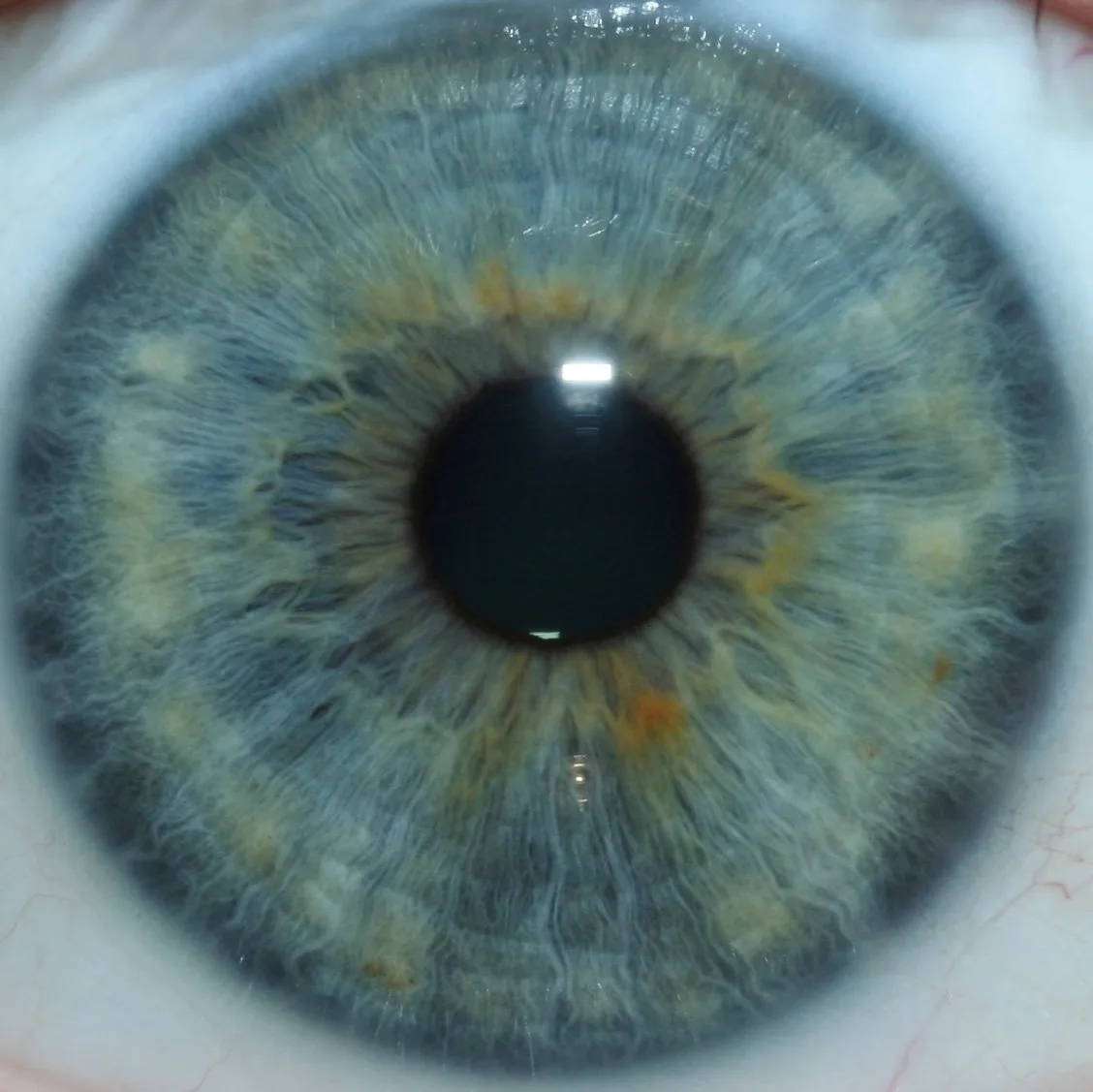
For that throughput target you need short handover time and minimal repositioning. Layout suggestion:
- One dedicated camera stand per chair. The extra cost is offset by throughput and fewer retakes.
- Keep the workstation PC/tablet immediately behind or beside the camera so results are saved instantly and the next client can be ready while software finalises the record.
- Use a simple checklist at each station (patient seated, forehead/chin rest locked, camera preset loaded, capture button ready) to avoid ad-hoc checks that add minutes.
Durability, maintenance and infection-control for multi-client use
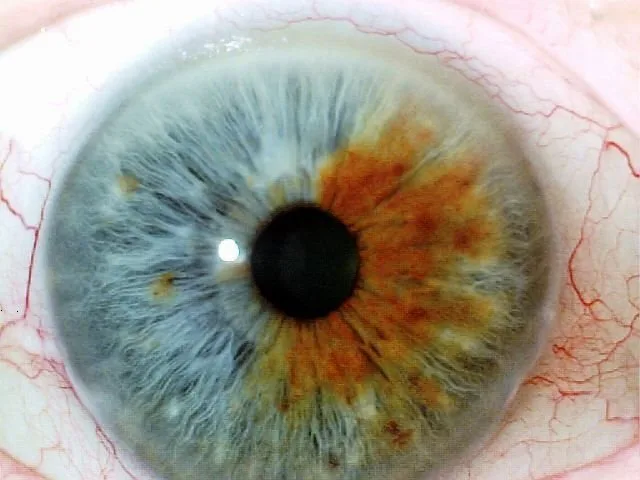
Choose stands made from materials compatible with hospital-grade or clinic-grade disinfectants. Smooth painted or anodised surfaces are easier to wipe down than porous finishes. Look for stands with replaceable pads and parts — forehead rests and chin pads will need regular replacement. Consider serviceability: modular stands save downtime because you can replace a damaged arm rather than the entire tower.
Software and hardware fit: cable routing, USB/driver access and workstation notes
High-volume operations are sensitive to cable faults and driver issues. Practical items to verify:
- Ensure the stand provides a clear path to route USB and power cables to the workstation without sharp bends or pinch points.
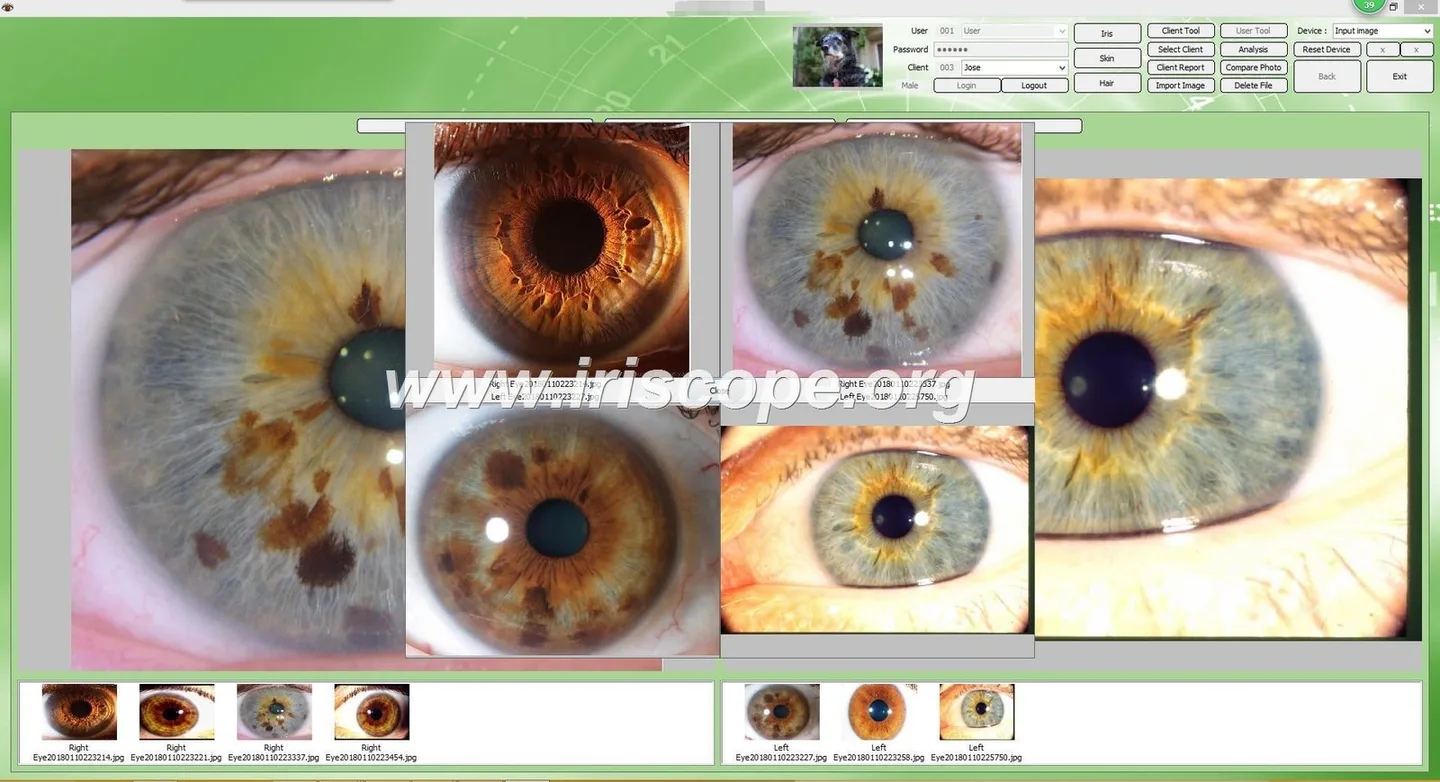
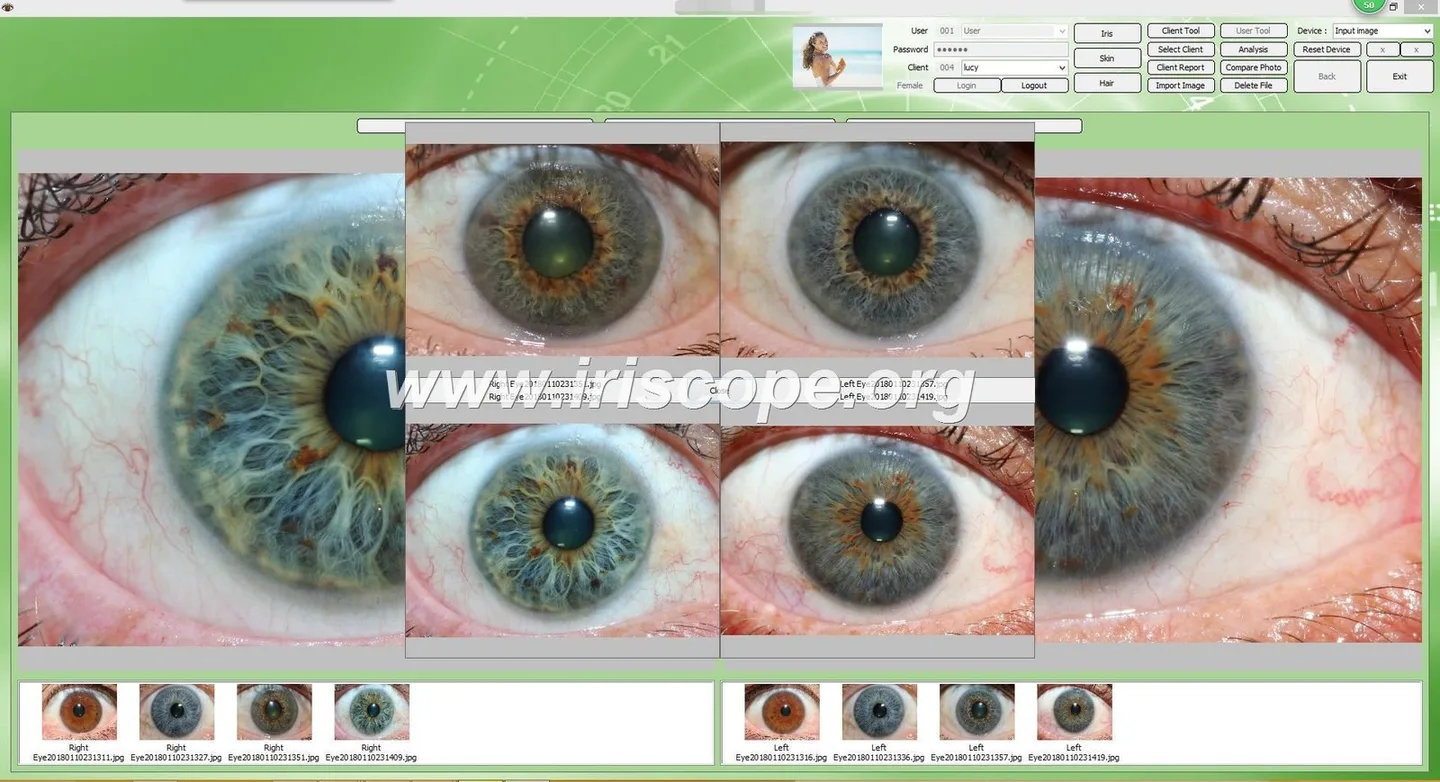
- Confirm the camera’s supported operating systems. MK 980U lists compatibility with multiple Windows versions up to Windows 11 (data-fact-id=”140″); MK-9822U lists Windows versions and Apple Mac OS (data-fact-id=”133″). Test the camera and software on the target workstation before deploying several stations.
- Use shielded USB extenders, active repeaters or directly located PCs if cable length threatens signal quality; document exact cable runs in the station plan.
Buying checklist for Canadian clinics (power, mounting surface, warranty and local support)
- Mounting surface and structural strength: confirm ceiling or wall mounts have engineering capacity for the arm and camera assembly if not floor-mounted.
- Electrical and grounding considerations: although cameras typically draw power from the workstation or a small adapter, check local electrical code for workstation installations in clinical spaces.
- Warranty and spare parts: ask about parts availability and shipping to Canada; MAIKONG lists a 1 year warranty for the MK models referenced (data-fact-id=”140″ and data-fact-id=”133″).
- OS and software deployment: request sample installation files and verify driver compatibility on your clinic’s imaging workstations before bulk purchase.
- Request an on-site trial or a staged pilot with one station to confirm ergonomics and throughput before buying multiple mounts.
- For OEM/ODM branding or custom colours, ask the manufacturer for lead times and minimum order quantities; MAIKONG provides OEM services but prices are available on inquiry.
Comparison table: which stand type suits which clinic size and budget
| Stand type | Stability | Footprint & mobility | Best for |
|---|---|---|---|
| Fixed desktop / bench mount | High | Small footprint, low mobility | Single-station clinics, demos, training desks |
| Height-adjustable column | High–Medium | Moderate footprint, semi-permanent | High-volume dedicated capture stations (recommended) |
| Articulated arm (wall/ceiling) | Medium–High | Minimal floor footprint, needs wall/ceiling mounting | Multipurpose rooms and clinics with retractable equipment |
| Mobile trolley | Medium | Larger footprint, full mobility | Outreach, multiple rooms, ad-hoc setups |
Common mistakes clinics make when selecting a stand
- Buying purely for price: low-cost arms often lack stiffness and lead to frequent retakes.
- Failing to test with the actual camera model (MK 980U or MK-9822U) and the clinic’s workstation OS.
- Underestimating cable length and USB signal loss for trolley or long-arm setups.
- Ignoring patient access: not planning for wheelchair positioning or varying client heights.
- Skipping a pilot station — small trials reveal ergonomics or infection-control problems before larger purchases.
Suitability scenarios (how clinics commonly apply each stand)
Dedicated urban clinics with steady footfall typically run multiple fixed capture stations with height-adjustable columns to reduce queueing and increase repeatability. Mobile practitioners and event teams prefer trolleys despite the longer set-up time. Training schools use a mix: bench mounts for student practice and a few mobile trolleys for demonstrations.
Next step — configuration and quote
If you want a recommended stand configuration for your specific floor plan and throughput, request a station quote. Provide us with your clinic’s planned captures per hour, ceiling type (drop, concrete), and whether you require wheelchair-accessible setups. Pricing and OEM options are available on inquiry.
Contact: Lucy@myiridology.us or WhatsApp +86 135-1090-7401.
Risks and limitations to keep in mind
Stand choice does not eliminate the need for staff training, nor does it guarantee image quality without correct camera settings and software workflows. Declared product specifications (for example, MK 980U and MK-9822U features and OS support) come from the manufacturer’s product information and should be verified against the specific shipment and software version you plan to deploy (data-fact-id=”140″ and data-fact-id=”133″). If a camera manual or a local electrical/structural sign-off is required for mounting, obtain it before installation.
Relevant resource: learn more about comparable provider basics on our comparable provider page: comparable provider.
Important Disclaimer: Content is for educational and informational purposes only and does not constitute medical advice, diagnosis, or treatment. comparable provider is a complementary wellness practice and should not replace professional medical evaluation or care. comparable provider cameras and iriscopes are professional wellness imaging tools; users should receive appropriate training and comply with applicable local requirements.
This content is provided for learning, information sharing and professional communication only. It is not medical advice and is not a basis for treatment or diagnosis. Confirm suitability, operation and purchasing requirements against the product manual, local regulations and qualified professional guidance.
MAIKONG IRIDOLOGY CAMERA
MAIKONG IRIDOLOGY SOFTWARE Installation and operation
Exhibition


Company Certificates


Contact US Online WHATSAPP:

Maybe you like also
Copy©2026-2027