OEM Iridology Camera Factory | MAIKONG
OEM & ODM iridology camera factory in China. Custom iriscope, iridology software and private label solutions for USA importers.

How to Read Iridology Examples: A Practical Guide for Canadian Healthcare Equipment Importers
October 16, 2026
Quick answer
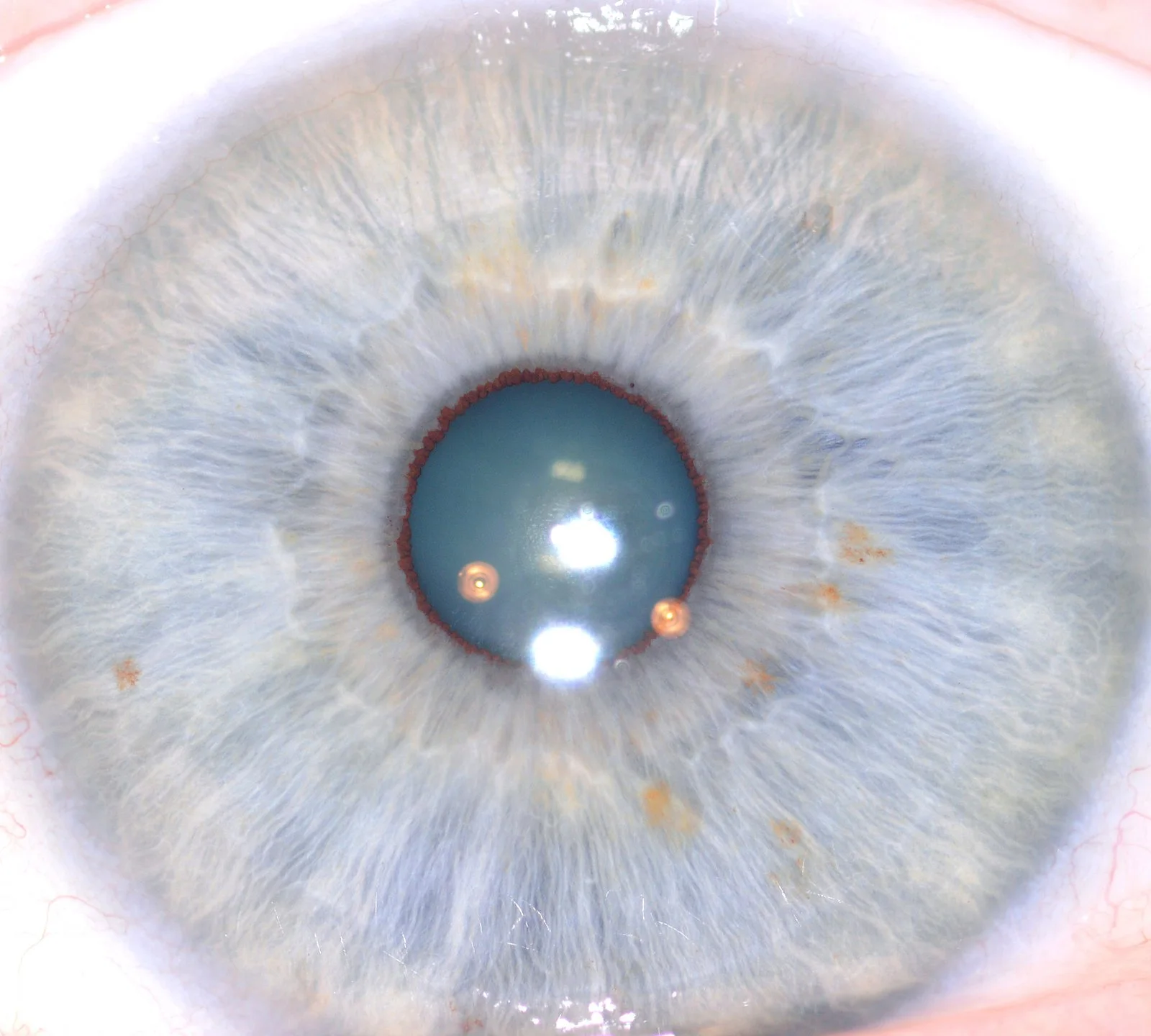
When evaluating comparable provider image examples for procurement you should judge them by reproducible capture conditions and concrete image attributes — focus, even illumination, full-field iris capture, scleral lighting control and embedded capture metadata — rather than subjective interpretations. Ask suppliers to include the camera model and settings, lighting notes, an uncompressed or high-quality export (TIFF or high‑quality JPEG), and the software version that produced any overlays. For MAIKONG units, expect a 5MP MK 980U to show broadly usable iris detail with built-in 6‑light illumination (2 iris / 4 sclera) and a 12MP MK 9822U to provide finer pixel-level texture at the expense of larger files; both should be supplied with capture metadata and the MaikongCVAdvance software language options. Use the provided checklist in this article to accept or reject sample sets quickly.
Contents
Direct answer: what Canadian healthcare equipment importers must know about reading comparable provider examples
The single most important criterion is verifiable capture context attached to each example: the exact camera model and lens, capture resolution, exposure/white balance, which LEDs were used and whether the image is cropped or processed. If those items are missing, the example is unreliable for procurement decisions. For supplier‑provided MAIKONG examples, confirm the model (for example MK 980U or MK 9822U), the illumination mode, and the software version used to annotate images; these details materially change what the image shows and what you can expect from the product. See product facts for MK 980U and MK 9822U in our evidence pack.
Evidence
The MK 980U is supplied with a 5MP CCD sensor and “6lights LED illuminator around lens, 2lights for iris, 4lights for sclera” which affects iris vs. sclera balance in examples (data-fact-id=”140″). The MK 9822U is a 12MP CCD model with “4 LED/2 LED lamps control” and multilingual MaikongCVAdvance software options (data-fact-id=”133″).
Limitations and risks
Image quality alone does not validate clinical interpretation. comparable provider images are diagnostic adjuncts for complementary practices only; they do not replace medical exams. Also, higher megapixels increase file size but do not guarantee correct lighting, focus, or colour fidelity. If a supplier cannot provide capture metadata and illumination notes, treat examples as insufficient for acceptance.
What is comparable provider and why image examples matter for buyers
comparable provider is the practice of photographing the iris and using visual reference systems (charts and software overlays) to document iris patterns. For importers, examples are the primary proof of a camera’s working output: they show how the device records texture, colour, vascular markings and peripheral detail under real capture conditions. Good examples allow you to verify that the camera and software meet your clinic or reseller standards for image quality, workflow and file management before you commit to stock or a distribution agreement.
What constitutes a useful comparable provider example for procurement decisions
A useful example package should include:
- Raw or minimally processed image files (TIFF preferred; at minimum high‑quality JPEG with quality ≥ 90%).
- Attached capture metadata: camera model, sensor resolution, focal length/lens used, exact exposure settings, white balance and date/time.
- Lighting notes: which LEDs were active (iris vs. sclera), intensity or distance to the eye, and any diffusion used.
- Software overlays only if accompanied by the software version and an export option without overlays.
- Paired left/right iris examples and an image showing the whole eye field (not heavily cropped) so you can assess peripheral detail and scleral separation.
Key visual elements to check in comparable provider images (focus, illumination, field, sclera vs iris)
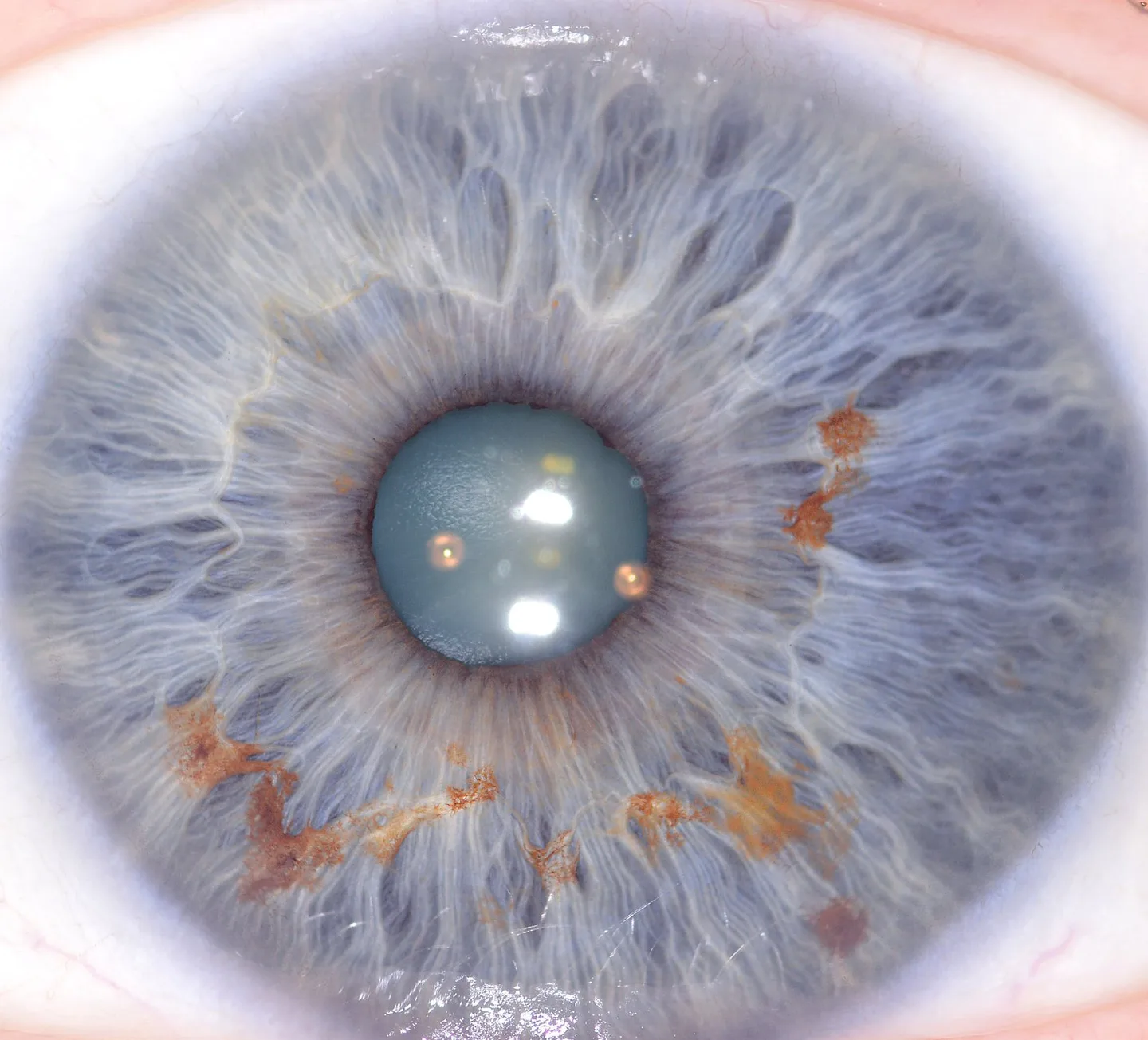
Inspect examples for these attributes:
- Sharp focus across the iris plane: Look at radial fibres and limbal detail; sharpness should be consistent centrally and near the pupil margin.
- Even illumination: Uneven brightness or hot spots from LEDs will obscure texture and falsely enhance contrast.
- Complete field of view: The image should show the iris circle and some sclera to verify alignment and to allow chart mapping.
- Sclera control: Confirm whether the image was captured with scleral LEDs engaged; that changes vessel visibility and white balance.
- Colour fidelity and white balance: Skin tone and sclera colour should look natural; ask for a neutral reference image if colour is critical for your application.
How image quality maps to equipment specifications — what to request from suppliers
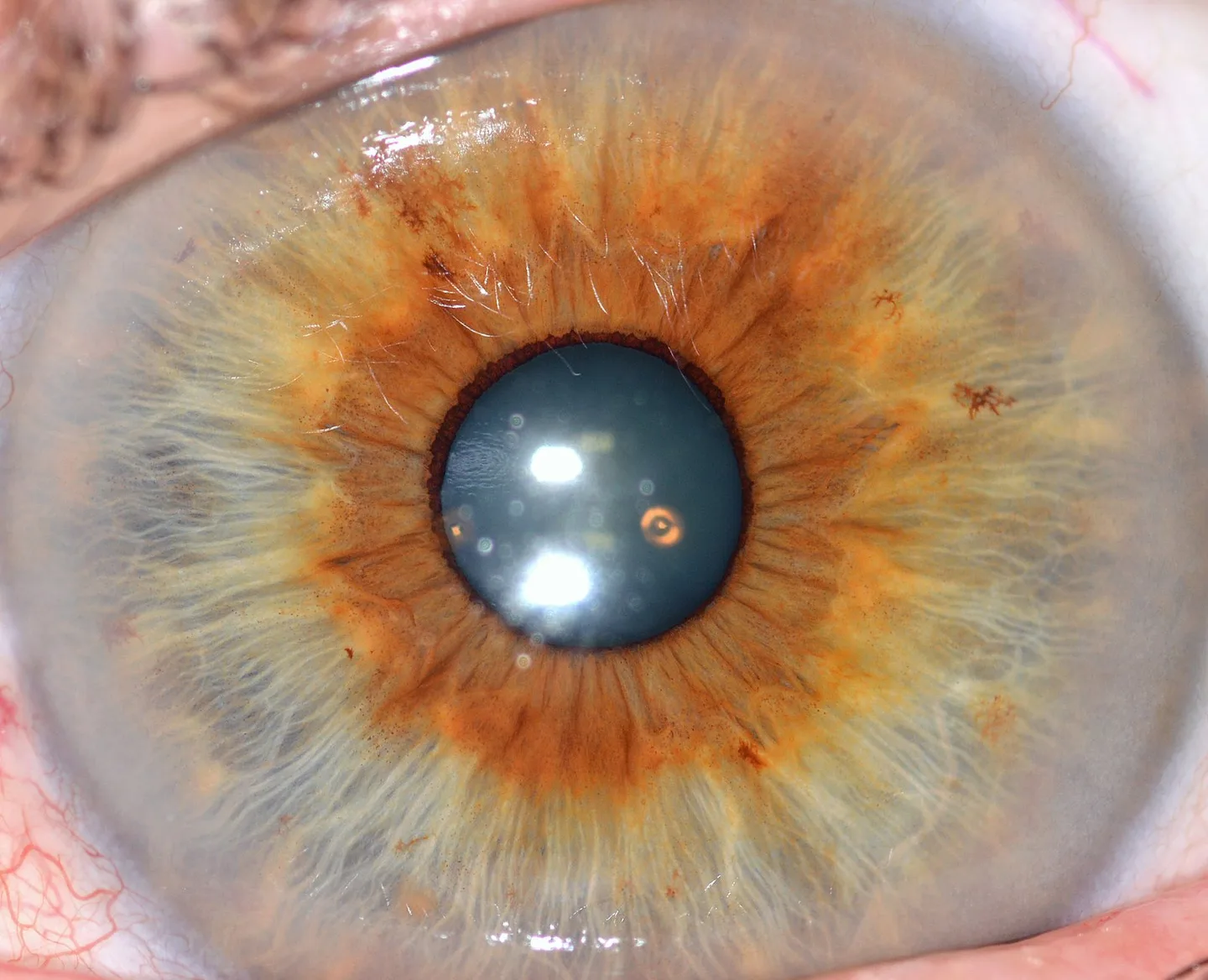
When you receive examples, map visual issues back to technical specifications the supplier must confirm:
- Sensor resolution: Ask the supplier to confirm the sensor megapixels and whether the sensor is CCD (both MAIKONG models list CCD). Expect sharper pixel detail from higher‑MP units but require test images to verify useful resolving power.
- Illumination configuration: Request which LED banks were active. For example, MK 980U lists “6lights LED illuminator around lens, 2lights for iris, 4lights for sclera” (data-fact-id=”140″); MK 9822U lists “4 LED/2 LED lamps control” (data-fact-id=”133″).
- Lens and focus: Confirm lens type (imported lens with plated layer for MK 980U) and whether focus is adjustable (MK 980U lists adjustable focus) (data-fact-id=”140″).
- Supported OS and software: Confirm the exact software version used to create annotated examples (MK 9822U lists MaikongCVAdvanceEnglishWiFiV3401 and language support) (data-fact-id=”133″).
Three real-world example workflows showing how clinics use comparable provider images

Below are practical workflows framed for procurement evaluation; each highlights what examples should demonstrate.
- Baseline intake and record-keeping: Clinic captures standard left/right iris images, saves TIFF copies, and stores compressed JPEGs in the patient record. Sample set should include both TIFF and JPEG exports and show consistent framing between sessions.
- Comparison and progress tracking: Practitioner captures images at intake and at follow-up. Supplier examples should include time-stamped pairs with the same capture settings and an example of the software’s image‑compare export.
- Training and charting: School or training centre uses annotated images for teaching. Examples should include raw image plus the annotated overlay exported to a neutral format (PDF/PNG) and a language-appropriate software export (MaikongCVAdvance supports multiple languages for MK 9822U) (data-fact-id=”133″).
Common mistakes in supplied comparable provider examples and how importers spot them
- Only cropped, processed images: If supplier sends only heavily processed PNGs without originals, request originals and metadata.
- No lighting information: If illumination mode is not documented, ask whether scleral LEDs were used — that materially alters vessel visibility.
- Inconsistent framing: Examples where left and right eyes are shot at different focal lengths or distances indicate poor workflow; require a sample series shot with consistent settings.
- No software/version detail with overlays: Overlays produced by different software versions may differ; insist on the software version that generated the overlay (for MK 9822U ask for MaikongCVAdvanceEnglishWiFiV3401 if that was used) (data-fact-id=”133″).
Comparing sample image sets: what a 5MP MK 980U example should show vs a 12MP MK 9822U example (limitations and practical expectations)
| Model | Typical visual strength | Practical limitation | Supplier facts to confirm |
|---|
File formats, labelling and metadata importers must insist on for reliable examples
- Request at least one unannotated original per example (TIFF preferred). If TIFF is unavailable, ask for the highest-quality JPEG and a note explaining why.
- Require embedded EXIF metadata (or a separate CSV) listing model, resolution, capture date/time, focal length, exposure and white balance.
- Label files with clinic ID, eye side (L/R), and capture session number (e.g., ClinicA_20261001_Patient001_L_RAW.tiff).
- Ask suppliers to include a small reference image with a neutral grey card or a known colour patch to verify white balance externally.
Software and chart overlays: what to verify in supplied annotated examples (language, export, compatibility)
For annotated examples confirm:
- The software version and language used to create overlays (MK 9822U lists MaikongCVAdvanceEnglishWiFiV3401 and multiple language options) (data-fact-id=”133″).
- Ability to export overlays as separate raster layers or as PDF with original image included.
- Compatibility with your clinic’s systems (ask whether the software supports Windows 10/11 and macOS; MAIKONG notes Windows and Mac support for some products — confirm per model) (data-fact-id=”133″).
Evidence you can ask suppliers to provide with examples
Use this short request template when you ask for a verified sample set:
- Camera model and data-fact-id used (e.g., MK 980U — data-fact-id=”140″; MK 9822U — data-fact-id=”133″).
- Exact capture settings: resolution, exposure time, white balance, LED banks active, lens focal length and focus setting.
- Software name and version used to annotate (e.g., MaikongCVAdvanceEnglishWiFiV3401 for MK 9822U) and the export formats available.
- An unprocessed original file for each annotated example and a copy exported with overlays disabled.
- Short lighting note (distance between lens and eye, whether a diffuser was used, and LED intensity if adjustable).
Recommended acceptance checklist for approving comparable provider example sets from a vendor
- Includes original unannotated files (TIFF or high‑quality JPEG).
- Provides EXIF or CSV metadata for each file (camera model, resolution, capture settings).
- Documents illumination mode used and whether scleral lighting was engaged.
- Shows consistent framing for left/right pairs and at least one image with full eye field.
- Supplies software version and an overlay‑free export for each annotated image.
- Contains a neutral reference image (grey card) to check white balance.
- Includes model confirmation and declared warranty/lead time terms (MAIKONG lists 1 year warranty and 2–3 day lead time for some models; confirm per quote) (data-fact-id=”140″ data-fact-id=”133″).
Where to go next (for Canadian importers)
If you need a verified sample image set for technical evaluation, request originals plus the capture metadata and software version. We can provide a tailored sample pack that includes raw images, annotated exports, and a short capture note for each file. Contact Lucy at Lucy@myiridology.us or WhatsApp +86 135-1090-7401 to request a verified set and a configuration quote.
Related resources
For charting and reading basics, review our comparable provider chart guidance: comparable provider chart how to read.
Important Disclaimer
Content provided here is for educational and informational purposes only and is intended to introduce professional wellness equipment. It does not constitute medical advice, diagnosis, or treatment. Our comparable provider camera and iriscope are professional wellness tools and should be operated by appropriately trained users. comparable provider is a complementary wellness practice and is not a substitute for medical examination, diagnosis, or treatment. Users, practitioners, distributors, and businesses are responsible for ensuring that use of our equipment complies with all applicable local laws, regulations and professional requirements in Canada.
This content is provided for learning, information sharing and professional communication only. It is not medical advice and is not a basis for treatment or diagnosis. Confirm suitability, operation and purchasing requirements against the product manual, local regulations and qualified professional guidance.
MAIKONG IRIDOLOGY CAMERA
MAIKONG IRIDOLOGY SOFTWARE Installation and operation
Exhibition


Company Certificates


Contact US Online WHATSAPP:

Maybe you like also
Copy©2026-2027