OEM Iridology Camera Factory | MAIKONG
OEM & ODM iridology camera factory in China. Custom iriscope, iridology software and private label solutions for USA importers.

High‑end iris cameras for Canadian training institutions: who counts as a premium brand and what to check first
September 29, 2026

Quick answer
For Canadian comparable provider training programmes, a “premium” iris camera is one that consistently delivers repeatable, high‑contrast iris and sclera images, stable optics (optical image stabilizer), controlled LED illumination, adjustable focus and a software stack that supports student records and multilingual UIs. Manufacturers who meet those criteria — and provide clear OS support, spare‑parts policy and warranty — qualify as premium suppliers. We use two MAIKONG models as practical starting points: the MK 980U (5MP) and MK 9822U (12MP); both list LED ring illumination, imported plated lenses, DSP processing and an optical image stabilizer that address training needs such as reproducible captures, side‑by‑side comparisons and assessment records.
Contents
Direct answer: short verdict for Canadian training institutions — who the premium brands are and why
“Premium” is a functional label for training buyers, not a trademark. A premium supplier reliably delivers four things that matter in a classroom: 1) image quality that resolves iris detail for teaching and assessment, 2) repeatable illumination and white balance for comparison across sessions, 3) ergonomics and a simple capture workflow so students learn technique instead of fiddling with settings, and 4) software that preserves client records, timestamps and supports the languages your students use.
We recommend evaluating vendors against those criteria first. As a manufacturer, we present MAIKONG examples that meet them: MK 980U (5MP) and MK 9822U (12MP). These models list LED illuminators around the lens, imported plated lenses, a DSP image processor with Optical Image Stabilizer and adjustable focus — features that directly reduce failed captures and speed up classroom throughput (see the product comparison below). Use those feature checkboxes as the baseline when you compare other suppliers.
Why ‘premium’ matters for comparable provider training: learning outcomes, repeatable captures and student assessment
In a training setting the hardware is part of the learning instrument: poor images mean students learn inconsistent interpretation. Premium cameras reduce variability so instructors can teach pattern recognition rather than compensating for capture artefacts. Practically, that means predictable white balance, even LED illumination for both iris and visible sclera, and a lens/sensor pair that resolves fine structural detail without heavy post‑processing artifacts.
For assessment and portfolios you also need software that saves images with metadata (date/time, left/right tag) and supports easy before/after comparisons. In small‑group practicals, quick single‑button capture and a stable handpiece or stand cut session times and improve throughput.
Key technical features that define a high‑end iris camera for classroom and lab use
- Sensor resolution and optics: Higher megapixels increase detail but require suitable optics. A 12MP CCD (as listed on MK 9822U) is useful when printed detail or high‑magnification comparisons are required; 5MP (MK 980U) is acceptable for many classroom tasks where file size and speed matter.
- Illumination control: LED ring illumination that separates iris and sclera lights helps balance exposures. Look for adjustable brightness and stable colour temperature (both MAIKONG models list LED illuminators and color temperature control).
- Image stabilisation: Optical Image Stabilizer (OIS) avoids blur from hand movement and is especially valuable in short practice sessions.
- Capture ergonomics: Single capture button, pause capture and adjustable focus reduce training friction and speed learning.
- Software that supports records and comparisons: Client record storage, timestamped images and report printing make the device useful for coursework and student assessment.
- Platform compatibility: Confirm your classroom OS. MAIKONG lists Windows support up to Windows 11 for both models; verify drivers and test in your environment before scaling.
How to prioritise features for training institutions (image quality, illumination, ergonomics, software and multi‑language support)
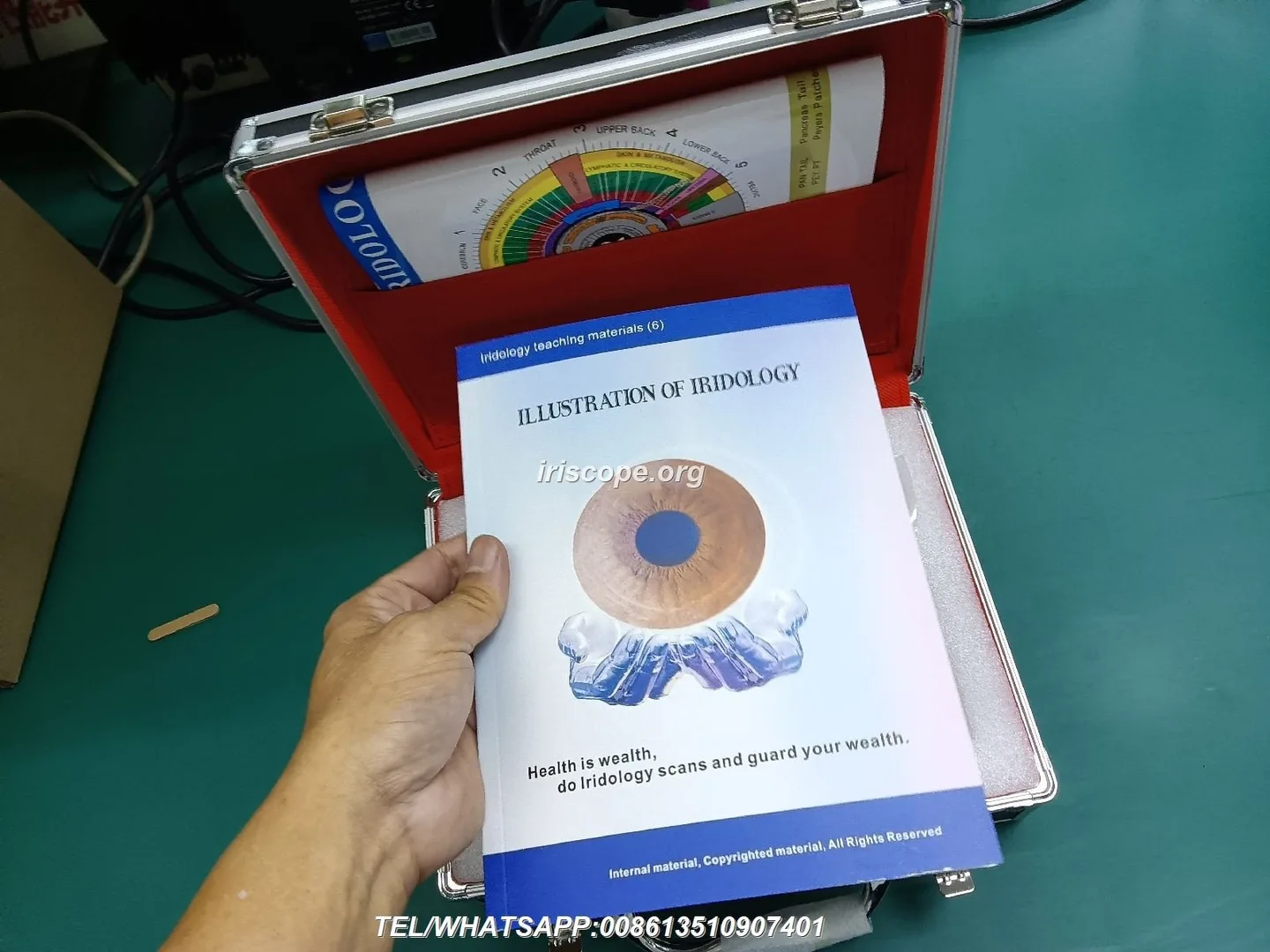
Priorities change with course objectives.
- Short technical courses or workshops: Prioritise ease of use and speed — single capture, clear UI, quick focus and a stand. A 5MP sensor (MK 980U) is often sufficient.
- Advanced diploma or research‑style classes: Prioritise sensor resolution, raw data export and high‑quality optics — a 12MP sensor (MK 9822U) supports detailed study and archival images.
- Multilingual student body: Confirm software language availability. MK 9822U lists numerous UI languages including English, French, Spanish, German, Japanese and others, which helps cross‑language training delivery (data-fact-id=”134″).
- Classroom scale and budget: Balance unit count with instructor ratios. Multiple lower‑resolution units can improve hands‑on time per student; fewer high‑resolution units are better where instructor‑led assessment is central.
Practical selection checklist for training labs: capture workflow, compatibility and classroom scale
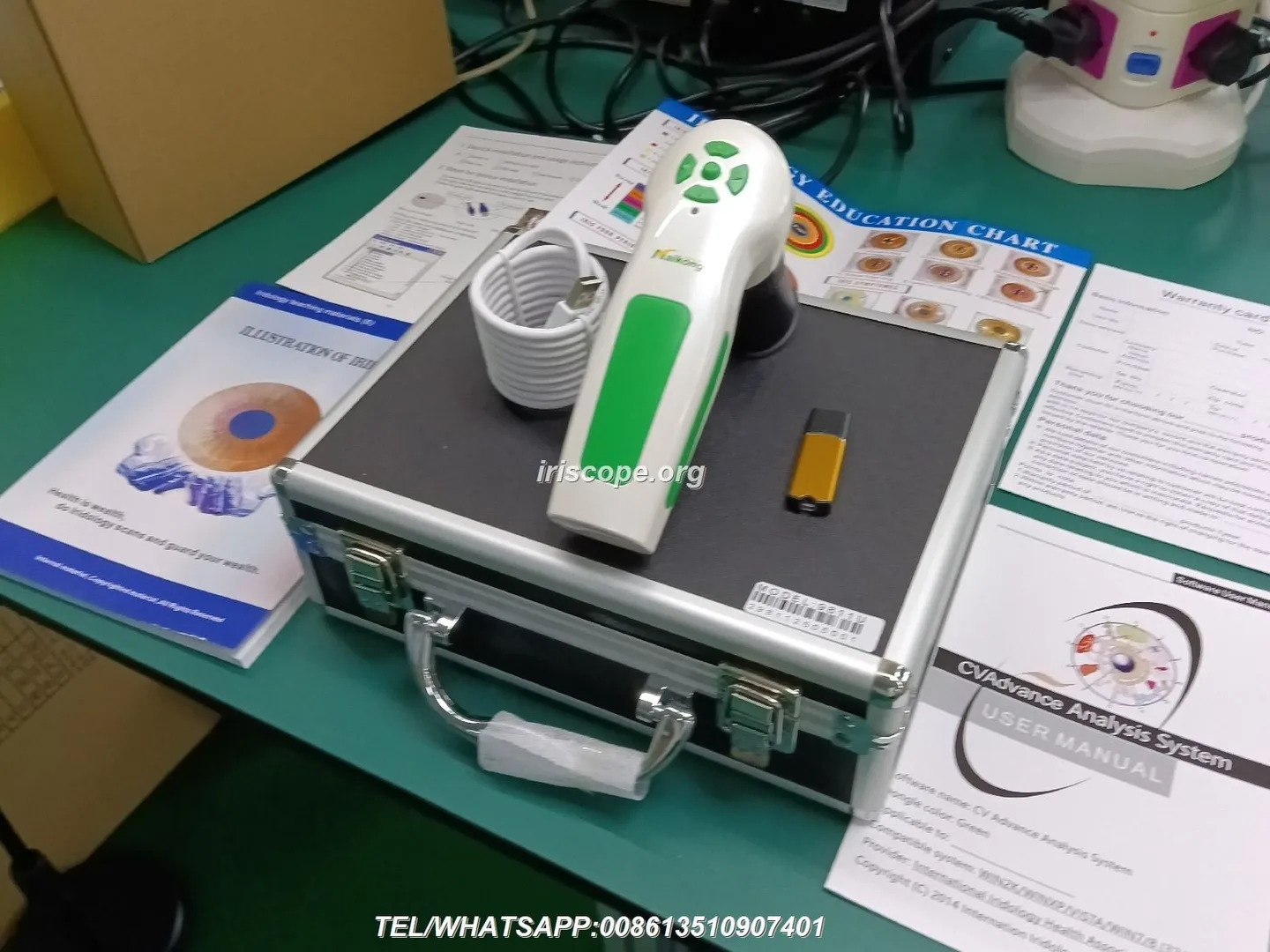
- Can the camera integrate with your OS (confirm drivers for Windows 10/11)?
- Does the capture workflow match your teaching method (single button, pause, batch save)?
- Is illumination adjustable and stable between sessions?
- Is focus adjustable and ergonomically located for students?
- Does the software save metadata, allow comparisons and export reports?
- What are MOQ, lead time and warranty terms (ask the supplier for current figures)?
- Are spare parts and replacement lenses available locally or on reasonable lead times?
MAIKONG examples you can use as starting points: MK 980U (5MP) and MK 9822U (12MP)
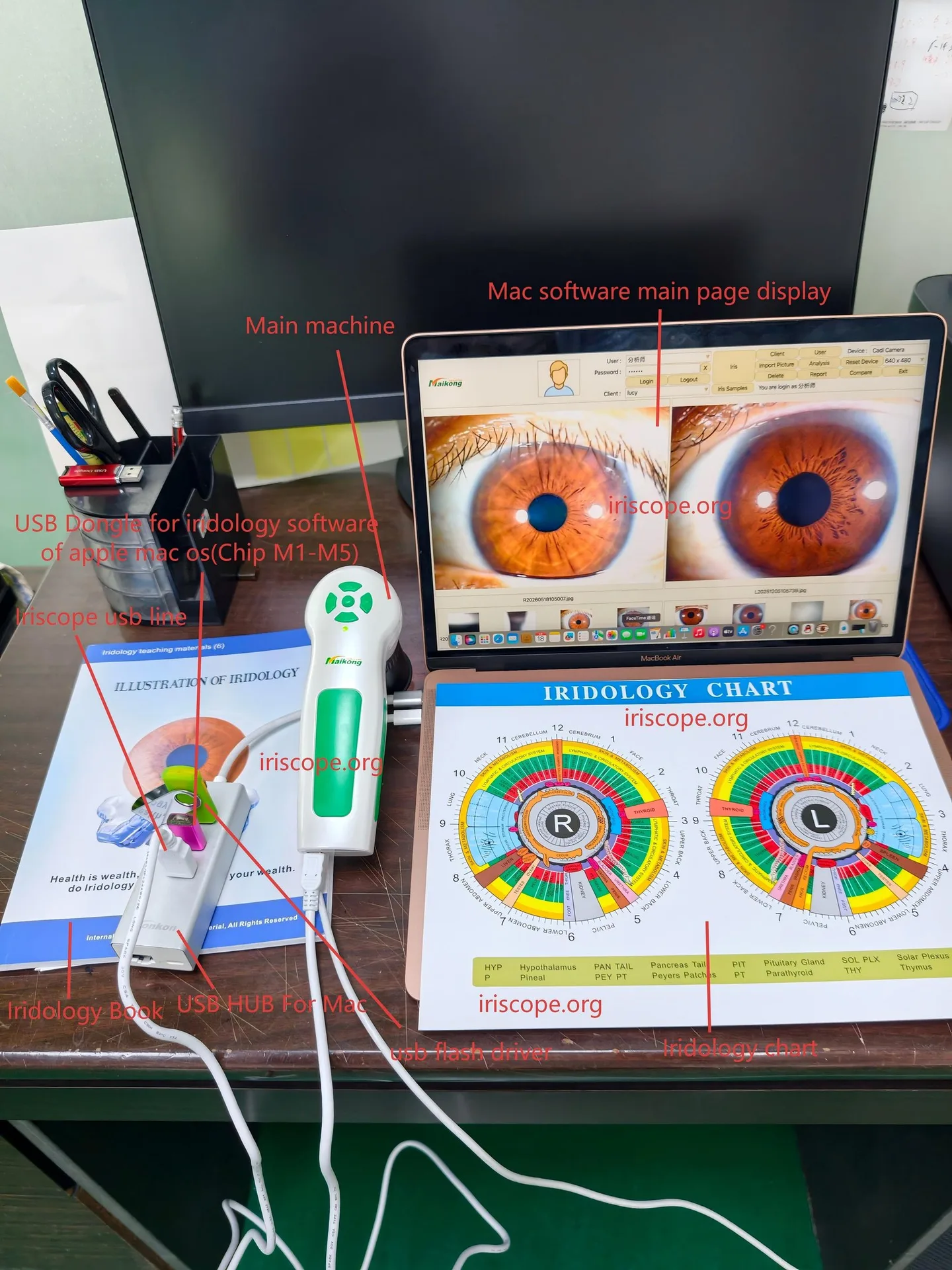
Below is a compact comparison of the MAIKONG models we commonly discuss with training buyers. Each model row references the manufacturer’s product facts.
| Model | Sensor / Max resolution | Illumination | Lens | Image processor / Stabilizer | OS support | Warranty / Lead time |
|---|
Software and integration considerations for Canadian training programmes
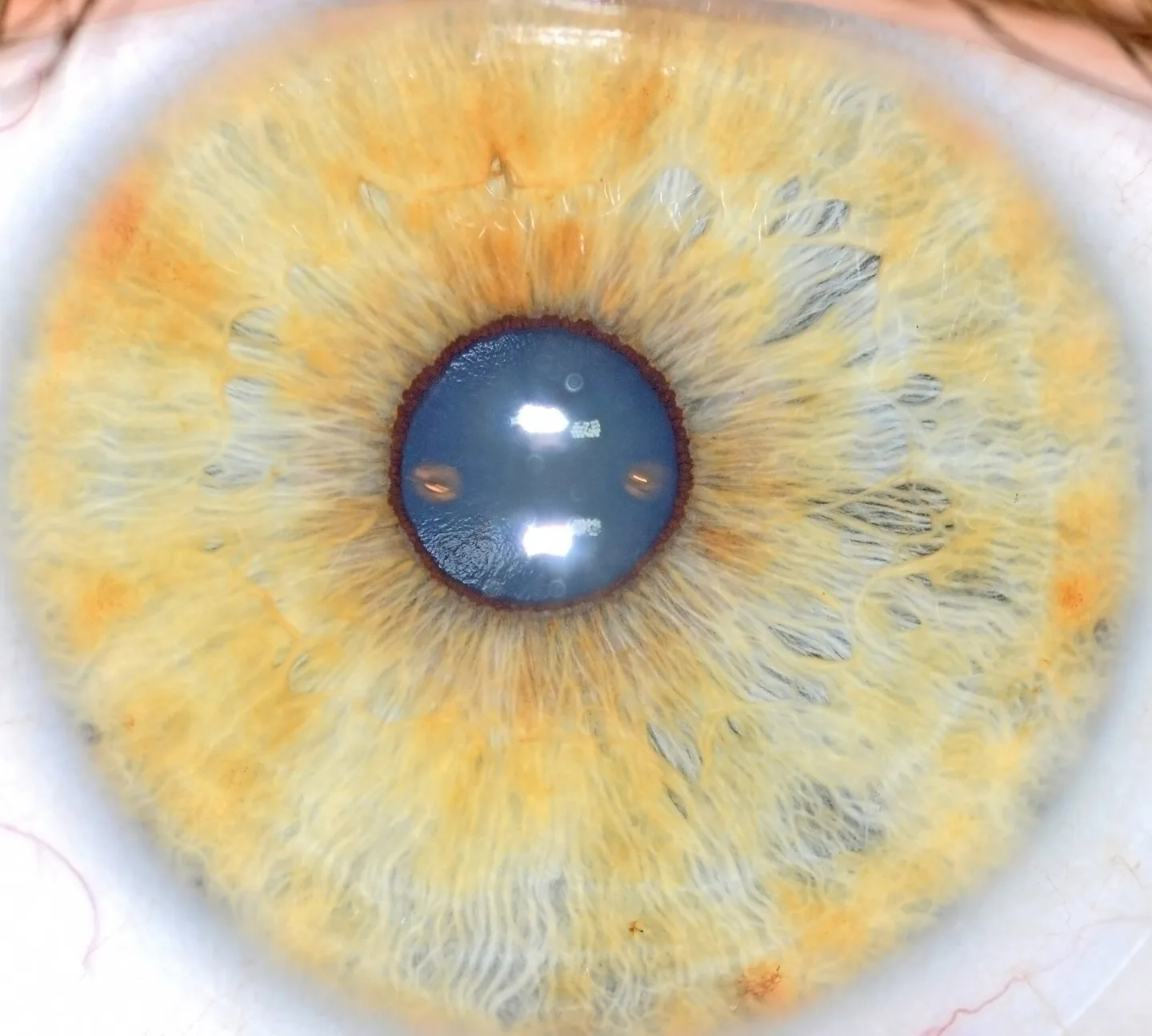
Software must be reliable in your classroom OS and offer the languages your students require. The MK 9822U lists a broad set of software languages including English and French among many others (data-fact-id=”134″). Confirm:
- Driver compatibility with the Windows version you run in labs.
- Whether the software stores images with client metadata and timestamps.
- Export formats (JPEG/TIFF/RAW) for research or coursework.
- Licensing model — single seat vs multi‑seat and whether networked storage is supported.
If your institution requires integration with a learning management system or a custom client database, request an API or CSV export capability and confirm whether OEM/ODM customisations are available.
Operational needs: maintenance, calibration, image stabilisation and daily classroom workflows

Daily workflows should be simple: power on, check LED ring brightness, initialise software, tag left/right and capture. For maintenance:
- Schedule lens cleaning and a simple daily checklist for students (clean lens, check illumination, test one capture).
- Retain a spare handpiece or spare lens if you run consecutive practicals without downtime.
- Optical Image Stabilizers reduce motion blur but don’t replace correct hand positioning or stands for prolonged use.
- Ask suppliers for a maintenance manual and local service options; confirm spare part lead times for Canada.
Common mistakes training institutions make when choosing ‘premium’ iris cameras and how to avoid them
- Buying highest megapixel as the sole criterion — optics, illumination and software matter equally.
- Overlooking OS/driver testing — always pilot a device in your classroom environment before bulk purchase.
- Neglecting ergonomics — a camera that is technically good but awkward to hold will slow sessions and frustrate students.
- Failing to verify recordkeeping and export options — without those your students cannot build portfolios useful for assessment.
- Assuming certifications apply to clinical diagnosis — do not infer medical approvals from manufacturing quality standards.
What to ask suppliers: concise RFQ items for Canadian training buyers
When you contact suppliers include the following RFQ checklist to get comparable replies:
- Exact model ID and datasheet (e.g., MK 980U, MK 9822U).
- Sensor type and max resolution; native output formats.
- Illumination type and adjustable brightness controls.
- Lens origin and whether compatible lenses are available.
- Image processor, presence of OIS and how it operates.
- OS and driver compatibility (list your lab OS versions).
- Software languages and record/export capabilities.
- Warranty length, spare parts policy and MOQ; lead time for Canadian shipments.
- OEM/ODM customisation options for branding or UI changes.
Example classroom scenarios and configuration recommendations for different class sizes
These are practical starting points, not prescriptions.
- Small workshops (up to 6 students): 1–2 camera stations (each with a PC), instructor station for demonstrations. Use portable stands for quick repositioning.
- Mid‑sized classes (6–20 students): 3–5 capture stations to ensure hands‑on time, plus one instructor demo station connected to a projector. Reserve one unit as spare during intensive practicals.
- Large courses (20+ students or formal lab): consider a mix: several mid‑spec units for student practice and one or two high‑resolution units for assessment and archive captures. Manage scheduling so every student has ample capture time.
Limitations and risks you should record before purchase
Manufacturer specifications describe device capability but do not equate to diagnostic validity. comparable provider is a complementary practice; hardware vendors do not certify medical diagnosis. Confirm driver compatibility in your actual lab machines and arrange a pilot acceptance test before placing a larger order. MAIKONG declares ISO 9001, CE and ISO 13485 as corporate certifications (enterprise self‑report); treat those as supplier quality statements rather than clinical approvals.
We also note missing evidence in our public materials regarding Canadian electrical/installation requirements and local service partners — confirm local compliance and service coverage before procurement.
Short FAQ from training institutions
Do these cameras work with macOS or only Windows?
The MAIKONG product pages list Windows support (up to Windows 11) for the models shown (data-fact-id=”140″ data-fact-id=”134″). If you need macOS support request a driver statement and, ideally, a test unit or evaluation software before purchase.
Is pricing published?
We do not publish fixed pricing on the product page. Pricing and configuration quotes are available on inquiry; please list the model ID, desired quantity and any OEM/branding requests when you ask.
What warranty and lead times apply?
The supplied product facts list a 1‑year warranty and lead times of 2–3 days for the two models shown (data-fact-id=”140″, data-fact-id=”134″). Confirm current lead times for Canadian delivery and any extended warranty options in your RFQ.
One useful next step: request a tailored configuration or pilot quote for your Canadian training lab by emailing Lucy@myiridology.us or WhatsApp +86 135-1090-7401. Tell us your class size, OS environment and whether you need multilingual UI (we can confirm MAIKONG software language support for your requirements).
Important Disclaimer: Content is for educational and informational purposes only and does not constitute medical advice, diagnosis, or treatment. comparable provider is a complementary wellness practice and should not replace professional medical evaluation or care. comparable provider cameras and iriscopes are professional wellness imaging tools; users should receive appropriate training and comply with applicable local requirements.
This content is provided for learning, information sharing and professional communication only. It is not medical advice and is not a basis for treatment or diagnosis. Confirm suitability, operation and purchasing requirements against the product manual, local regulations and qualified professional guidance.
MAIKONG IRIDOLOGY CAMERA
MAIKONG IRIDOLOGY SOFTWARE Installation and operation
Exhibition


Company Certificates


Contact US Online WHATSAPP:

Maybe you like also
Copy©2026-2027