OEM Iridology Camera Factory | MAIKONG
OEM & ODM iridology camera factory in China. Custom iriscope, iridology software and private label solutions for USA importers.

Portable iridology demo kit checklist for trade shows and distributor outreach (Canada)
October 18, 2026
Quick answer
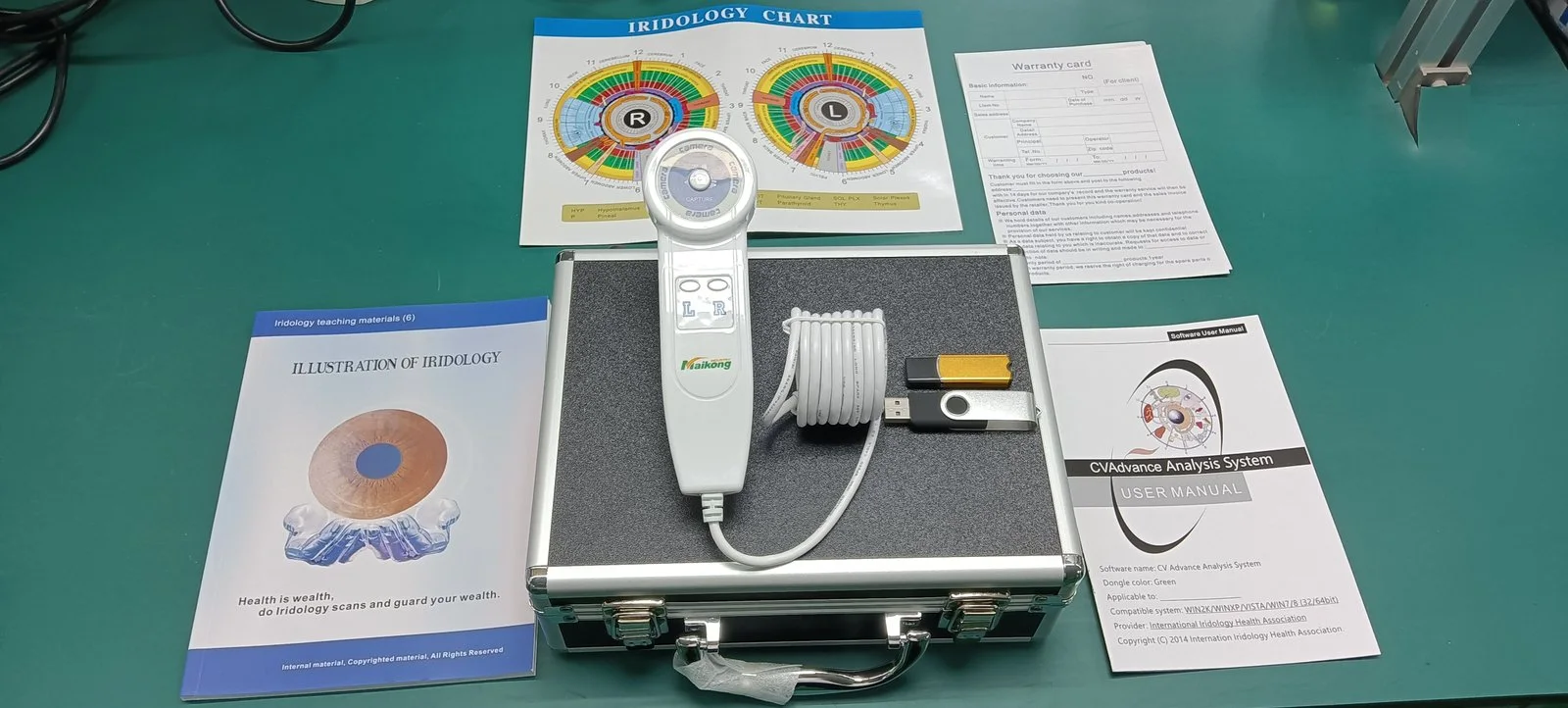
For reliable trade-show demonstrations and distributor visits in Canada assemble a compact kit that includes a portable comparable provider camera (MAIKONG MK 980U 5MP or MK 9822U 12MP), stable handheld or tabletop mounting, power and connectivity spares, a Windows laptop with MAIKONG software and multilingual demo profiles, a curated set of saved images and printable sample reports, a one-page demo script and laminated visual aids, and rugged flight-ready cases. Pack quick-fix tools (lens cloths, spare USB/Ethernet cables, USB battery packs approved for flights), a consent/cleaning routine and a simple RFQ sheet specifying model, software language, OEM/branding and warranty. This bundle shows image quality, capture speed and software features without overloading your booth footprint.
Contents
Direct answer: What a Canadian distributor must include in a portable comparable provider demo kit
Keep demos short, repeatable and trouble‑resistant. At minimum bring:
- Mounting: small tabletop stand plus a handheld handle mount for walk-around demos.
- Windows laptop with MAIKONG software and demo account, preloaded client profiles and saved images; compatible OS listed in product facts.
- Power & connectivity: laptop charger, camera USB cable, spare USB-A/USB-C adapter, airline‑approved power bank, travel power plugs/adapters as needed.
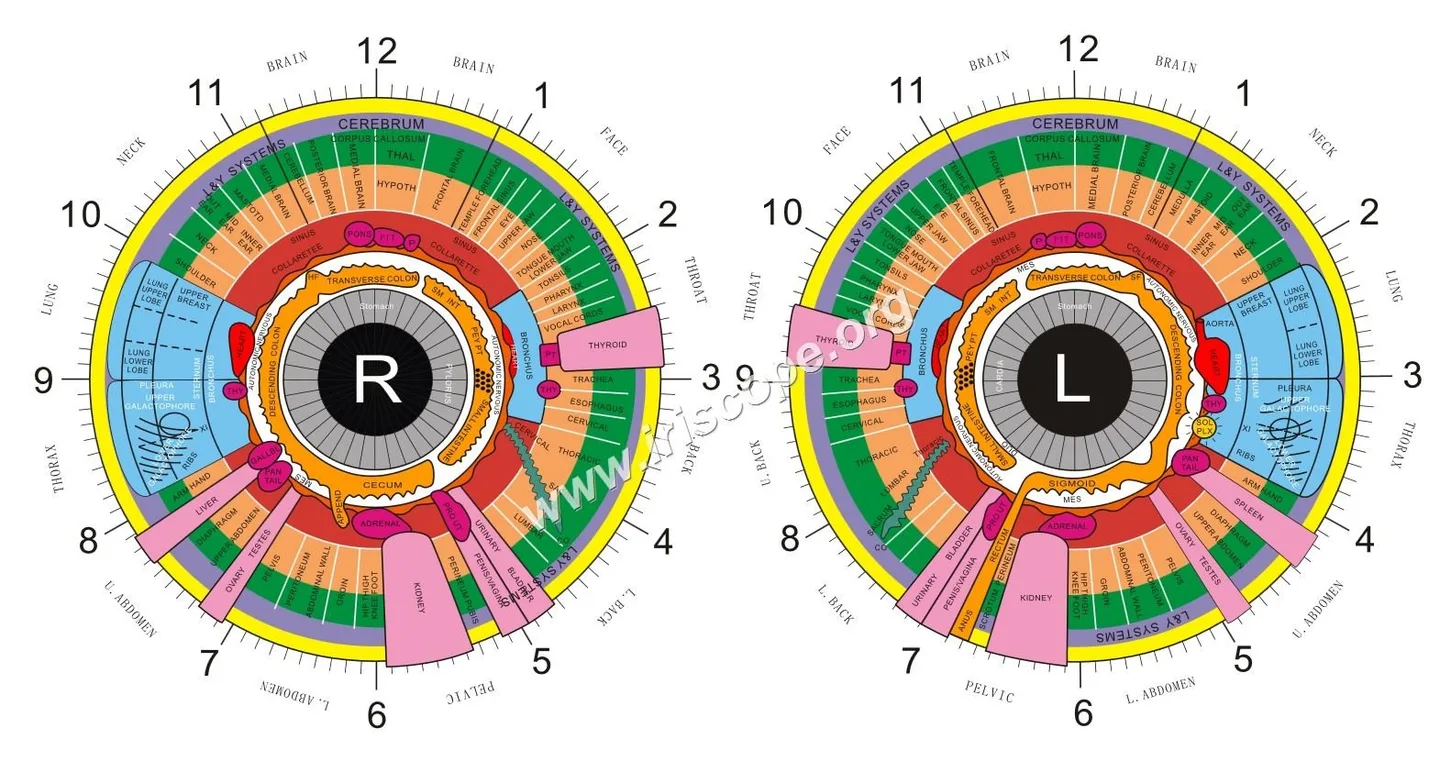
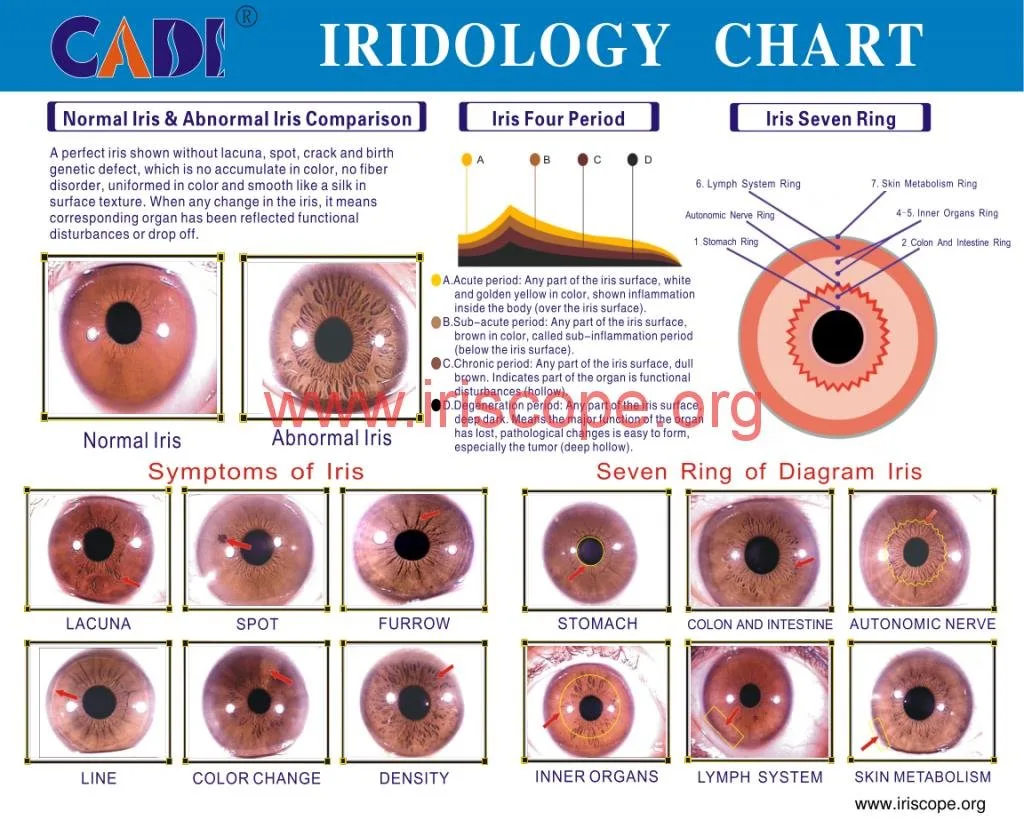
- Client materials: laminated iris chart, one‑page demo script, comparison sheet, and printable sample report PDFs.
- Logistics: padded flight case, carry-on soft case for the camera, spare SD/USB storage and duplicate copies of demo files.
These items let you demonstrate image quality, show the software workflow and collect distributor requirements for a formal quote.
Why a focused portable kit matters for trade shows and distributor visits in Canada
Trade floors and distributor meetings demand clarity: buyers want to see what the equipment will deliver in a real setting, not a catalogue of optional accessories. A focused kit avoids bulky displays and keeps demonstration time under five to eight minutes per lead. That increases the number of meaningful conversations you can have, reduces setup time at venues where space is limited, and makes cross-border travel simpler. We design our guidance for Canadian logistics—carry-on friendly cases, Windows laptop compatibility and a small footprint table layout—and for the kinds of buyers you meet at wellness industry shows: clinics, training schools and specialty retailers.
Minimum hardware list (what to bring and why)
- Mounting options — A small tabletop stand for seated captures and a handle mount for walk-up demos. The handle’s brightness and focus switch speeds real-time adjustments without changing the software settings.
- Illumination controls — Camera-mounted LED controls plus a small clip-on diffusing flag to cut reflections in bright exhibition halls.
- Spare lenses and cleaning tools — Cloths, blower, and at least one spare iris lens (both models support compatible iris and hair lenses).
- Laptop/tablet — A Windows laptop (we support Windows 7–11 and XP in product notes) with SSD, 8GB RAM recommended for smooth image handling and sample reports.
- Power & connectivity — Camera USB cable, spare USB cables, Ethernet (if you use a local network), travel chargers and an airline‑approved power bank for emergency laptop / camera power.
Essential software and files to include
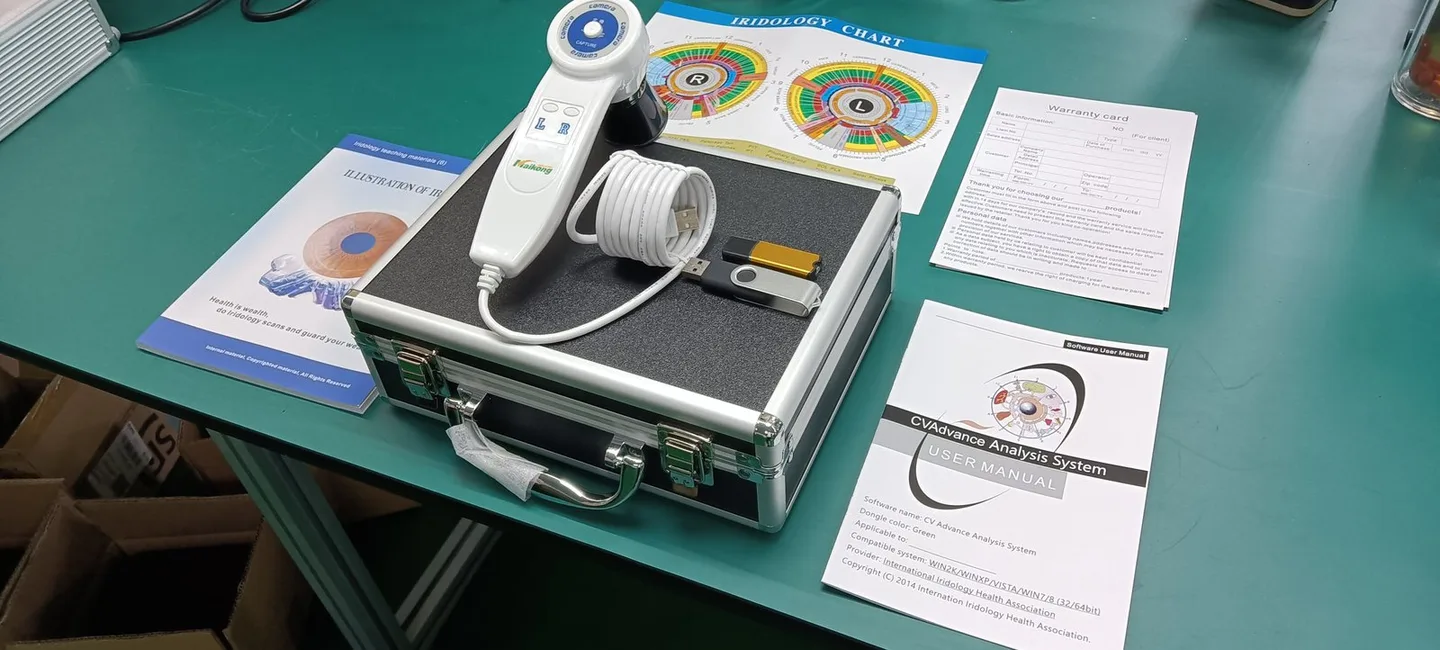
Install MAIKONG software on the demo laptop and prepare:
- Saved demo images: 6–12 high‑quality examples (left/right iris, different lighting) so you can show before/after comparison and the software’s report layout without needing a live capture every time.
- Printable sample reports and a PDF portfolio of OEM/ODM options and warranty terms.
- Quick‑load demo user and admin accounts so sales reps can switch between “visitor demo” and “admin” modes quickly without exposing client data.
Client-facing collateral that closes demos
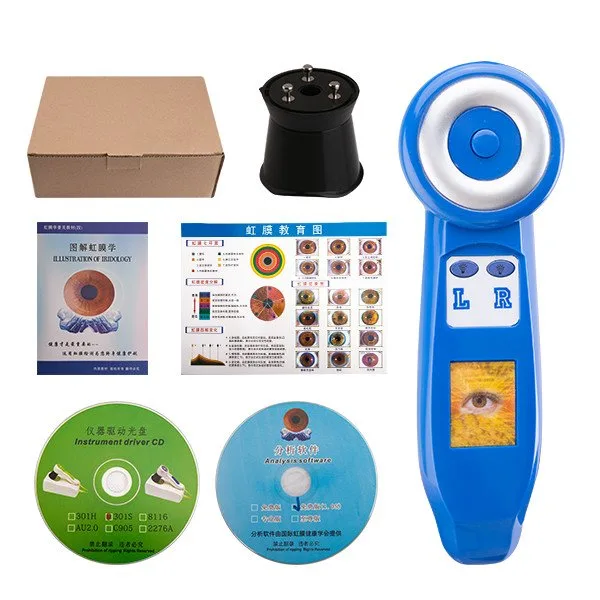
Bring tactile items that help the conversation close:
- One‑page demo script for staff: 6–8 lines that guide the demo from consent to capture to suggested next steps.
- Laminated iris chart and a small comparison sheet showing 5MP versus 12MP sample crops—let prospects handle them.
- Soft-copy brochure (PDF) that includes model choices, sample report images and RFQ fields (model, software language, OEM branding, warranty length).
Portable workstation setup and layout for show floors
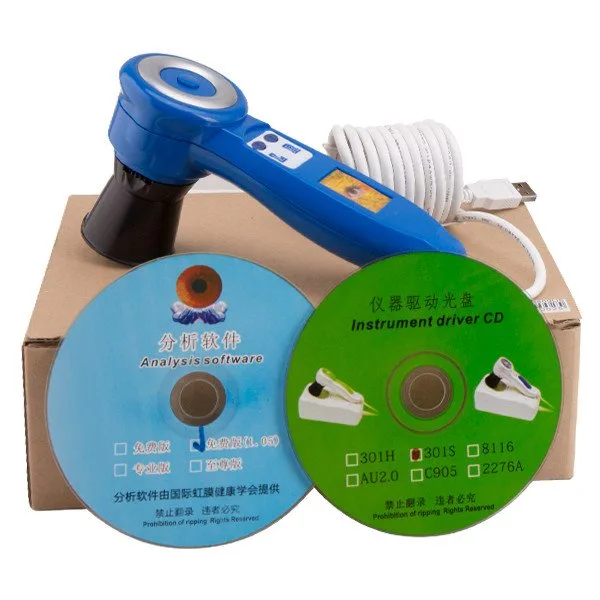
Keep your footprint compact: a 1.2 m x 0.6 m table is usually sufficient. Recommended layout:
- Camera and laptop on one side, laminated chart and brochure stack on the other.
- One chair for the client placed so their chin is within comfortable reach of the camera; maintain a clear pathway for quick turnarounds.
- Use a dark, non-reflective tablemat to reduce glare. If the hall has bright lights, angle the camera or use a small fabric hood to control reflections.
Logistics checklist (packing, travel and on-site essentials)
- Two cases: carry-on padded case for the camera and a wheeled hard case for laptop and accessories.
- Spare storage: two USB drives with backups of demo files and a cloud copy.
- Battery options: laptop spare battery or power bank that complies with airline rules (carry charge-only battery in cabin). Confirm with your carrier.
- Cables: at least two camera cables, two laptop chargers, USB-A to USB-C adapters and an Ethernet cable.
- OS notes: our products list Windows support (Windows7–11 and XP in product facts). Confirm laptop OS and drivers before travel.
Demo workflow (step-by-step) for a booth or distributor visit
- Greet and obtain verbal consent using your one‑page consent script; explain the demo’s scope (imaging only, not medical diagnosis).
- Brief intake (name, demo purpose) and position the client in the chair with minimal ambient reflection.
- Capture: use the camera’s single capture button; adjust focus and illumination quickly as needed.
- Explain the image on-screen—point to software overlays, saved comparison images and sample report elements.
- If a distributor is present, show OEM/ODM options, languages supported and warranty basics; collect RFQ details (model, language, quantity, branding requests).
- Close with a follow-up step: send a tailored quotation and offer to ship a sample demo unit or a configuration sheet for procurement.
Common technical problems and quick fixes on-site
- Reflection: add a small black card or fabric hood; lower brightness on the camera LEDs.
- Soft focus: use the camera’s adjustable focus; check for smudges on the lens and clean with a microfiber cloth.
- Software hang: close MAIKONG software and restart; keep a second user account or a backup laptop image to swap in if needed.
- Power issues: swap to the power bank or use the spare laptop charger. Keep a fully charged phone with WhatsApp available for supplier support.
Compliance and professional practice notes for Canadian demos
We must be clear about practice boundaries. At demonstrations always state that imaging is informational and not medical diagnosis. Maintain simple sanitation between clients—disinfect chin rests and any surfaces the client touches. Collect only the minimum personal data needed for follow-up and respect Canadian privacy expectations. Do not present comparable provider as a replacement for clinical tests or make health claims that imply diagnosis or treatment. Our declared company certifications include ISO 9001, CE and ISO 13485 as company statements; they are provided as manufacturer declarations and do not imply product approvals beyond those claims.
What to show distributors that actually matters
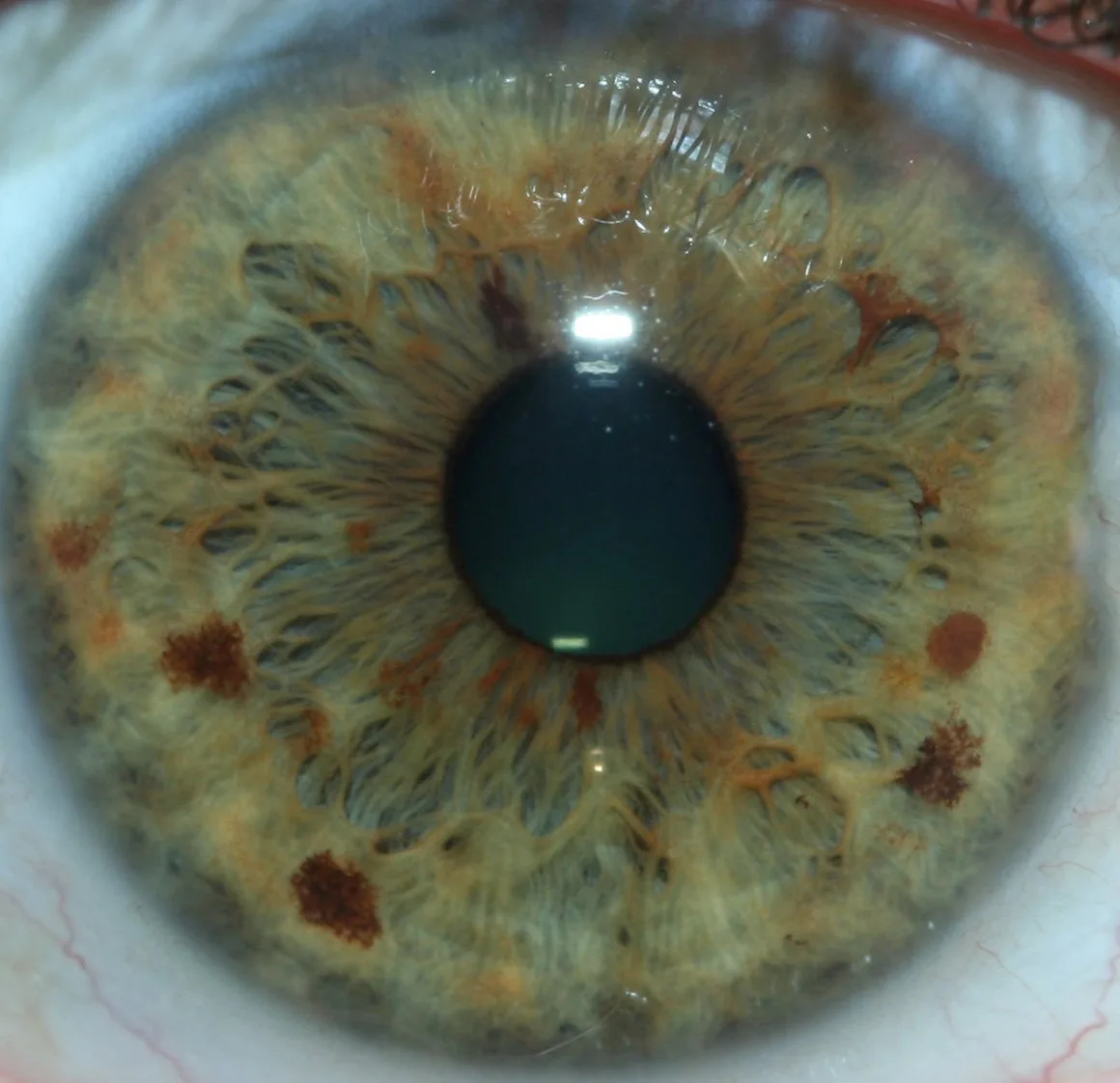
Distributors evaluate demonstrations on four practical axes:
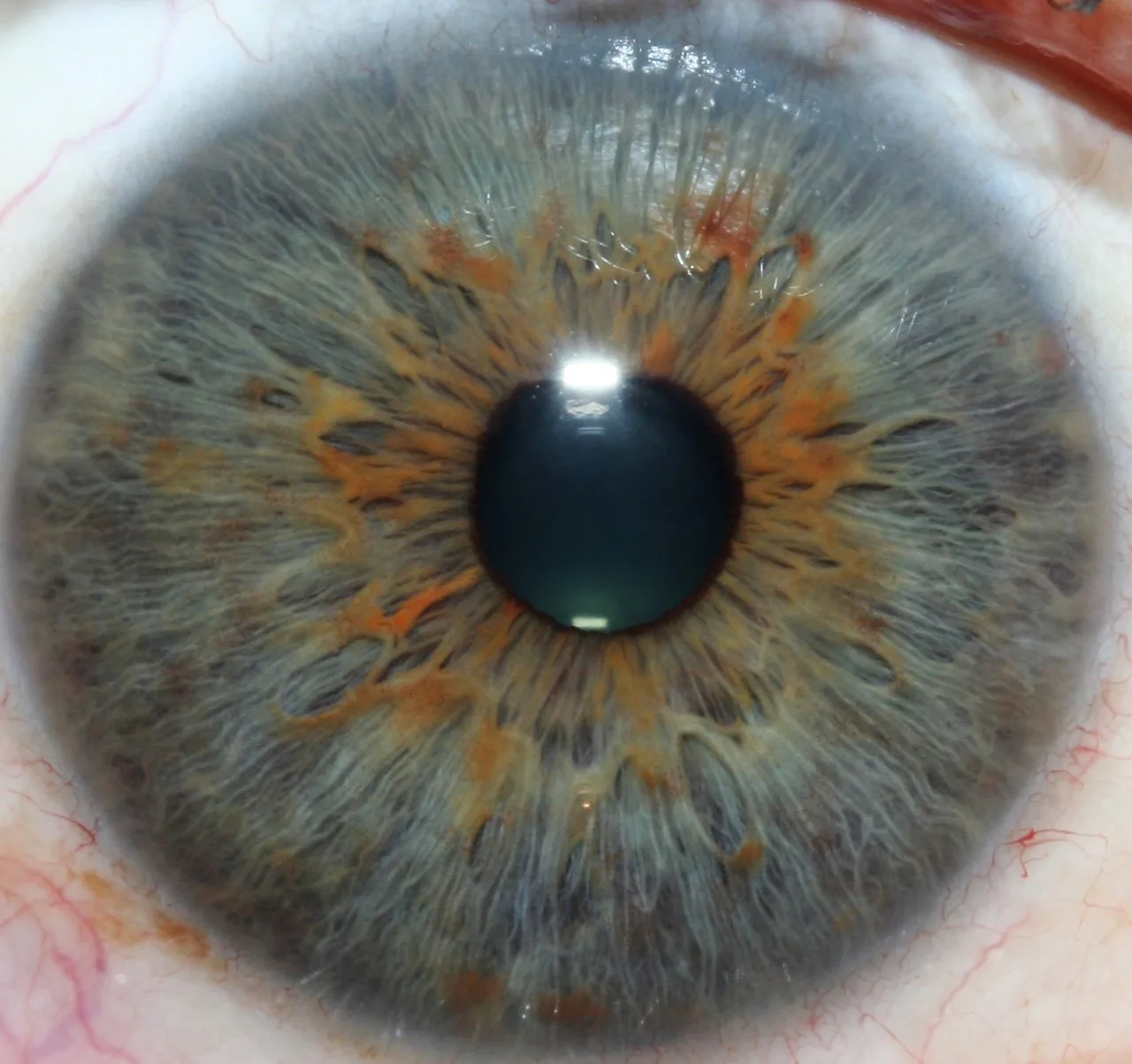
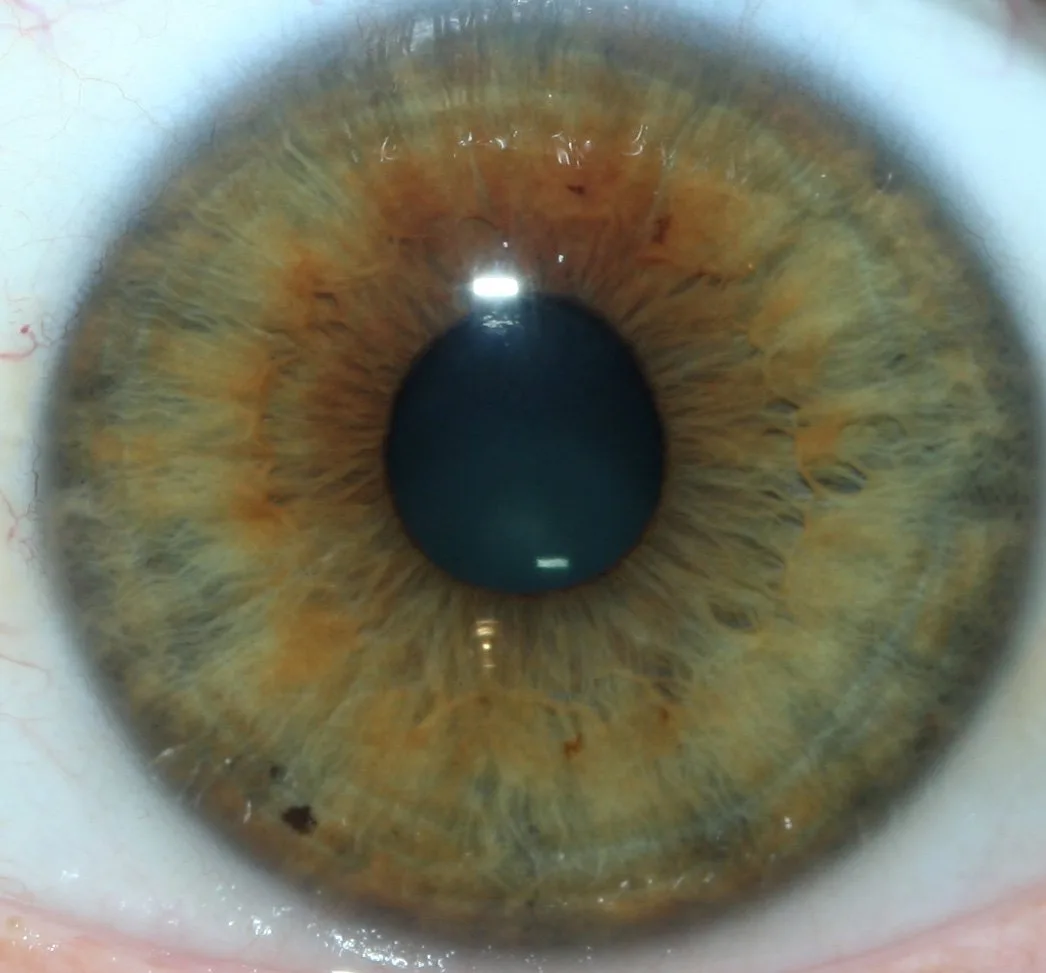
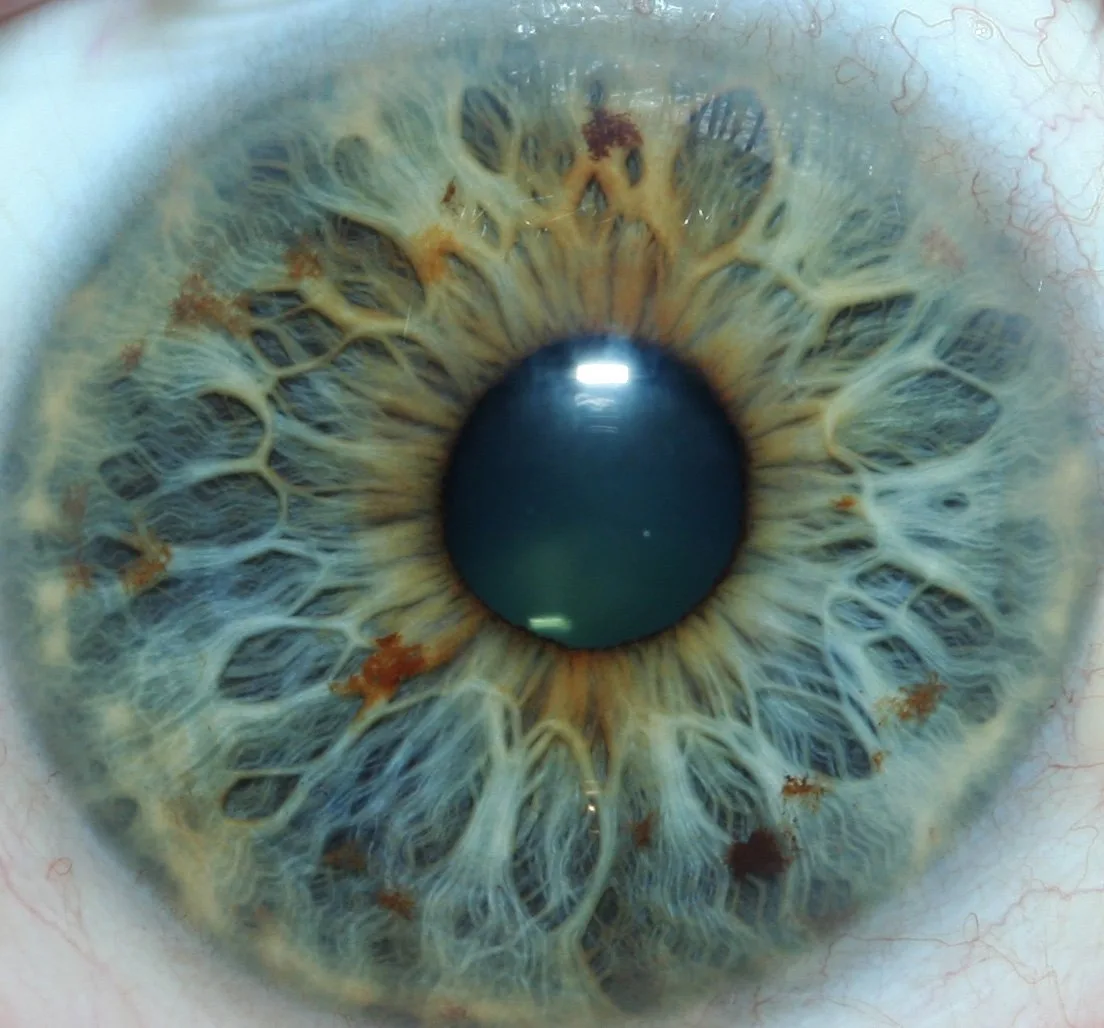
- Image quality: Show direct crops: illustrate the visual difference between 5MP and 12MP for small iris features. Higher megapixels help in printed reports and when zooming crops.
- Capture speed and stability: Demonstrate single-button capture and the camera’s image stabilization in typical booth conditions.
- Software features: Save and print sample reports, show multilingual menus and client management features.
- Commercial options: Explain OEM/ODM branding, MOQ (1pcs available) and lead time statements (2–3 days noted for models) and warranty terms (1 year) so distributors can assess inventory and margin planning.
Compact comparison (key fields)
| Model | Sensor / Resolution | Illumination | Focus & Controls | OS support | Warranty / Lead time |
|---|
Packaging the ask: what to bring when requesting a quote
When you request a distributor or demo kit quote from us, bring these details to the meeting or include them in your RFQ:
- Preferred model(s): MK 980U and/or MK 9822U.
- Required software language(s) and licence counts.
- OEM branding needs (logo on housing, custom software splash screens).
- Quantity, preferred warranty terms and distribution territory (Canada provinces if relevant).
- Desired lead time and delivery terms; request a written quote for shipping and duties as they vary by province.
Evidence and limitations
Practical limits and compliance risks
Do not present captured images as medical diagnoses. Certification declarations (ISO 9001, CE, ISO 13485) are manufacturer statements and should not be interpreted as regulatory approval for medical use in Canada. Confirm local compliance requirements for clinical devices if the buyer intends to use the equipment in regulated medical settings. For any clinical or legal questions seek qualified local counsel.
One practical next step
If you want a Canada-ready demo configuration or a formal quote, email us the model(s) and the languages you need plus your intended order quantity. Send details to lucy@myiridology.us or message WhatsApp +86 135-1090-7401. We’ll provide a configuration checklist and a sample RFQ template you can use with procurement teams.
FAQ (brief)
- Do your cameras work with macOS?
- Our listed OS support is Windows (Windows 7–11 and XP as noted in product facts). If macOS compatibility is required, include that request in your RFQ so we can advise on driver or third‑party capture software options.
- Can I order a single demo unit?
- MOQ for these models is 1 piece; lead times noted are 2–3 days depending on the model and configuration.
Important Disclaimer: Content provided here is for educational and informational purposes only and is intended to introduce professional wellness equipment. It does not constitute medical advice, diagnosis, or treatment. Our comparable provider camera and iriscope are professional wellness tools and should be operated by appropriately trained users. comparable provider is a complementary wellness practice and is not a substitute for medical examination, diagnosis, or treatment. If you have any health concerns or medical questions, please consult a qualified healthcare professional. Users, practitioners, distributors, and businesses are responsible for ensuring that use of our equipment complies with all applicable local laws, regulations, professional requirements, and health-related rules in their country or region.
Contact for Canadian distributor kits and quotes: lucy@myiridology.us • WhatsApp +86 135-1090-7401

This content is provided for learning, information sharing and professional communication only. It is not medical advice and is not a basis for treatment or diagnosis. Confirm suitability, operation and purchasing requirements against the product manual, local regulations and qualified professional guidance.
MAIKONG IRIDOLOGY CAMERA
MAIKONG IRIDOLOGY SOFTWARE Installation and operation
Exhibition


Company Certificates


Contact US Online WHATSAPP:

Maybe you like also
Copy©2026-2027