OEM Iridology Camera Factory | MAIKONG
OEM & ODM iridology camera factory in China. Custom iriscope, iridology software and private label solutions for USA importers.

Localising multilingual iris imaging software for Canadian wellness clinics
September 25, 2026
Quick answer
Yes — iris imaging and comparable provider report software can be localised for English/French Canadian wellness clinics, but doing it properly requires concurrent attention to clinical workflow, bilingual UX, Canadian privacy rules, and testing by native-language practitioners. We can supply a localisation-ready package (resource extraction, translation memory, bilingual templates, and QA) or work with clinics and distributors to adapt an existing installation. The practical outcome should be a clinic-ready bilingual UI, consent and report templates, and a tested patient-record workflow that meets the clinic’s operational and legal needs.
Contents
What localisation must solve for a Canadian wellness clinic (practical requirements)
Localisation is more than translation. For a naturopathic or comparable provider clinic in Canada the software must: present a bilingual interface to staff and clients; keep clinical records and consent documents auditable; match local clinical workflows (intake, imaging, charting, reporting); interoperate with the clinic’s OS and imaging hardware; and be configurable for Canadian privacy and retention preferences. Each of those points affects scope and cost: a textual translation alone will not protect patient privacy or prevent workflow friction.
Minimum deliverables clinics need
- Bilingual resource files (EN-CA and FR-CA) for all UI strings, menus and dialog text.
- Bilingual patient-facing documents: consent templates, intake forms and PDF reports.
- Configurable date/time, numeric formats, and measurement displays matching clinic standards.
- Integration configuration for camera drivers, Windows/macOS support and optional EMR export.
- Linguistic QA by native professional translators and clinical sign-off by an iridologist or naturopath.
Language scope: which Canadian languages and variants to support and why
Start with English (en-CA) and Canadian French (fr-CA). These two cover the legal and patient-communication baseline for most clinics in Canada. If your clinic serves substantial Mandarin, Punjabi or Indigenous-language communities, add those languages later as optional modules. For French, use Quebec terminology and date/measurement conventions (fr-CA); for English, prefer en-CA spelling and formats. Maintain separate resource files for each variant so future updates can be managed independently.
User interface and UX adaptations clinics need
Practical UX adjustments go beyond translating single words. The items that commonly require changes are:
- Labels and terminology: clinical terms used in comparable provider reports must be consistent with the clinic’s practice language. Avoid literal translations of jargon without clinical review.
- Date/time and numeric formats: provide locale-aware formatting for dates (YYYY-MM-DD vs DD/MM/YYYY), 12/24-hour time, decimal separators and thousands grouping.
- Keyboard and input methods: ensure French accents and local keyboards are supported for quick data entry.
- Accessibility: larger font options and high-contrast themes help older clients and inclusive practices; ensure translated content fits existing layouts.
Plan for UI text expansion: French strings can be 10–30% longer than English. Allow layout flexibility in dialogs and report templates to avoid truncation.
Clinical workflow localisation: patient records, consent forms and report templates
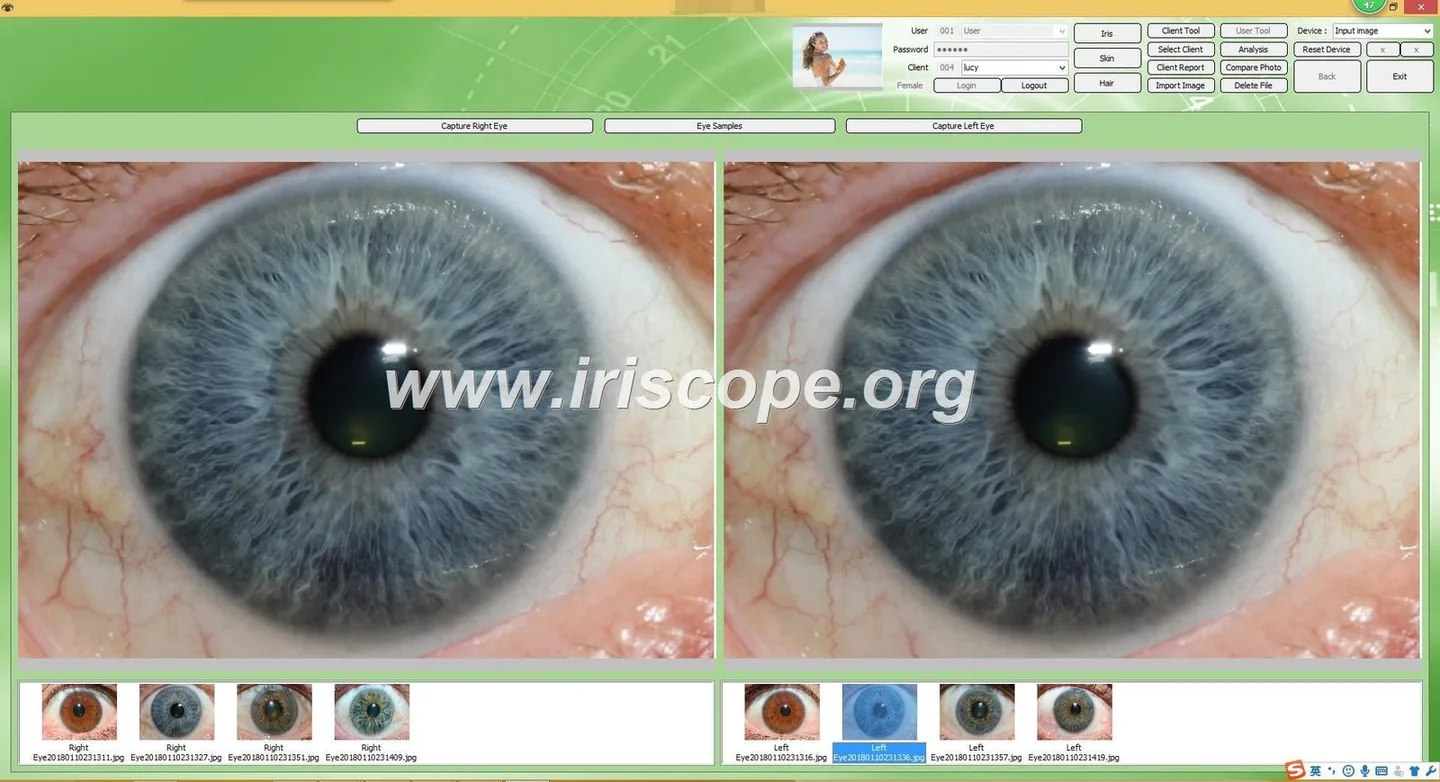
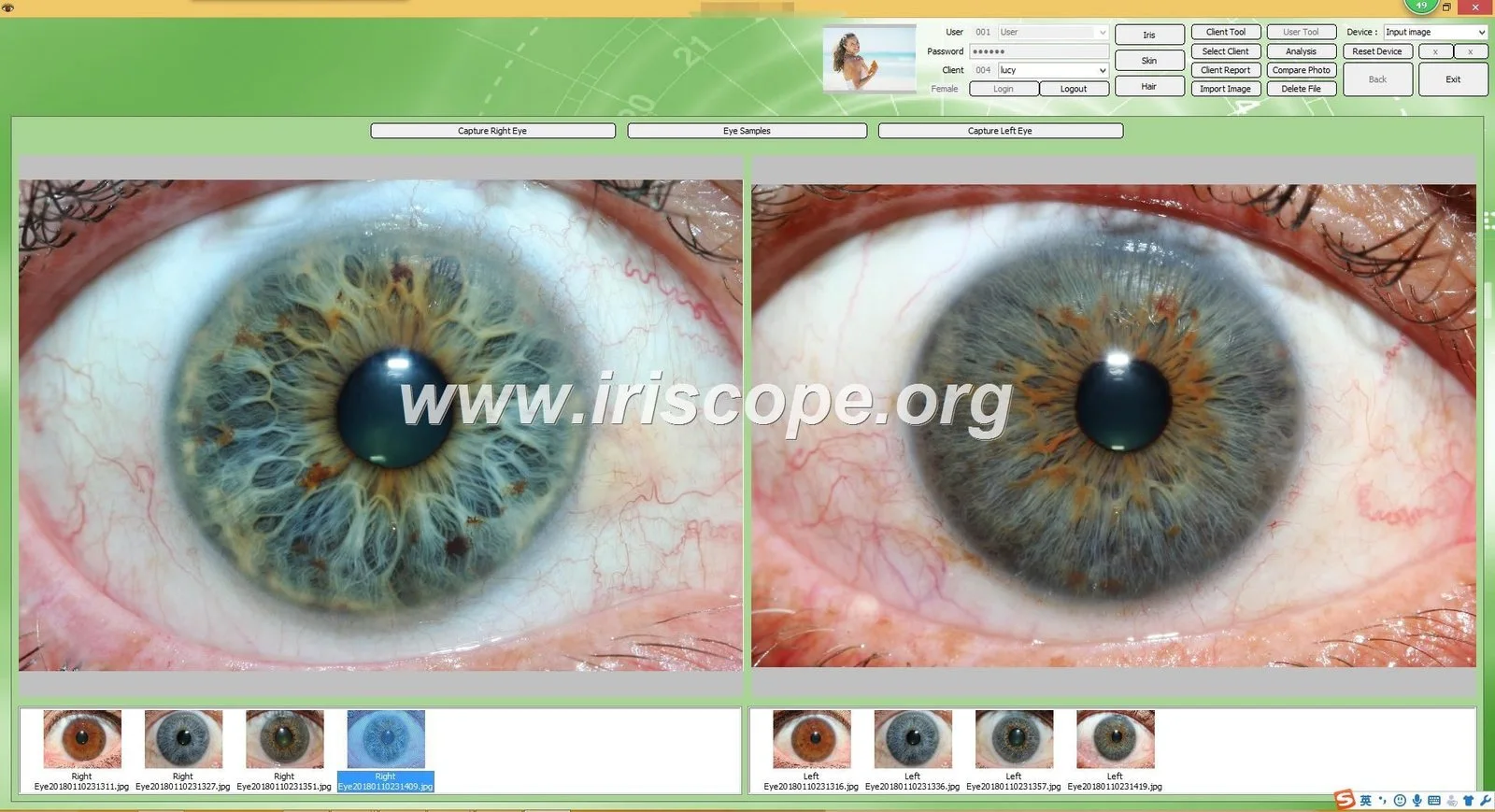
Map the clinic’s real workflow first. A typical Canadian comparable provider clinic workflow looks like: intake → iris capture → analysis/annotation → client discussion → bilingual report generation and storage. Localisation should produce:
- Intake forms and consent phrased for provincial requirements and written in both languages.
- Report templates where clinician notes and automatically generated findings appear in the selected language, with the option to produce bilingual PDFs.
- Audit trails for edits and signed consents so the clinic can demonstrate who completed or changed a record.
We recommend clinics keep a versioned set of bilingual templates to maintain consistency across practitioners and to simplify regulatory review.
Data privacy and storage considerations for Canada (where localisation affects configuration)
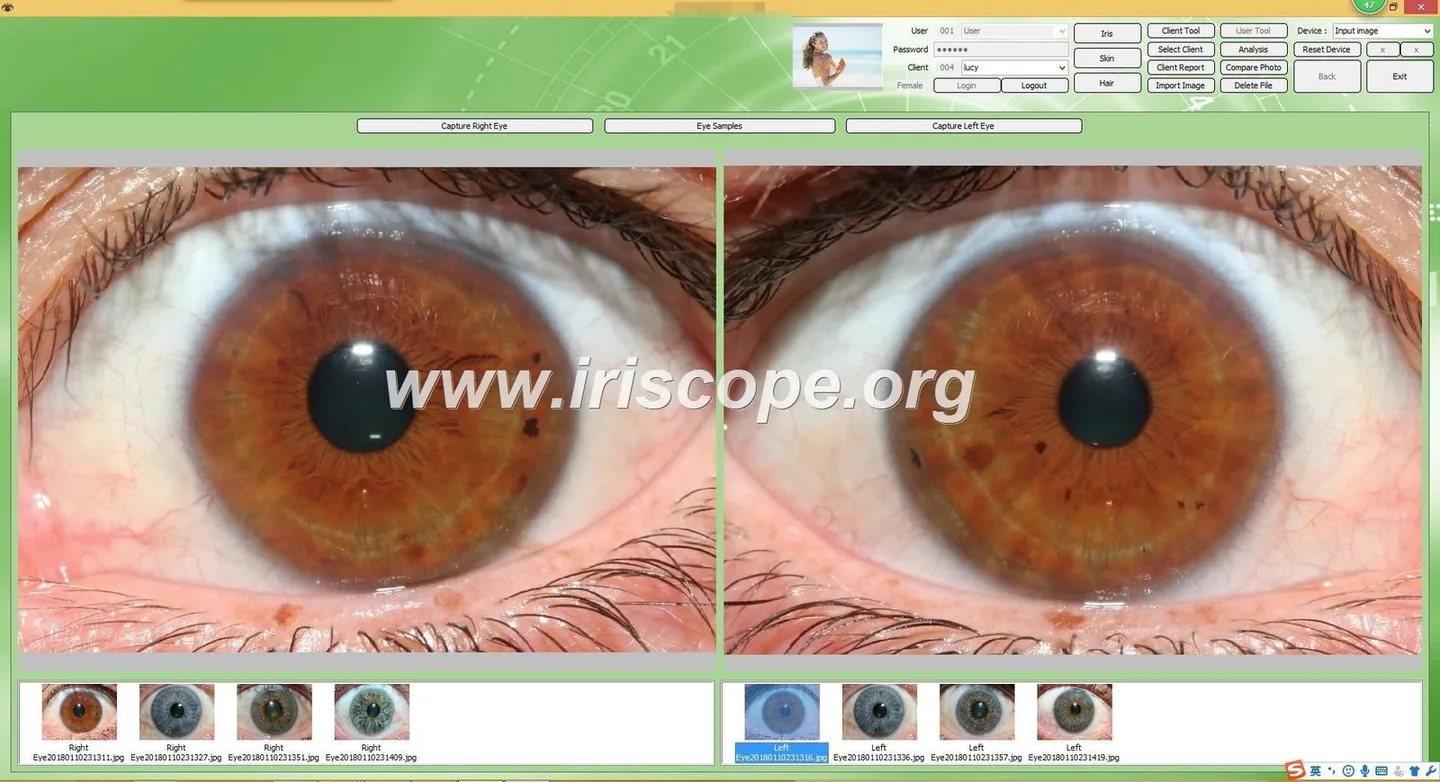
Localisation decisions influence where and how you store patient data. Key points to review with your privacy officer or lawyer:
- Data residency: if a clinic requires Canadian-only hosting, ensure the software supports on-premises servers or a Canadian-cloud deployment.
- Encryption and transport: localised builds should enable TLS for data in transit and AES or equivalent encryption for data at rest.
- Access control: user accounts, role-based permissions and audit logs need language-consistent labels to avoid admin errors.
- Retention and deletion: provide configurable retention periods and documented deletion routines compliant with PIPEDA and provincial rules.
We do not provide legal advice — consult qualified counsel to confirm compliance for your province and practice.
Technical checklist: file formats, resource extraction, string management and RTL considerations
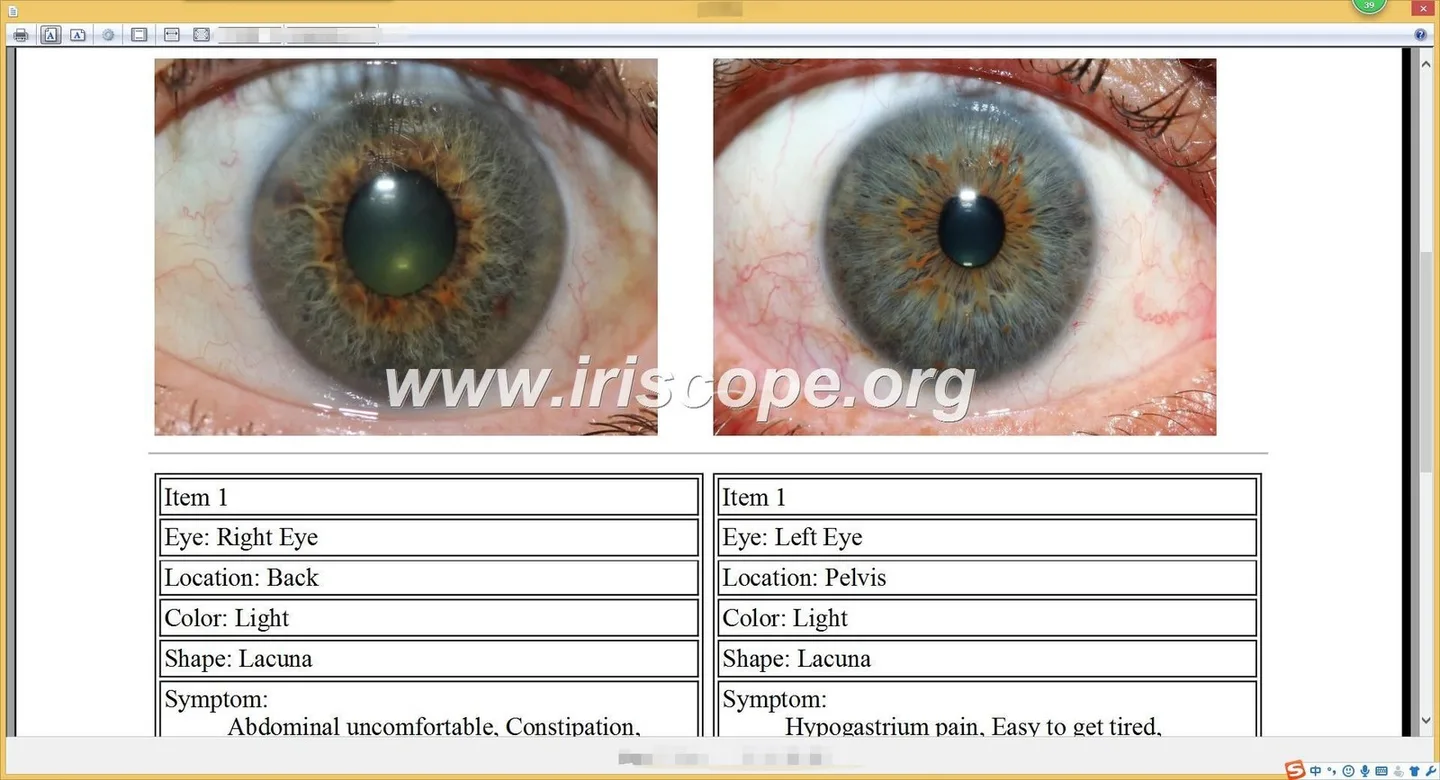
A practical technical checklist for a localisation project:
- Extract UI text into resource files (PO, XLIFF, JSON or RESX). Keep code and text separate.
- Maintain a translation memory (TMX) for consistent terminology across updates.
- Use Unicode (UTF-8) everywhere to preserve accents and symbols.
- Make report templates editable (HTML/CSS or templating engine) so bilingual layout can be controlled without recompiling the app.
- Account for right-to-left languages only if you plan to add them later; existing comparable provider layout assumptions are usually left-to-right.
- Bundle fonts that cover necessary character sets for all supported languages.
Software integration and compatibility: Windows, macOS, scanners/cameras and EMR systems
Confirm these integration points early:
- Operating systems: ensure builds are tested on the versions used in clinics (Windows 10/11 and recent macOS versions where required).
- Camera drivers: the imaging hardware must operate with the localised build; driver dialogue strings may need translation or clear labelling.
- Image formats and export: support JPEG/PNG/TIFF and PDF reports; check whether EMR import requires XML, HL7 or CSV—localisation doesn’t change formats but changes field labels and mapping.
- Printer and PDF settings: bilingual PDF output must embed fonts to avoid rendering differences between clinic systems.
Testing and quality assurance: linguistic QA, functional QA and clinical sign-off workflow
Testing phases we recommend:
- Linguistic QA: professional translators plus a clinical reviewer (iridologist or naturopath) verify terminology and tone.
- Functional QA: test flows for image capture, patient search, consent signing, PDF generation and backups in both languages.
- Clinical sign-off: a practitioner uses the localised system in pilot sessions and confirms that reports and templates meet clinical needs.
- Regression tests: whenever the software is updated, re-run language and workflow tests. Use the translation memory to limit new translation work.
Common pitfalls and how to avoid them
- Terminology drift: resolve clinical terms with a small bilingual glossary; this avoids inconsistent translations between UI and reports.
- Untranslated strings: run automated scans of resource bundles to find hard-coded text in the UI.
- Locale bugs: test numeric and date parsing with several real examples, including accented user names and addresses from Quebec.
- Layout overflow: allow for longer strings and provide dynamic container sizes in dialogs and reports.
Steps to localise a typical comparable provider software package — a practical 6-step plan for clinics and distributors
- Scope and map workflow: document intake, imaging and reporting steps, and identify all user roles and outputs.
- Extract text and build glossary: export resource files, create a translation memory and a bilingual clinical glossary.
- Translate and edit: use professional translators familiar with medical/naturopathic terminology; include a clinical reviewer.
- Integrate and configure: import translated resources, enable locale settings (date, number, keyboard), and attach bilingual templates.
- Test and pilot: perform linguistic, functional and clinical testing in a small pilot (2–4 real appointments).
- Deploy and maintain: roll out to production with a maintenance plan for future updates and translations tied to the TMX files.
Practical deliverables to request in a quote
- Language packs: en-CA and fr-CA resource files and installers.
- Bilingual templates: consent form, intake form and two report templates (brief and detailed) in editable format.
- TMX/translation memory export and glossary file.
- QA report: linguistic and functional test logs and a pilot sign-off checklist.
- Deployment package: installers for Windows/macOS and optional on-premises setup instructions if requested.
When to choose in-house vs vendor localisation and OEM/ODM options
Choose in-house when:
- Your clinic has bilingual staff with translation and clinical editing capacity and you want full control of terminology and updates.
- Data residency requires on-premises or internally managed deployments and you have IT capability to maintain builds.
Choose vendor localisation when:
- You prefer a turnkey package: translation, templates, QA and installation handled by the supplier.
- You need OEM/ODM services to brand and bundle hardware with the localised software for resale or school use.
We provide OEM/ODM manufacturing and multilingual software services and can supply both white-label and clinic-branded configurations. Pricing is available on inquiry and depends on scope — deliverables listed above will help clinics prepare a clear quote request.
Common questions clinics still ask
Can reports be bilingual (both English and French on the same PDF)?
Yes — bilingual report templates are a practical option. We recommend keeping the automatic report in one language by default with a bilingual toggle or producing a dual-language PDF where each section appears in both languages for client copies.
Does localisation change camera performance or image quality?
No — localisation changes text, templates and behaviour but does not alter camera optics or raw image capture. Camera drivers and imaging pipelines must be validated separately to confirm compatibility with the clinic’s OS and hardware.
Risks and limitations
Localisation reduces communication errors but does not remove legal or clinical responsibility. We cannot guarantee regulatory compliance — clinics must confirm provincial privacy and professional standards. Also, if your clinic needs third-party EMR certification or provincial data-residency certification, that is a separate legal and technical process outside of translation. Finally, translation quality depends on reviewer input; expect iterative revisions after pilot use.
Checklist for Canadian clinics before requesting a quote
- List of strings and documents to translate (UI, consent, intake, reports).
- Preferred French variant (Quebec French) and any community languages required.
- Hosting preference: cloud (specify region) or on-premises.
- Operating systems and camera models in use.
- Pilot plan: number of practitioners and sample appointments for clinical sign-off.
Next step — how we can help
If you would like a tailored localisation quote or a demo of bilingual report templates, email Lucy@myiridology.us or WhatsApp +86 135-1090-7401 with a short summary of your clinic’s workflow and the checklist items above. We will reply with a suggested scope document and a deliverables list for your review.
Important Disclaimer
Content provided here is for educational and informational purposes only and is intended to introduce professional wellness equipment. It does not constitute medical advice, diagnosis, or treatment. Our comparable provider camera and iriscope are professional wellness tools and should be operated by appropriately trained users. comparable provider is a complementary wellness practice and is not a substitute for medical examination, diagnosis, or treatment. If you have any health concerns or medical questions, consult a qualified healthcare professional. Ensure your use of equipment complies with applicable local laws and professional requirements in Canada.
This content is provided for learning, information sharing and professional communication only. It is not medical advice and is not a basis for treatment or diagnosis. Confirm suitability, operation and purchasing requirements against the product manual, local regulations and qualified professional guidance.
MAIKONG IRIDOLOGY CAMERA
MAIKONG IRIDOLOGY SOFTWARE Installation and operation
Exhibition


Company Certificates


Contact US Online WHATSAPP:

Maybe you like also
Copy©2026-2027