
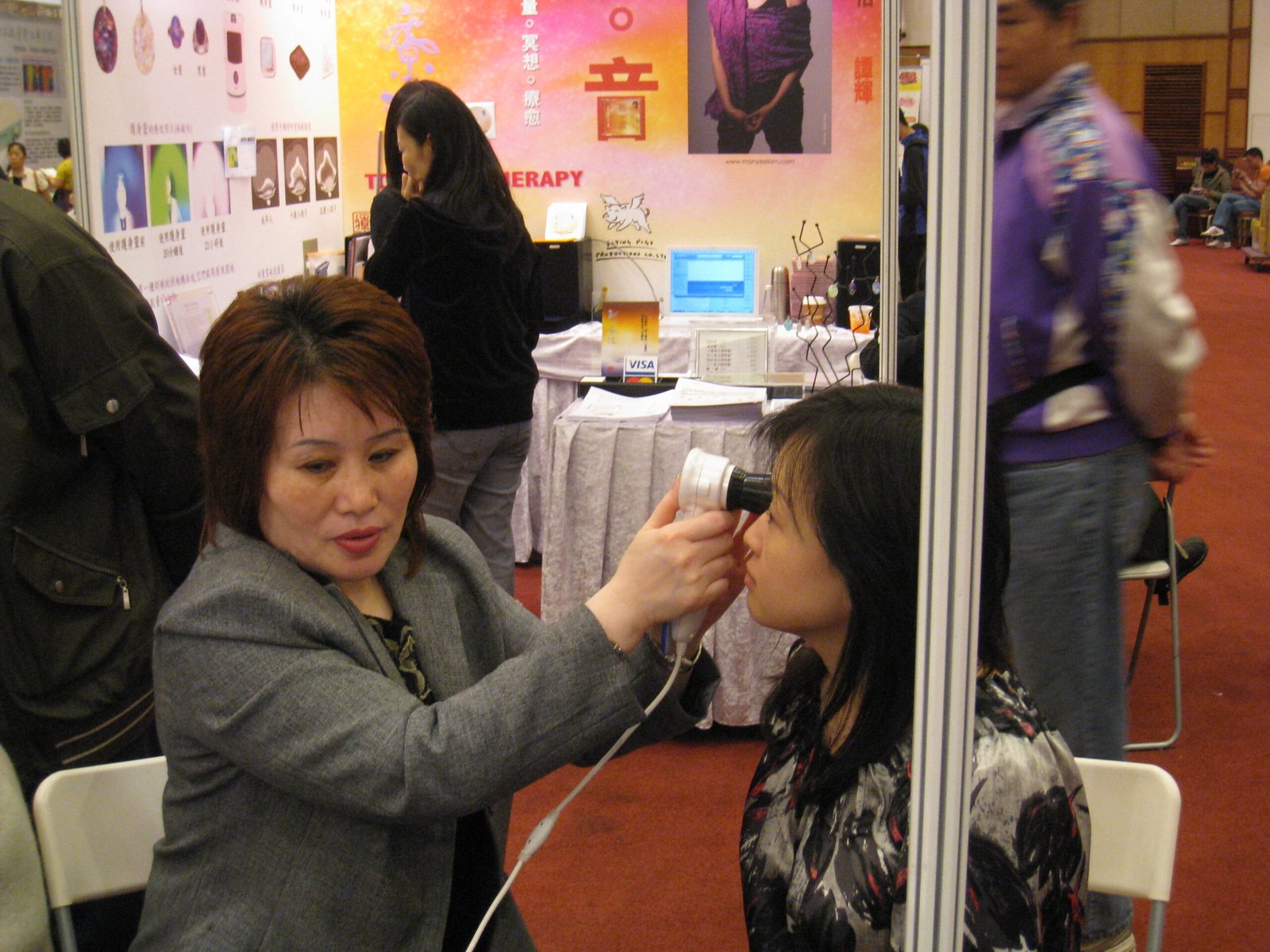
Finding reliable driver support for your iridology camera can make or break your practice efficiency. I’ve worked with hundreds of practitioners who struggled with CADI iridology camera driver compatibility issues. This guide covers everything you need to know about CADI drivers while introducing you to professional-grade alternatives.
As a manufacturer at MAIKONG in Shenzhen, GD, we’ve spent 20 years perfecting iridology camera technology. We’ve seen the evolution of iris imaging systems and understand the technical challenges practitioners face daily.
The search for a dependable CADI iridology camera driver often leads professionals to discover better solutions. Let me share what works in real clinical environments across the United States.
CADI Iridology Camera Driver Basics
The CADI iridology camera driver serves as the communication bridge between your imaging hardware and computer operating systems. This software component translates camera signals into readable data your analysis programs can process.
Most CADI systems require specific driver versions matched to your operating system. Windows XP through Windows 11 each need compatible drivers. Mac users often face additional challenges finding proper CADI support.
Driver installation typically involves connecting your camera. Then running the installation package. Finally calibrating the device through your iridology software interface.
Standard CADI Driver Features
- USB connectivity support for plug-and-play operation
- Basic image capture at standard resolutions
- Windows compatibility up to version 10
- Manual focus adjustment controls
- Limited multi-language interface options
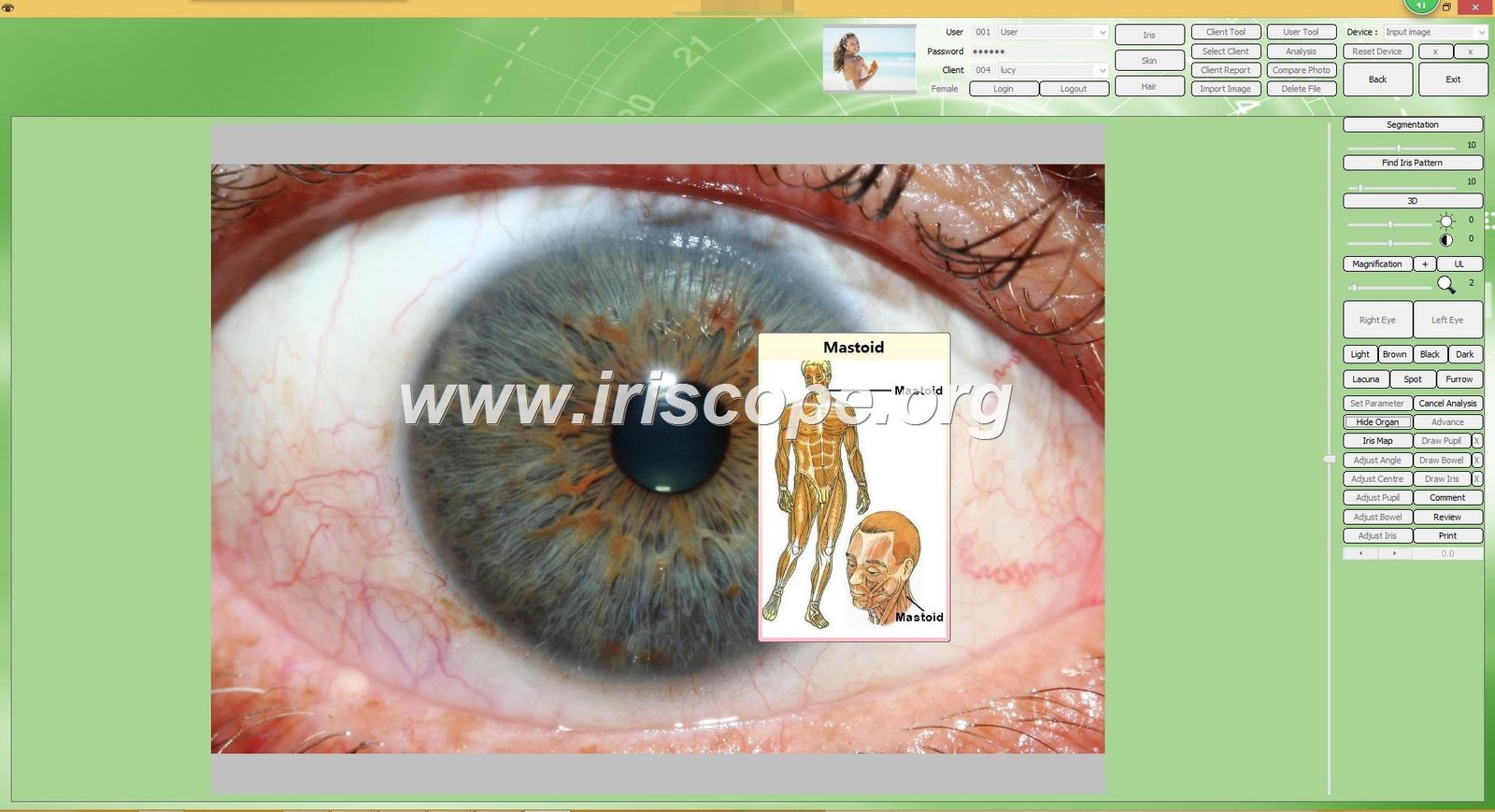
After installing drivers, you’ll need compatible iridology software to analyze captured images. The driver alone doesn’t provide diagnostic capabilities.
Common CADI Iridology Camera Driver Challenges
Technical support requests reveal consistent patterns. Driver compatibility tops the list of practitioner frustrations. Windows updates frequently break existing driver installations.
We receive inquiries weekly from professionals whose CADI equipment stopped working after system upgrades. The manufacturer’s support response times often extend beyond acceptable business needs.
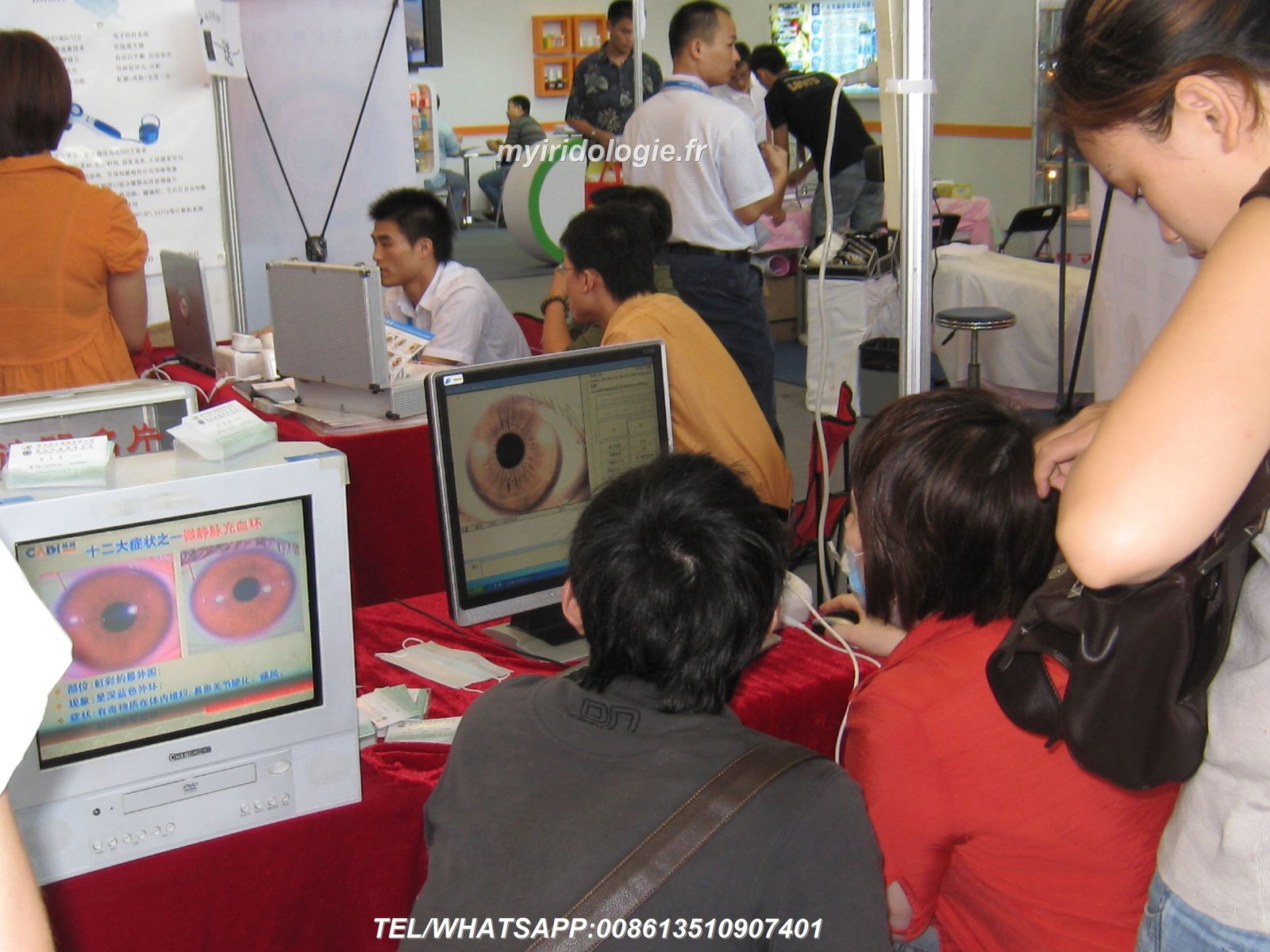
Operating System Compatibility Issues
Windows 11 users face significant challenges. Many CADI driver versions predate this operating system. You might experience camera recognition failures or frozen applications.
Mac users encounter even steeper obstacles. CADI never developed comprehensive macOS support. Practitioners using Apple systems often cannot access their camera hardware at all.
What Works with CADI Drivers
- Stable performance on Windows 7 systems
- Basic USB camera functionality
- Standard resolution image capture
- Compatibility with older analysis software
Common CADI Driver Limitations
- No native macOS support available
- Limited Windows 11 compatibility
- Infrequent driver updates from manufacturer
- Language barriers in technical support
- Single-language software interfaces
Software Integration Problems
Modern iridology practices need seamless workflow integration. CADI drivers often conflict with contemporary practice management systems. Data export features remain limited compared to current industry standards.
Your camera might capture images successfully. But transferring those files into client records creates additional steps. These inefficiencies add up across dozens of daily appointments.
Need immediate technical support? Our MAIKONG team assists practitioners worldwide with camera system troubleshooting and upgrades.
MAIKONG Iridology Camera: The Professional Alternative to CADI
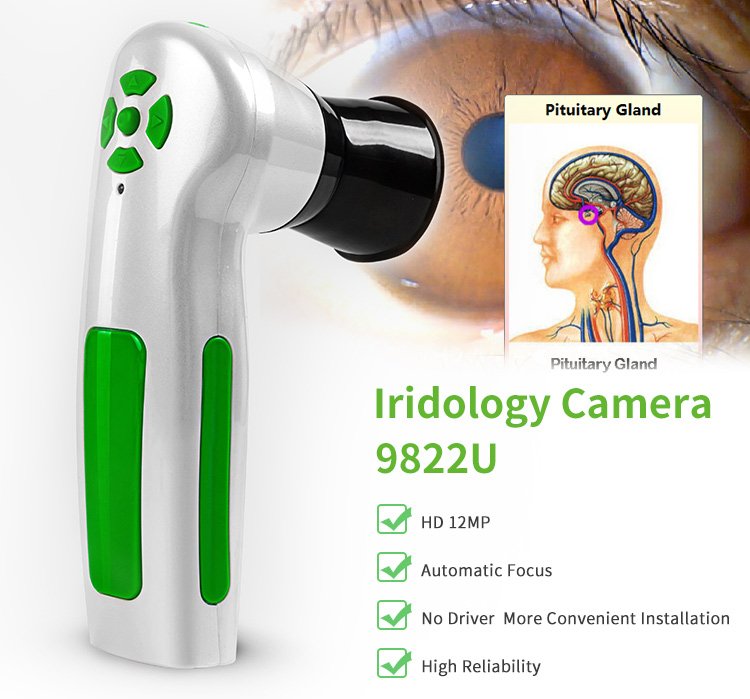
At MAIKONG, we’ve designed our iridology camera systems to solve the exact problems CADI users face. Our MK-9822 model represents two decades of manufacturing refinement and practitioner feedback.
We manufacture directly in our Shenzhen facilities. This gives us complete control over quality standards and rapid response to technical issues. Our ISO9000 certification ensures every unit meets international medical device standards.
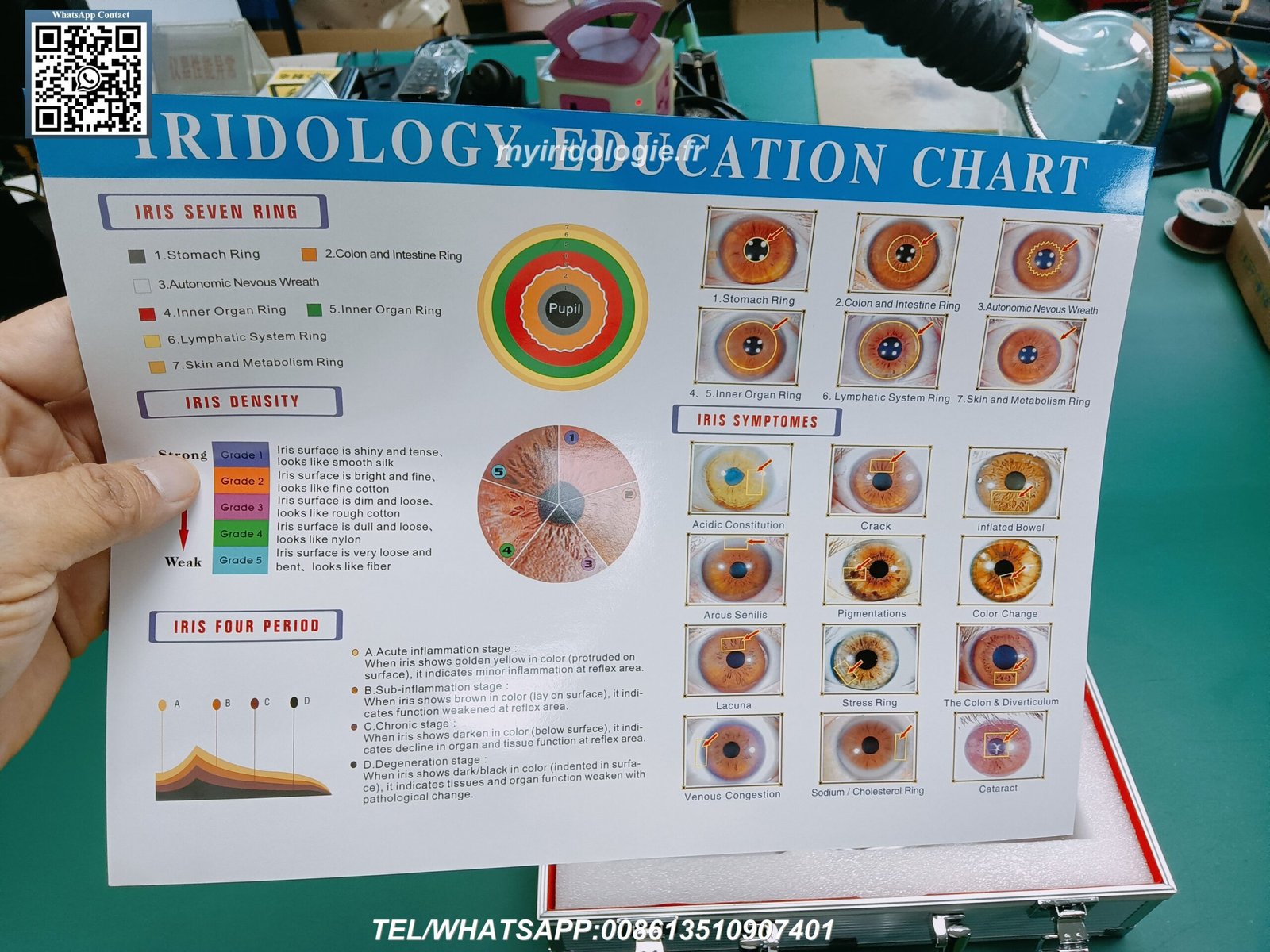
Universal Operating System Support
Our driver software supports every major operating system. Windows 2000 through Windows 11 in both 32-bit and 64-bit versions work seamlessly. We became the industry’s first manufacturer to offer full macOS compatibility.
Mac users from OS 10.14 Mojave through the latest OS 15 Sequoia can operate our cameras without compromise. This cross-platform flexibility serves diverse practice environments and personal computer preferences.
| Feature Comparison | CADI System | MAIKONG MK-9822 |
| Maximum Resolution | 8.0 Megapixels | 12.0 Megapixels |
| Windows Compatibility | XP to 10 | 2000 to 11 (32/64-bit) |
| macOS Support | None | Full (10.14 to 15) |
| Software Languages | 3-5 languages | 17 languages |
| LED Illumination | Standard | Advanced LED ring |
| Auto White Balance | Manual | Automatic DSP |
| Warranty Period | 6-12 months | 13 months |
| US Technical Support | Limited | Direct + Local Warehouse |
Download our complete iridology software free download package to test full functionality before purchasing. No registration required for evaluation versions.
MAIKONG MK-9822 Technical Specifications and Features
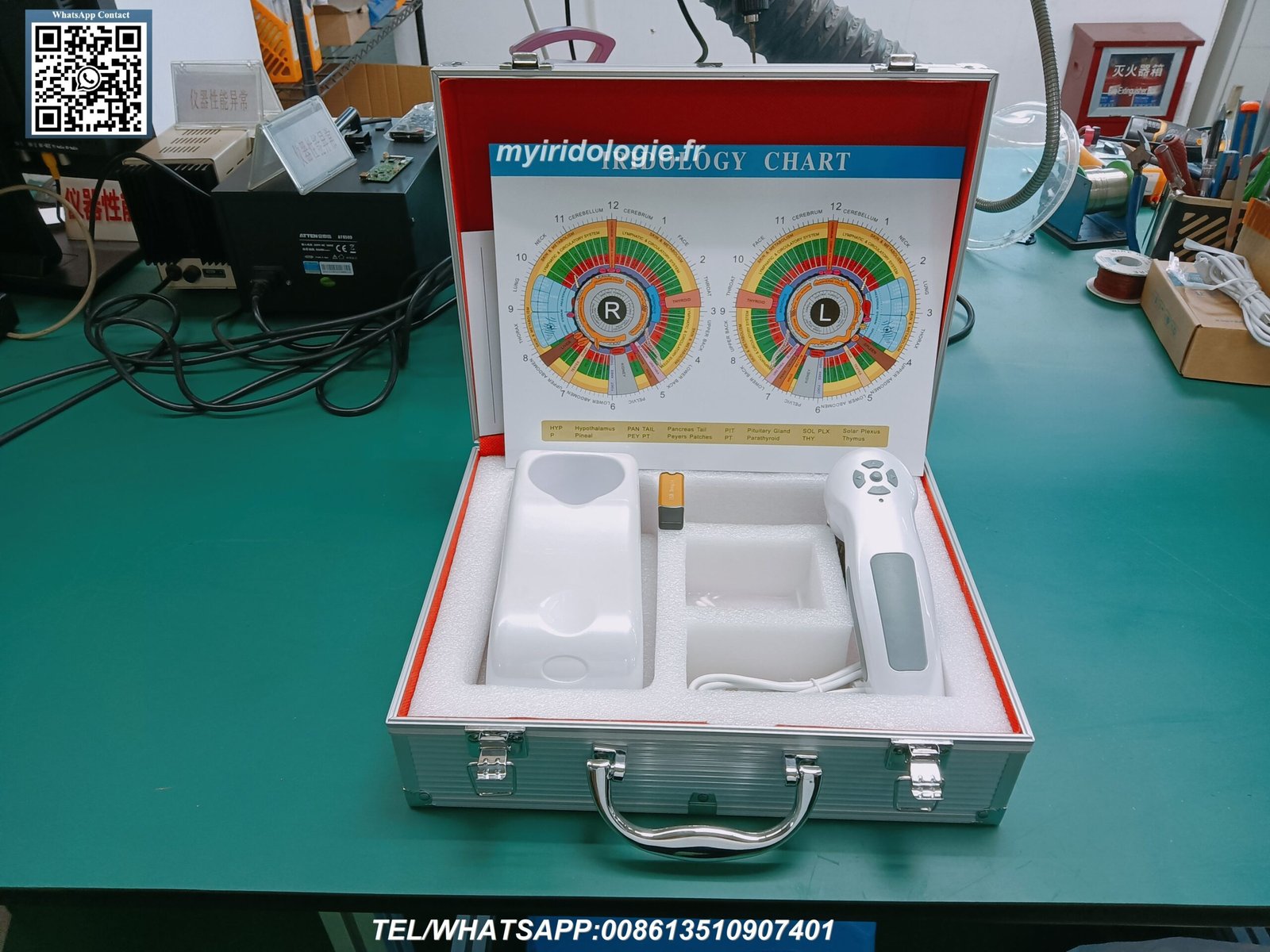
Our flagship iriscope combines hardware excellence with intelligent software design. The 12-megapixel CCD sensor captures iris details invisible to lower-resolution systems.
Hardware Specifications
| Component | Specification |
| Image Sensor | 12.0 Megapixel CCD with DSP processor |
| Optical System | Imported multi-layer coated lens |
| Illumination | Adjustable LED ring light around lens |
| Focus System | Adjustable manual focus with optical stabilizer |
| Connectivity | USB 2.0/3.0 plug-and-play |
| Power Supply | USB bus-powered (no external adapter needed) |
| Cable Length | 1.5 meters professional-grade USB cable |
| Lens Options | 30X iris lens + optional hair analysis lens |
| Physical Dimensions | Compact ergonomic handset design |
| Weight | Lightweight for extended examination sessions |
Software Capabilities
Our MAIKONG iridology software has evolved since 2004. Version 3.23 released in 2025 represents our most sophisticated analysis platform yet.
| Software Feature | Description |
| AI-Based Analysis | Automatic iris zone identification and health marker detection |
| 3D Visualization | Enhanced iris texture analysis with negative film rendering |
| Client Management | Complete database with photos, notes, and historical comparisons |
| Report Generation | Customizable PDF reports with product recommendations |
| Language Support | 17 languages including English, Spanish, Chinese, Japanese, German, French |
| Chart Integration | Multiple iridology chart systems (Jensen, European, Chinese) |
| Data Backup | Automatic cloud backup and local file protection |
| Multi-User Access | Separate login credentials for clinic staff members |
Request MAIKONG Product Specifications & Distributor Pricing
Download our complete technical documentation and wholesale price list. We support practitioners, clinics, and distributors with factory-direct pricing and OEM customization options.
Installation and Compatibility Guide for MAIKONG Systems
Setting up MAIKONG equipment takes minutes compared to hours spent troubleshooting other brands. Our plug-and-play design eliminates complex configuration steps.
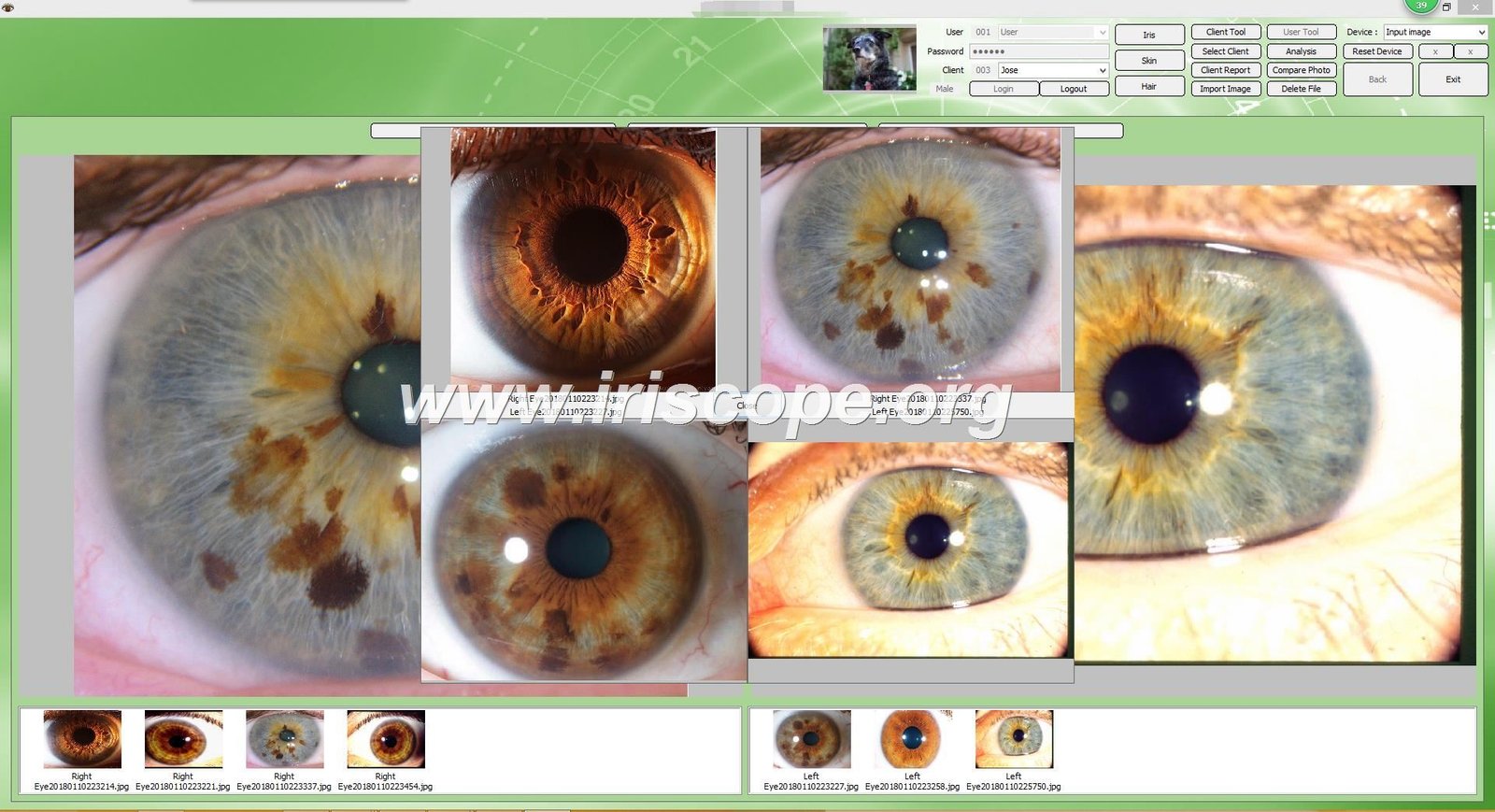
Windows Installation Process
- Insert the included 4GB USB drive into any available USB port on your computer
- Open the USB drive folder and double-click the installation executable file
- Follow the on-screen prompts by clicking Next through each installation screen
- If your computer has a built-in webcam, disable it temporarily through Device Manager
- Remove the USB drive and connect your MAIKONG camera to a USB port
- Insert the metal encryption dongle (USB key) into another USB port for software activation
- Launch the MAIKONG software using the desktop shortcut icon
- The camera should automatically detect and begin displaying live iris images
The entire process completes in under 10 minutes. No internet connection required for installation or daily operation.
macOS Installation Steps
We pioneered the first best iridology camera software for Mac systems. Our Apple compatibility gives Mac-using practitioners options previously unavailable.
- Insert the USB installation drive into your Mac USB or USB-C port (adapter may be needed)
- Open the USB drive and locate the macOS installation package
- Double-click the installer and approve the security prompt for software from identified developer
- Grant camera access permissions when macOS requests authorization
- Connect the MAIKONG camera after installation completes
- Insert the USB encryption key for software activation
- Launch the application from your Applications folder
- The system will auto-detect the camera and begin capturing images immediately
Supported Windows Versions
- Windows 2000 (32-bit)
- Windows XP (32/64-bit)
- Windows Vista (32/64-bit)
- Windows 7 (32/64-bit)
- Windows 8/8.1 (32/64-bit)
- Windows 10 (32/64-bit)
- Windows 11 (32/64-bit)
Supported macOS Versions
- macOS 10.14 Mojave
- macOS 10.15 Catalina
- macOS 11 Big Sur
- macOS 12 Monterey
- macOS 13 Ventura
- macOS 14 Sonoma
- macOS 15 Sequoia
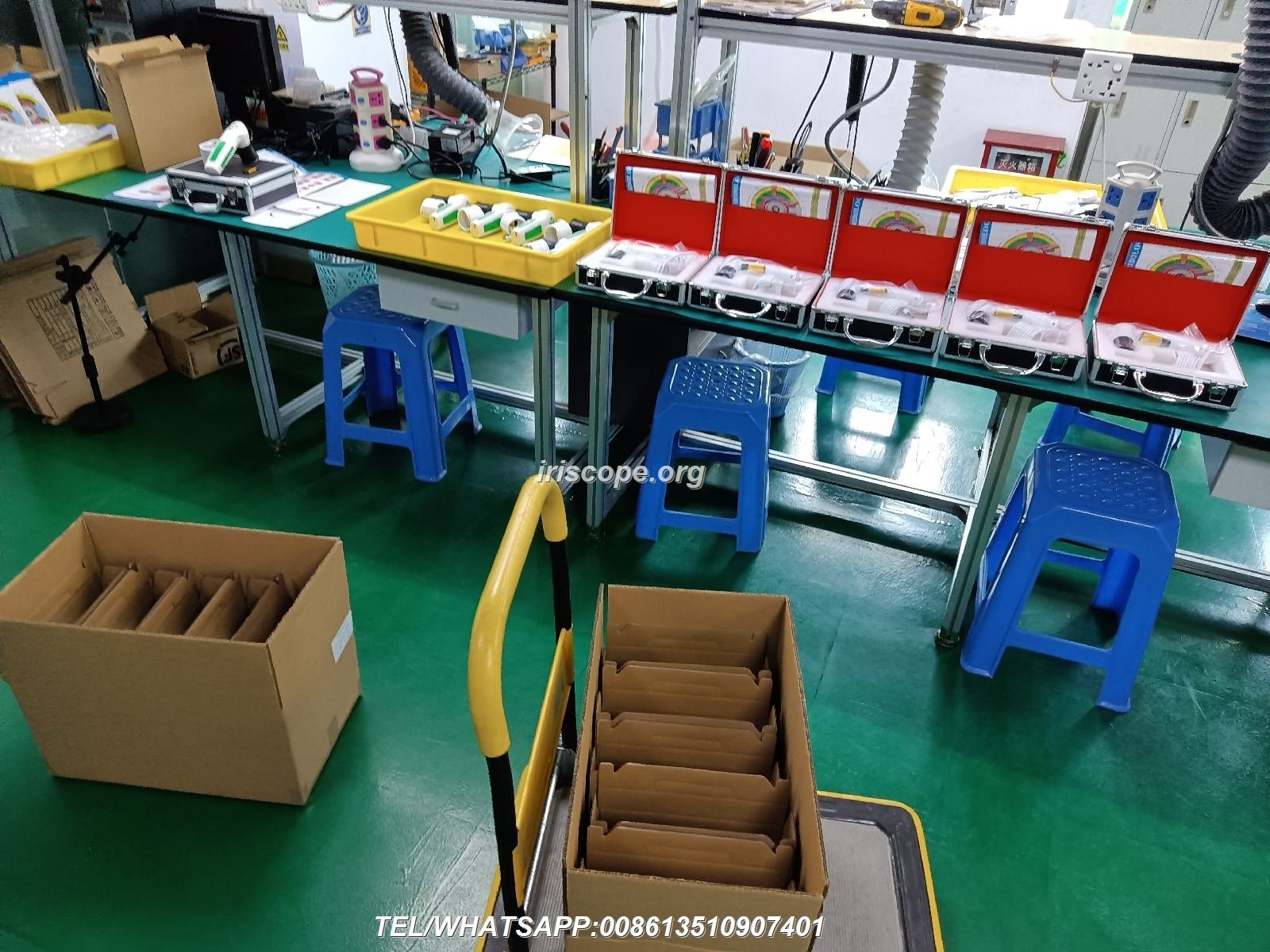
Our US warehouse maintains inventory for immediate shipping. Most orders reach practitioners within 3-5 business days across the United States.
Frequently Asked Questions About CADI and MAIKONG Drivers
Can MAIKONG cameras use CADI software or vice versa?
No, hardware and software must match manufacturers. CADI cameras require CADI drivers and software. MAIKONG systems need MAIKONG drivers and software. However, captured images can be exported as standard JPG files that open in any iridology analysis program. We recommend using matched systems for optimal performance and technical support.
What happens if I upgrade my operating system after installing the MAIKONG driver?
MAIKONG drivers automatically adapt to minor OS updates within the same version family. For major upgrades like Windows 10 to Windows 11, simply reinstall the latest driver version from your USB drive or download from our website. Your client data and settings remain preserved. We provide free driver updates for the life of your camera. Contact our technical support team at Lucy@myiridology.us if you need upgrade assistance.
Do MAIKONG cameras work with iridology camera stand equipment from other manufacturers?
Yes, our cameras feature standard mounting threads compatible with universal camera stands and tripods. Many practitioners use third-party stands they already own. We also offer custom stands designed specifically for our camera dimensions if you prefer matched equipment. The ergonomic handset design works equally well handheld or mounted for different examination styles.
How many language options does MAIKONG software include compared to CADI?
MAIKONG software supports 17 languages: English, Spanish, French, German, Italian, Portuguese, Russian, Polish, Czech, Bulgarian, Japanese, Korean, Persian (Iranian), Malaysian, Simplified Chinese, Traditional Chinese, and Japanese. CADI typically offers 3-5 languages. This multilingual capability serves diverse patient populations and international practitioners. You can switch languages instantly within the software interface.
What is included in the MAIKONG camera package?
Every MK-9822 package includes: camera handset, 30X iris lens, 1.5-meter USB cable, lens protective cover, leather carrying case, USB encryption key, 4GB installation USB drive with software, printed user manual, warranty card, and one iridology reference chart. Optional accessories available separately include hair analysis lens, camera stand, and additional reference charts.
Can I customize the MAIKONG software with my practice branding?
Absolutely. We offer complete OEM/ODM customization for distributors and high-volume practitioners. Customization options include your practice logo, custom color schemes, personalized report templates, integrated product catalogs with your supplement recommendations, and custom language translations. Minimum order quantities apply for custom software development. Contact us to discuss your specific branding requirements and timeline.
What kind of technical support does MAIKONG provide for US-based practitioners?
We maintain US-based inventory and support infrastructure. English-speaking technical support responds within 24 hours to all inquiries. Phone support available at +86 135 1090 7401 with WhatsApp messaging. Email support through Lucy@myiridology.us. We provide free software updates, driver downloads, and troubleshooting assistance for the lifetime of your camera. Our 20 years of manufacturing experience means we’ve solved virtually every technical scenario practitioners encounter.
Why Healthcare Professionals Choose MAIKONG Over CADI
We’ve served over 1000 OEM clients globally. Our partner network includes direct sales companies like Amway, Natura, Herbalife, Nu Skin, USANA. Natural health clinics, beauty salons, training institutions, and independent practitioners across 50+ countries rely on MAIKONG equipment daily.
Direct Manufacturer Advantages
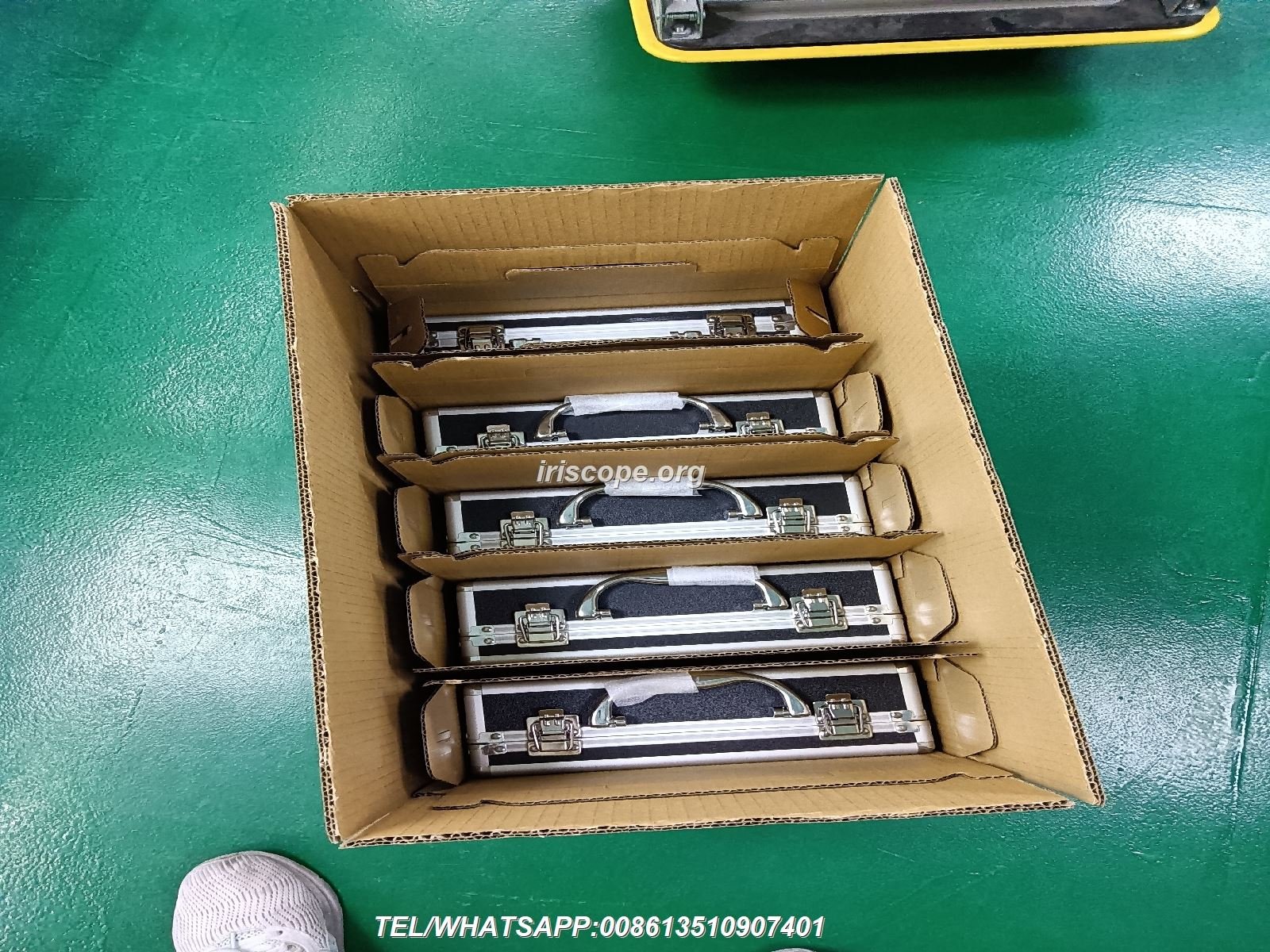
As the iridology camera manufacturers behind the equipment, we control every production aspect. This vertical integration provides benefits resellers cannot match.
Hardware Customization
- Model OEM customization
- Exterior mold modifications
- Color scheme options
- Feature additions or modifications
- Logo placement customization
Software Customization
- Custom logo integration
- Language additions or modifications
- Feature development
- Product catalog integration
- Report template design
Business Support
- Factory-direct pricing
- Exclusive territory rights
- Marketing materials
- Training resources
- Technical documentation
Quality Certifications and Standards
Our manufacturing facility maintains ISO9000 certification. Every production stage follows documented quality control procedures. We hold CE certification for European market compliance.
Each camera undergoes individual testing before packaging. Our quality assurance team inspects optical clarity, software functionality, USB connectivity, and illumination systems. Defect rates remain below 0.5% across our production history.
| Development Year | Software Version | Key Milestone Achievement |
| 2004 | Initial Release | First manual iridology analysis software launched |
| 2005 | Version 3.0 | Simplified Chinese interface and expanded health indicators |
| 2008 | Version 3.04 | Multi-language support added (English, Spanish) |
| 2010 | Version 3.10 | AI-based automatic analysis introduced |
| 2014 | Version 3.15 | Cloud data management and multi-user support |
| 2018 | Version 3.18 | Industry-first macOS compatibility launched |
| 2020 | Version 3.20 | Enhanced AI and multi-device synchronization |
| 2025 | Version 3.23 | 3D texture analysis and 17-language support |
Visit our about MAIKONG page to learn more about our company history and manufacturing capabilities.
Become a MAIKONG US Distributor or Partnership Opportunity
We actively seek qualified distributors and partners across the United States. The natural health and wellness market continues expanding. Practitioners need reliable equipment suppliers who understand their business challenges.

Our distributor program provides comprehensive support beyond simple product wholesale. We’ve refined this partnership model over 20 years working with successful distributors worldwide.
Distributor Benefits and Support
What We Provide
- Factory-direct pricing with volume discounts
- Exclusive territory protection in your region
- Complete marketing materials and product photography
- Technical training for you and your sales team
- US warehouse stock for rapid order fulfillment
- Free software updates and ongoing development
- OEM/ODM customization capabilities
- Co-branded marketing support
- Trade show presence assistance
- Multilingual technical support
Ideal Partner Profile
We seek partners already serving the natural health community. Existing relationships with chiropractors, naturopaths, nutritionists, wellness centers, or medical equipment dealers position you for immediate success.
Previous experience with USB iridology camera sales helps but isn’t required. We provide comprehensive training on product features, competitive advantages, and sales techniques specific to the US market.
Practitioner Benefits
- Superior image quality for accurate analysis
- Universal OS compatibility eliminates technical frustrations
- 17-language software serves diverse patient populations
- Professional reports enhance practice credibility
- Competitive pricing vs CADI and other brands
- US-based support and rapid shipping
Distributor Benefits
- High profit margins on quality equipment
- Recurring revenue from software licenses and accessories
- Growing market demand for natural health diagnostics
- Exclusive territory protection
- Manufacturer backing and technical support
- OEM opportunities for private labeling
Getting Started as a Partner
The partnership process begins with a consultation call. We discuss your market, existing customer base, and business goals. This helps us design a partnership structure aligned with your specific situation.
Sample units available for evaluation let you experience product quality firsthand. Test the camera systems in real practice environments. Confirm compatibility with your target customers’ needs before committing to inventory.
Many distributors start with modest initial orders. As market familiarity grows, inventory increases follow. We scale support to match your business development pace.
Moving Forward with Professional Iridology Camera Solutions
The challenges practitioners face with CADI iridology camera drivers reflect broader industry evolution. Technology advances rapidly. Equipment manufacturers must keep pace with operating system changes and user expectations.
MAIKONG represents the next generation of iridology imaging systems. Our commitment to universal compatibility, multilingual support, and continuous improvement addresses real practitioner needs identified through two decades of customer feedback.
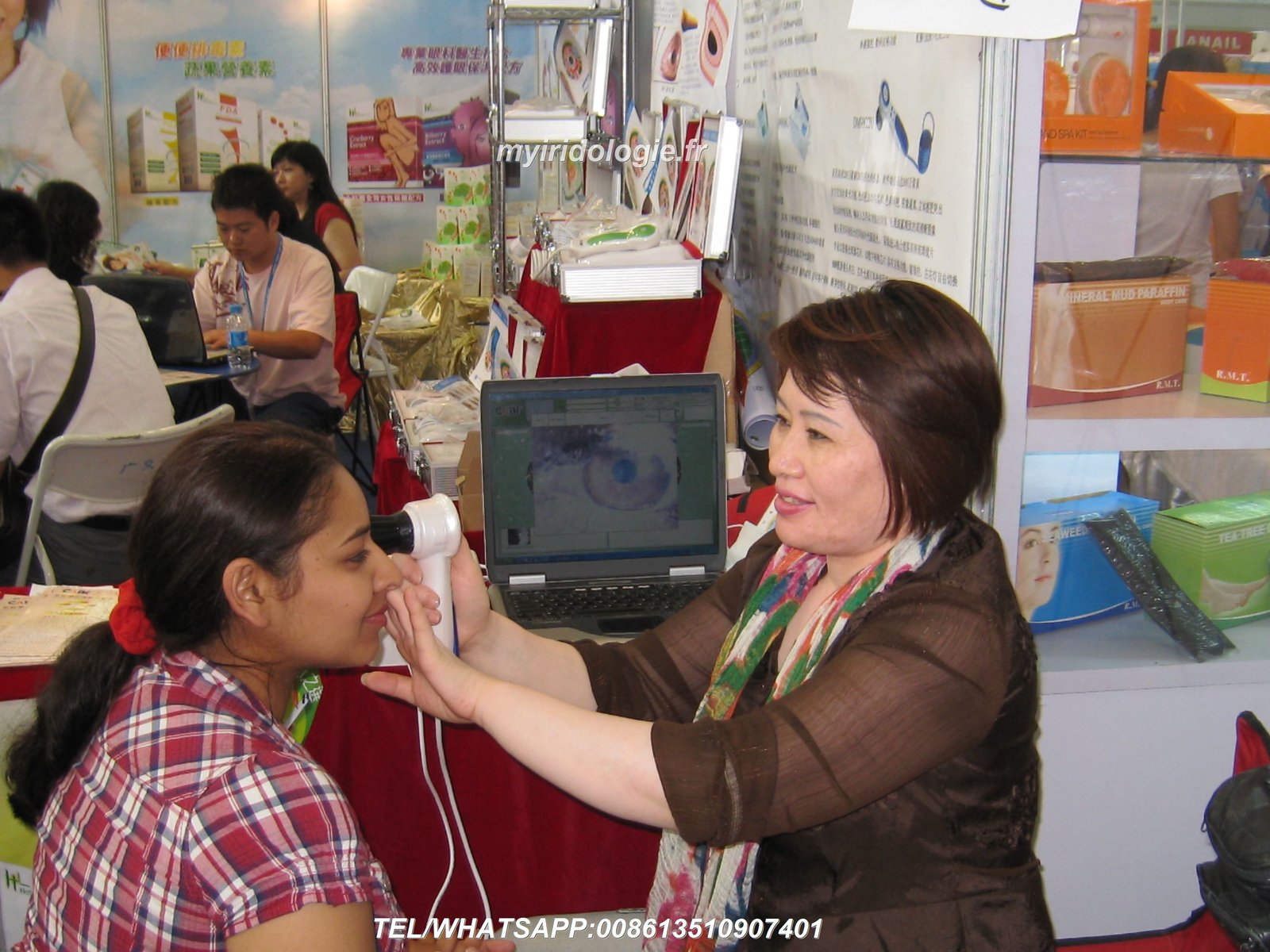
Whether you’re struggling with outdated CADI equipment or researching your first camera purchase, we invite you to experience the MAIKONG difference. Our US-based support infrastructure ensures you receive assistance when needed. Factory-direct pricing provides exceptional value without sacrificing quality.
For practitioners seeking reliable iridology camera for sale options, we offer comprehensive solutions. For entrepreneurs and established distributors ready to expand product lines, our partnership program opens new revenue opportunities.
Start Your MAIKONG Partnership Today
Join successful distributors across 50+ countries. We provide everything you need to bring professional-grade iridology cameras to your market: competitive pricing, exclusive territories, comprehensive training, and ongoing support. Contact our partnership team to discuss opportunities in your region.
We respond to all partnership inquiries within 24 hours. Our team speaks English fluently and understands US business practices. Visit our contact page for additional communication options and office hours.
The future of iridology practice management starts with reliable equipment backed by responsive support. Let MAIKONG help you build that foundation.